To update AlmaLinux 10, follow the steps below to ensure your system stays secure and up to date.
Step 1 : Open Terminal or Connect via SSH
Access your system by launching the terminal or connecting through SSH if you're updating a remote server.
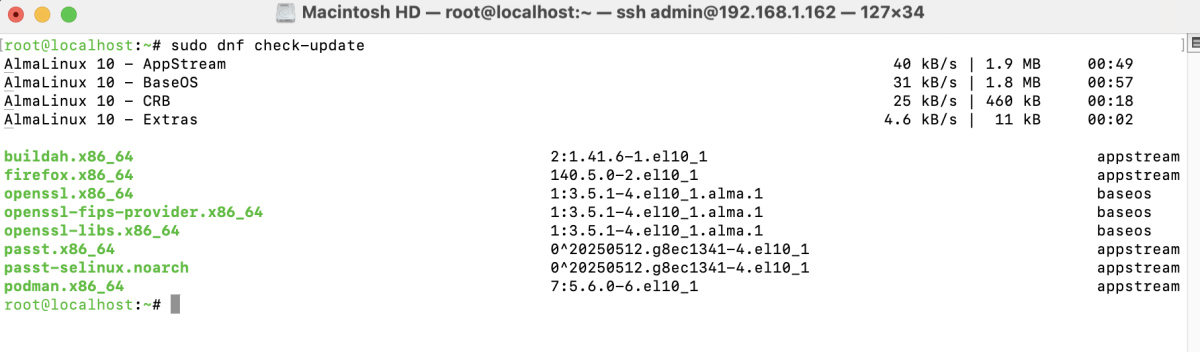
Step 2 : Check for Available Updates
Run the following command to see if any updates are available:
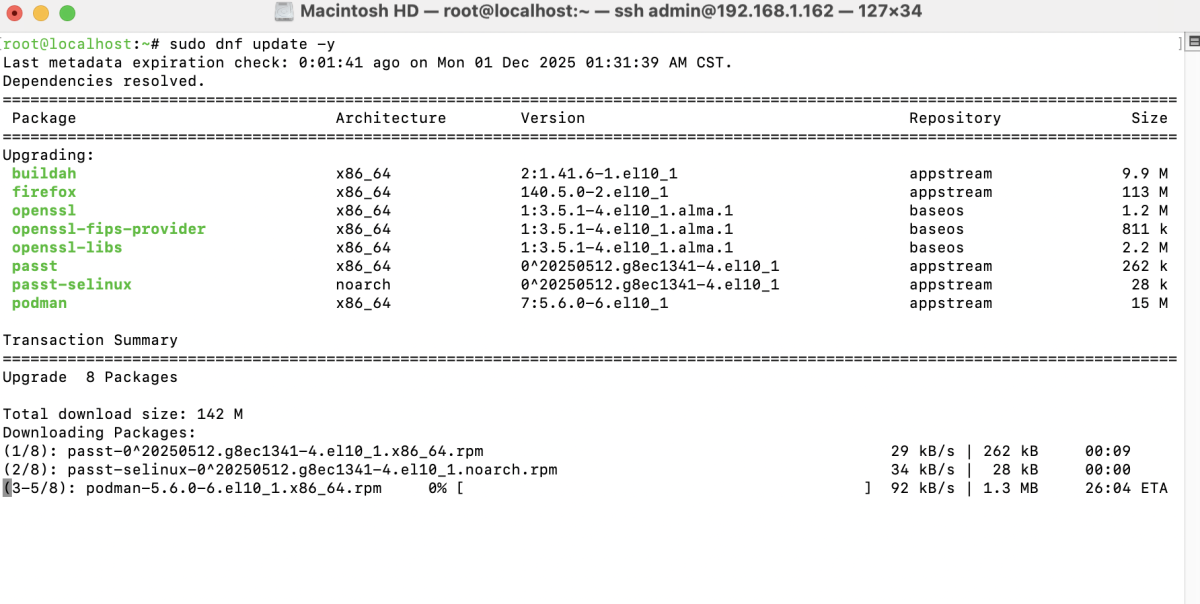
Step 3 : Install All Updates
Apply all available updates using:
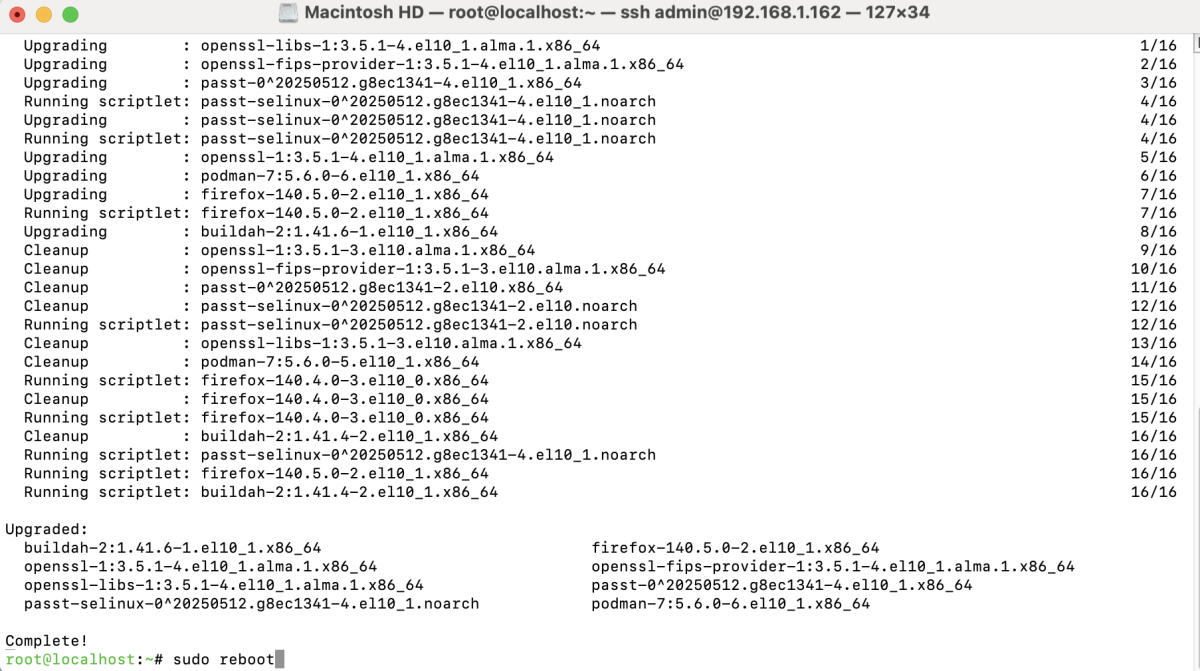
Step 4 : Reboot (If Needed)
If the update includes kernel or system-level changes, reboot your system:
Congratulations! You have successfully updated AlmaLinux 10 and ensured your system is running the latest software and security patches.