To install Node.js on AlmaLinux 10, follow the steps below:
Step 1 : Update system packages to the latest versions.

Step 2 : Download the NodeSource repository setup script for Node.js 24.x.

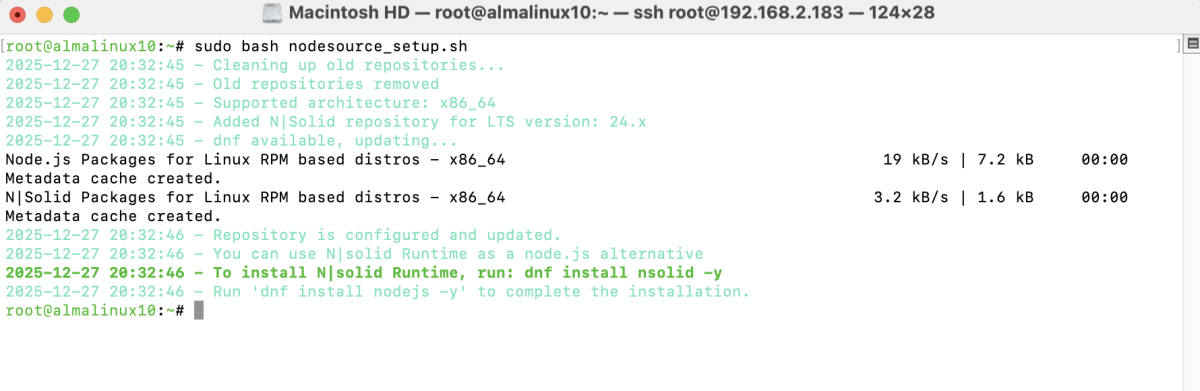
Step 3 : Execute the setup script to add the NodeSource repository.
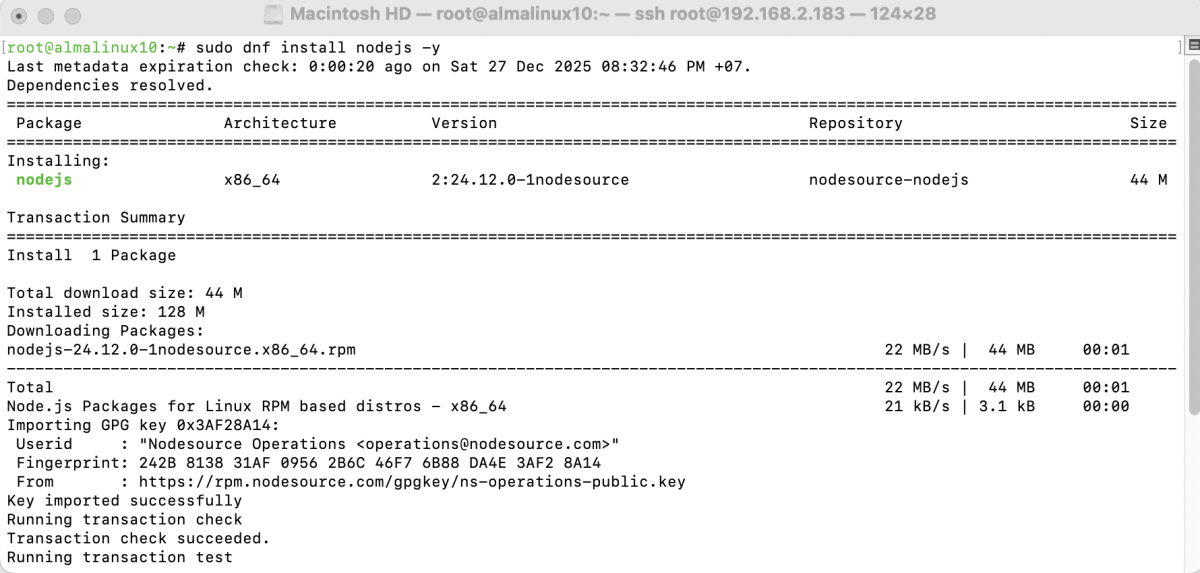
Step 4 : Install Node.js from the NodeSource repository.
Step 5 : Check the installed Node.js version.

Step 6 : Check the installed npm version.

Congratulations, you have successfully installed Node.js on AlmaLinux 10.