To set up multiple websites on AlmaLinux 10 using Nginx server blocks, follow the steps below:
Step 1 : Check that Nginx is installed on your system:

If Nginx is not installed, install it before continuing.
Step 2 : Create the document root for example.com:

Create an index file:
Add sample content:

Step 3 : Set the correct ownership and permissions:

Step 4 : Create a configuration file for example.com:
Add the following configuration:
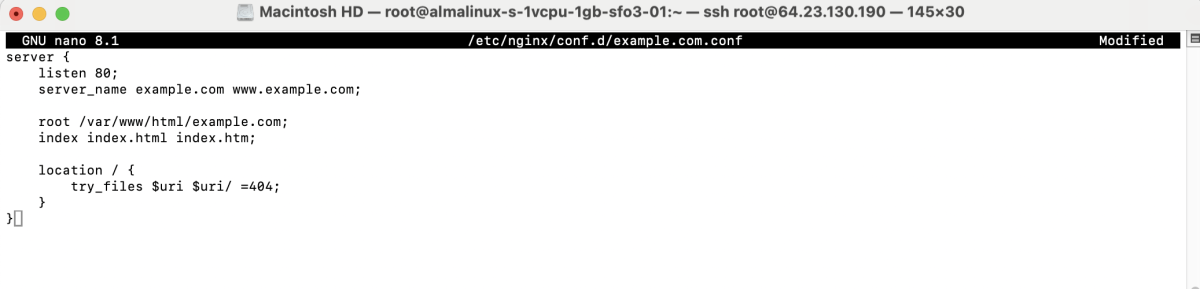
Save and exit the file.
Step 5 : If SELinux is enabled, apply the correct context:

Step 6 : Test the Nginx configuration:

Step 7 : Restart Nginx to apply the changes:

Step 8 : Open a web browser and visit:

Congratulations! You have successfully set up an Nginx server block on AlmaLinux 10.