To install PHP 8.5 for Nginx on AlmaLinux 10, follow the steps below:
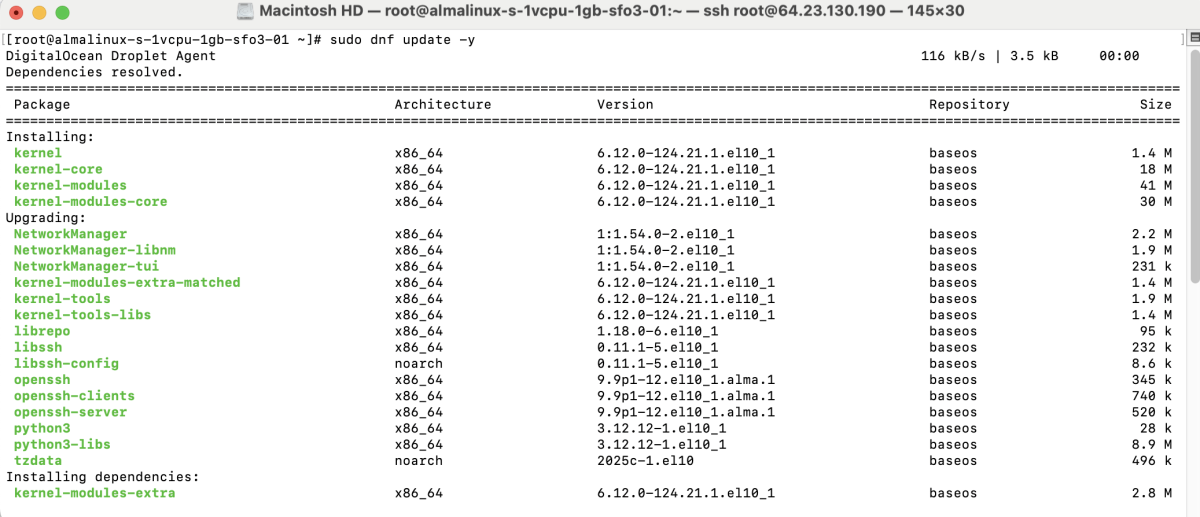
Step 1 : Update all system packages:
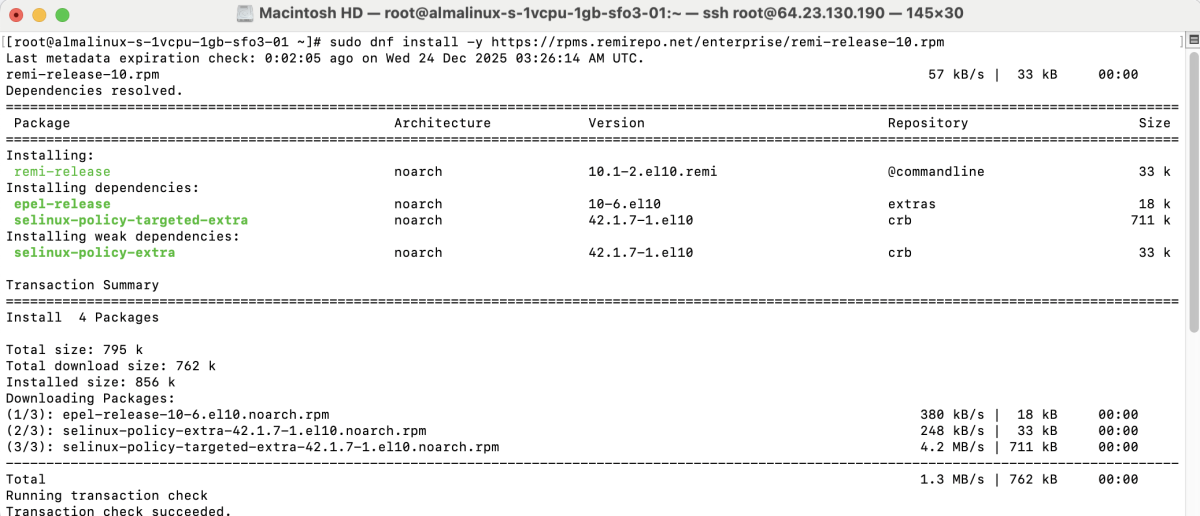
Step 2 : Install the Remi repository which provides PHP 8.5:
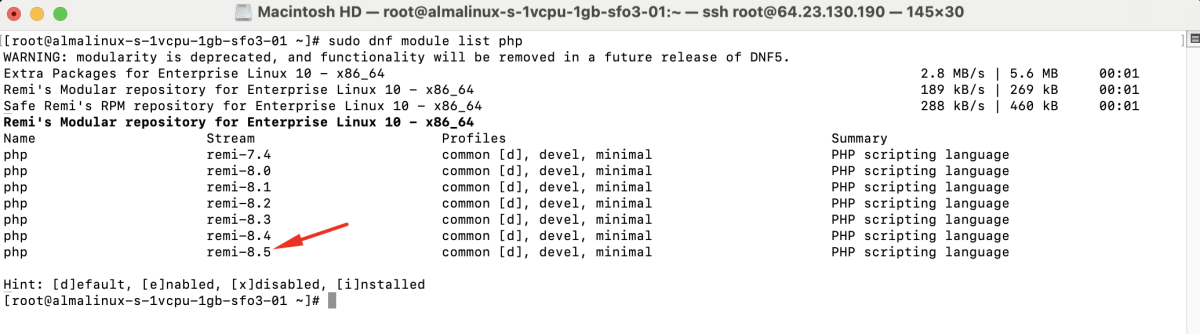
Step 3 : List available PHP module streams:
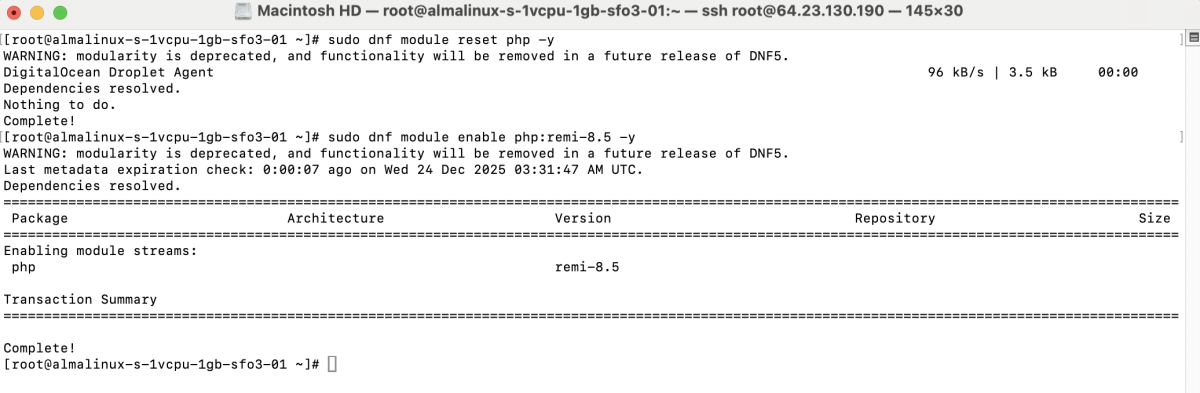
Step 4 : Reset the default PHP module and enable PHP 8.5:
Step 5 : Install PHP core packages:
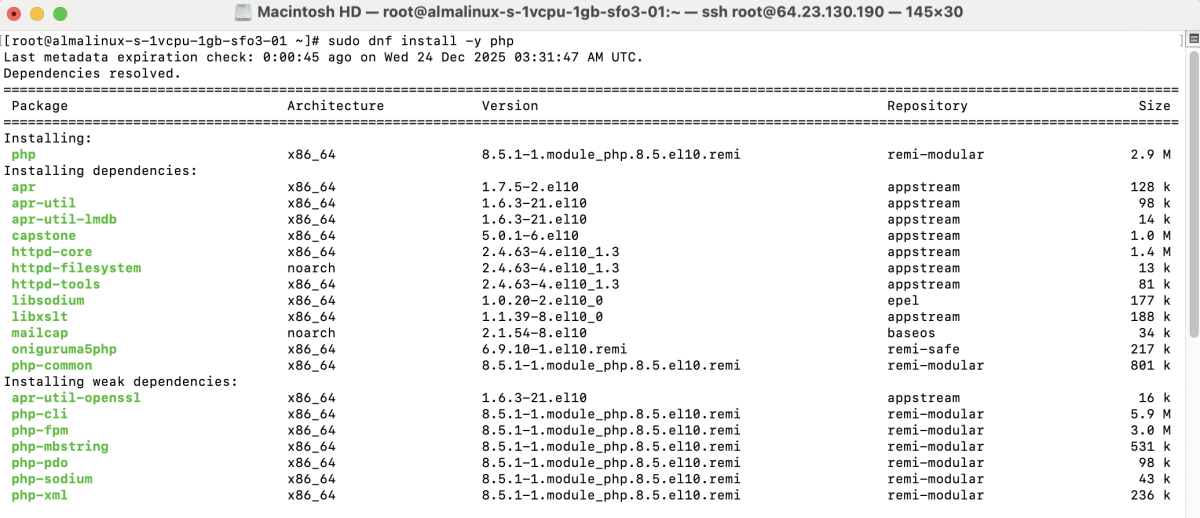
Step 6 : Install PHP-FPM and commonly used PHP extensions:
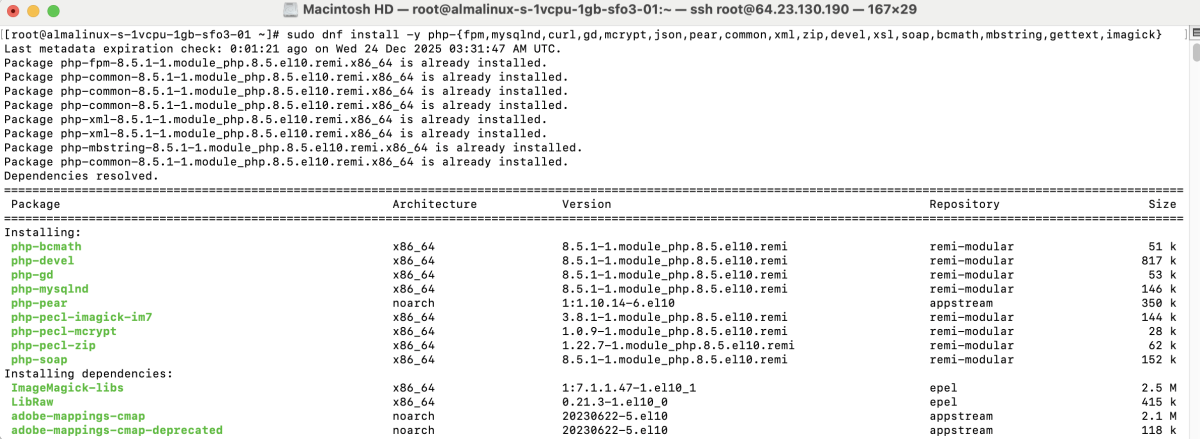
- php-fpm: FastCGI Process Manager for Nginx
- php-cli: Run PHP scripts from the command line
- php-mysqlnd: MySQL/MariaDB database driver
- php-curl: HTTP and API requests
- php-gd: Image processing
- php-mcrypt: Encryption functions
- php-json: JSON data handling
- php-pear: PHP package management
- php-common: Core PHP files
- php-xml: XML parsing
- php-zip: ZIP archive support
- php-devel: PHP development tools
- php-xsl: XSLT processing
- php-soap: SOAP web services
- php-bcmath: High-precision math
- php-mbstring: Multibyte string support
- php-gettext: Localization support
- php-imagick: Image processing with ImageMagick
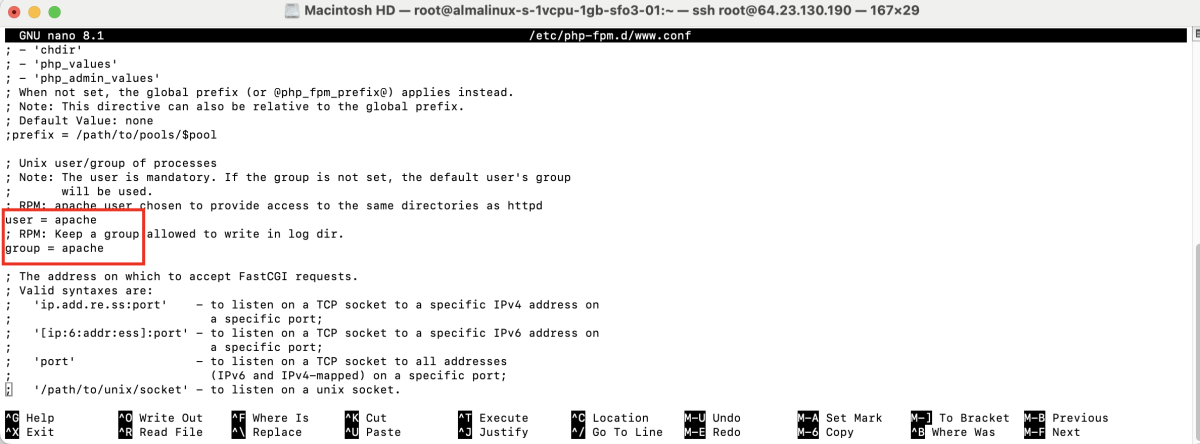
Step 7 : Edit the PHP-FPM pool configuration:
Find and replace:
With:
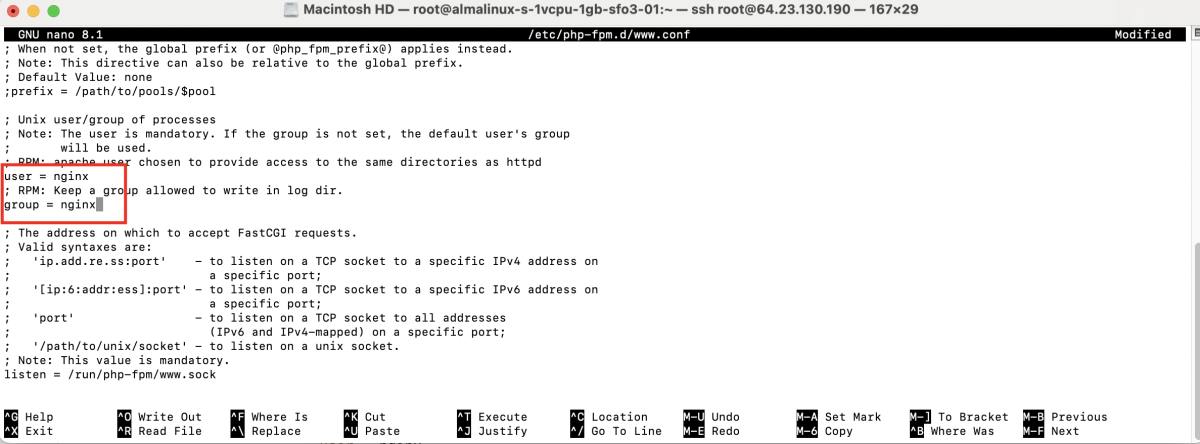
Save and exit the file.
Step 8 : Enable PHP-FPM to start on boot and start the service:

Step 9 : Check the installed PHP version:

Step 10 : Edit the Nginx server block:
Add or update the PHP configuration inside the server block:
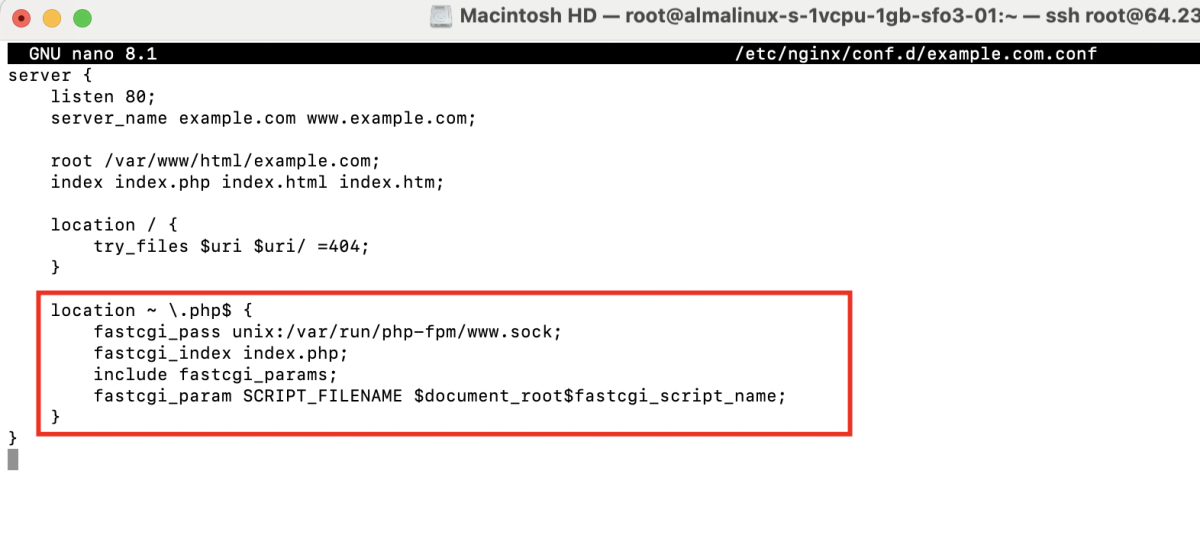
Step 11 : Test the Nginx configuration:

Step 12 : Restart Nginx and PHP-FPM:

Step 13 : Create a PHP test file:
Add:

Step 14 : Open a browser and visit:
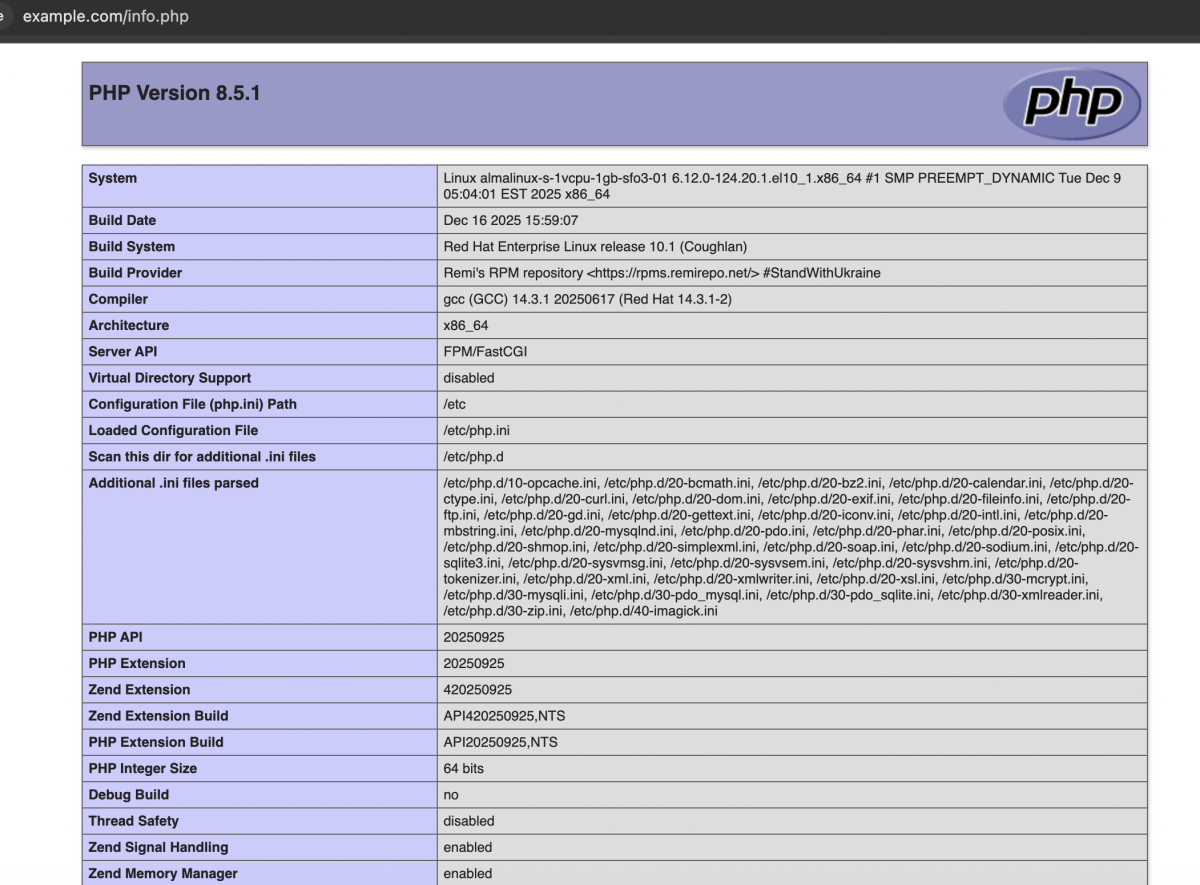
You should see the PHP 8.5 information page.
Congratulations! You have successfully installed and configured PHP 8.5 for Nginx on AlmaLinux 10.