To install MariaDB on AlmaLinux 10, follow the steps below:
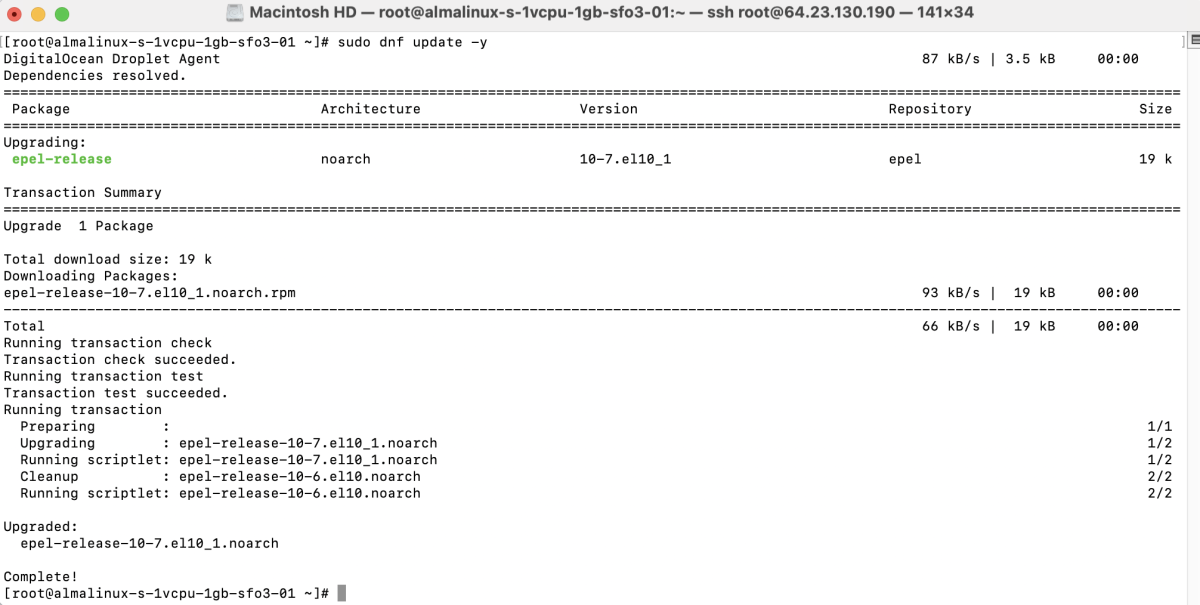
Step 1 : First, update all system packages:
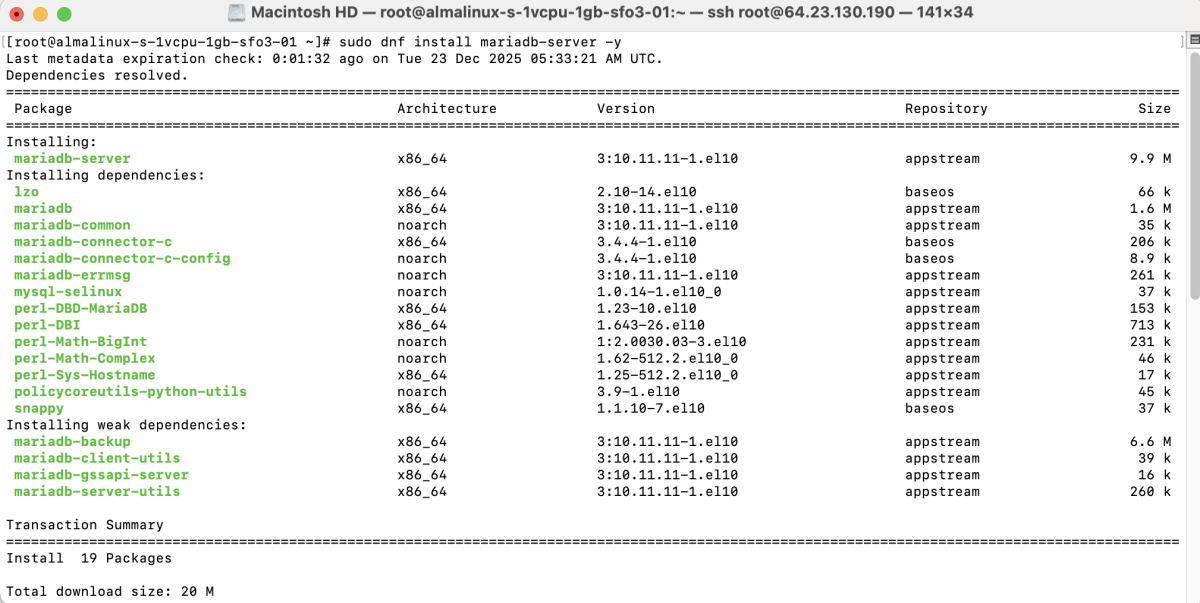
Step 2 : Install MariaDB server and client packages:
Step 3 : Start the MariaDB service and enable it to start on boot:

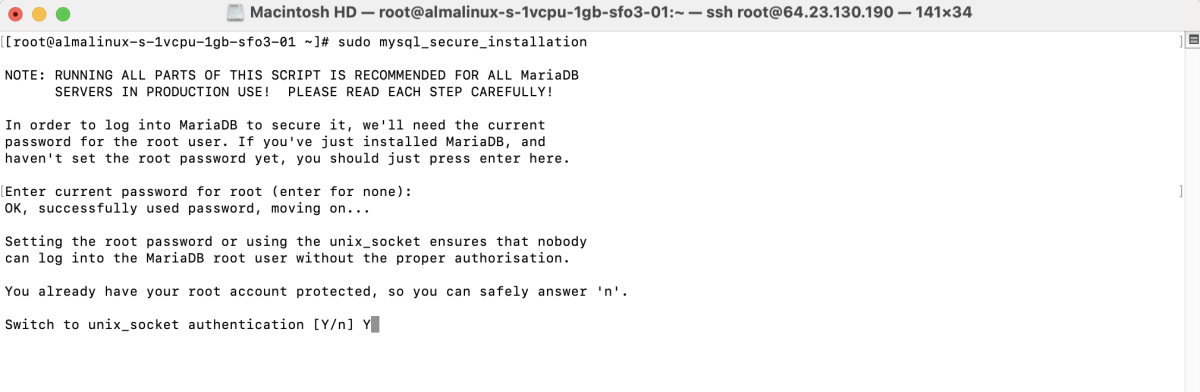
Step 4 : Run the security script to harden your MariaDB installation:
Follow the prompts as below:
- Enter current password for root: Press Enter (leave blank if no password is set)

- Switch to unix_socket authentication : Type y and press Enter
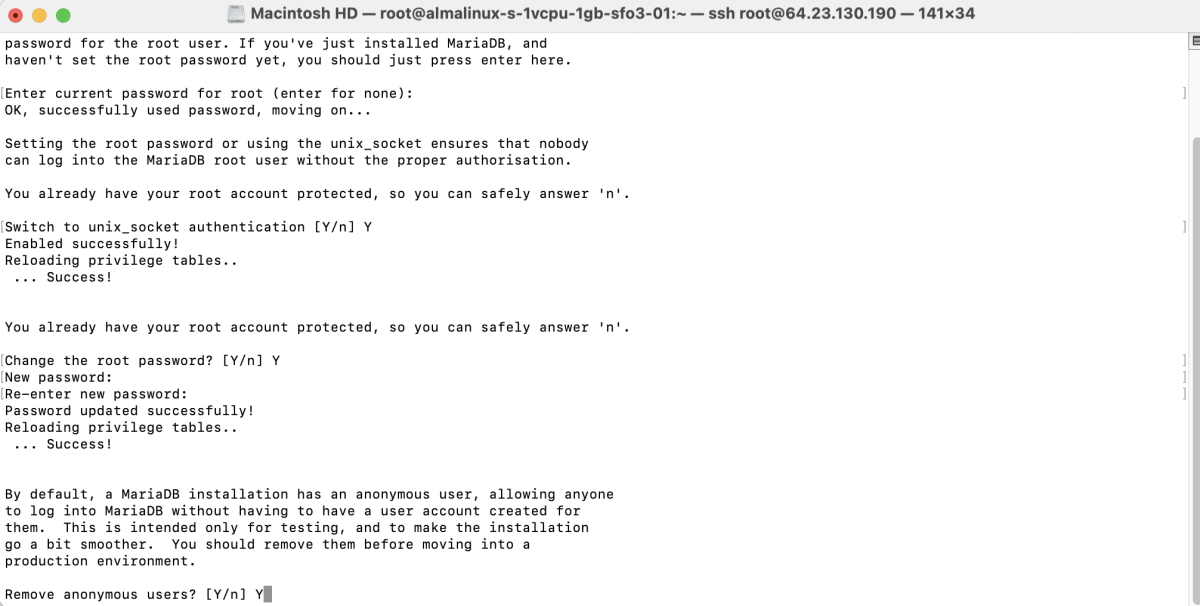
- Change the root password : Type y, then set a strong root password

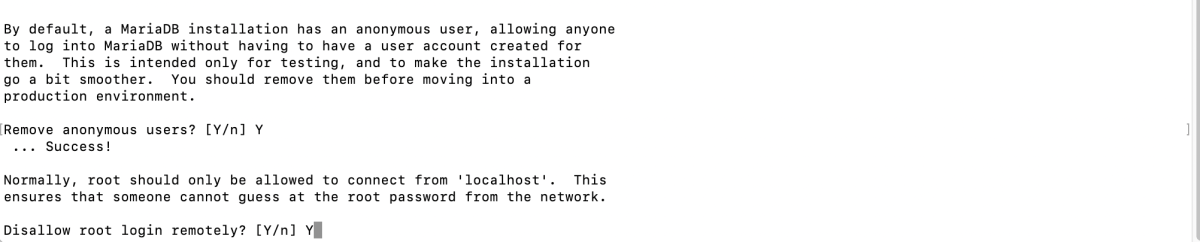
- Remove anonymous users : Type y
- Disallow root login remotely : Type y
- Remove test database and access to it : Type y

- Reload privilege tables now : Type y

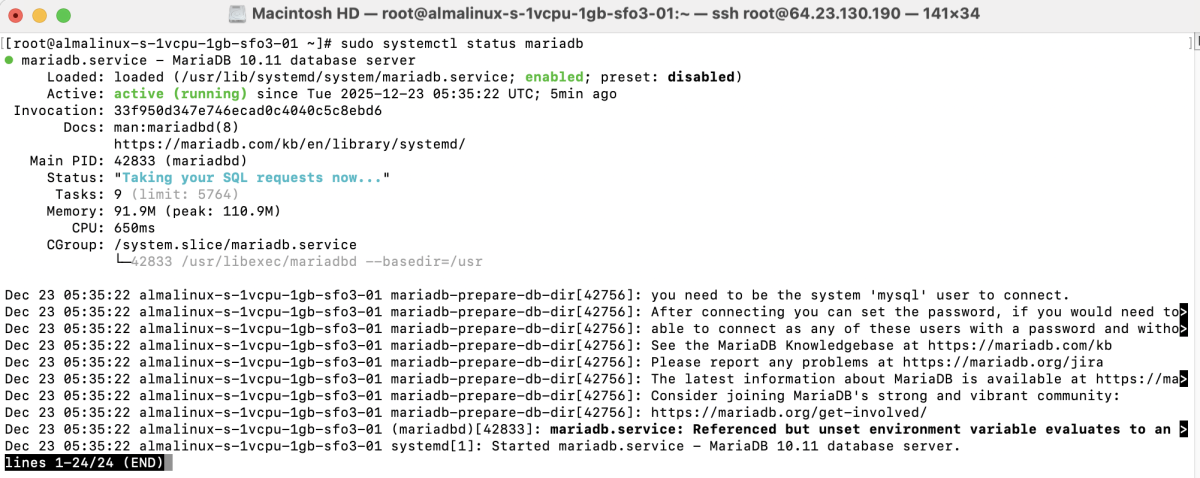
Step 5 : Verify that MariaDB is running:
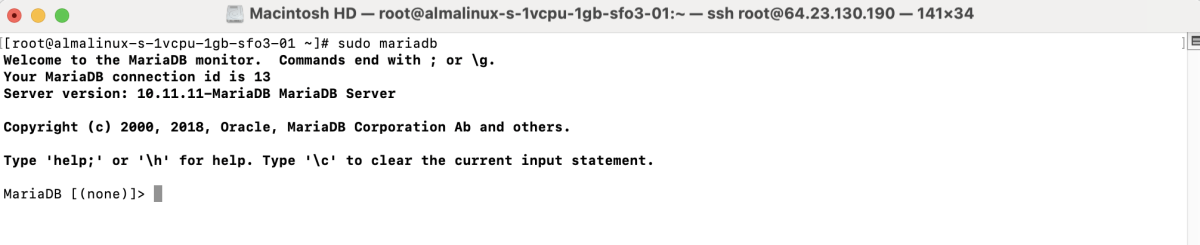
Step 6 : Log in to the MariaDB shell:
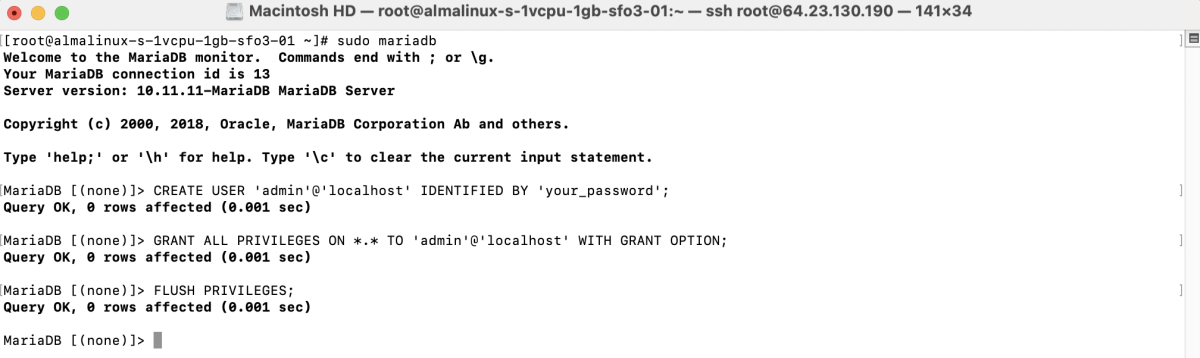
Step 7 : Create a new admin user and grant full privileges:
Exit MariaDB:
Congratulations! You have successfully installed, secured, and configured MariaDB on AlmaLinux 10.