To install PM2 on AlmaLinux 10, use npm to install PM2 and manage Node.js applications as background services.
Step 1 : Make sure Node.js and npm are already installed, then install PM2 globally.

Verify the installation:
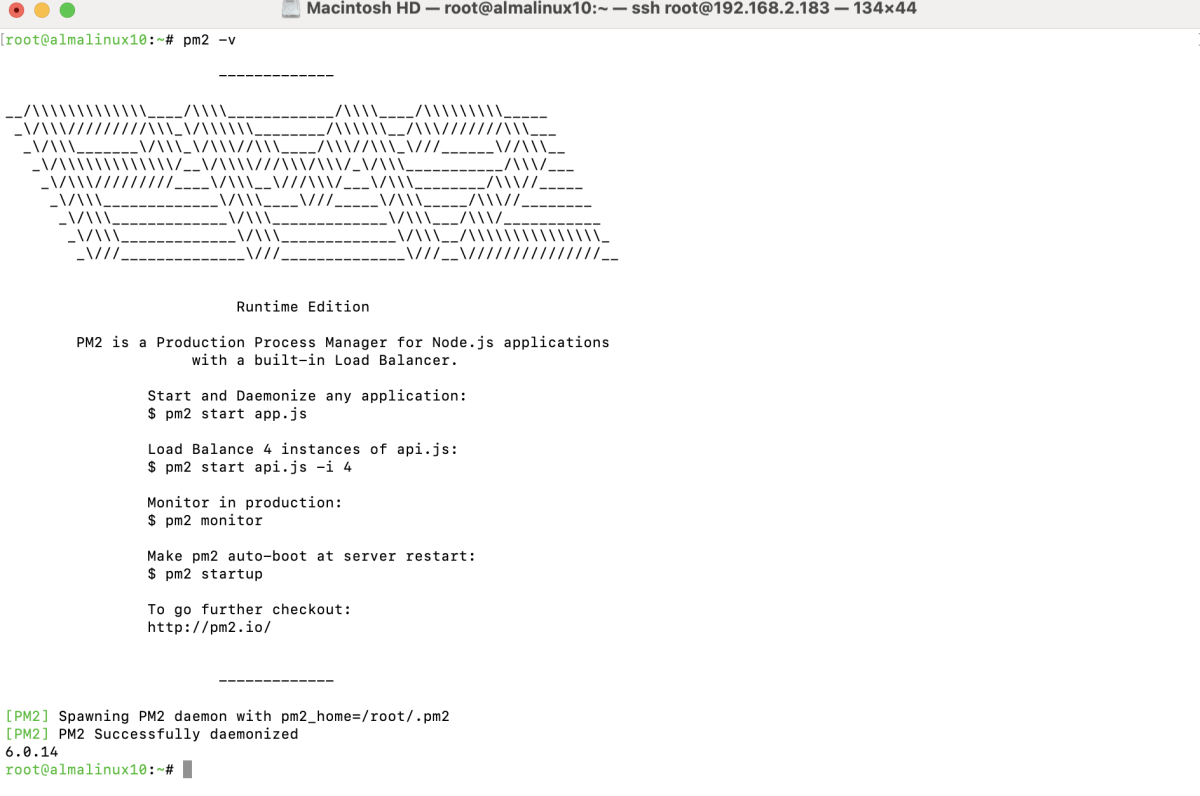
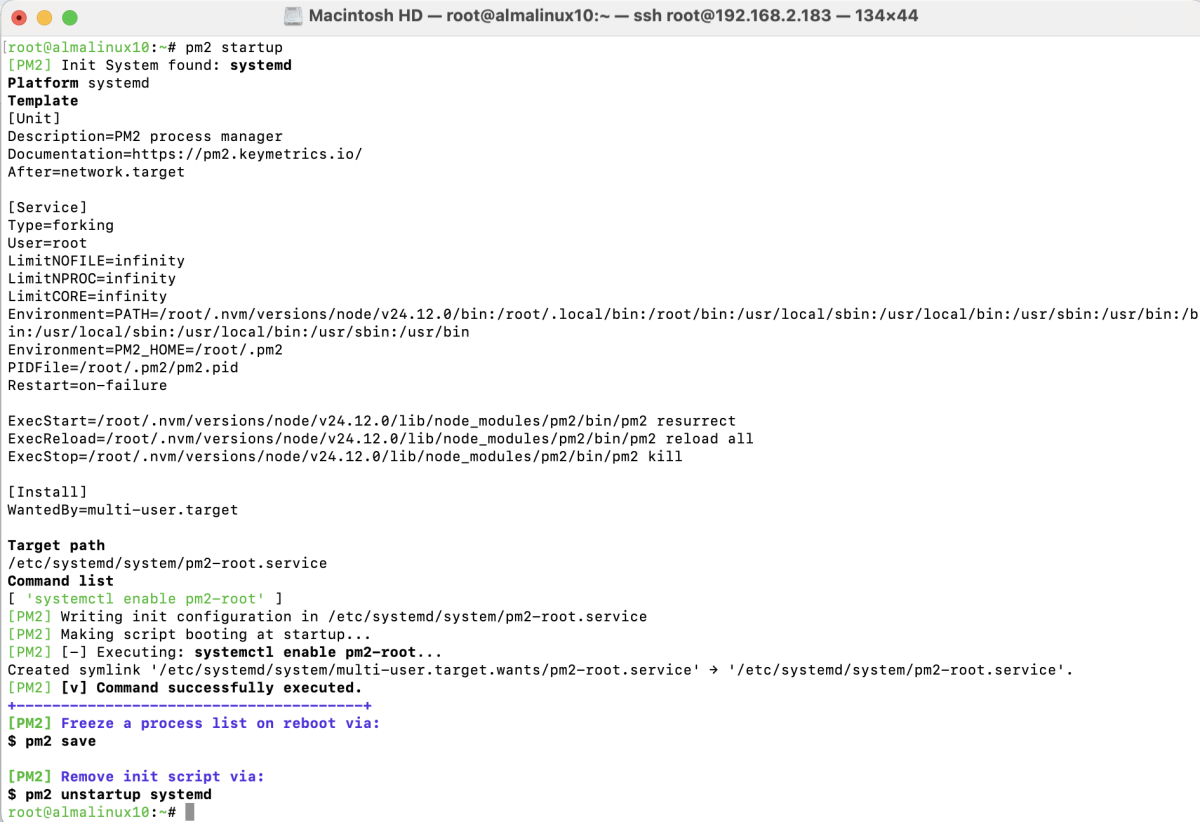
Step 2 : Configure PM2 to start automatically on system boot.
Step 3 : Build a Simple Node.js Application
Create a simple Node.js application.

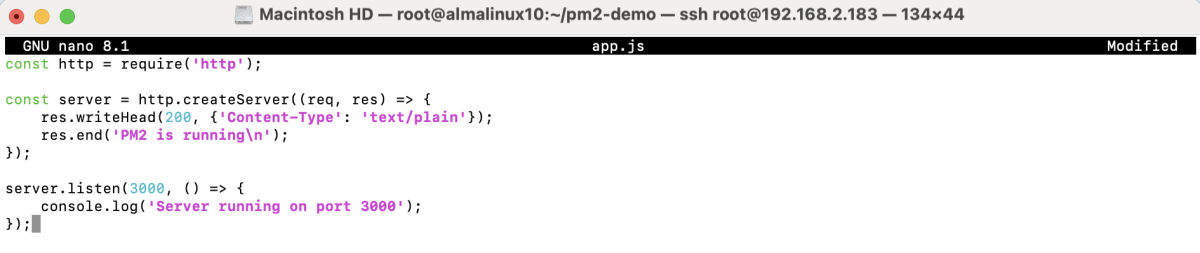
Create an app.js file:
Example content:
Step 4 : Start the Node.js application using PM2.

Check application status:

Step 5 : Common PM2 management commands:
Restart an application:

Reload an application:

Stop an application:

Delete an application:

Congratulations, you have successfully installed and configured PM2 on AlmaLinux 10.