To install and configure Postfix on AlmaLinux 10, follow the steps below to set up a basic mail transfer agent and test email delivery.
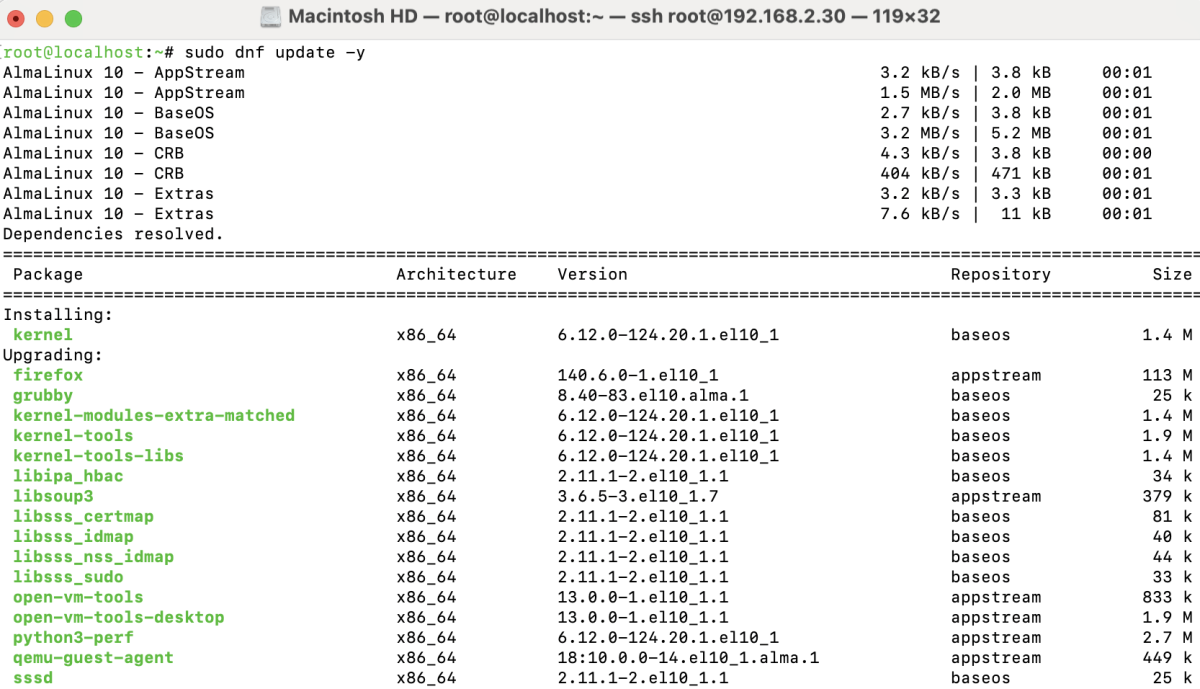
Step 1 : Update the System
Make sure your system is up to date:
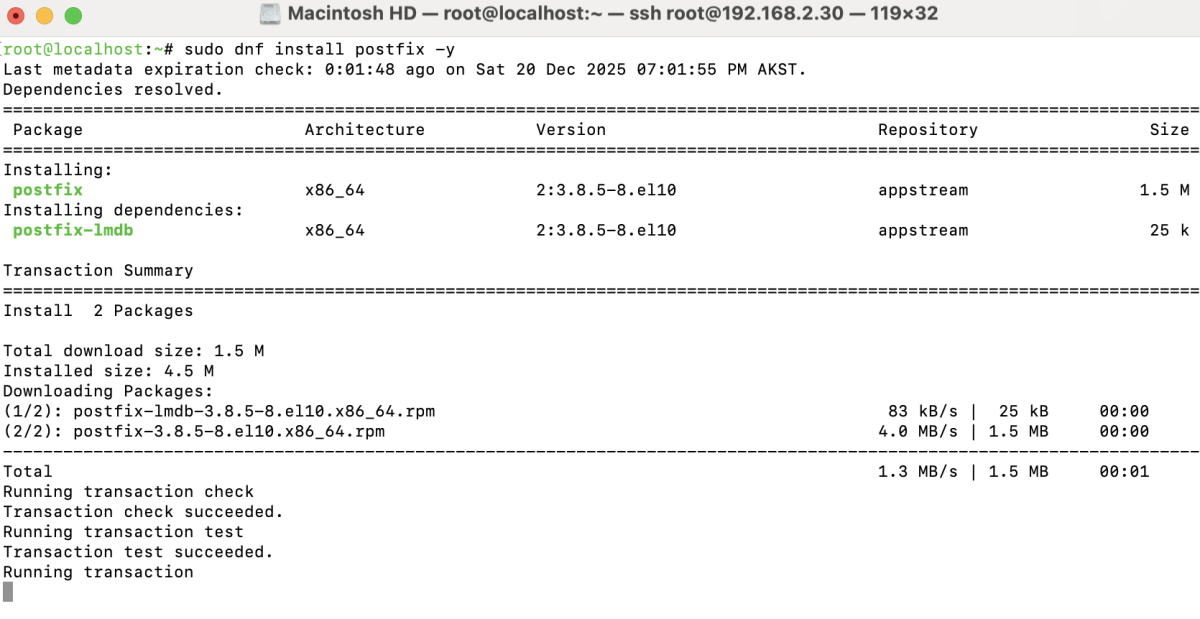
Step 2 : Install Postfix
Install the Postfix mail server:
Step 3 : Start and Enable Postfix
Start Postfix and enable it to run at boot:

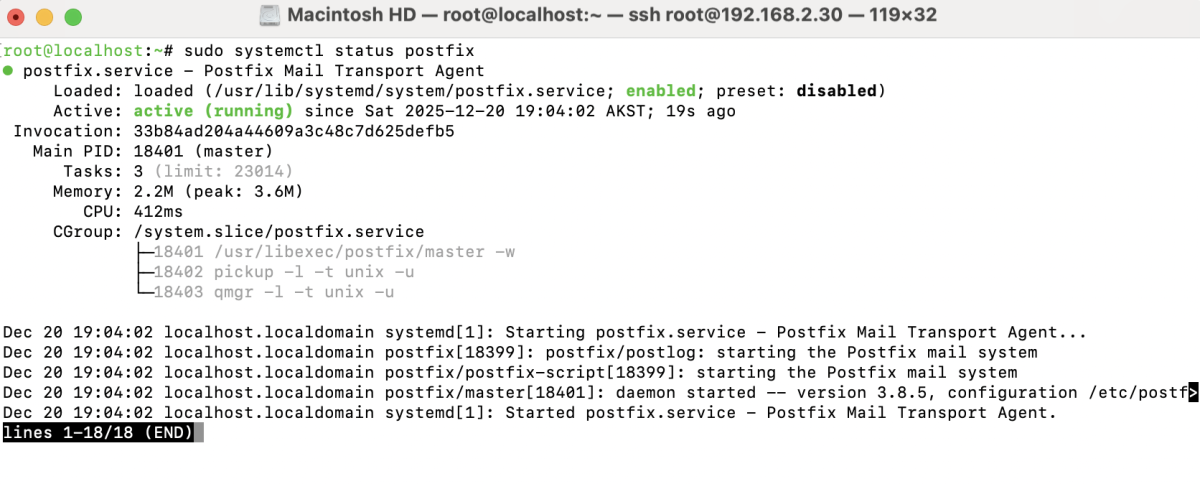
Step 4 : Verify Postfix Status
Check whether Postfix is running correctly:
Step 5 : Test Postfix
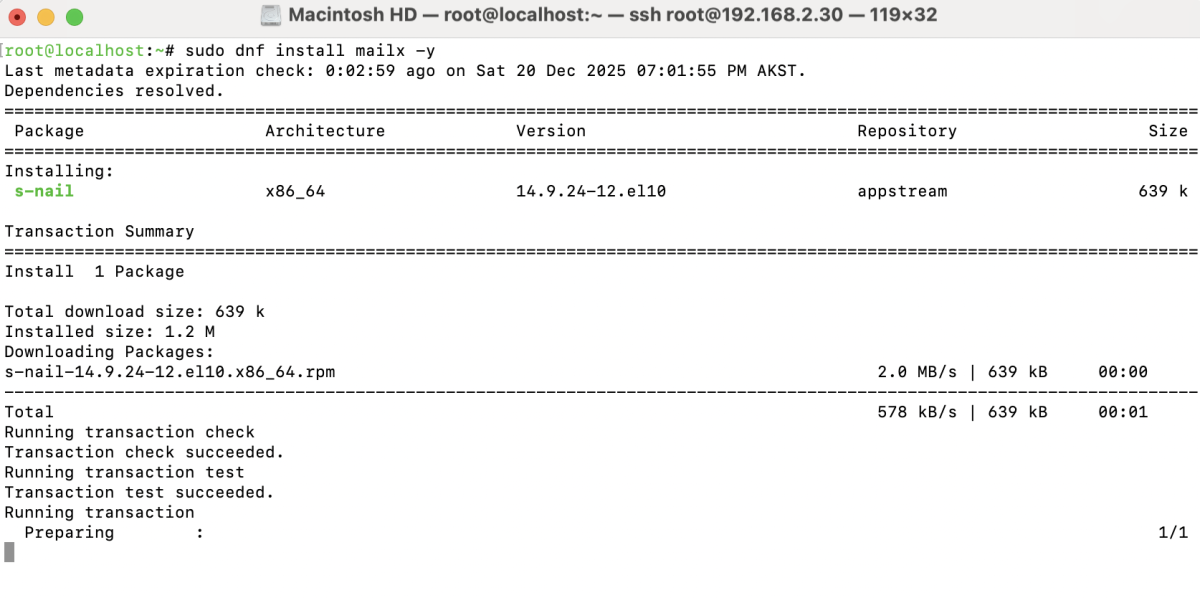
- Install a mail client to send test emails:
- Open a Temporary Email Service
Open a temporary email inbox, for example using a temporary mail website (https://temp-mail.org/en/)
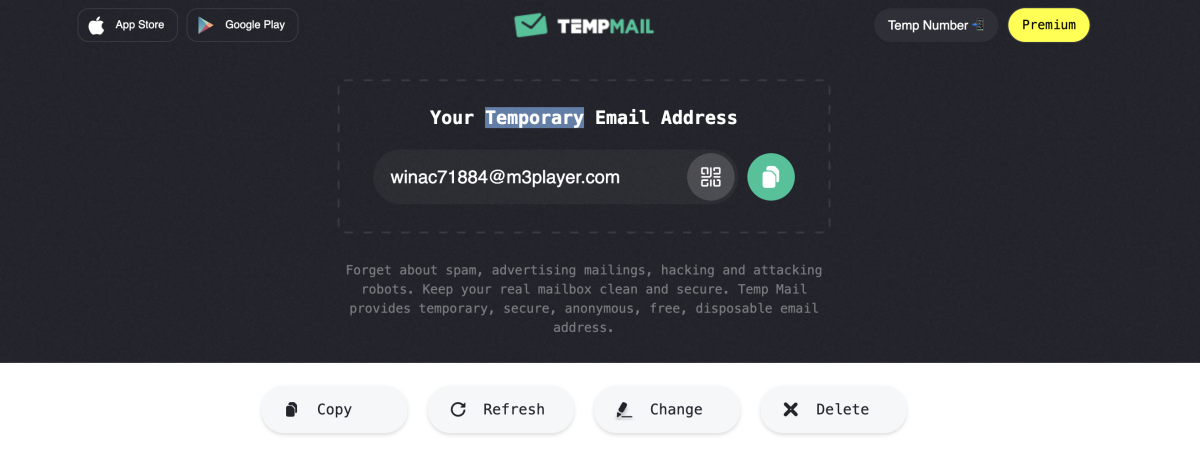
- Send an email from the server to the temporary email address:

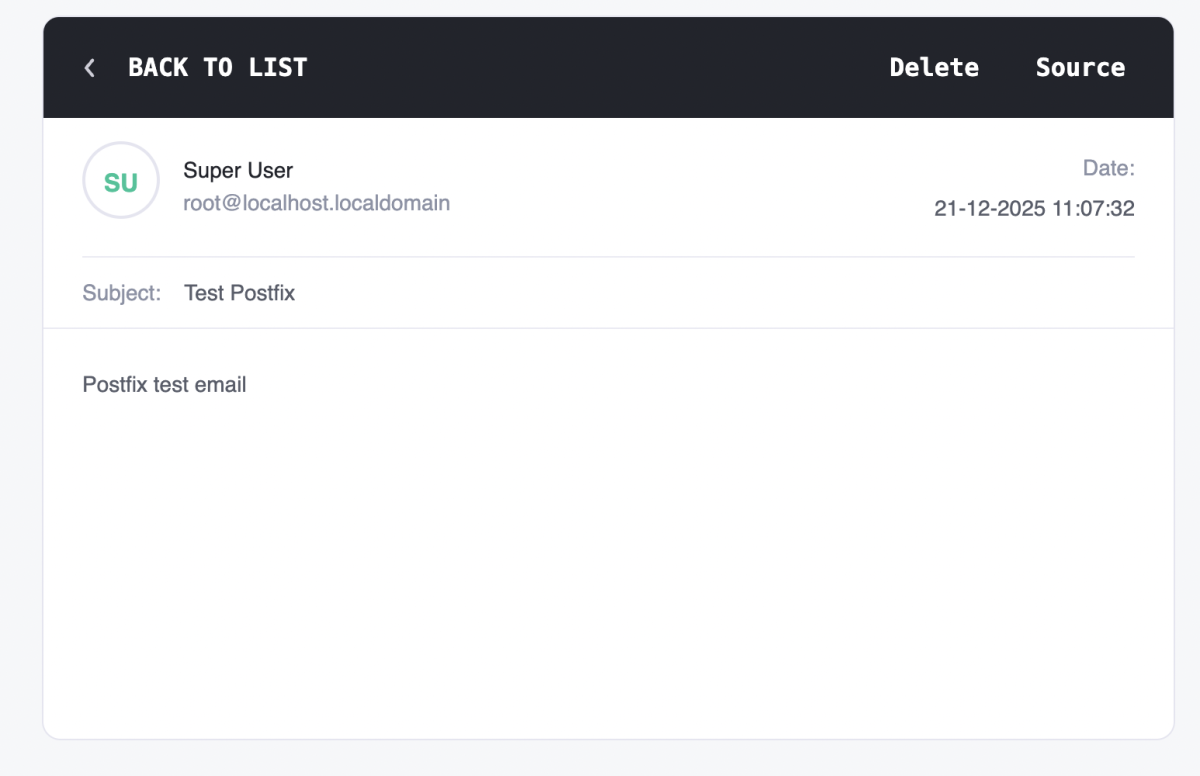
- Verify that the email has been received successfully.
Step 6 : Check Mail Logs
Review mail logs to confirm message delivery:

Congratulations! You have successfully installed and configured Postfix on AlmaLinux 10 and verified that it can send emails correctly.