To set up Nginx as a reverse proxy server for PM2 on AlmaLinux 10, configure Nginx to forward incoming HTTP requests to a Node.js application managed by PM2.
Step 1 : Update system packages.

Step 2 : Install Nginx using the package manager.
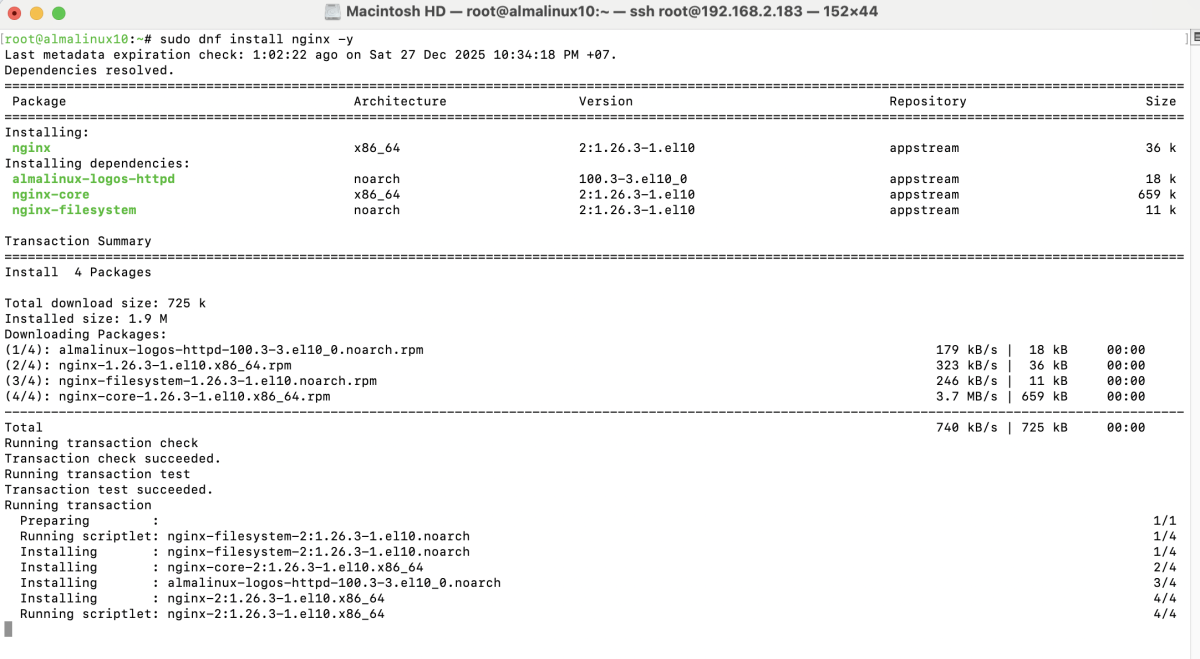
Enable and start the Nginx service:

Step 3 : Allow HTTP and HTTPS traffic through the firewall.

Step 4 : Create a new server block configuration for the application domain.
Example configuration:
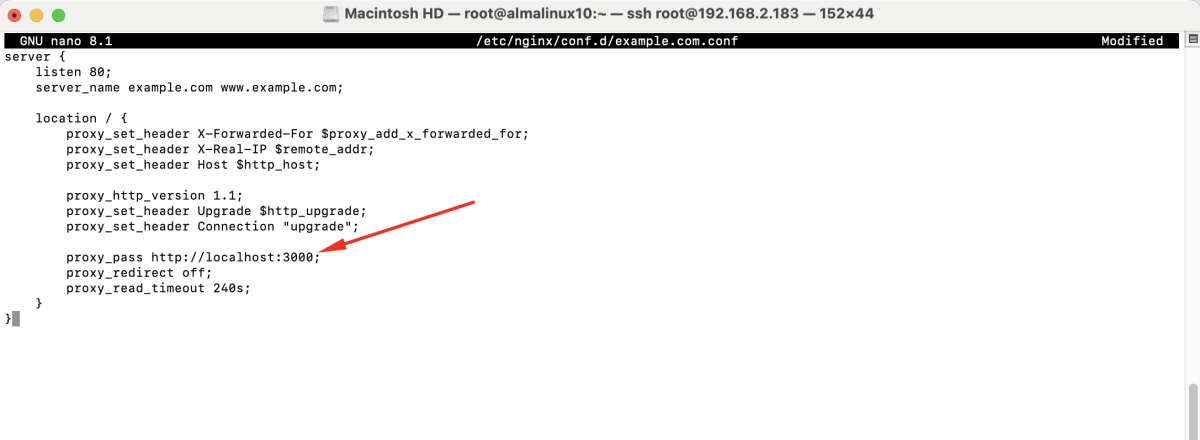
Save and close the file.
Step 5 : Test the Nginx configuration for syntax errors.

Step 6 : Apply the new configuration.

Step 7 : If SELinux is enabled, allow Nginx to connect to the Node.js application.

Step 8 : Open a browser and access the domain:
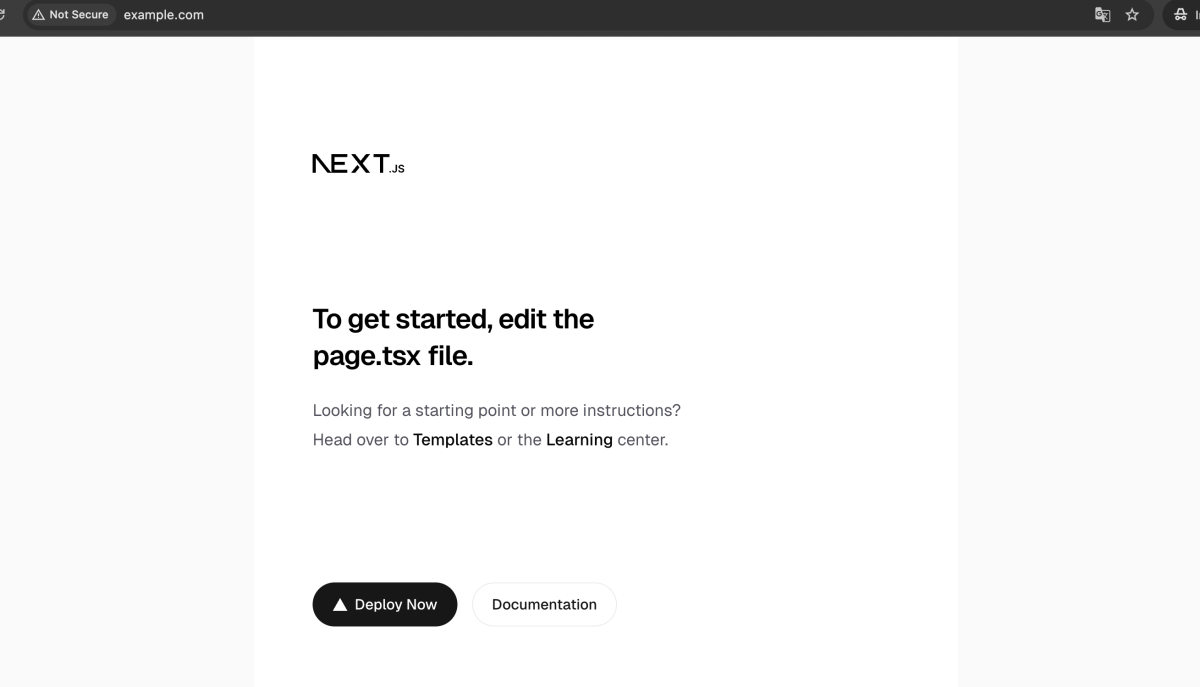
The application managed by PM2 should now be accessible through Nginx.
Congratulations, you have successfully set up Nginx as a reverse proxy server for PM2 on AlmaLinux 10.