To install Yarn on AlmaLinux 10, the methods below show how to install Yarn using npm or dnf.
Method 1: Install Yarn Using npm
Step 1 : Make sure Node.js and npm are already installed.

Step 2 : Install Yarn globally using npm.

Step 3 : Verify the Yarn installation.

Method 2: Install Yarn Using dnf
Step 4 : Update system packages.

Step 5 : Download and add the official Yarn repository.

Step 6 : Confirm that the Yarn package is available.

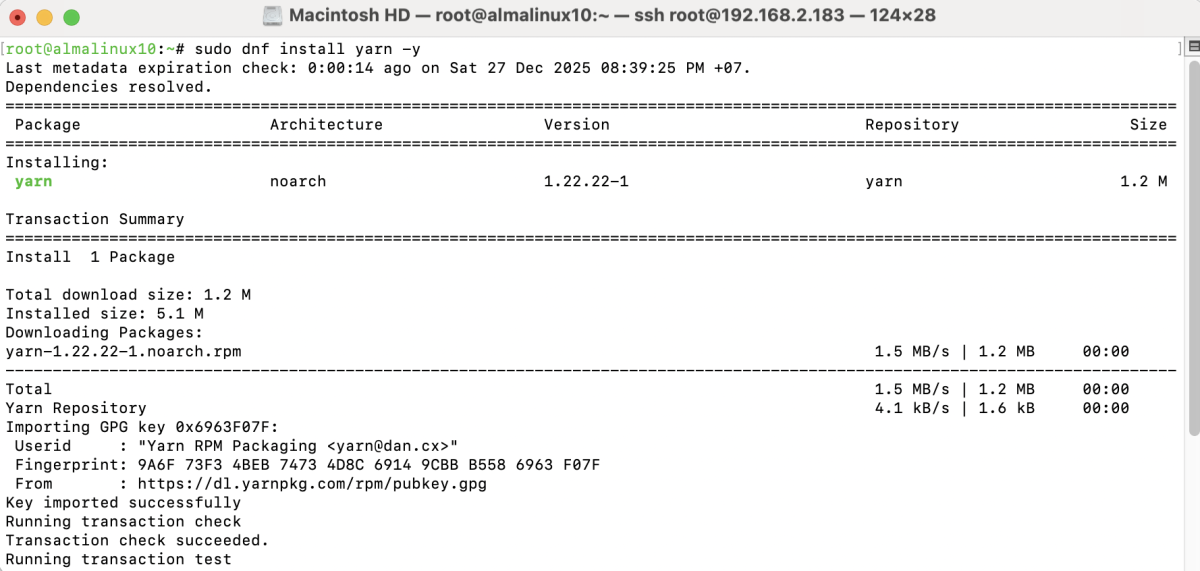
Step 7 : Install Yarn using dnf.
Step 8 : Verify the Yarn installation.

Congratulations, you have successfully installed Yarn on AlmaLinux 10.