To install PHP 8.2 on AlmaLinux 10, follow the steps below to enable the Remi repository, install PHP core packages, and add commonly used extensions.
Step 1 : Update all system packages:

Step 2 : Install the Remi repository for Enterprise Linux 10:
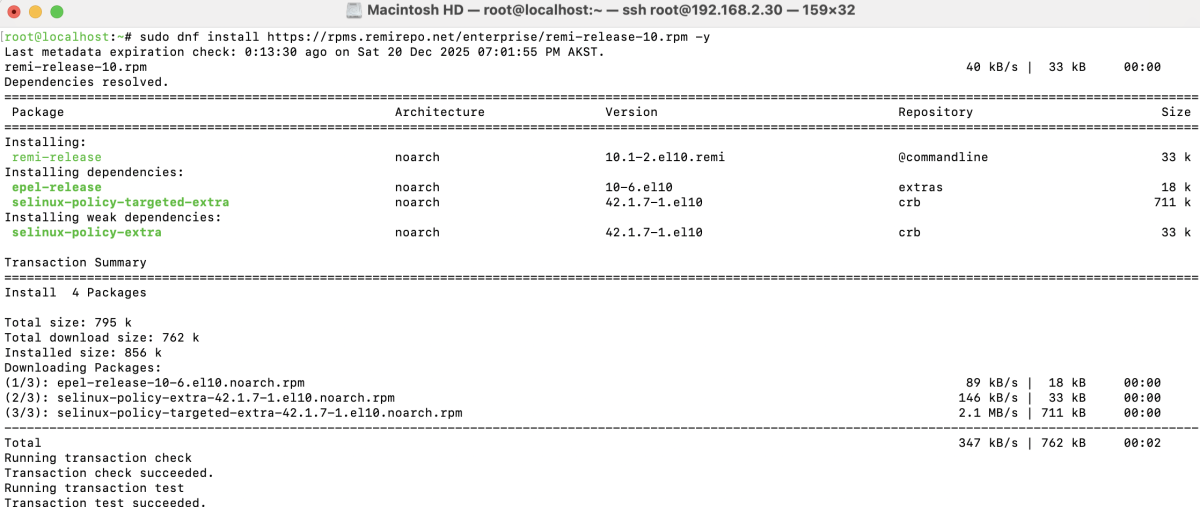
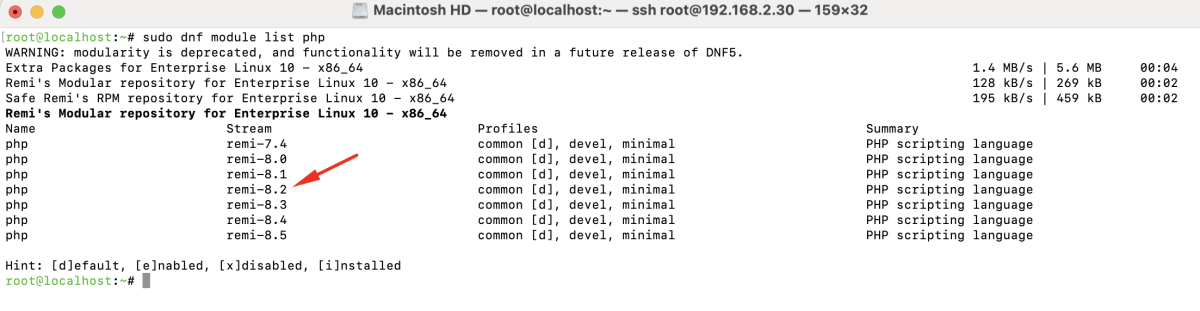
Step 3 : List available PHP module streams:
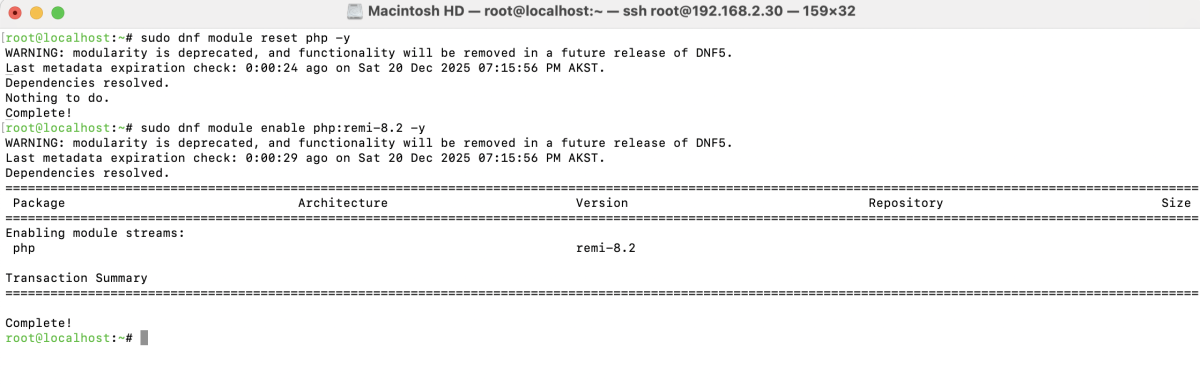
Step 4 : Reset the default PHP module and enable PHP 8.2:
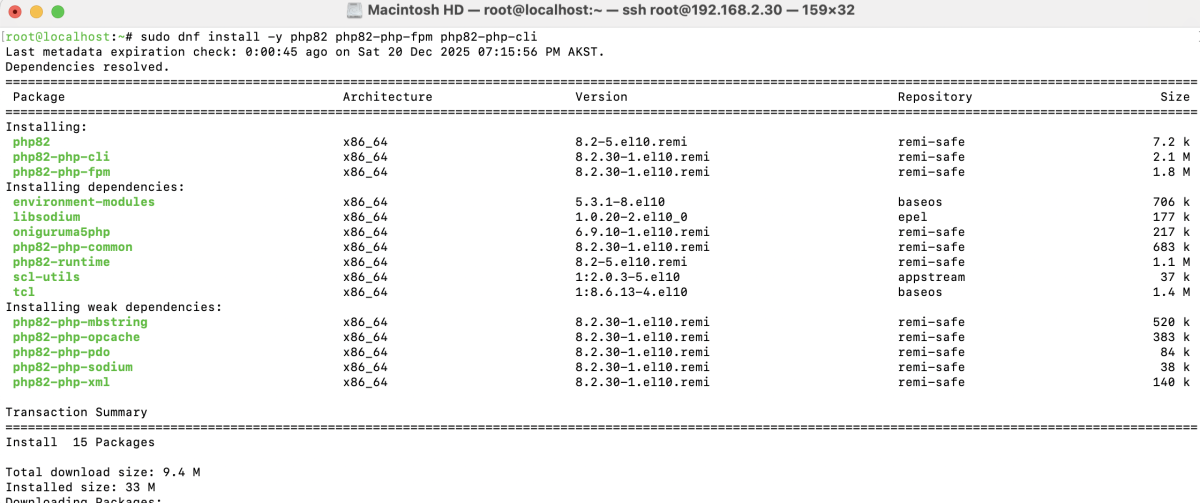
Step 5 : Install PHP 8.2 core components:
Step 6 : Install commonly used PHP extensions:
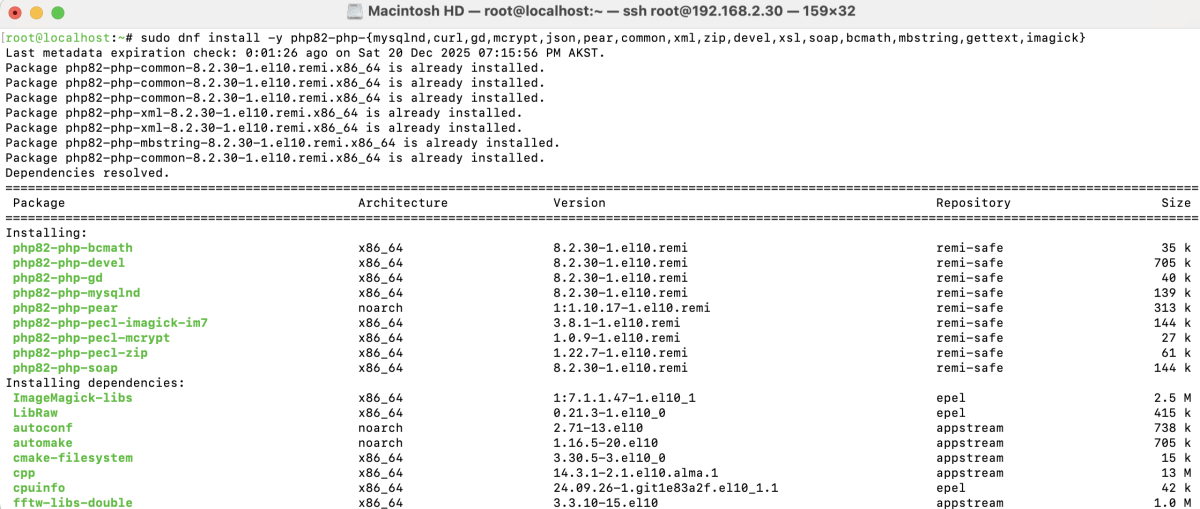
- mysqlnd – Native MySQL driver for PHP
- curl – Enables HTTP and API requests
- gd – Image processing and manipulation
- mcrypt – Encryption support (legacy/optional)
- json – JSON data handling
- pear – PHP Extension and Application Repository
- common – Core PHP components
- xml – XML parsing and handling
- zip – ZIP archive management
- devel – PHP development headers
- xsl – XSLT transformations
- soap – SOAP protocol support
- bcmath – Arbitrary precision mathematics
- mbstring – Multibyte string handling
- gettext – Localization and translation
- imagick – Advanced image processing using ImageMagick
Step 7 : Confirm the installed PHP version:

Congratulations! You have successfully installed PHP 8.2 on AlmaLinux 10 with essential extensions, and your system is now ready for modern PHP application development and deployment.