To install NVM on AlmaLinux 10, follow the steps below:
Step 1 : Update system packages to ensure the system is up to date.

Step 2 : Download and run the NVM installation script. Check the latest version at:
Example (replace the version if a newer one is available):
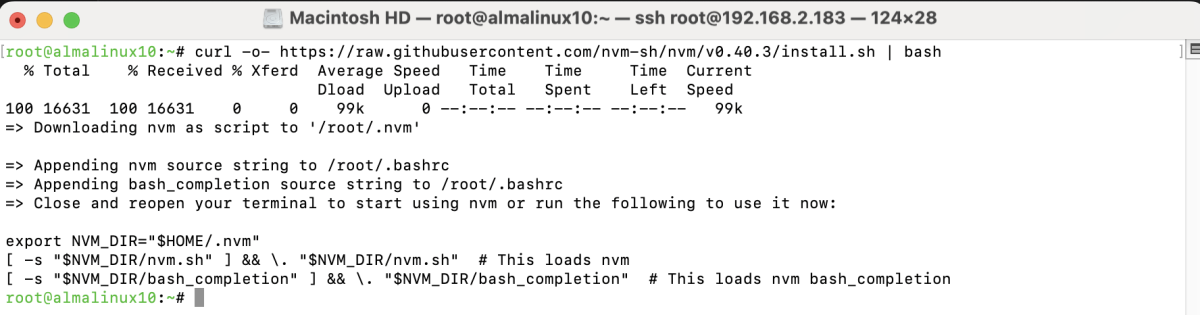
Step 3 : Load NVM environment variables into the current shell.

Step 4 : Check that NVM is installed correctly.

Step 5 : Basic NVM Usage
Install a Node.js Version
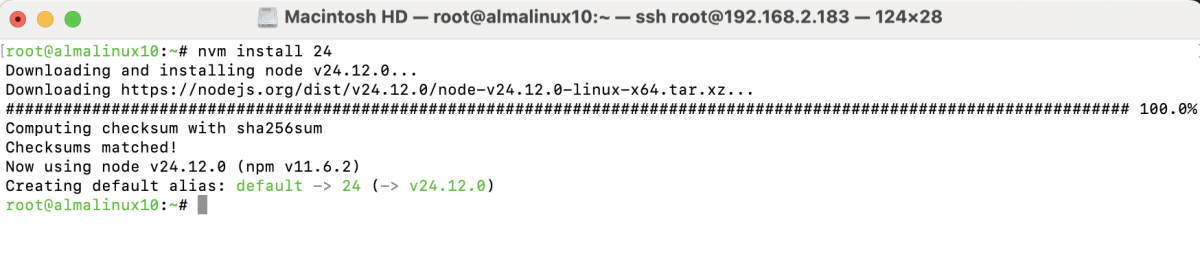
Use a Specific Node.js Version

Set Default Node.js Version

Check Node.js Version

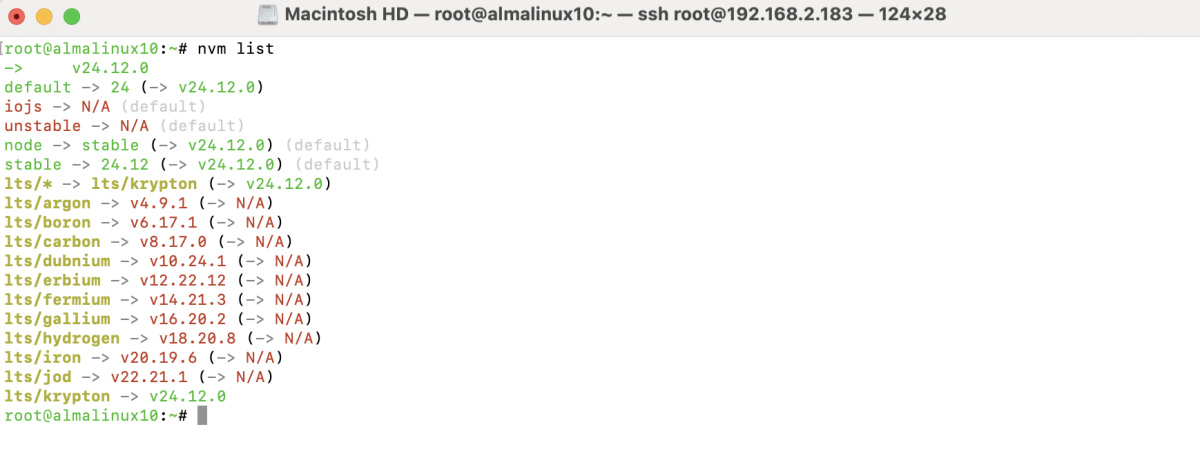
List Installed Node.js Versions
Congratulations, you have successfully installed NVM on AlmaLinux 10.