To install Elasticsearch on AlmaLinux 10, follow the steps below.
Step 1 : Update the system

Step 2 : Install Java
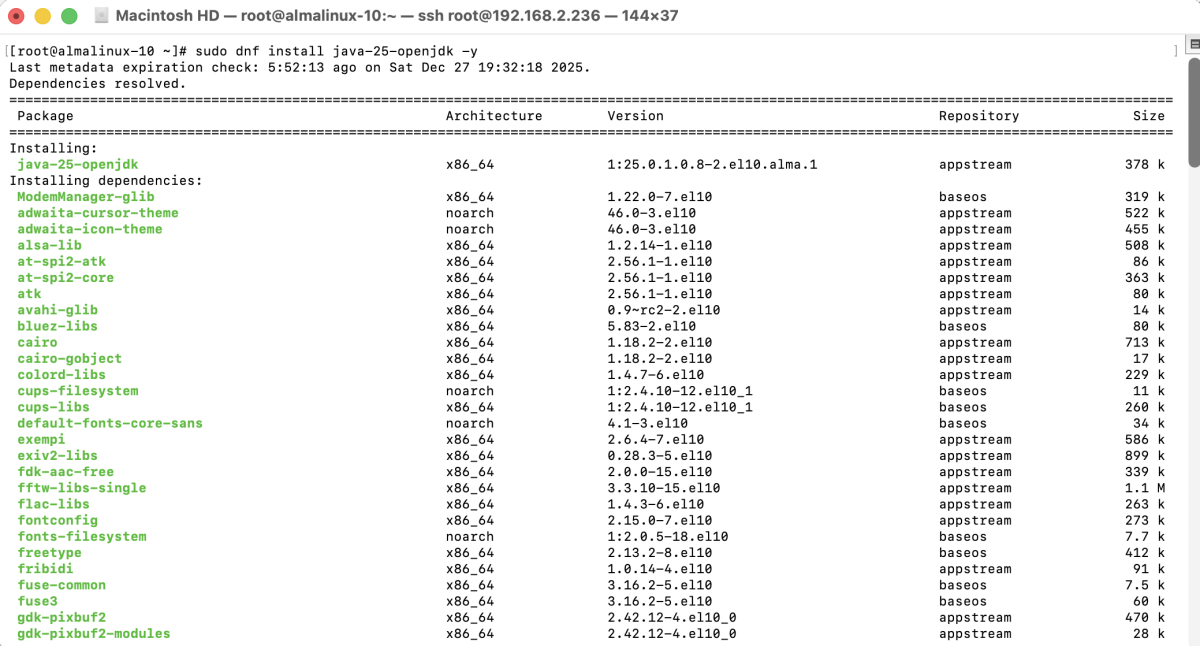
Step 3 : Check Java version

Step 4 : Import the Elasticsearch PGP key

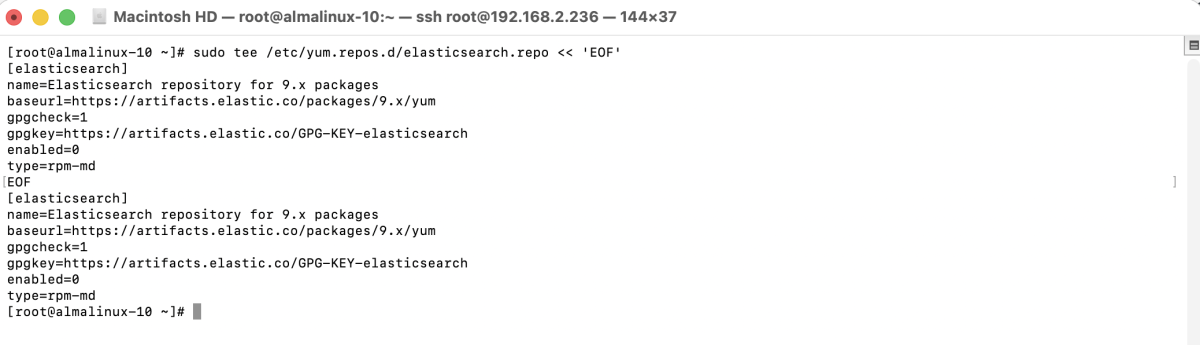
Step 5 : Create elasticsearch.repo and add repository content
Step 6 : Install Elasticsearch
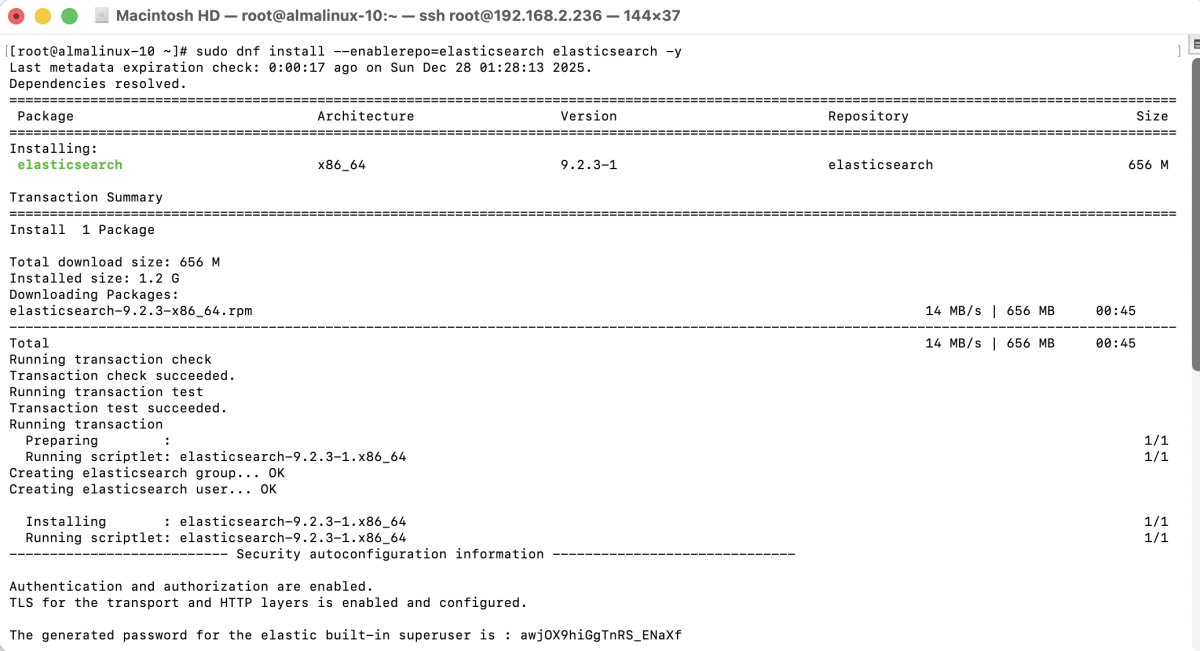
Step 7 : Start Elasticsearch

Step 8 : Enable Elasticsearch on boot

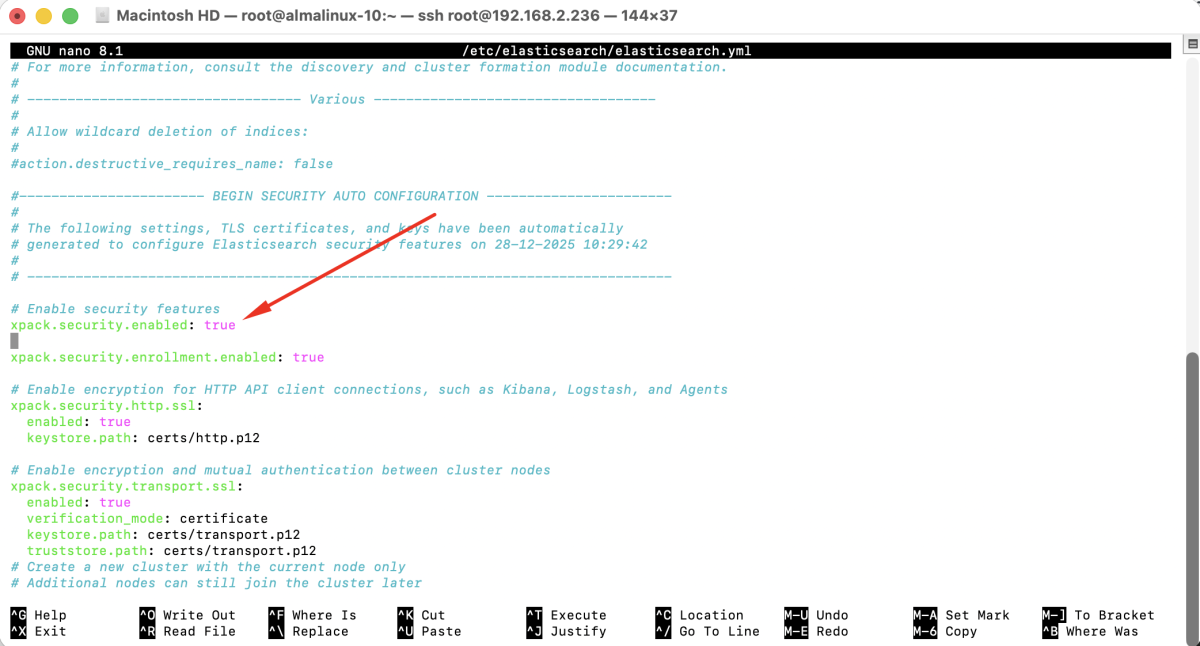
Step 9 : Enable Security in Elasticsearch
Open the configuration file:
Edit or add the following line:
Step 10 : Restart Elasticsearch

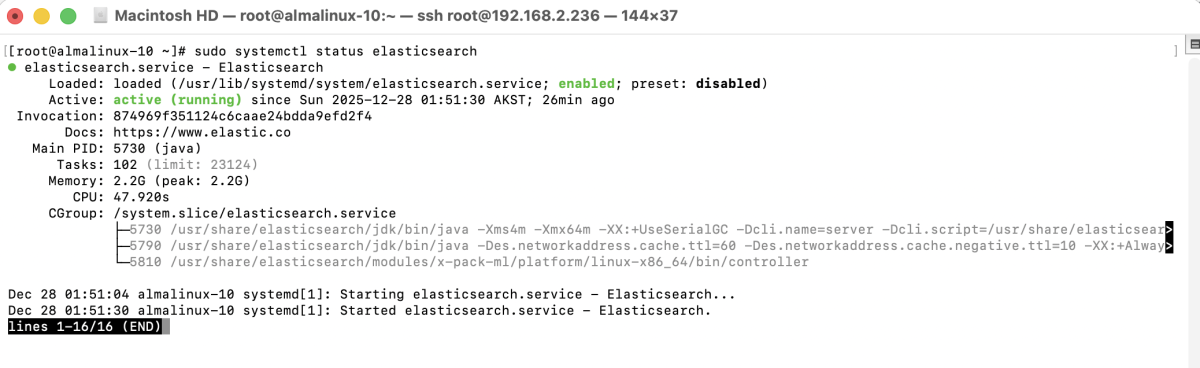
Step 11 : Check Elasticsearch status
Step 12 : Reset the elastic user password

Step 13 : Verify Elasticsearch
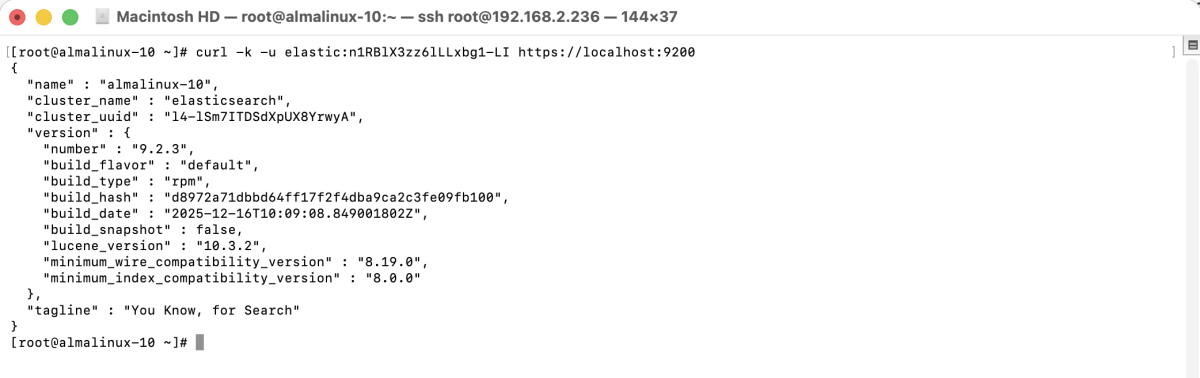
Congratulations! You have successfully installed Elasticsearch on AlmaLinux 10.