To install Usermin on AlmaLinux 10, follow the steps below.
Step 1 : Update system packages

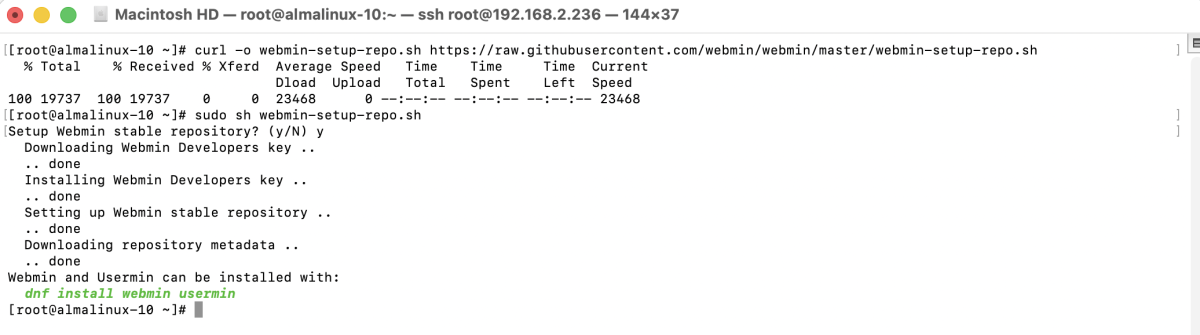
Step 2 : Configure repositories
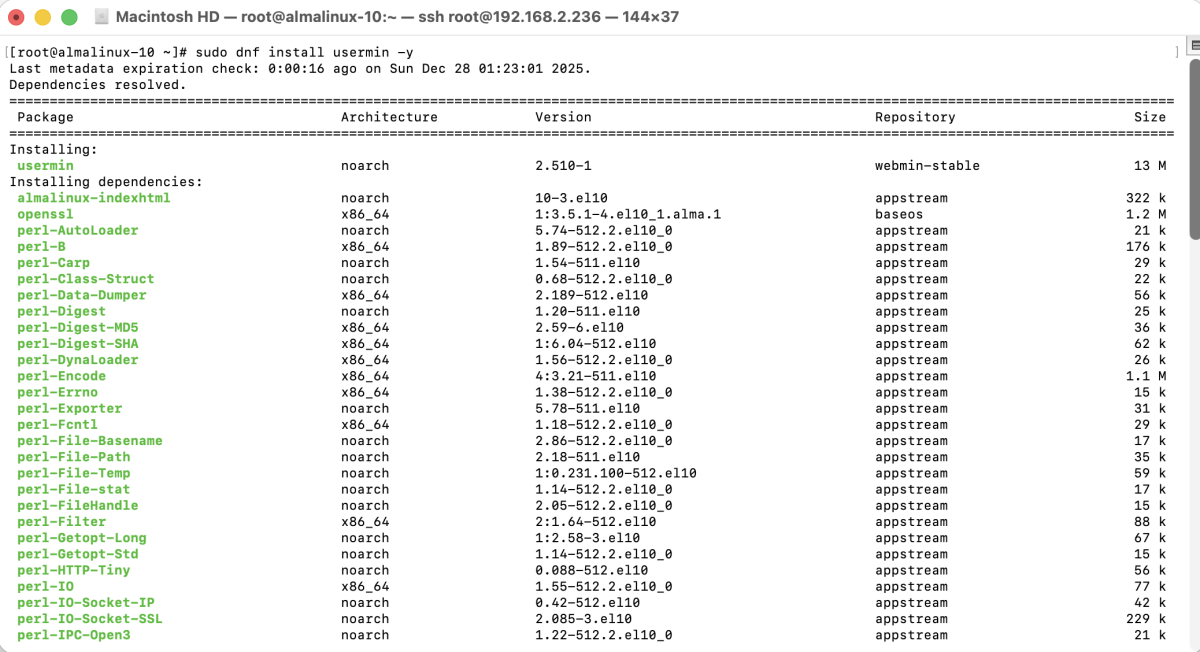
Step 3 : Install Usermin
Step 4 : Configure SELinux (if enabled)

Step 5 : Restart Usermin

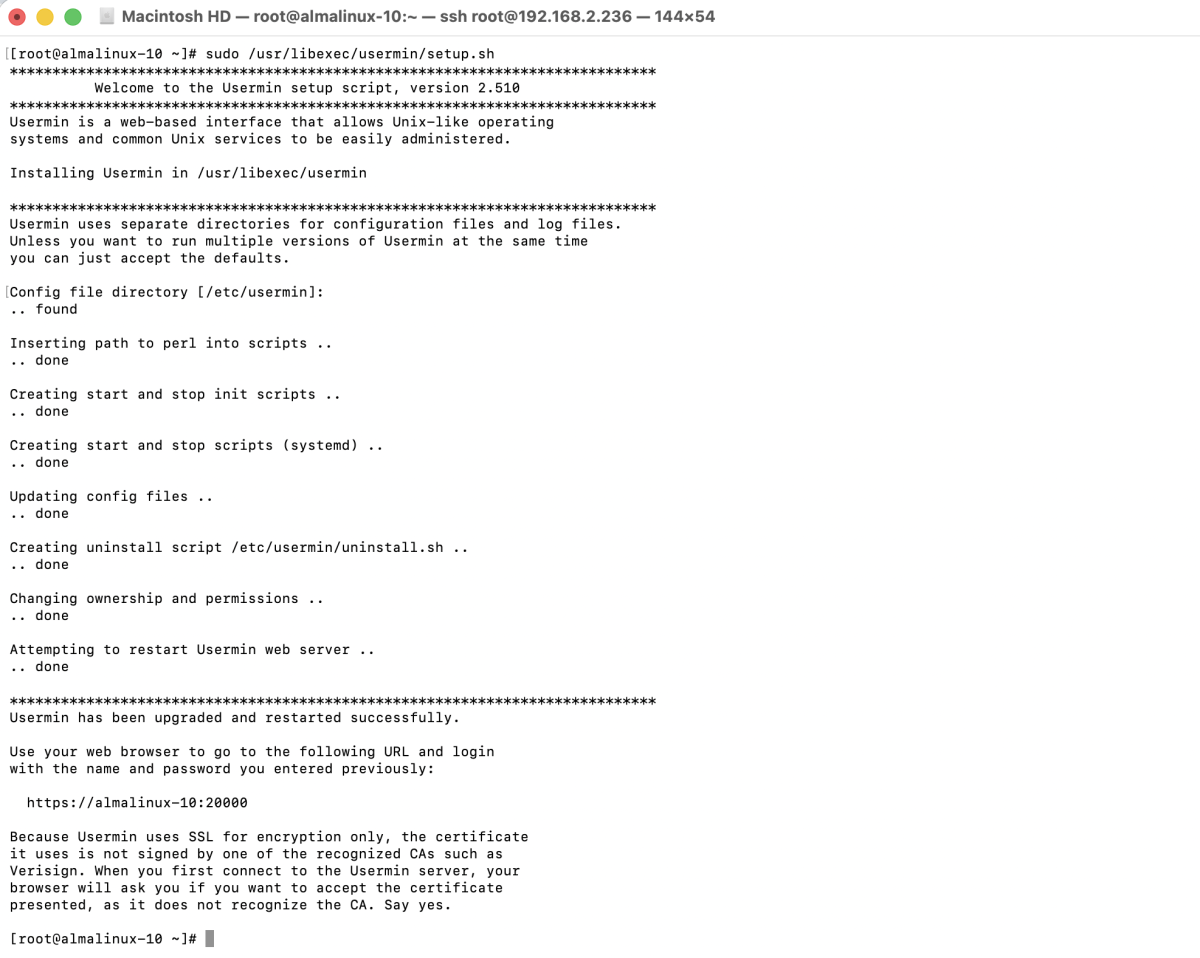
Step 6 : Configure Usermin
Step 7 : Configure firewall (if enabled)

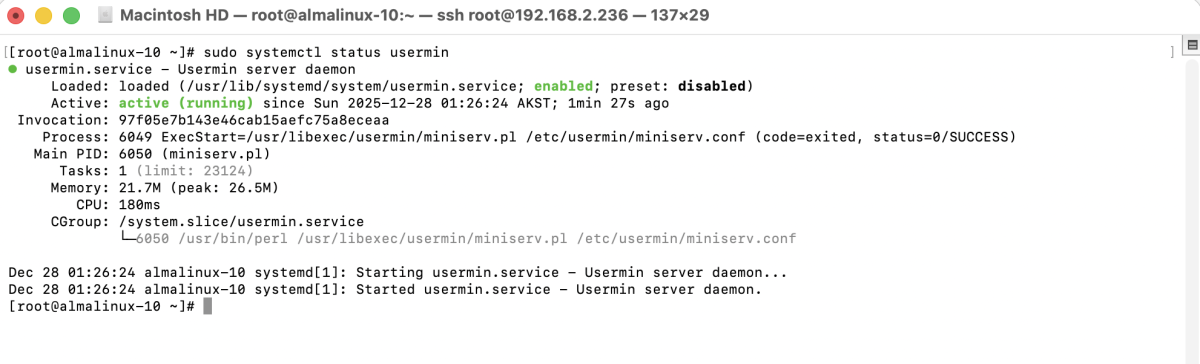
Step 8 : Check Usermin status
Step 9 : Open your browser and go to:
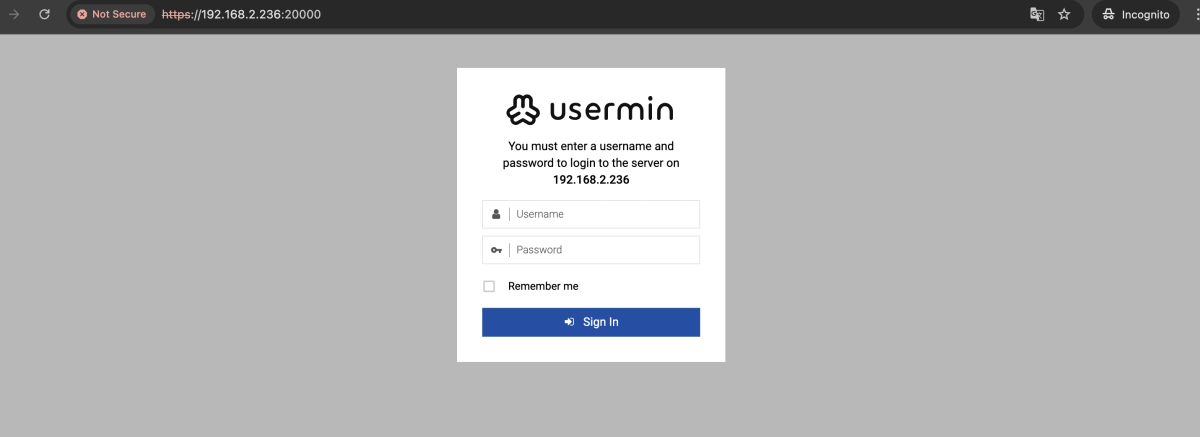
Step 10 : Log in using a valid system user account.
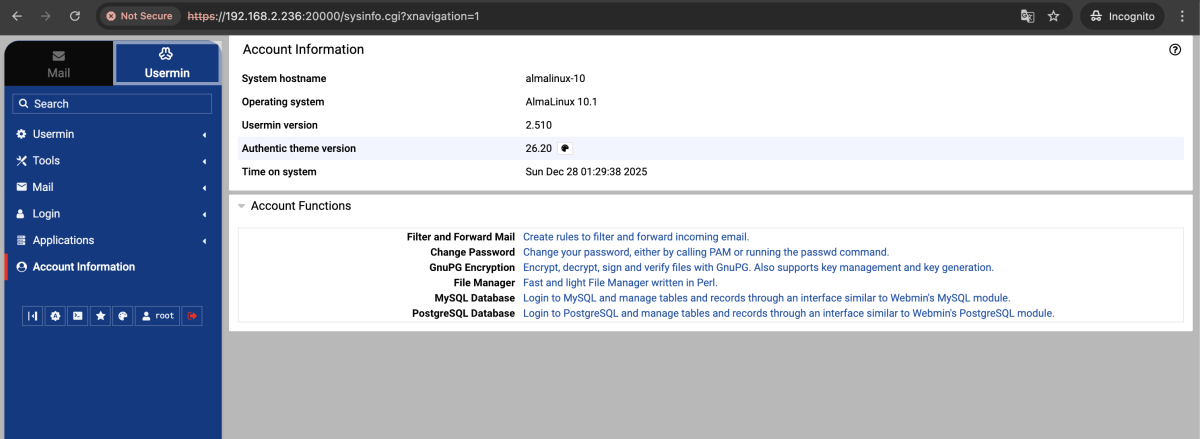
Congratulations! You have successfully installed Usermin on AlmaLinux 10.