To install WordPress with the LEMP stack on AlmaLinux 10, follow the step-by-step guide below :
Step 1 : If you have not installed the LEMP stack yet, follow the guide below: AlmaLinux 10 Guides
Step 2 : Log in to MariaDB:
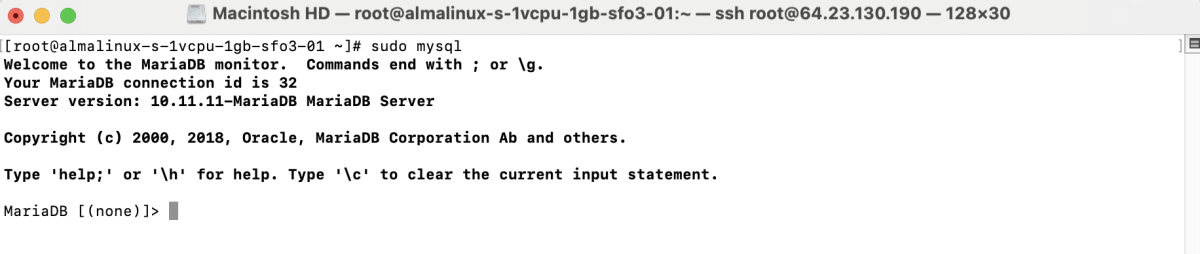
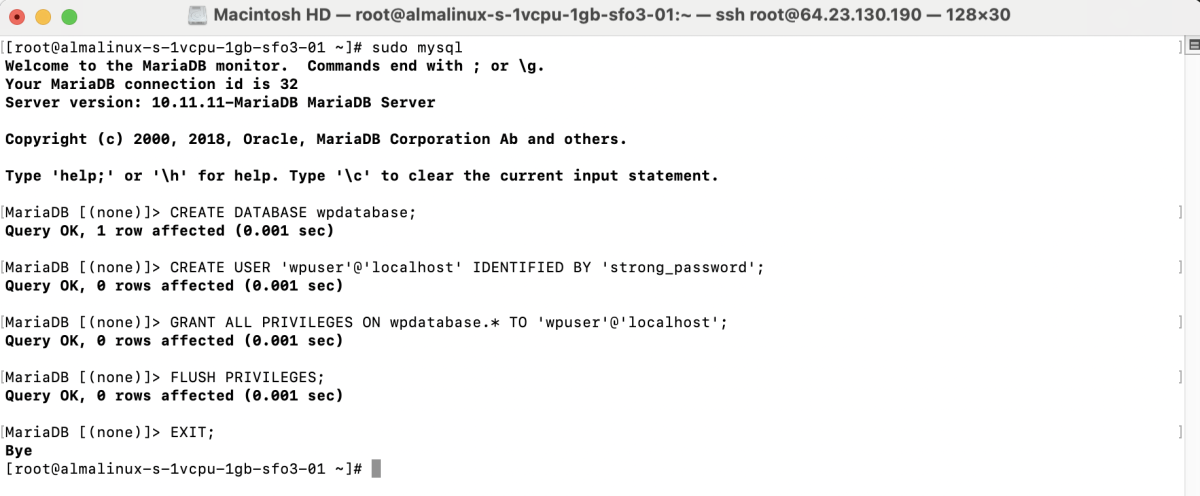
Create a database and user:
Step 3 : Create the Website Directory

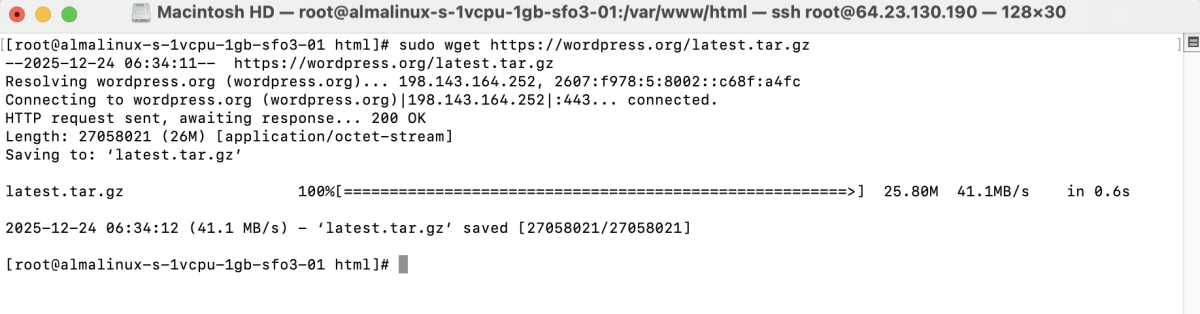
Download WordPress
Extract WordPress

Move WordPress Files

Set Permissions

Step 4 : Create a new Nginx server block:
Add the following configuration:
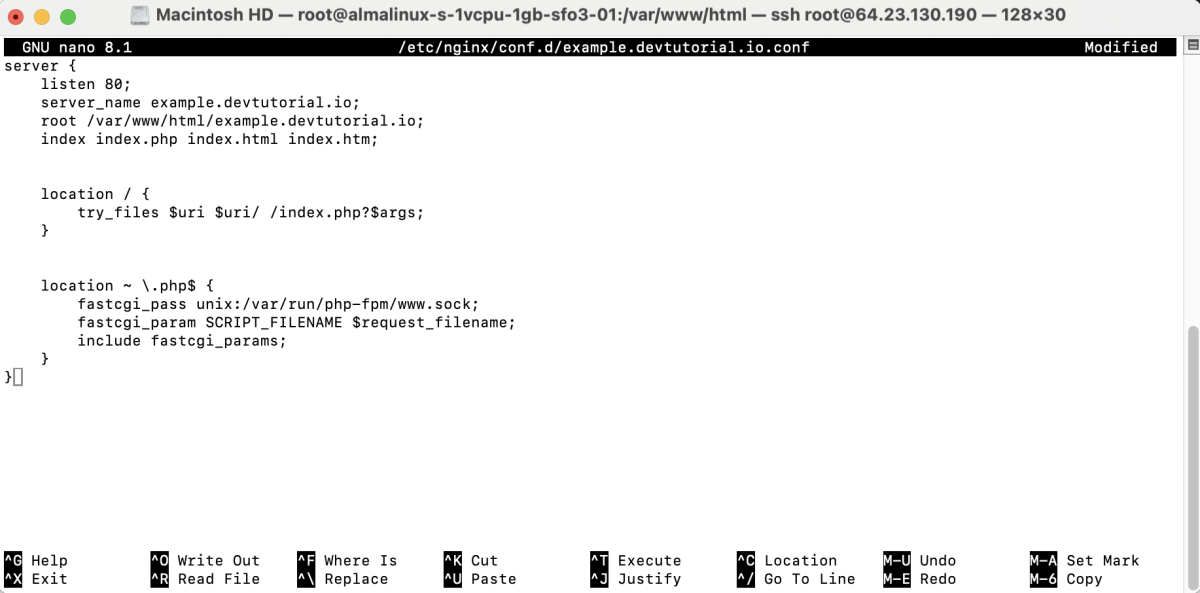
Save and exit.
Step 5 : Test the Nginx configuration:

Restart Nginx:

Step 6 : If SELinux is enabled, run:

Step 7 : Open your browser and go to:
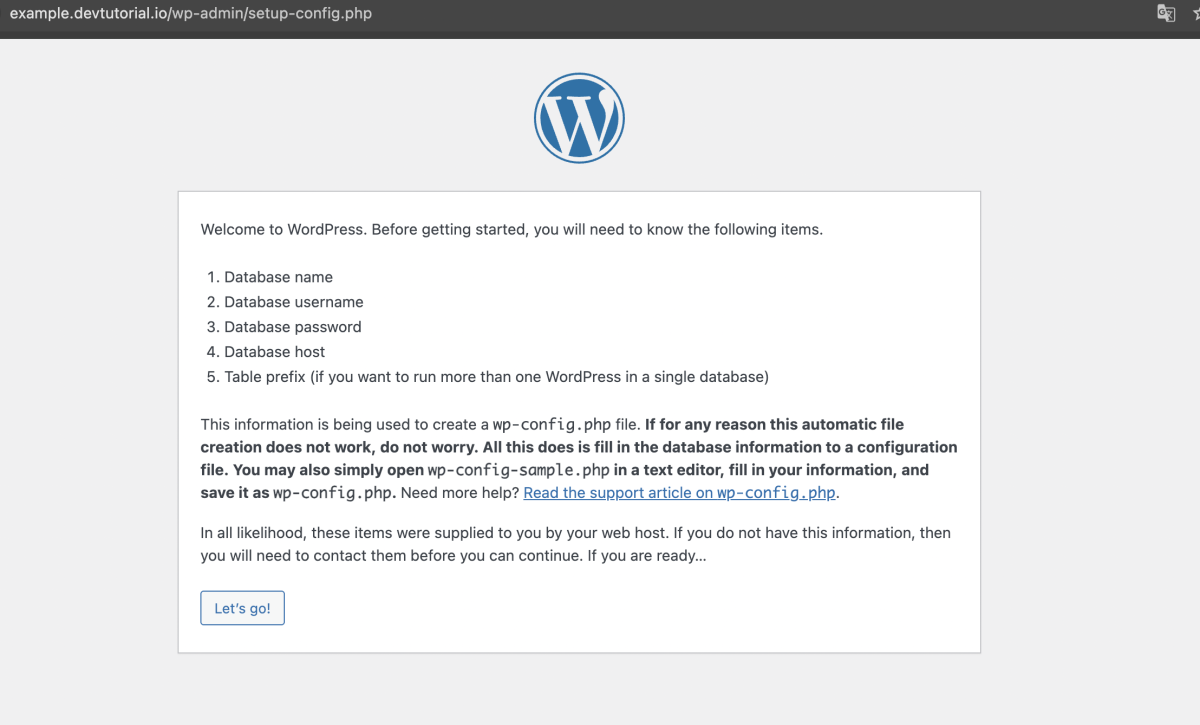
Follow the WordPress installation wizard:
- Click Let's go!
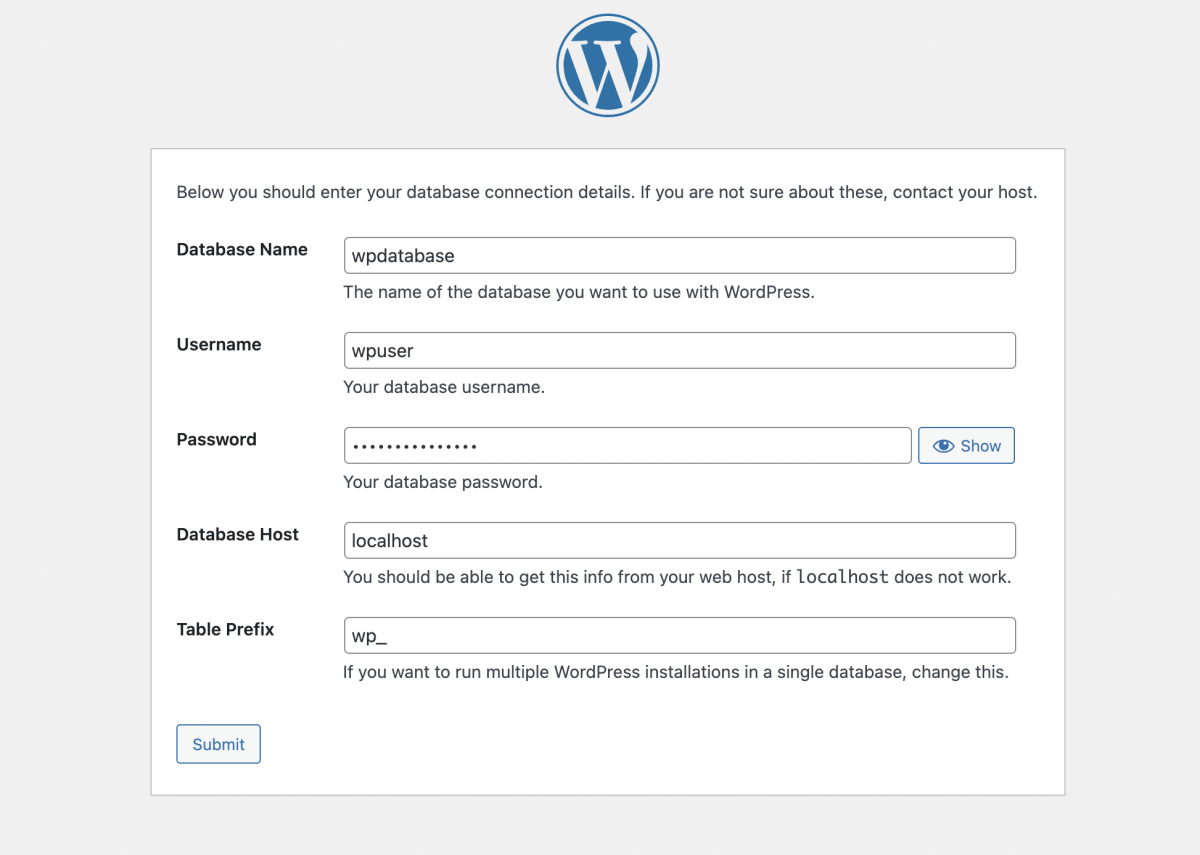
- Enter database details:
- Database Name:
wpdatabase - Username:
wpuser - Password
- Click Submit
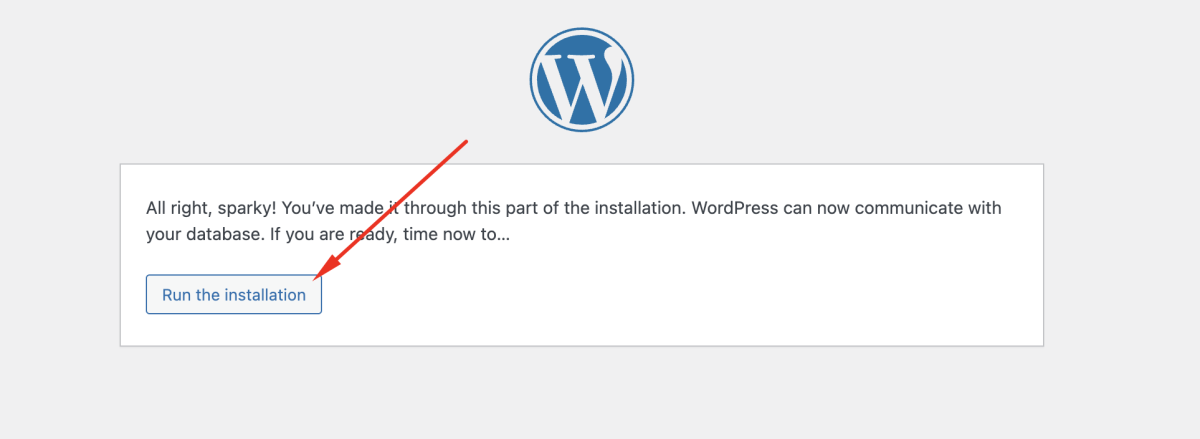
- Click Run the installation
- Enter site information
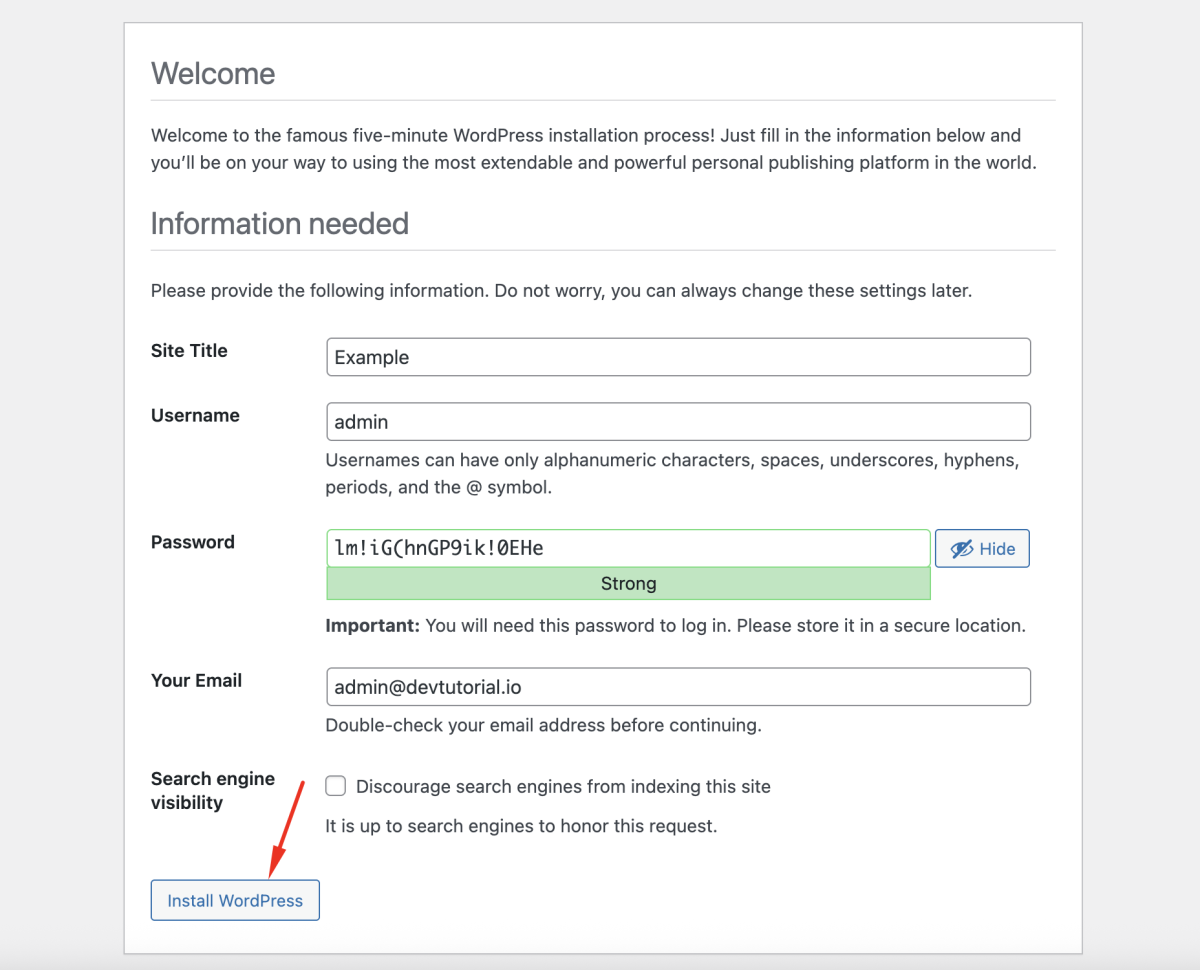
- Click Install WordPress
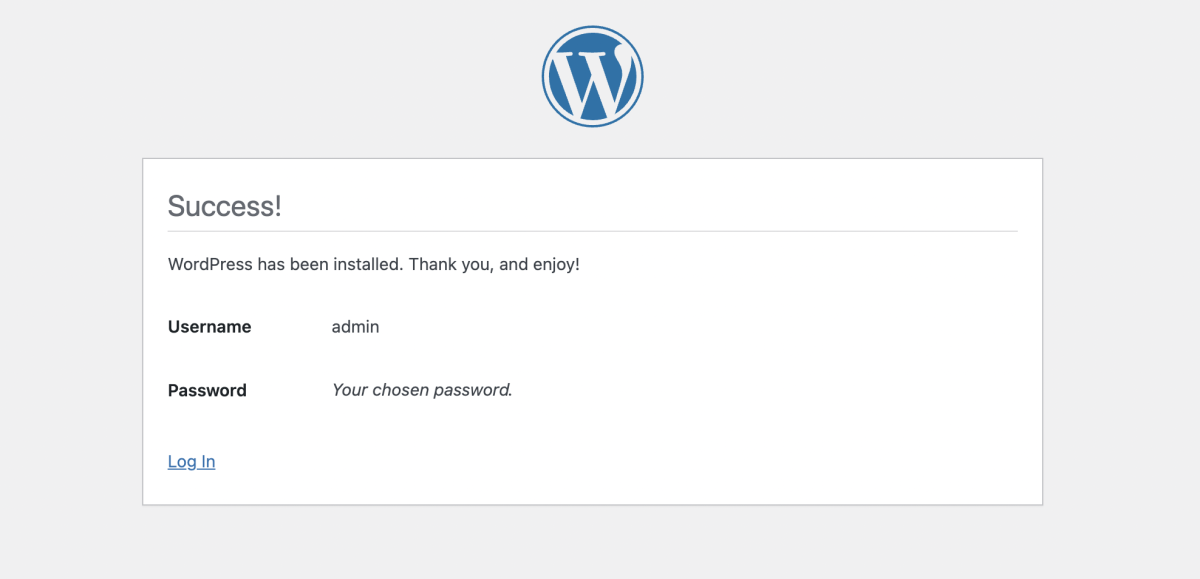
Step 8 : Access the WordPress admin panel:
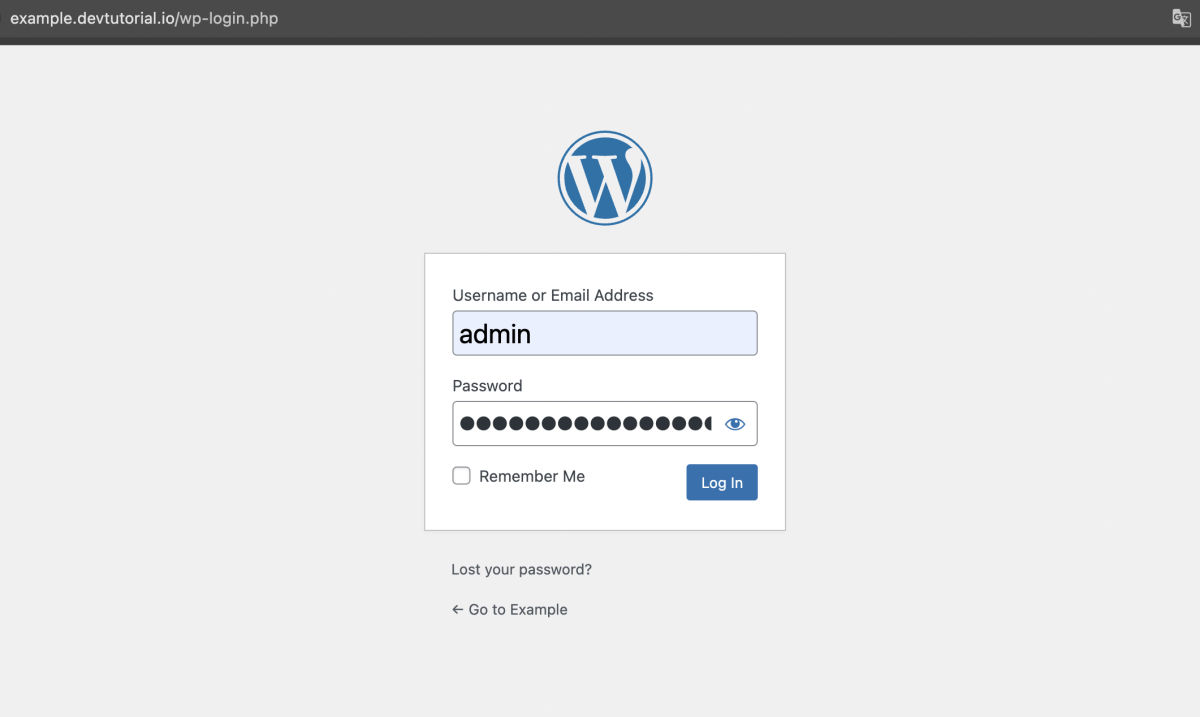
Log in using the admin account you just created.
Step 9 : After logging in, you will be redirected to the WordPress Dashboard, where you can start managing your website.
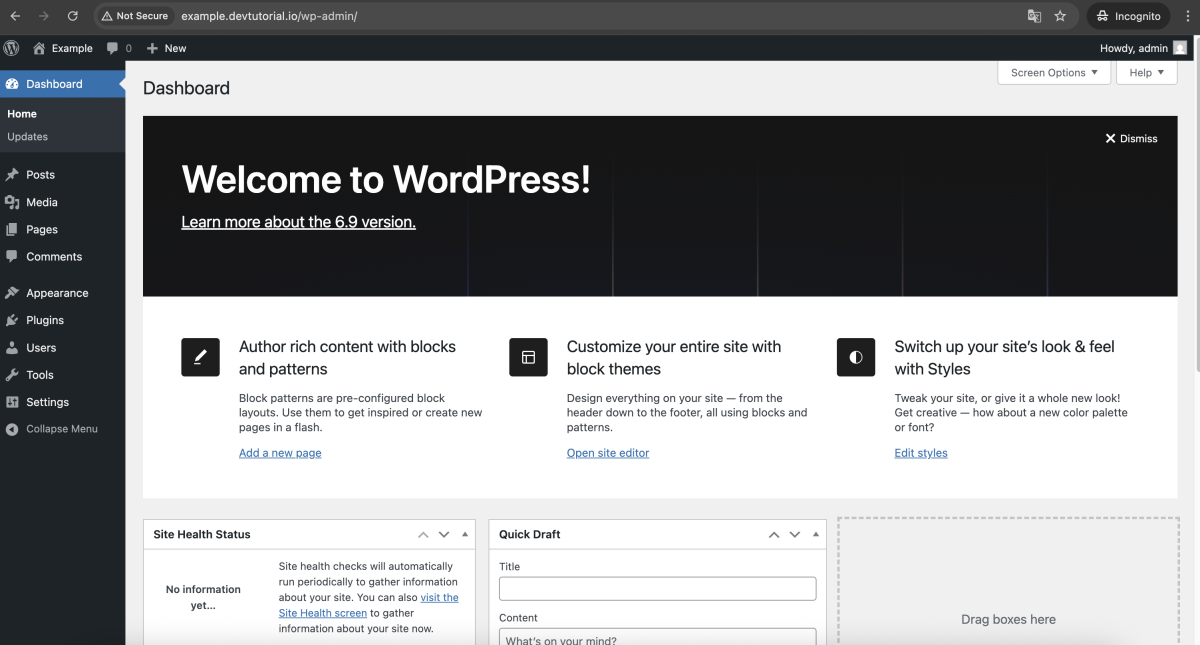
Congratulations. You have successfully installed WordPress with the LEMP stack on AlmaLinux 10.