To install phpMyAdmin on AlmaLinux 10 with Nginx, follow the steps below :
Step 1 : Update all system packages to the latest version:
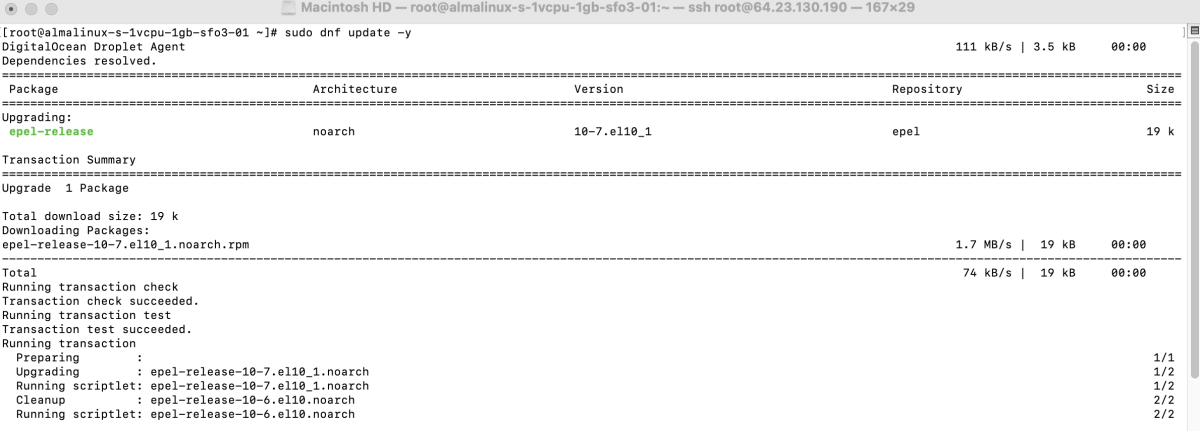
Step 2 : Install phpMyAdmin from the AlmaLinux repositories:
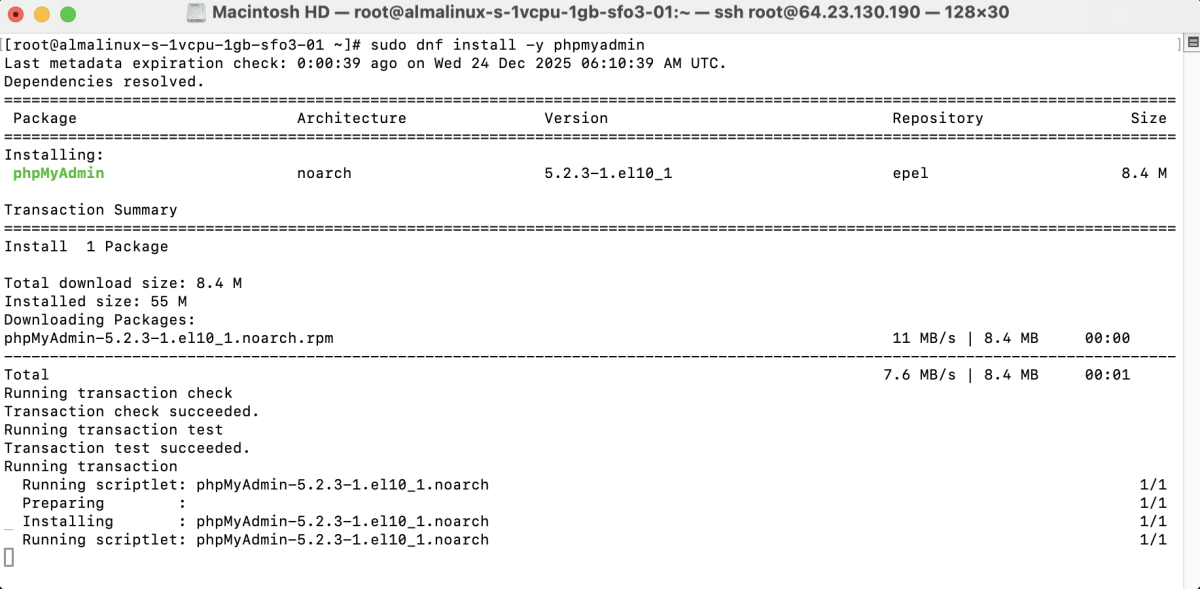
phpMyAdmin will be installed in:
Step 3 : Create the Nginx directory and link phpMyAdmin:

Step 4 : Create a new Nginx configuration file:
Add the following configuration:
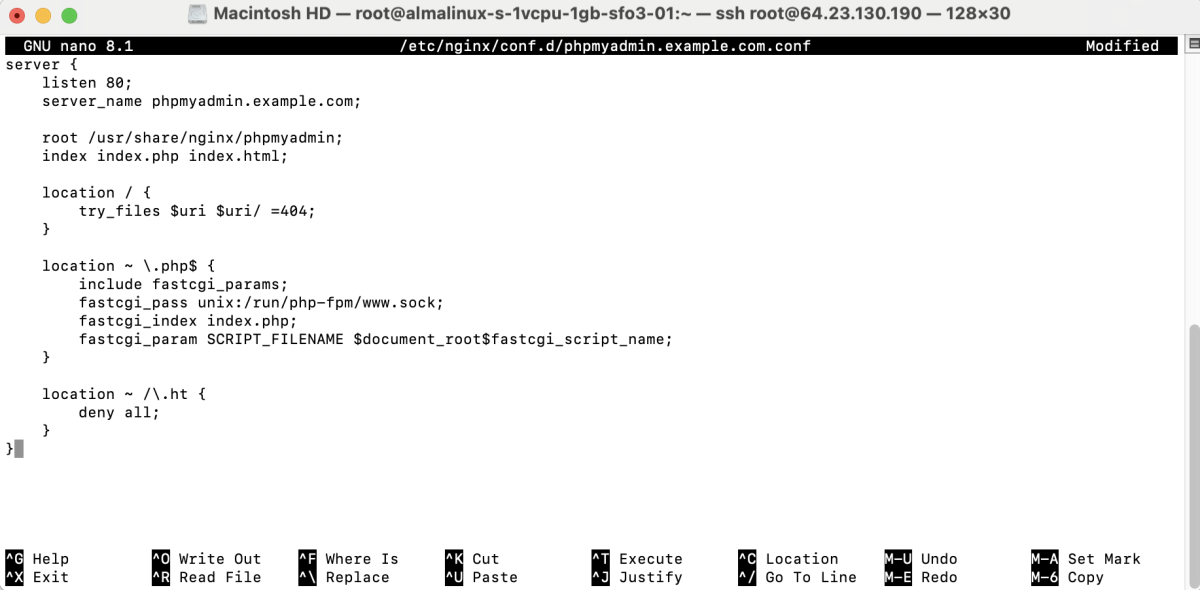
Save and exit the file.
Step 5 : Verify the Nginx configuration:

Step 6 : Restart Nginx to apply the changes:

Step 7 : Access phpMyAdmin
- Open phpMyAdmin in a Browser
- If you see a PHP session permission error, run:


- Reload the page in your browser.
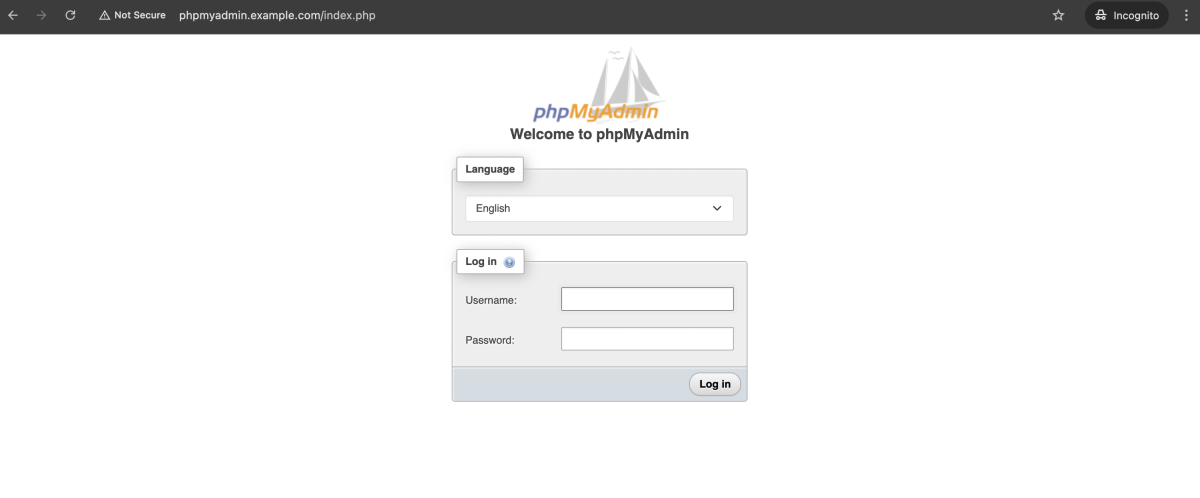
- Log in using your MySQL/MariaDB account credentials.
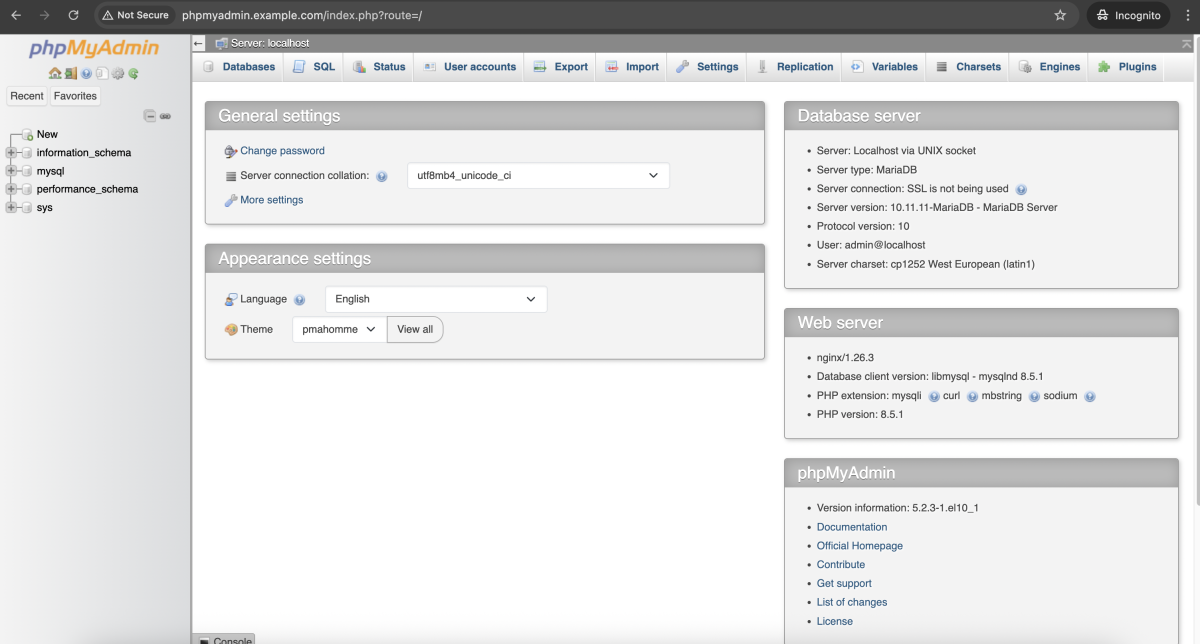
Congratulations. You have successfully installed and configured phpMyAdmin with Nginx on AlmaLinux 10.