To manage network interfaces on AlmaLinux 10, follow the steps below:
Use the ip Command
The ip command is the recommended tool for managing network interfaces.
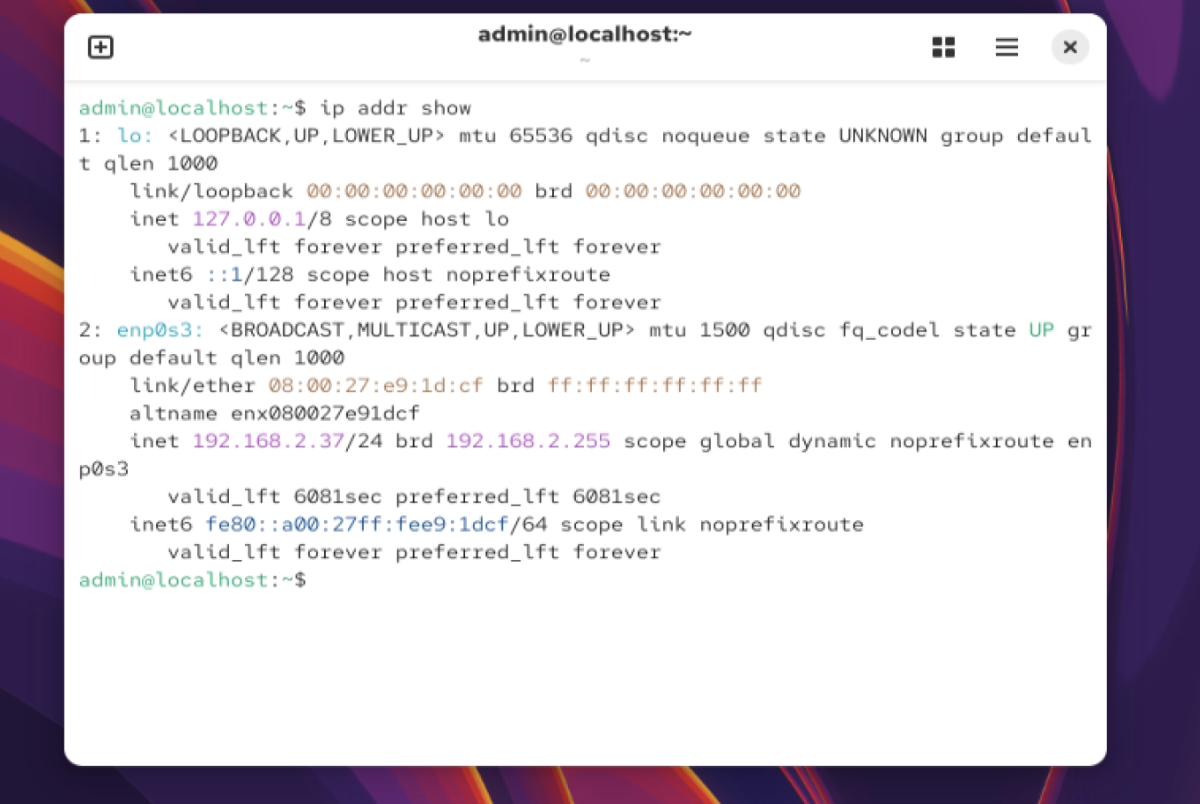
Step 1 : Show Network Information
View detailed interface information:
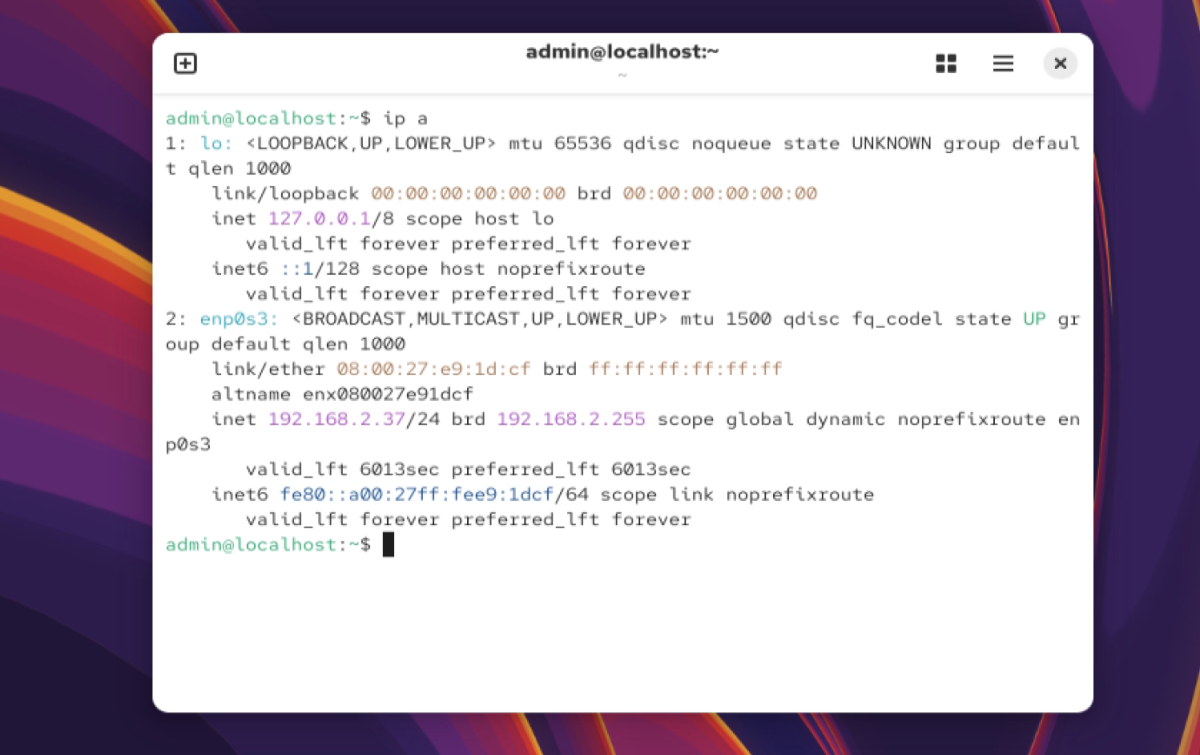
Step 2 : Shortened Version
You can use the shorter command:
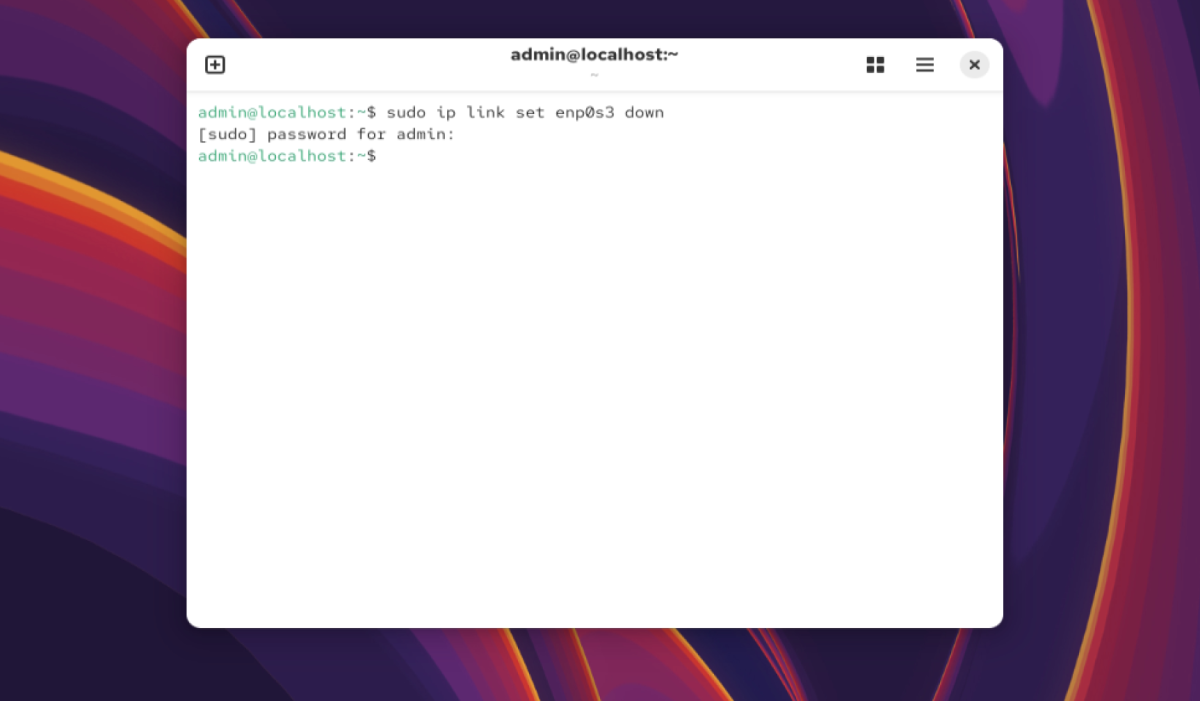
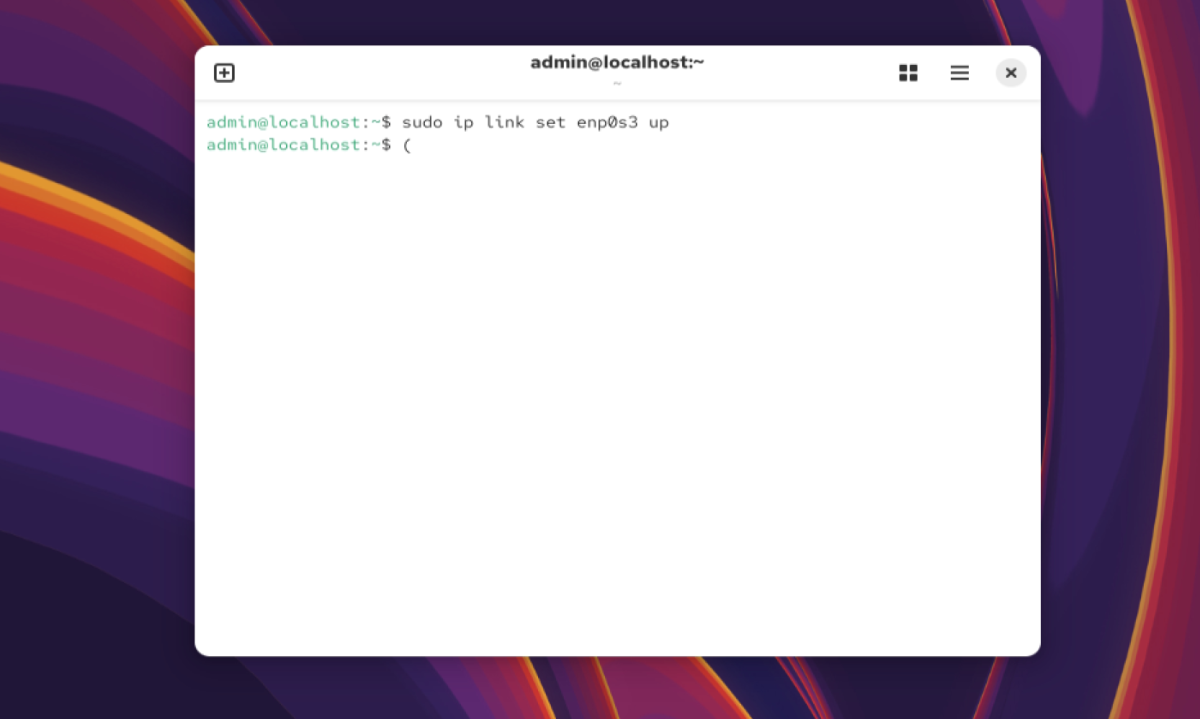
Step 3 : Bring an Interface Down or Up (Example: enp0s3)
Bring the interface down:
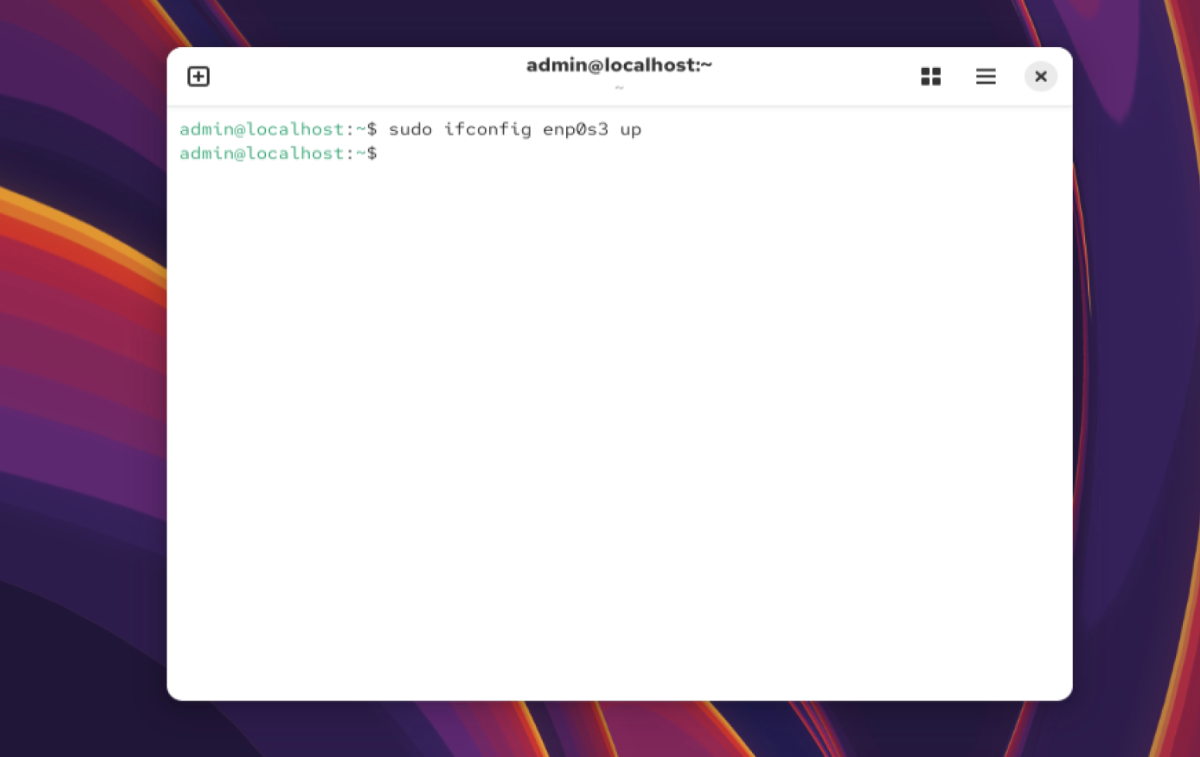
Bring the interface up:
Use ifconfig (Legacy Command)
If needed, you can also use the older ifconfig command.
Step 4 : Show Network Information with ifconfig
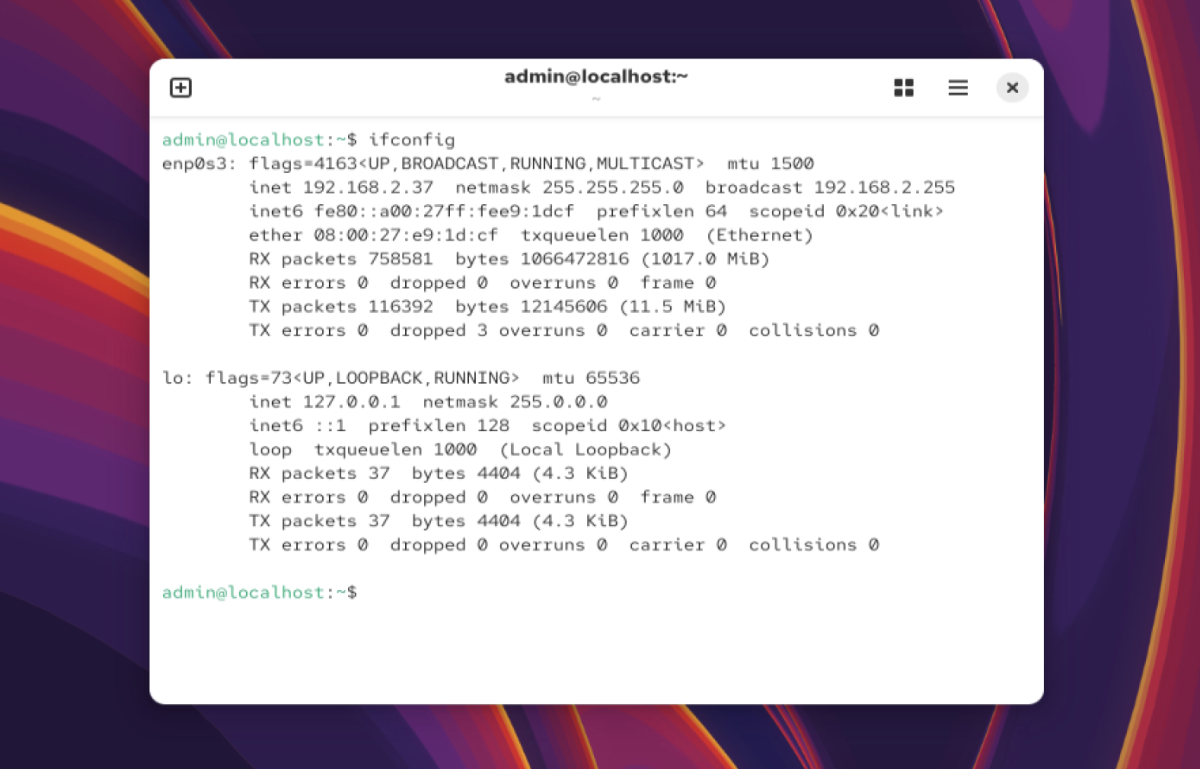
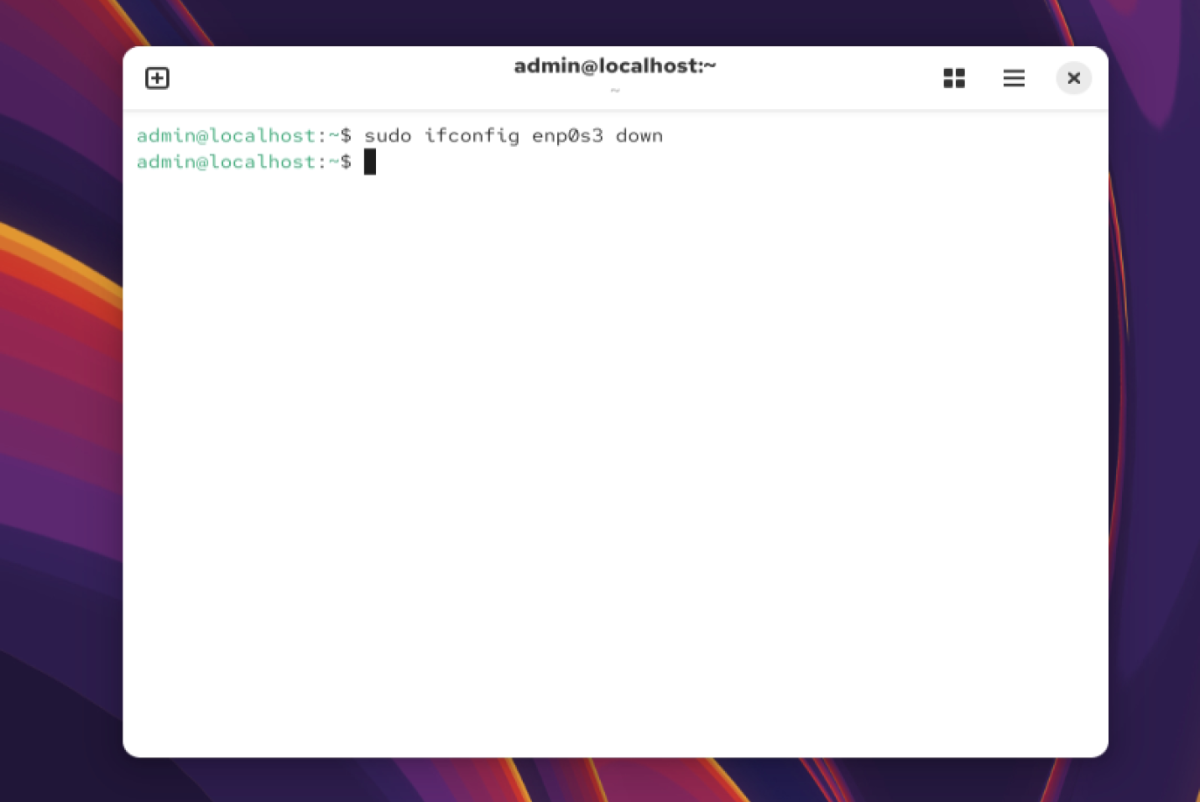
Step 5 : Bring Interface Down or Up with ifconfig
Bring the interface down:
Bring the interface up:
Congratulations! You have successfully learned how to manage network interfaces on AlmaLinux 10 using both ip and ifconfig commands.