To deploy a React app using PM2 on AlmaLinux 10, follow the steps below:
Step 1 : Make sure Node.js and npm are already installed, then install PM2 globally.
Verify the installation:

Step 2 : Configure PM2 to start automatically when the system boots.
Step 3 : Create a new React (Next.js) application.
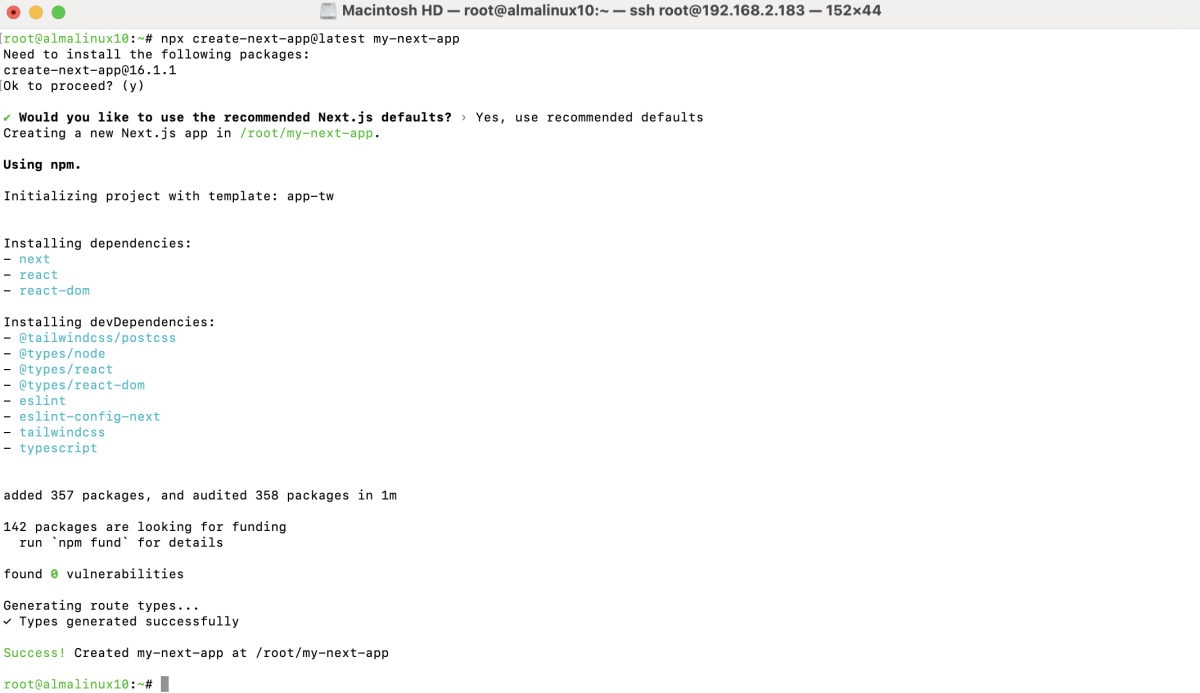
Move into the project directory:
Step 4 : Build the application for production.
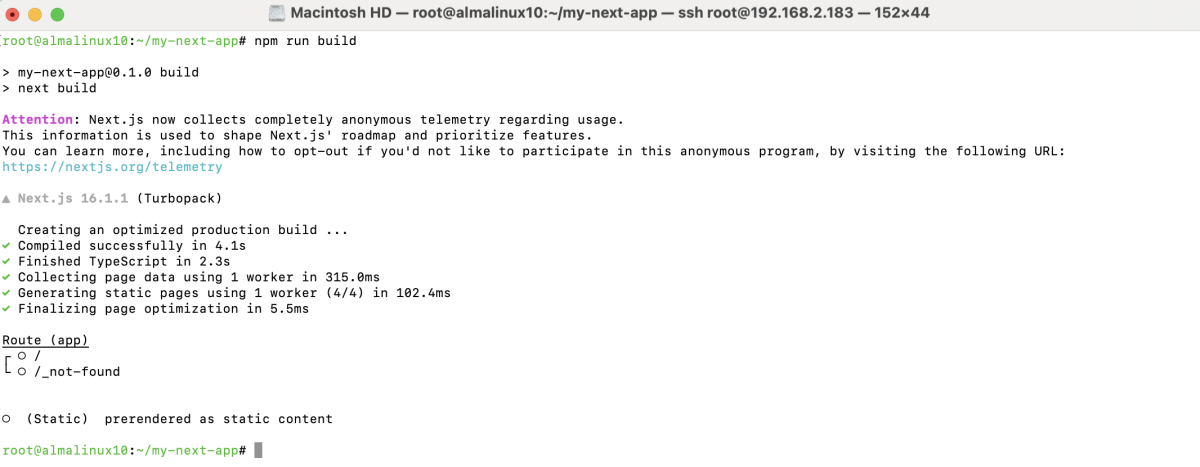
Step 5 : Serve the Build Using PM2
Use PM2 to serve the built application on port 3000.

Check application status:

Step 6 : Save the current PM2 process list so it is restored after reboot.

Step 7 : If the firewall is enabled, allow traffic on port 3000.

Step 8 : Open a browser and access the application using:
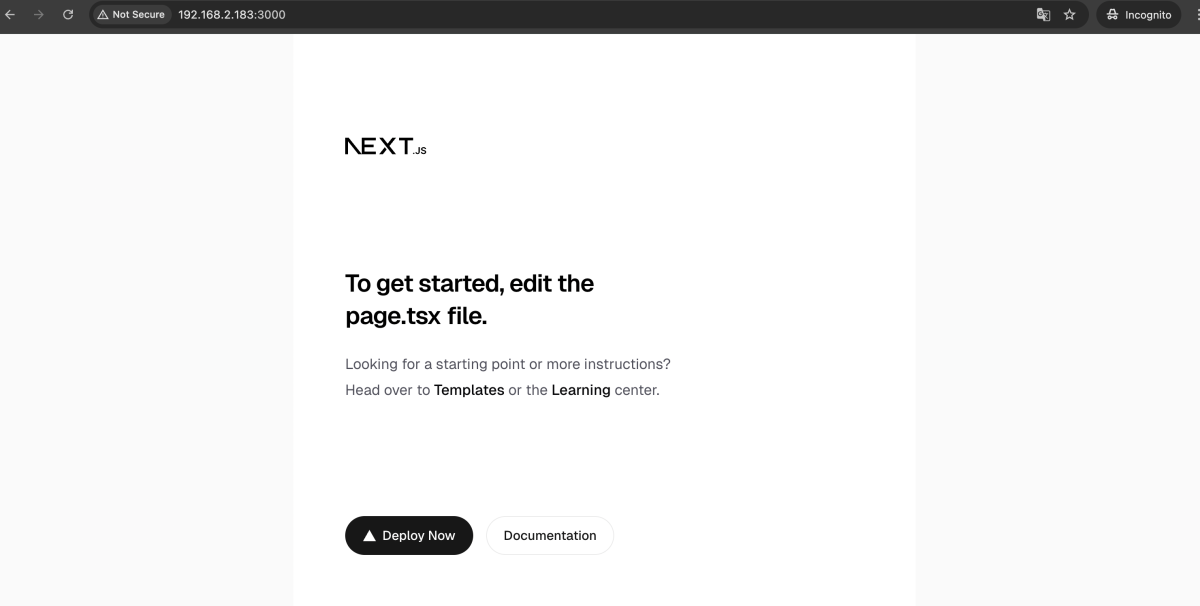
The React application should load successfully.
Step 9 : Common PM2 management commands:
Check status:

Restart the app:

Reload the app:

Stop the app:

Delete the app:

Congratulations, you have successfully deployed a React application using PM2 on AlmaLinux 10.