To set up a firewall with UFW on Debian 13, follow the steps below:
Step 1 : Update the package list to ensure you install the latest packages:

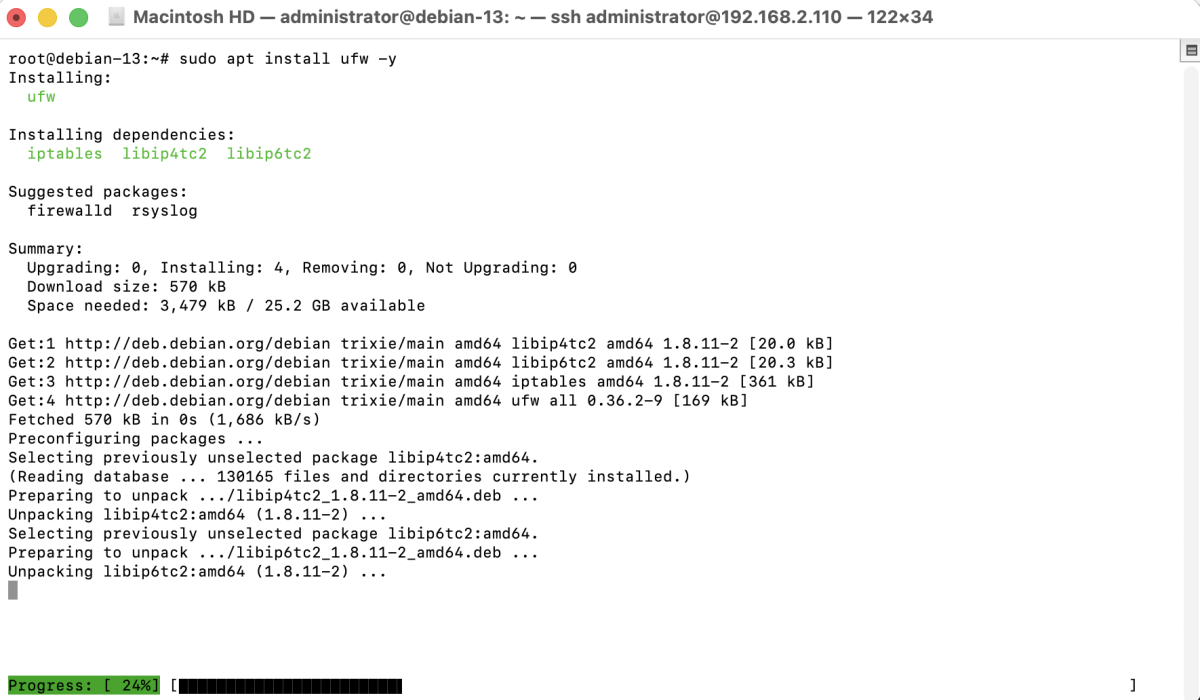
Step 2 : Install the Uncomplicated Firewall (UFW):
Step 3 : Check the current status of UFW:

Step 4 : Allow SSH connections to avoid being locked out:

Step 5 : Allow other services such as HTTP and HTTPS if needed:

Step 6 : Enable the firewall:

Step 7 : Verify that UFW is active and the rules are applied:
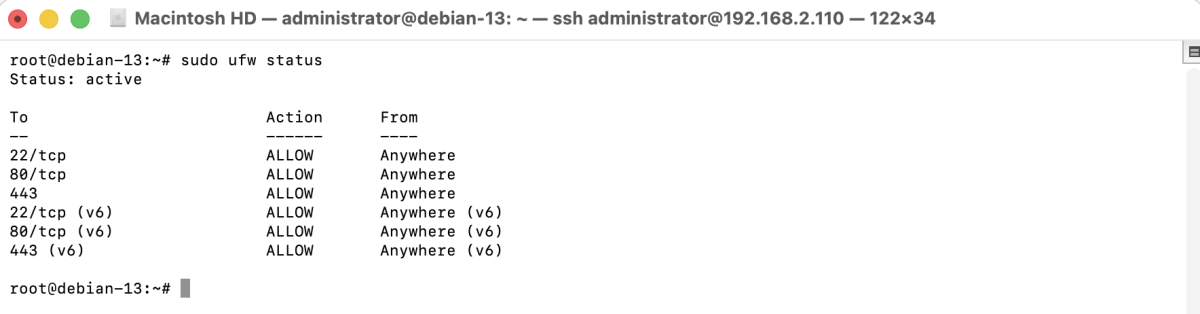
Congratulations, you have successfully set up and enabled a firewall with UFW on Debian 13.