To Install and use Podman on Debian 13, follow the steps below.
Step 1 : First, update your package index to make sure you are installing the latest available versions.

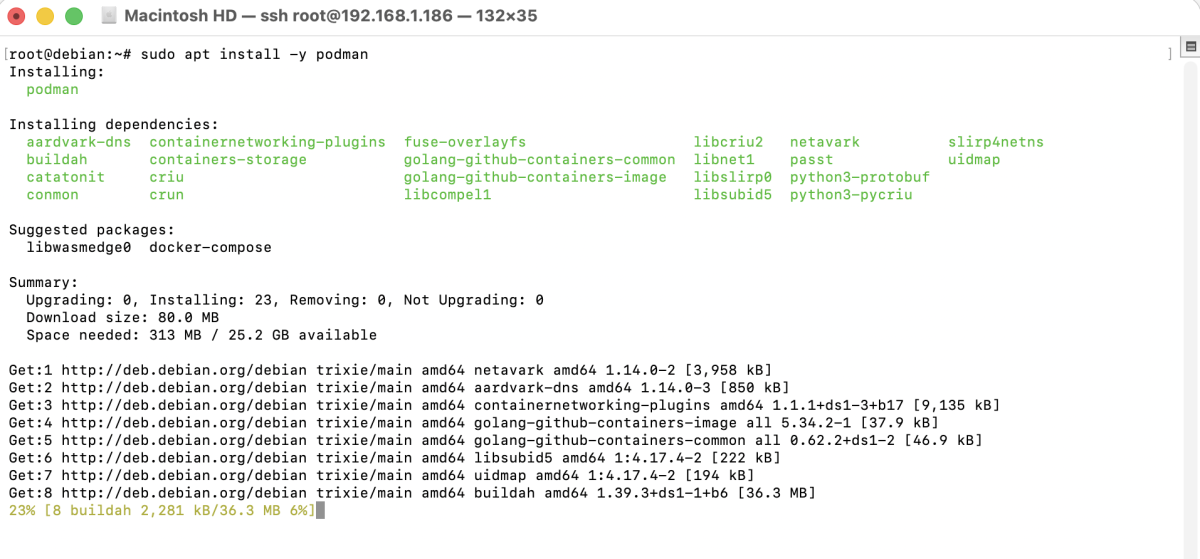
Step 2 : Podman is available in the official Debian 13 repositories. Install it using apt:
Step 3 : Check that Podman has been installed correctly by verifying its version:

If Podman is installed properly, you will see the installed version displayed.
Step 4 : Run a test Debian container to confirm Podman is working as expected:

This command pulls the Debian image (if not already available) and starts an interactive shell inside the container.
Step 5 : To exit and stop the container, simply run:
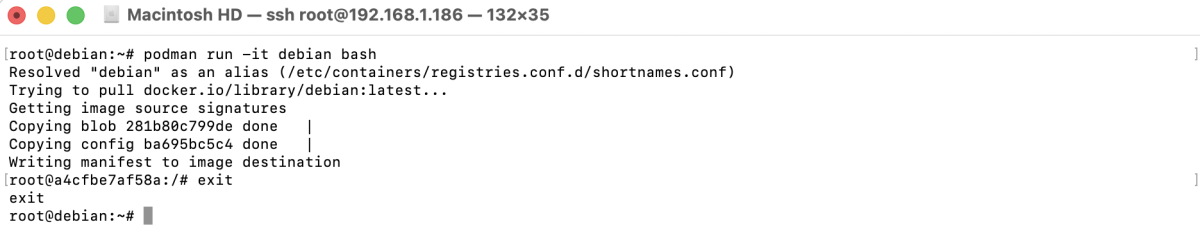
You will return to your host system terminal.
Congratulations, you have successfully installed and used Podman on Debian 13.