To Install Git on Debian 13, follow the steps below.
Step 1 : Update the package index to ensure you install the latest available version of Git.

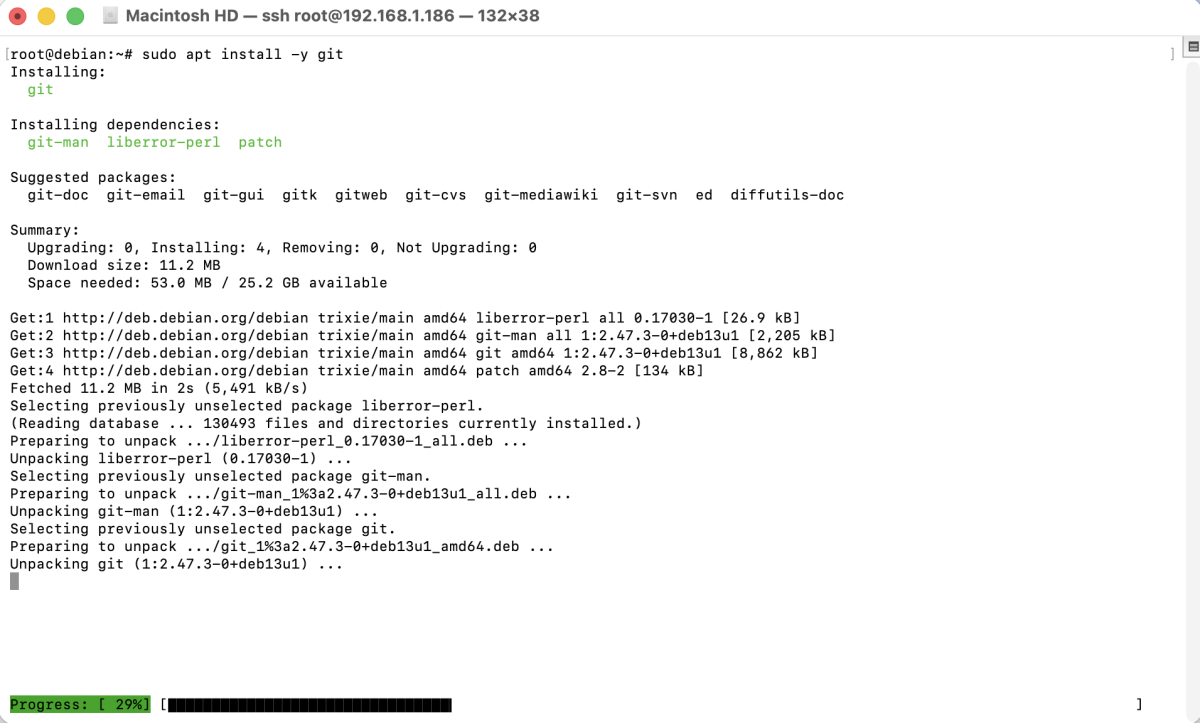
Step 2 : Install Git using the Debian package manager.
Step 3 : Verify that Git has been installed successfully.

You should see the installed Git version displayed in the terminal.
Step 4 : Set your global Git username and email address. These values will be used for all Git repositories on your system.

To verify the configuration:

Congratulations! You have successfully installed and configured Git on Debian 13.