To Install Docker on Debian 13, follow the steps below.
Step 1 : First, update your package index and upgrade existing packages.

Step 2 : Install packages that allow apt to use repositories over HTTPS.
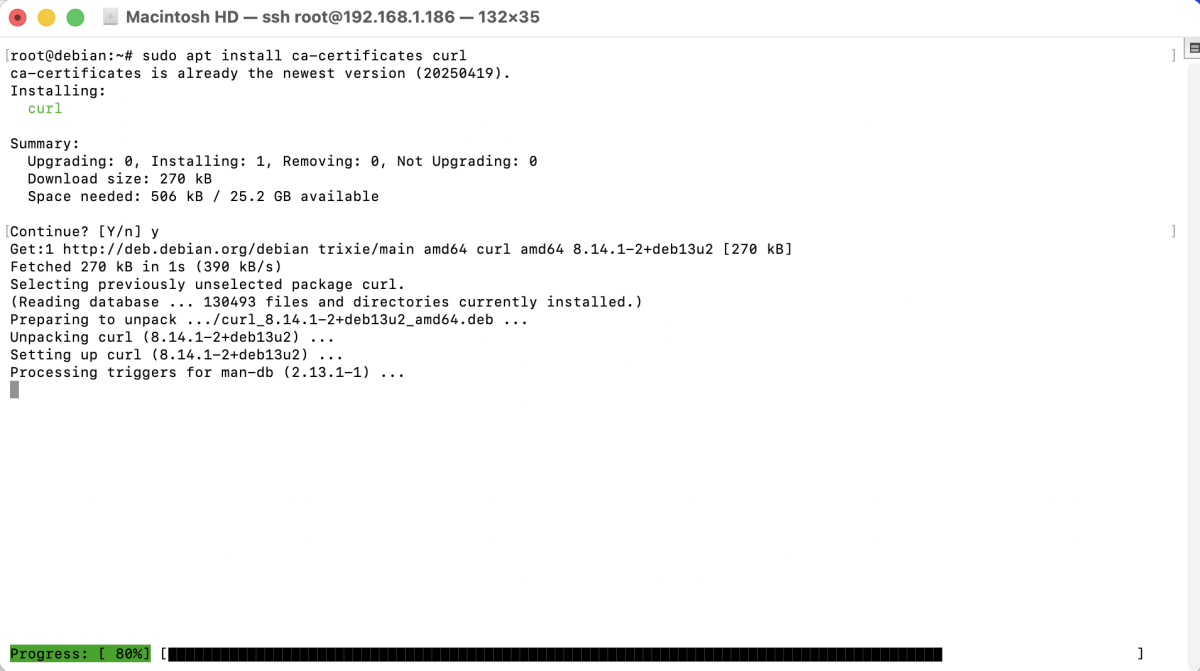
Step 3 : Add Docker's GPG key to verify the authenticity of Docker packages.

Step 4 : Add the official Docker repository to your system.
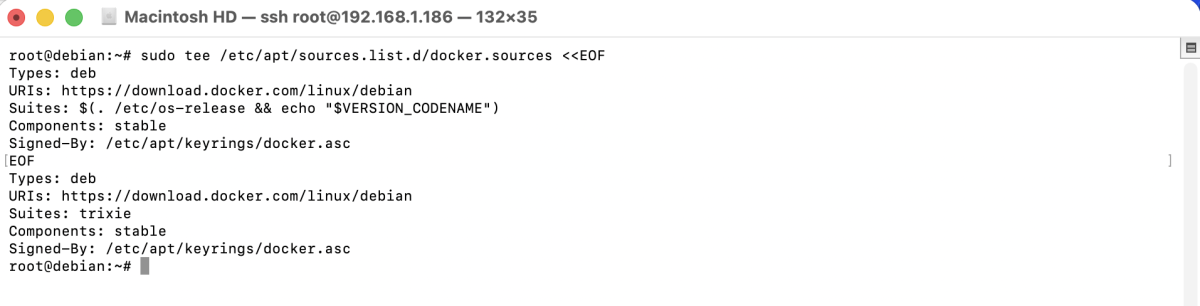
Step 5 : Update the package list to include Docker packages from the new repository.

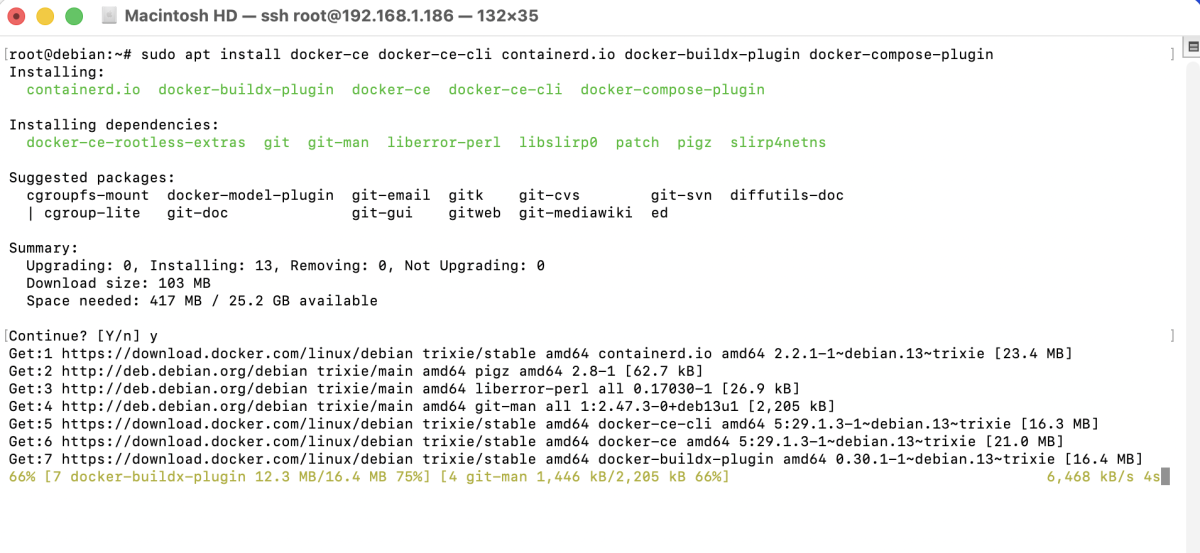
Step 6 : Install Docker Engine, CLI, containerd, and Docker Compose plugin.
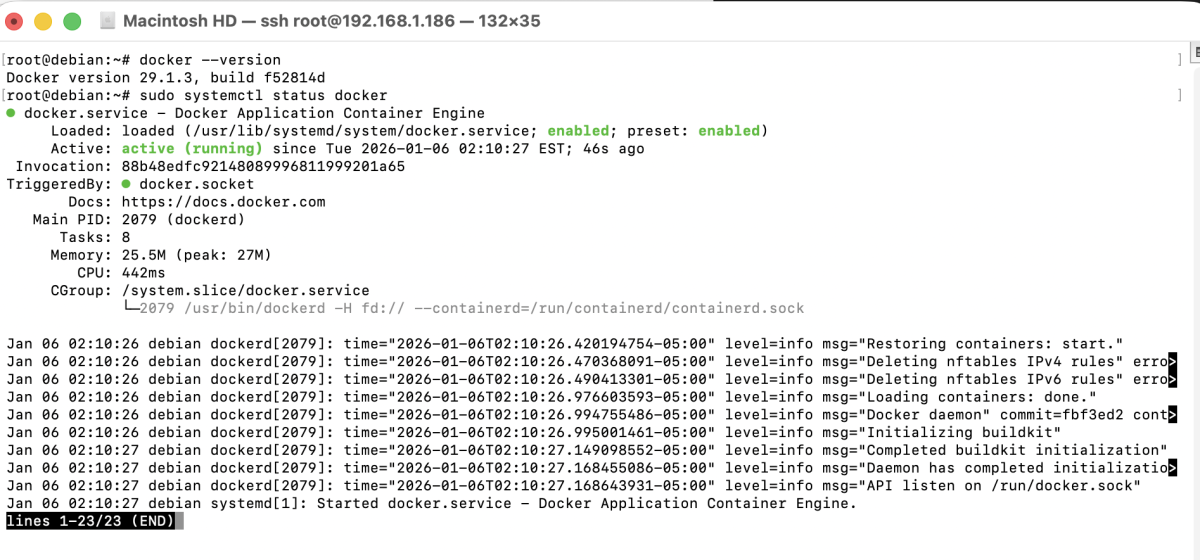
Step 7 : Check the Docker version and ensure the service is running.
Step 8 : Check the Docker Compose version (Compose v2 is included as a plugin).

Step 9 : Run a test container to confirm Docker is working correctly.
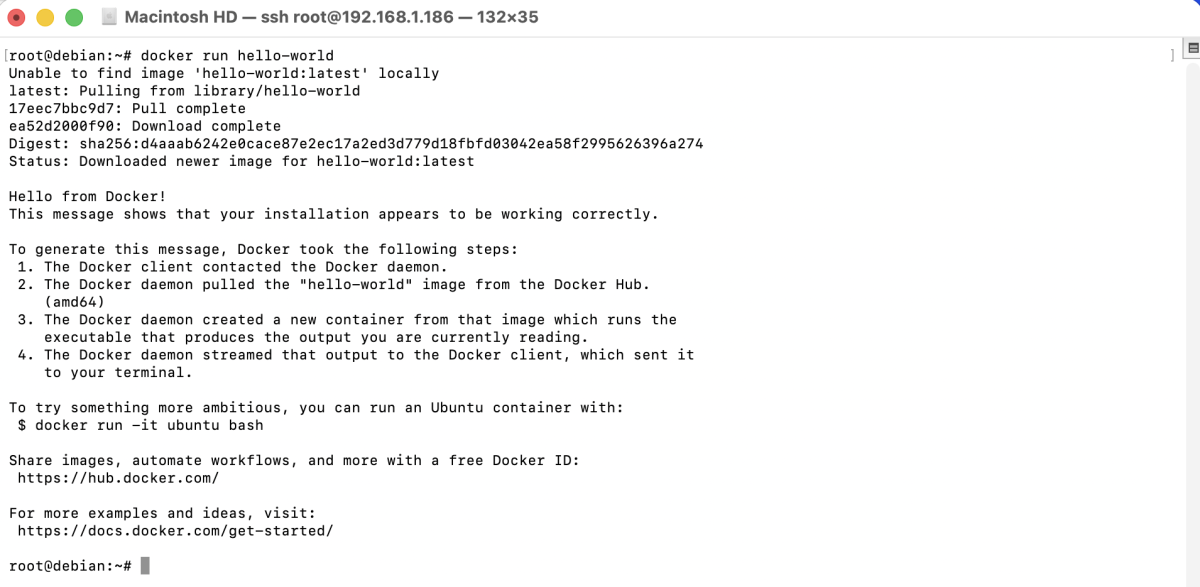
If Docker is installed correctly, you will see a message confirming that Docker is working.
Congratulations! You have successfully installed Docker on Debian 13.