To Install Memcached on Debian 13, follow the steps below.
Step 1 : Update the package index to ensure your system is up to date.

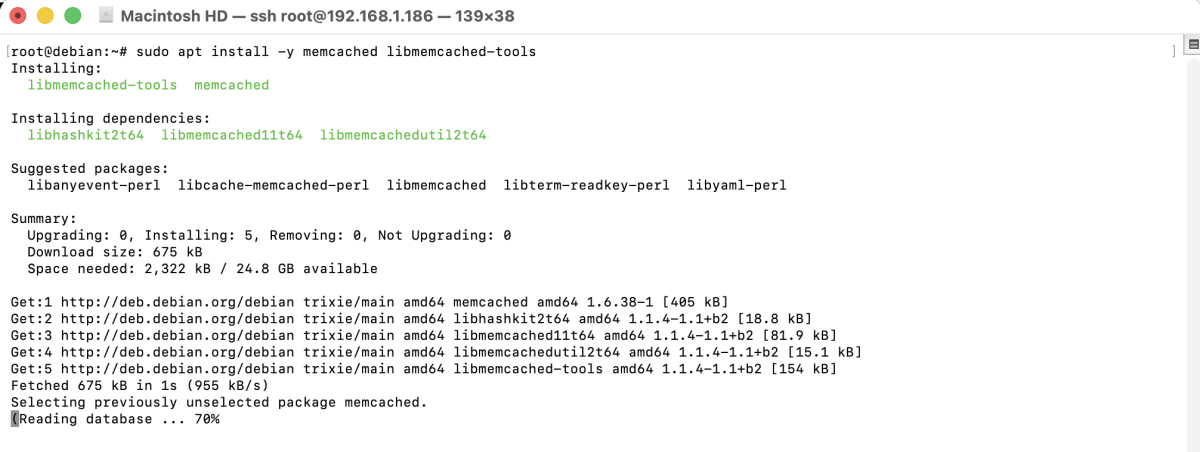
Step 2 : Install Memcached along with common utilities and libraries.
Step 3 : Verify that the Memcached service is running.
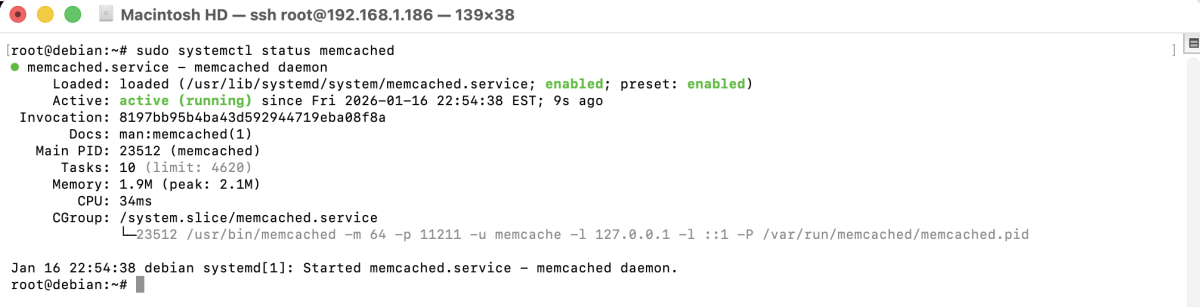
If it is not running, start it with:
Step 4 : Edit the Memcached configuration file.
Example: Set the Memcached listening port (default is 11211):
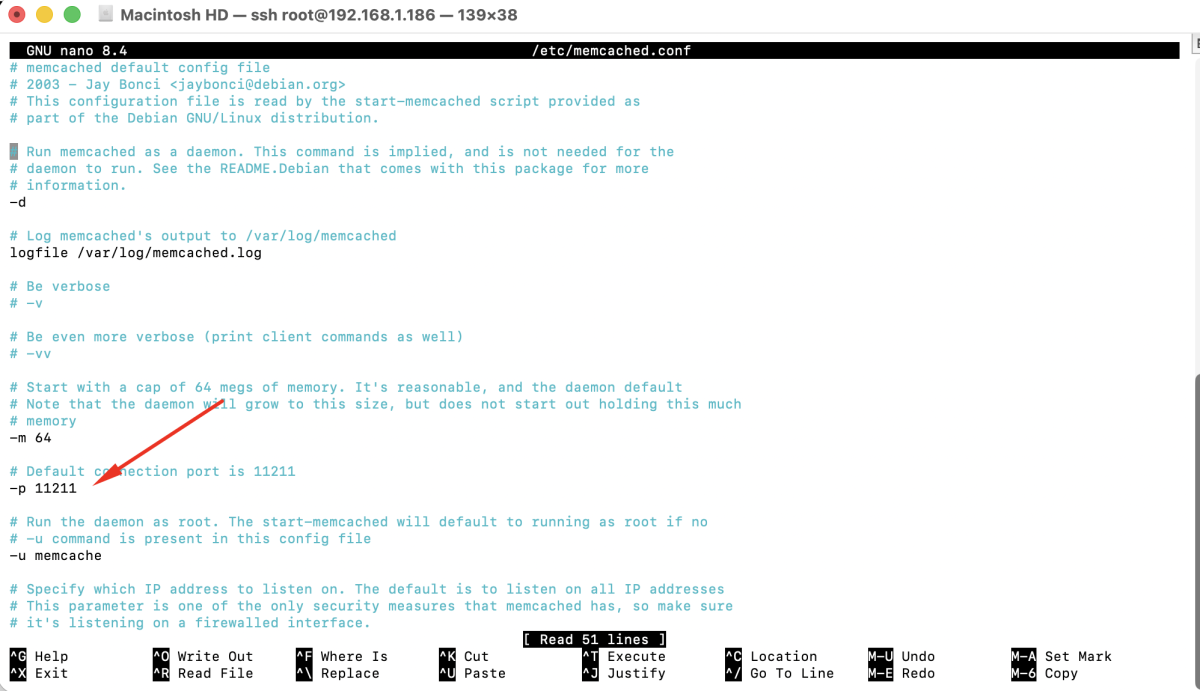
Save the file and exit.
Step 5 : Restart the Memcached service to apply the new configuration.

Step 6 : Use memcstat to test Memcached and display server statistics.
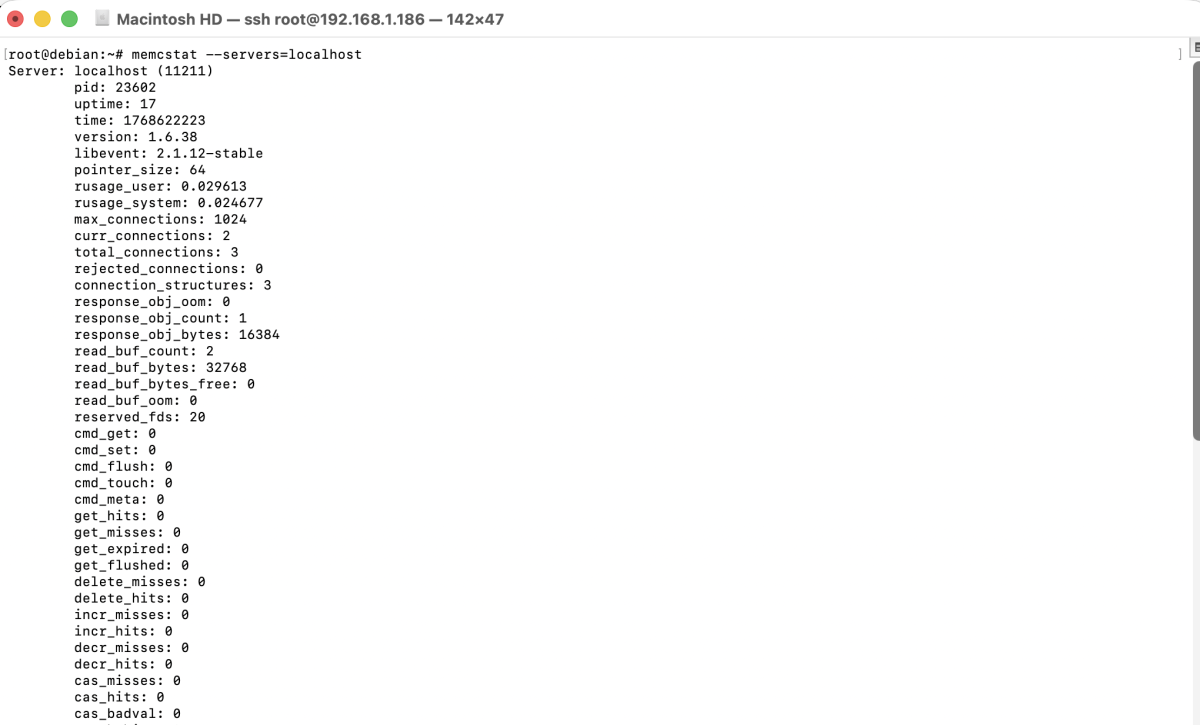
If Memcached is working correctly, you will see server statistics displayed in the terminal.
Congratulations! You have successfully installed and configured Memcached on Debian 13.