To change the hostname on Debian 13, follow the steps below:
Step 1 : Check the current hostname with this command:

Step 2 : Set the new hostname to server-01 using hostnamectl:

Step 3 : Confirm the new hostname by checking the hostname file:

Step 4 : Edit the hosts file to match the new hostname:
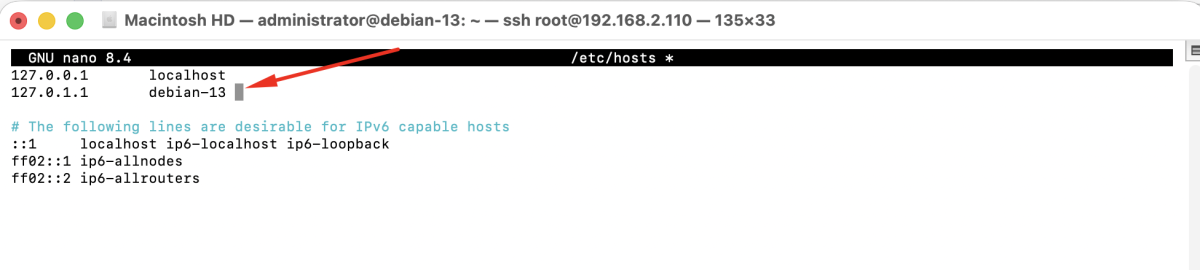
Update the entry to:

Save and exit the file.
Step 5 : Reboot the system to apply the changes:
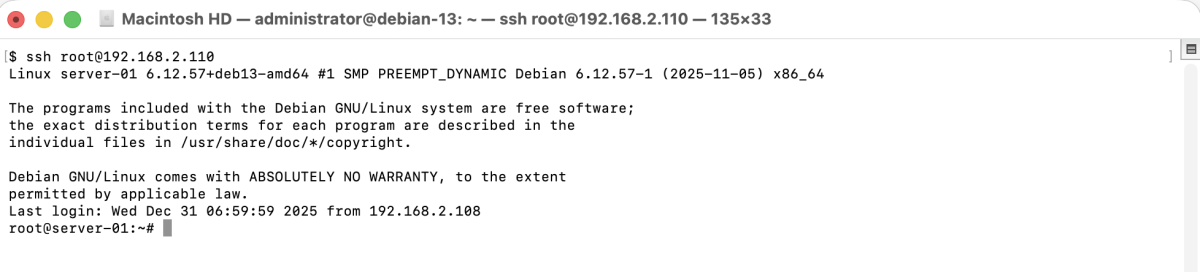
Congratulations, you have successfully set or changed the hostname on Debian 13.