To Install Zip and Unzip tools on Debian 13, follow the steps below.
Step 1 : Update the package index to ensure you install the latest versions.

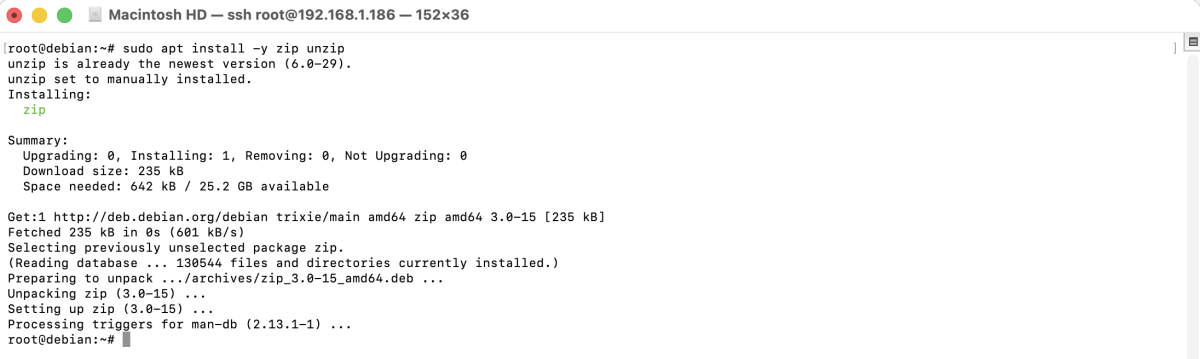
Step 2 : Install zip and unzip utilities.
Step 3 : Example
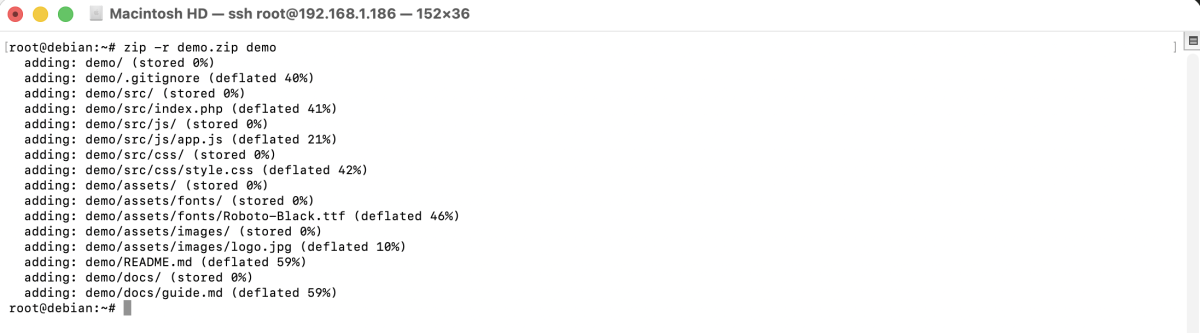
- Use the zip command to compress a directory.
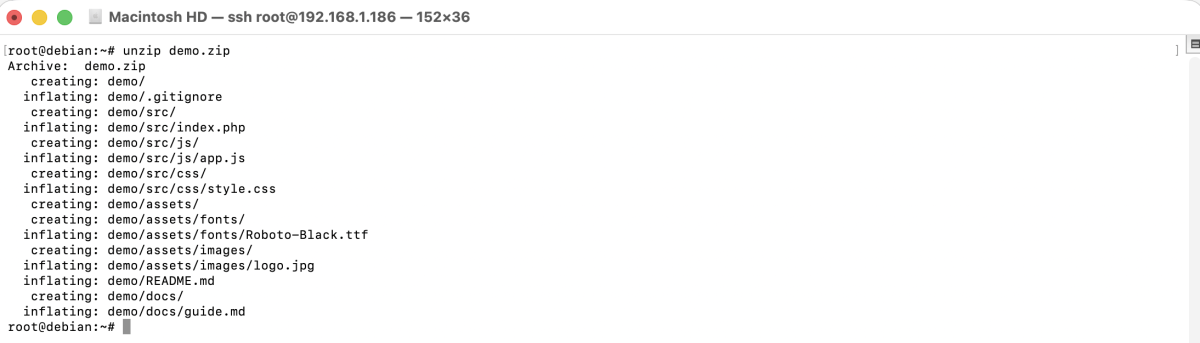
- Extract a zip archive using the unzip command.
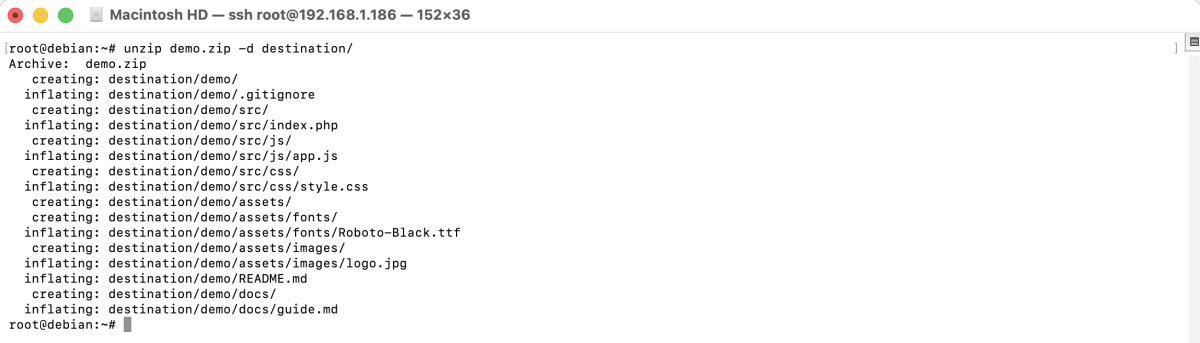
- Use the -d parameter to extract files to a chosen directory.
Congratulations! You have successfully installed and used Zip and Unzip on Debian 13.