To Install Elasticsearch on Debian 13, follow the steps below.
Step 1 : Update the package index to ensure your system is up to date.
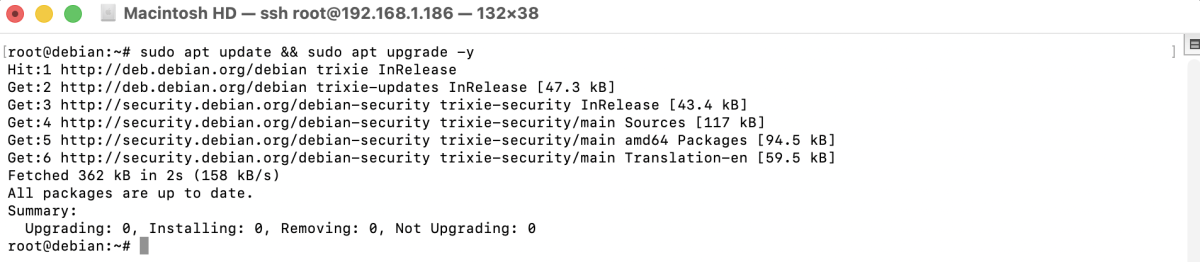
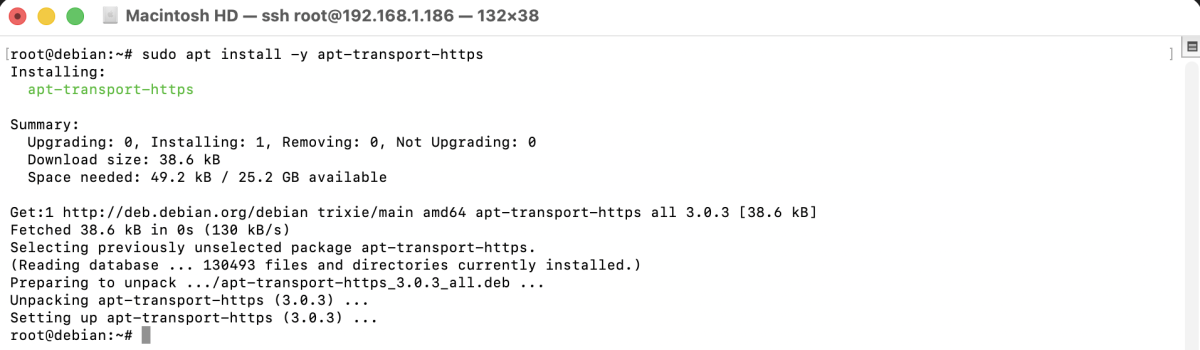
Step 2 : Install the required package to allow APT to use HTTPS repositories.
Step 3 : Import the official Elasticsearch GPG key to verify packages.

Step 4 : Add the official Elasticsearch repository to your system.

Step 5 : Update Package Index Again

Step 6 : Install Elasticsearch using APT.
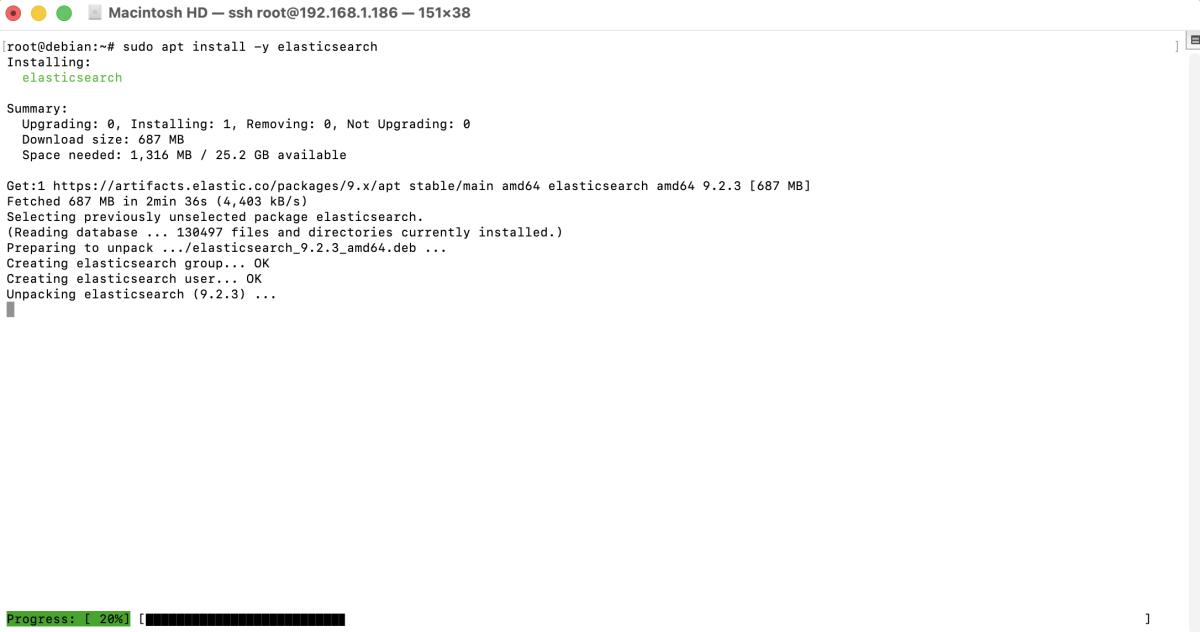
Step 7 : Start the Elasticsearch service.

Step 8 : Enable Elasticsearch to start automatically on system boot.

Step 9 : Reset the password for the default elastic user.

Save the generated password.
Step 10 : Use curl to verify that Elasticsearch is running and accessible.
Replace password with the password you generated in the previous step.
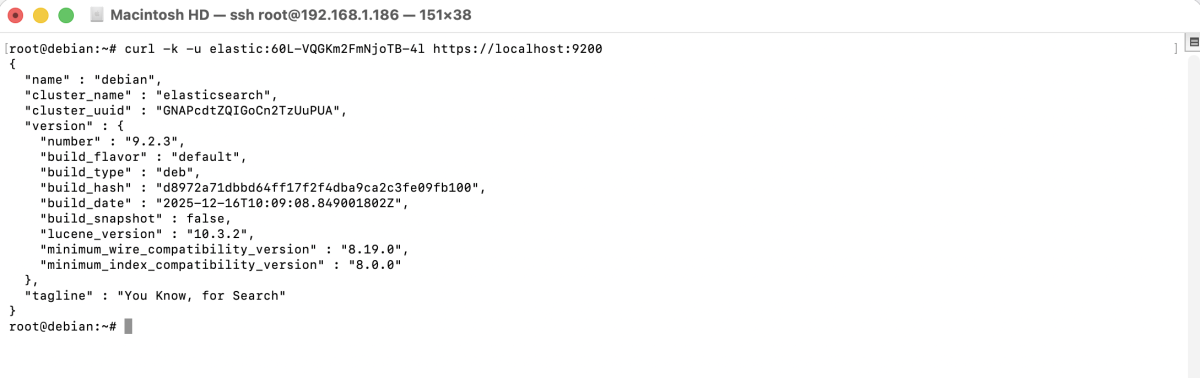
If successful, Elasticsearch will return cluster information in JSON format.
Congratulations! You have successfully installed and configured Elasticsearch on Debian 13.