To enable SSH on Debian 13, follow the steps below:
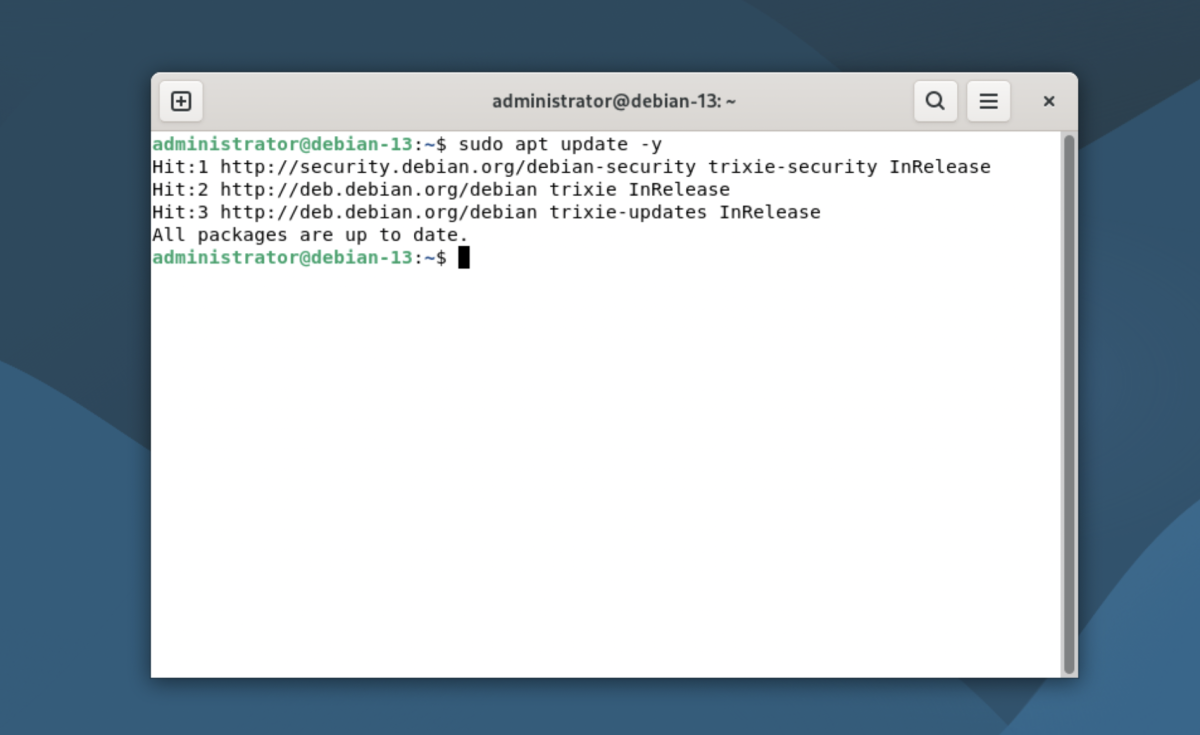
Step 1 : Update the package list to ensure you install the latest packages:
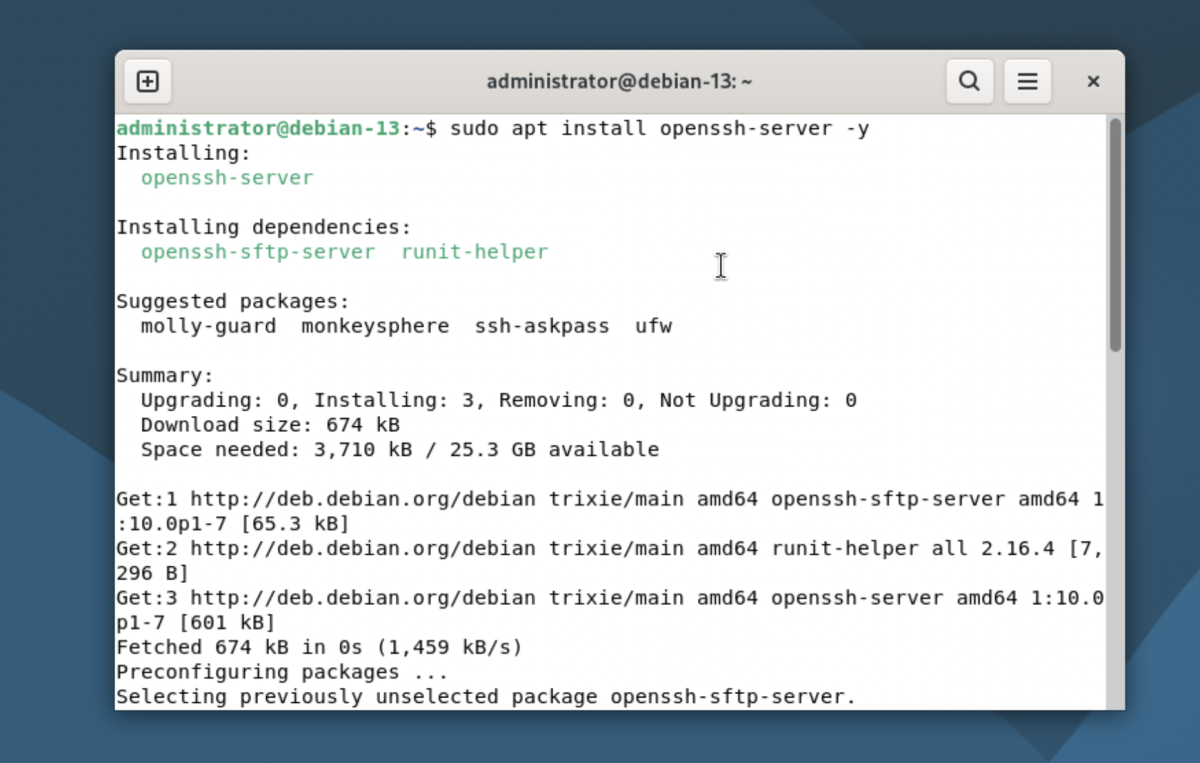
Step 2 : Install the OpenSSH server package:
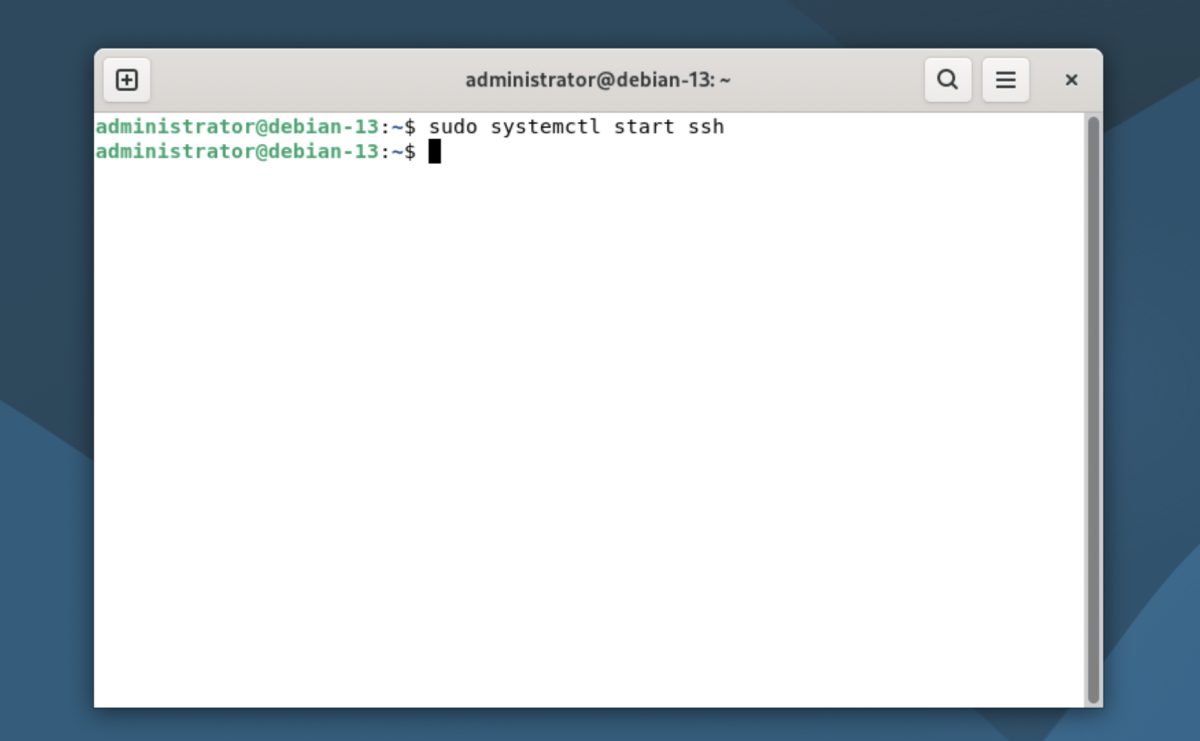
Step 3 : Start the SSH service:
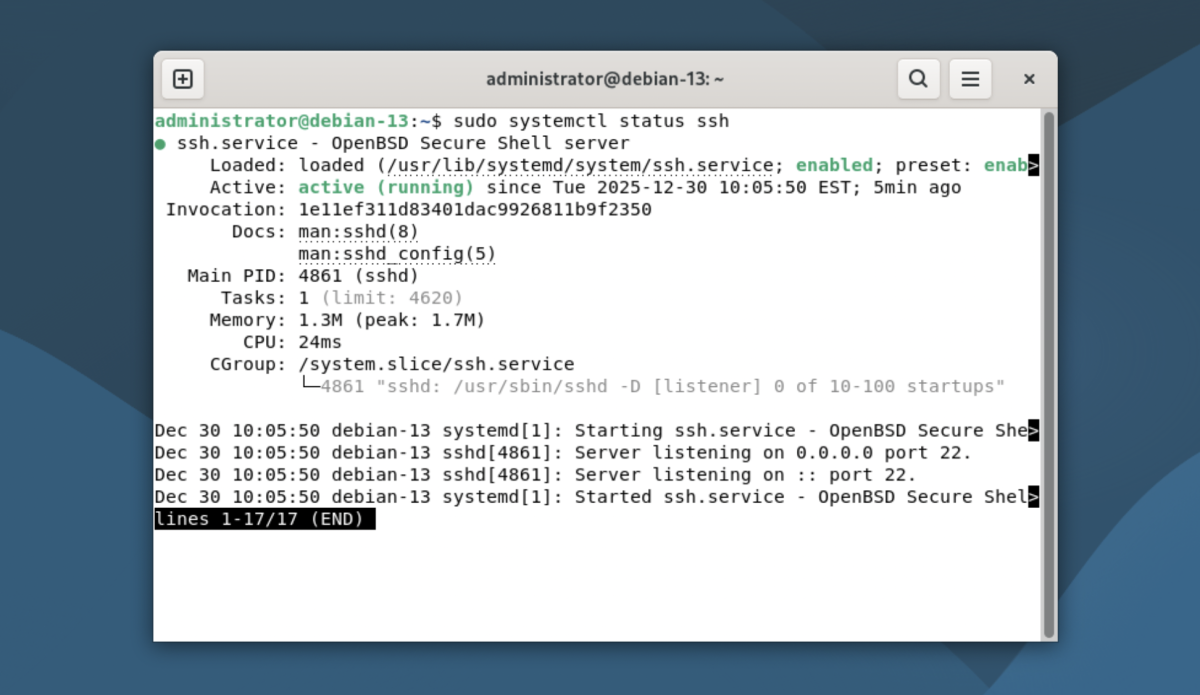
Step 4 :Verify that the SSH service is running:
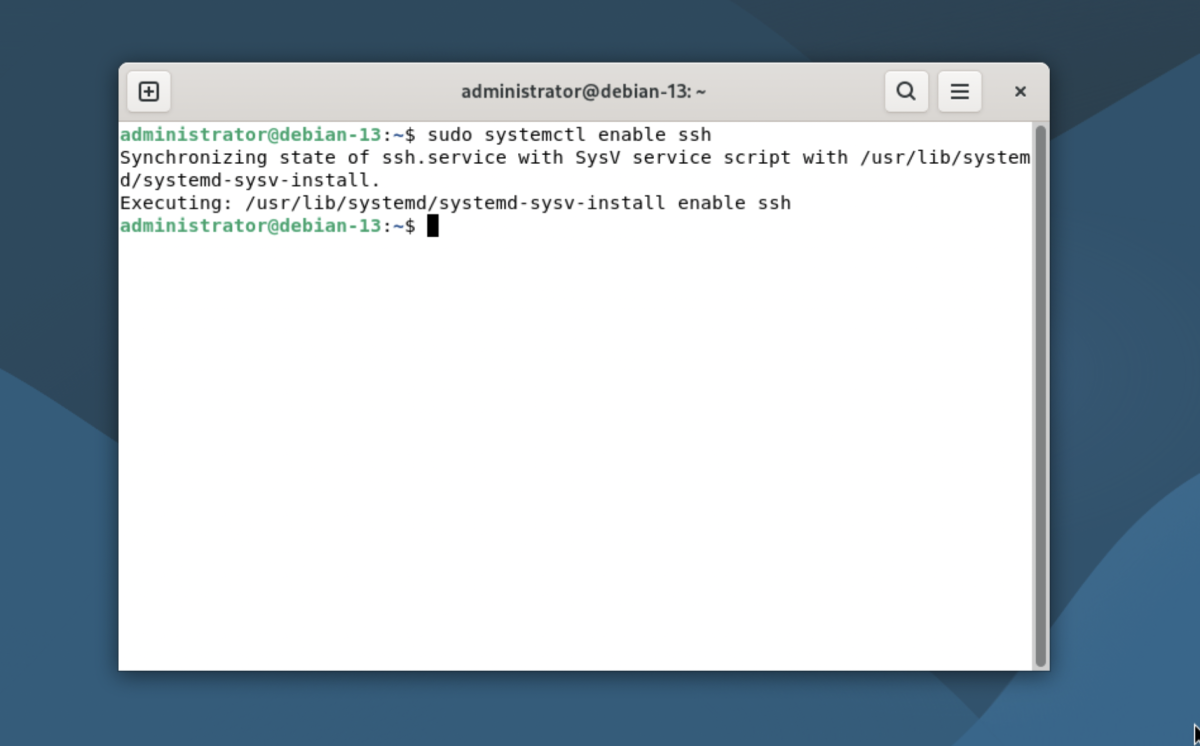
Step 5 : Enable the SSH service to start automatically on system boot:
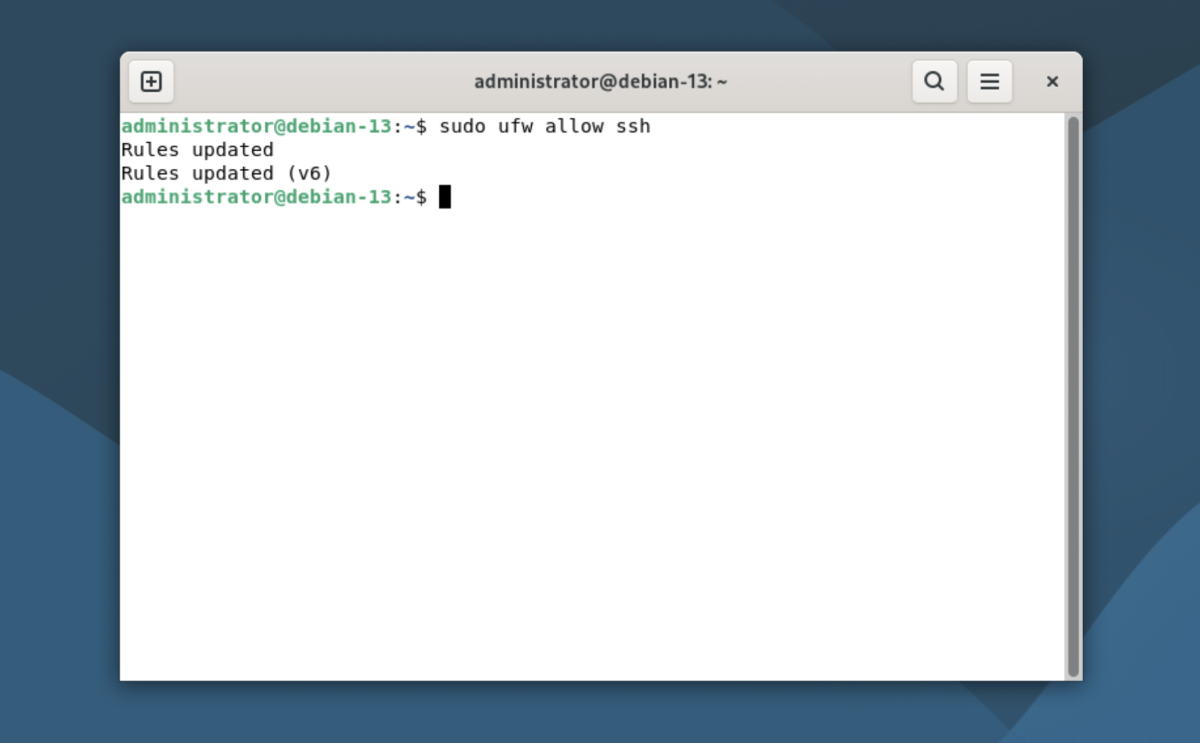
Step 6 : If UFW is enabled, allow SSH connections:
Step 7 : From another machine, test the SSH connection:
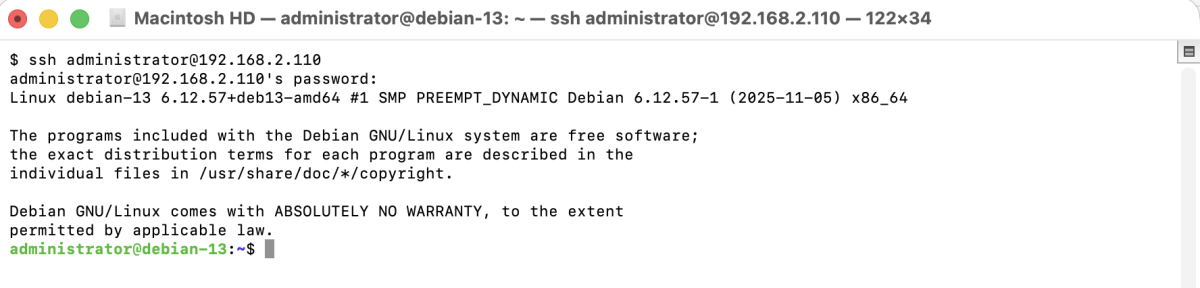
Congratulations, you have successfully enabled SSH on Debian 13 and can now connect to the system remotely.