To enable SSH password login on Debian 13, follow the steps below:
Step 1 : Open the SSH daemon configuration file using a text editor:
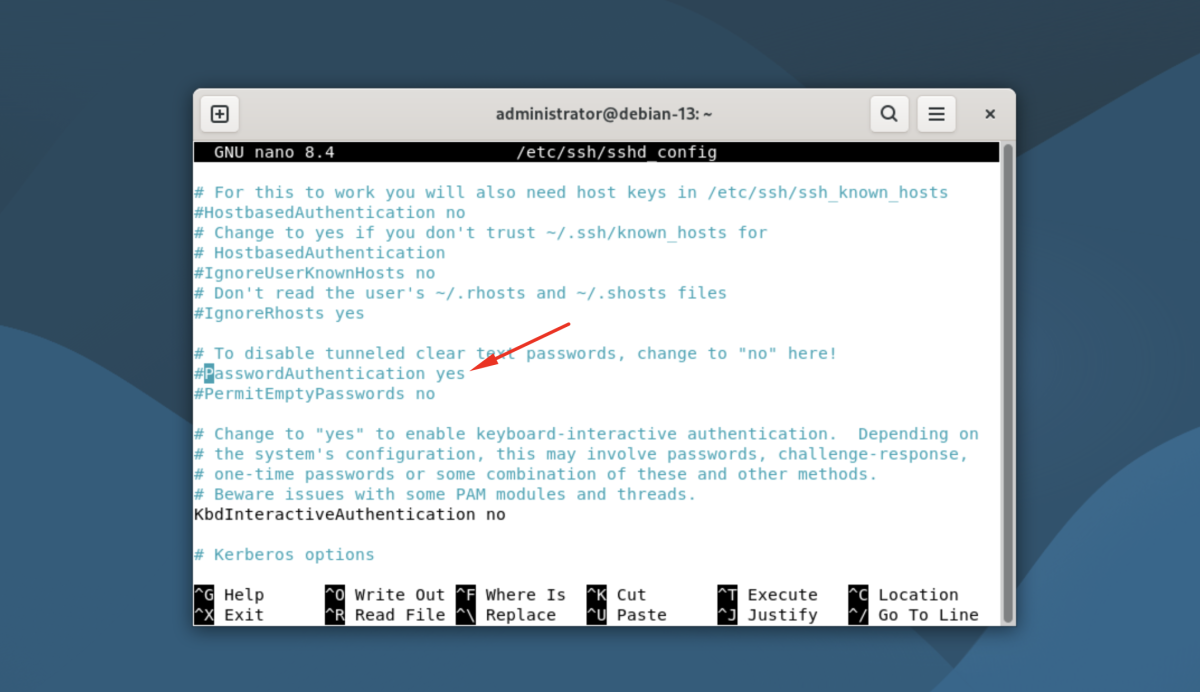
Step 2 : Find the following line:
Change it to:
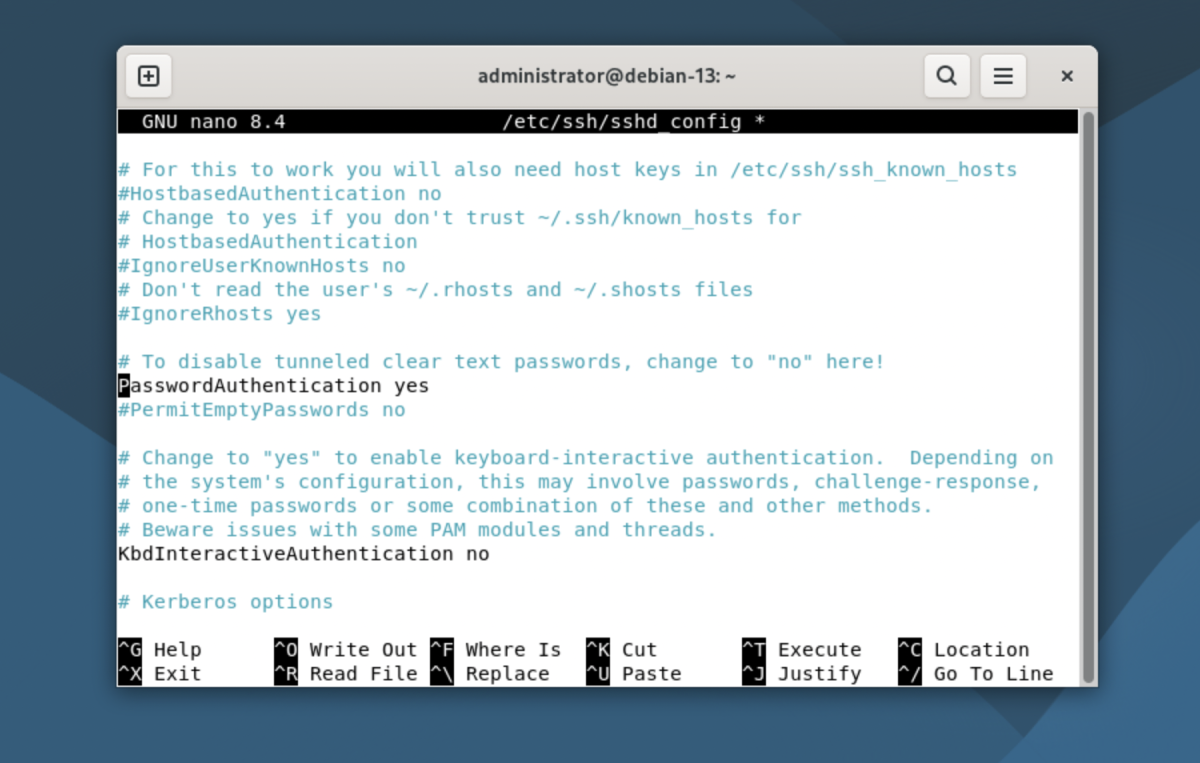
Save the file and exit the editor.
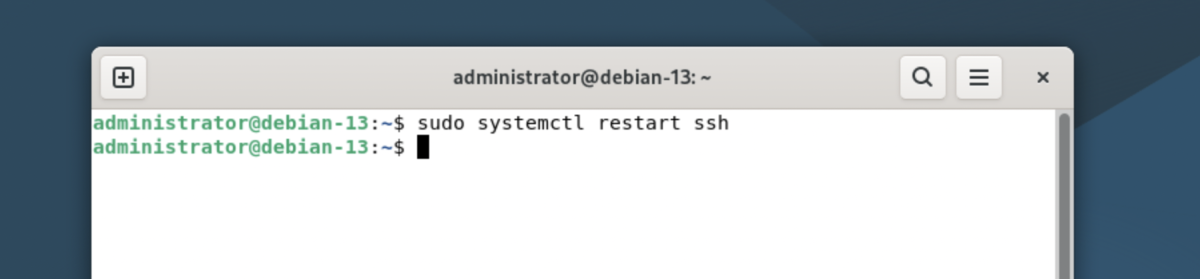
Step 3 : Restart the SSH service to apply the changes:
Step 4 : From another machine, test SSH password login:
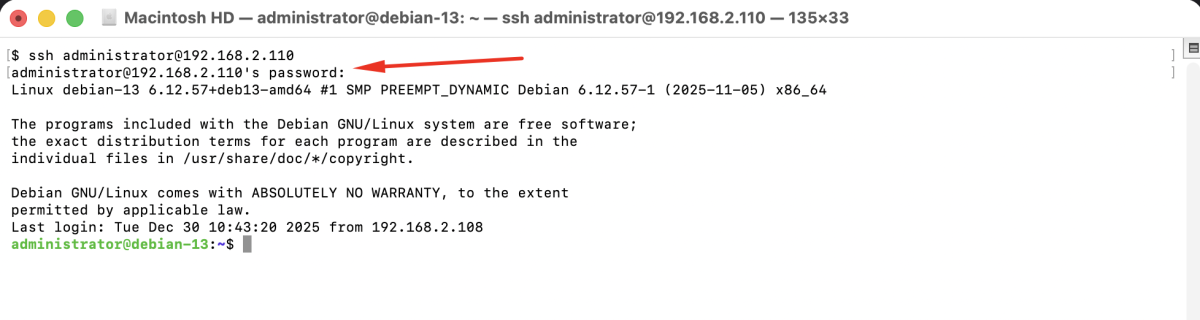
Congratulations, you have successfully enabled SSH password login on Debian 13.