To Install Webmin on Debian 13, follow the steps below.
Step 1 : Update your system to make sure all packages are up to date.
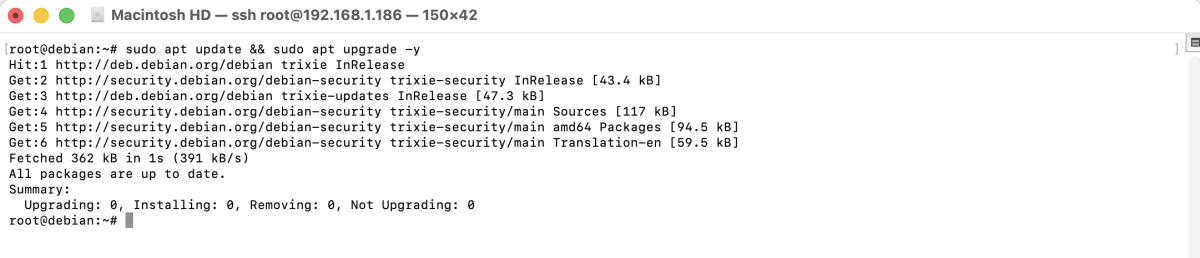
Step 2 : Download and run the official Webmin repository setup script.
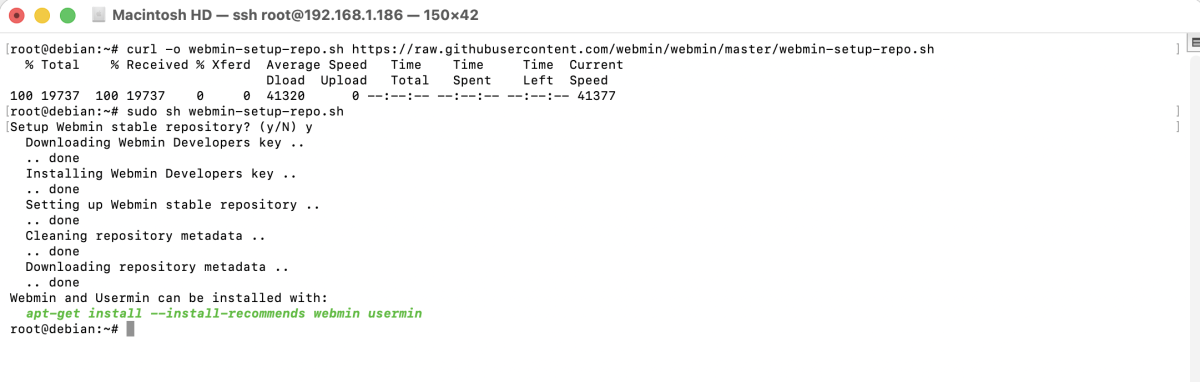
Step 3 : Install Webmin using APT.
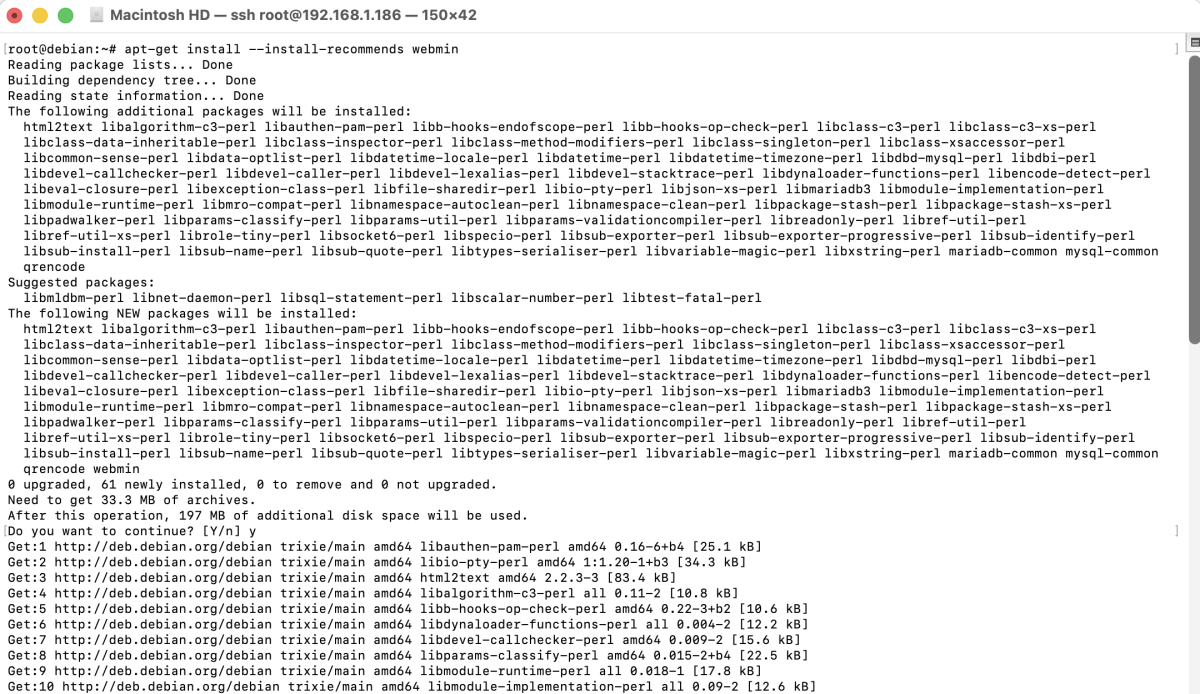
Step 4 : Verify that the Webmin service is running.
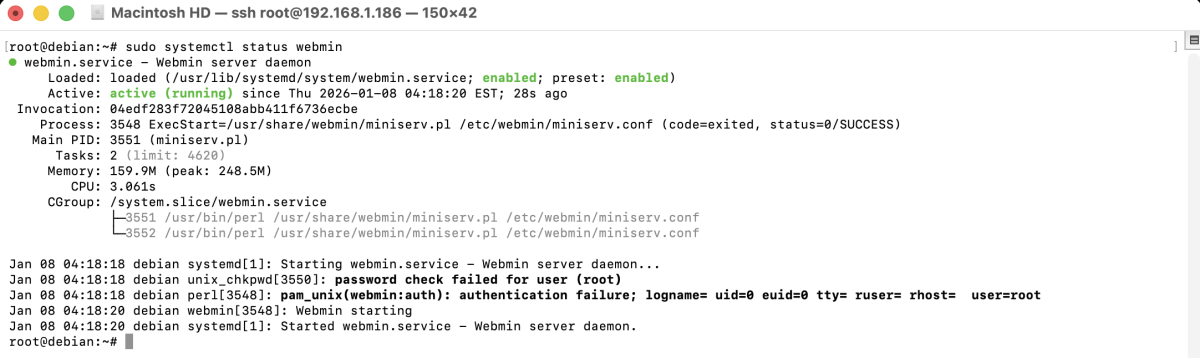
Step 5 : If you also plan to use Usermin, run the Usermin setup script.
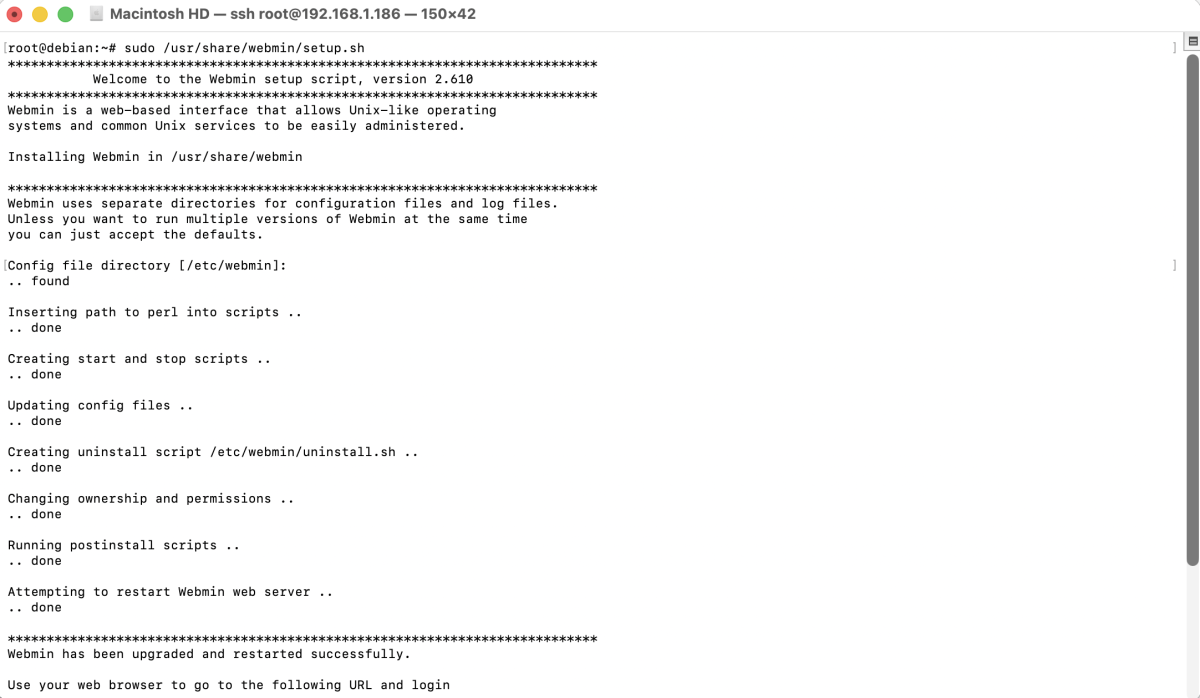
Follow the on-screen instructions to complete the configuration.
Step 6 : If UFW firewall is enabled, allow Webmin's default port (10000).

Step 7 : Open a web browser and access Webmin using the following URL:
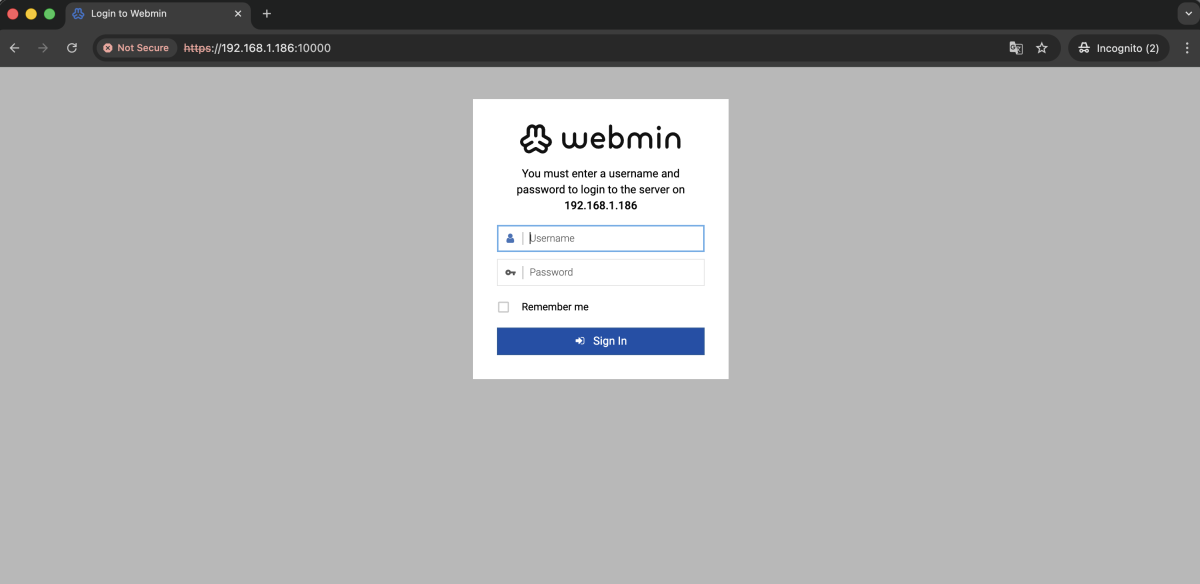
Log in using the root user or a user with sudo privileges.
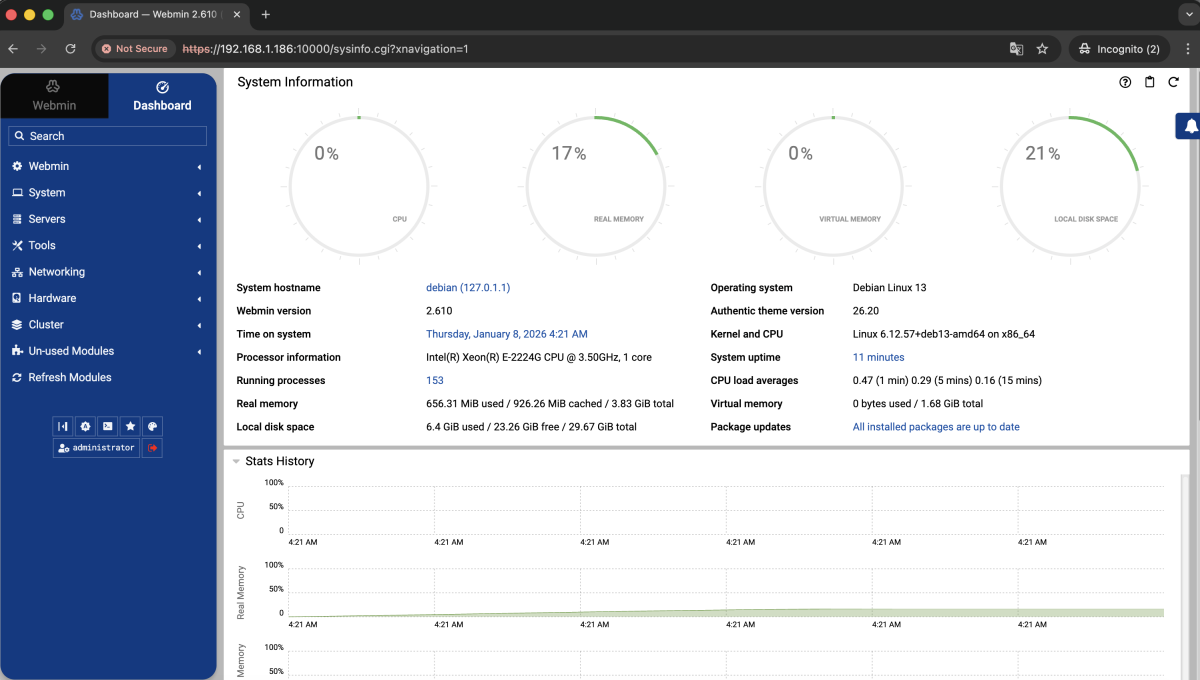
Congratulations! You have successfully installed and configured Webmin on Debian 13.