To install PHP 7.4 on Debian 13, follow the steps below.
Step 1 : Update the package list and upgrade existing packages.

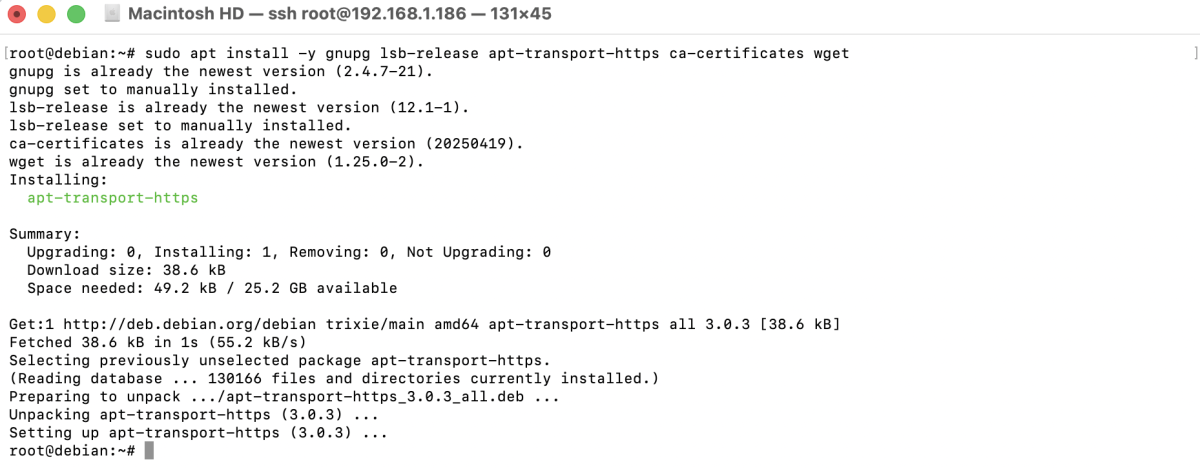
Step 2 : Install the required packages to securely add external repositories.
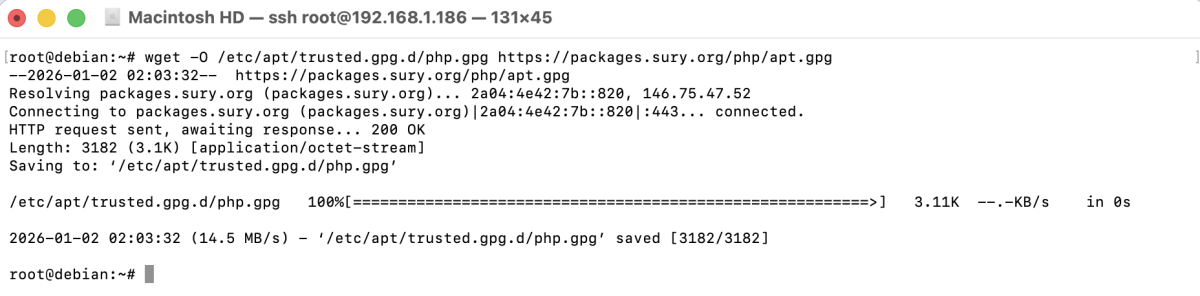
Step 3 : Add the official GPG key to verify packages from the SURY PHP repository.
Step 4 : Add the SURY PHP repository to your system.

Step 5 : Update APT after adding the new repository.

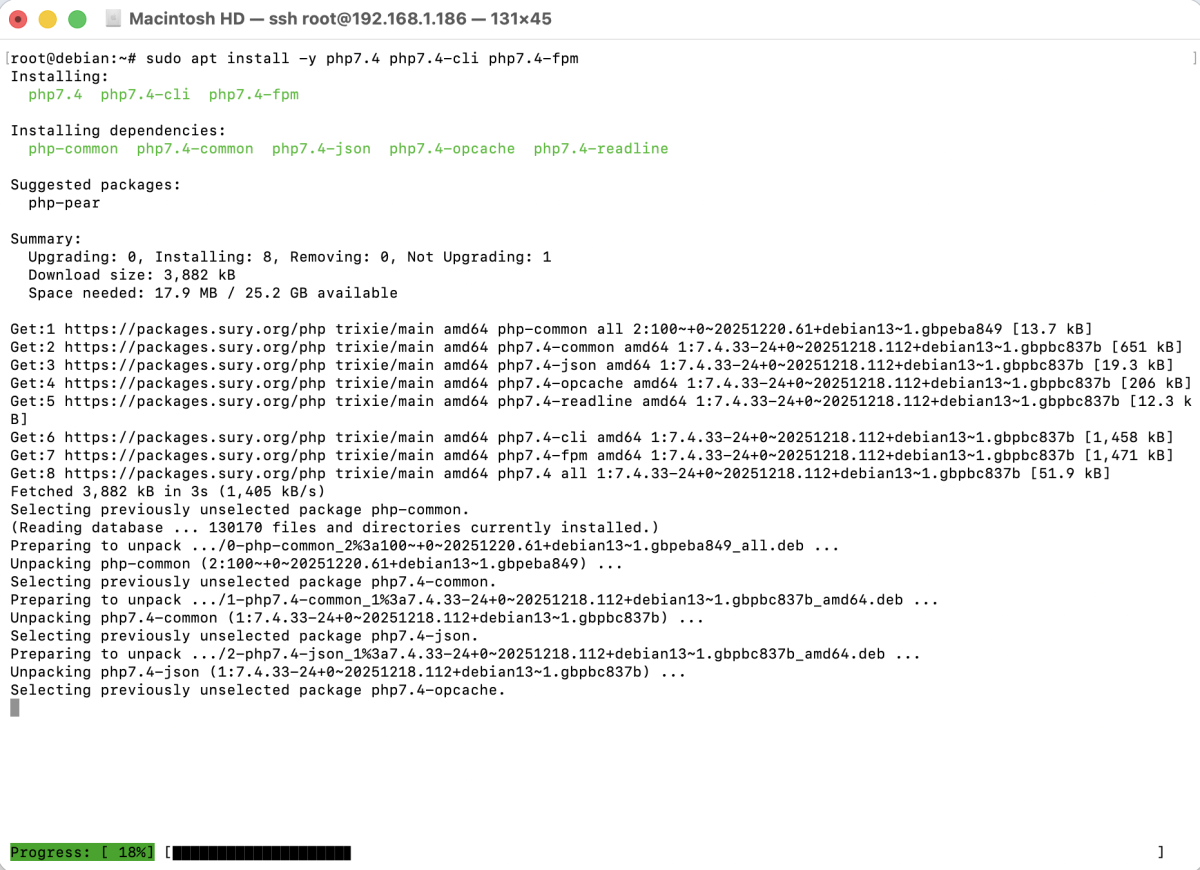
Step 6 : Install PHP 7.4 and its core components.
Step 7 : Install popular PHP extensions commonly required by web applications.
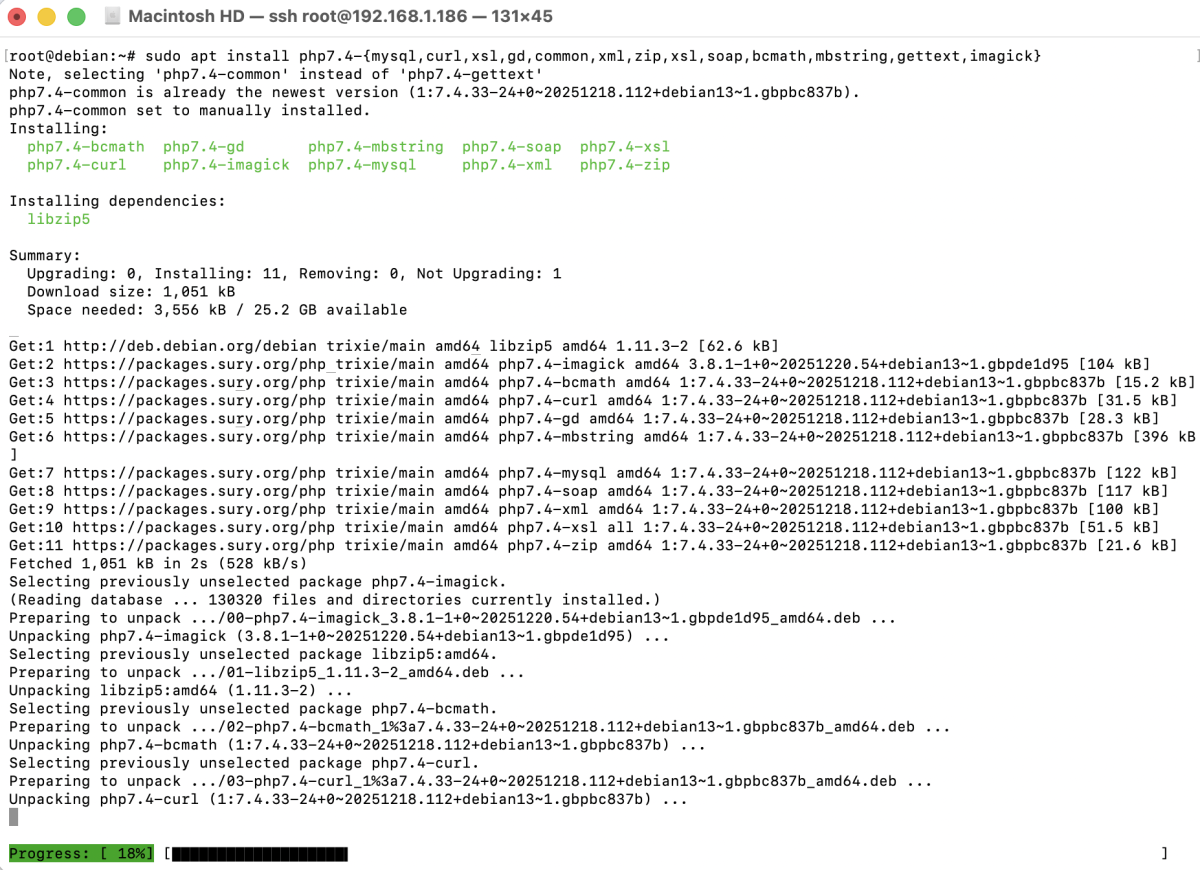
- mysql: Enables PHP to connect to MySQL/MariaDB databases
- curl: Allows PHP to make HTTP requests to APIs and external services
- xsl: Transforms XML documents using XSLT
- gd: Provides image manipulation features such as resizing and cropping
- common: Contains common PHP files required by PHP
- xml: Enables XML parsing and processing
- zip: Allows creating and extracting ZIP archives
- soap: Supports SOAP-based web services
- bcmath: Provides arbitrary precision mathematics functions
- mbstring: Handles multibyte character encoding (UTF-8 support)
- gettext: Enables localization and translation
- imagick: Advanced image processing using ImageMagick
Step 8 : Verify that PHP 7.4 is installed correctly.

You should see output showing PHP 7.4.x.
Congratulations! You have successfully installed PHP 7.4 on Debian 13.