To install Jenkins on Debian 13, follow the steps below.
Step 1 : Update the package index to make sure your system is up to date.

Step 2 : Jenkins requires Java to run. Install OpenJDK.
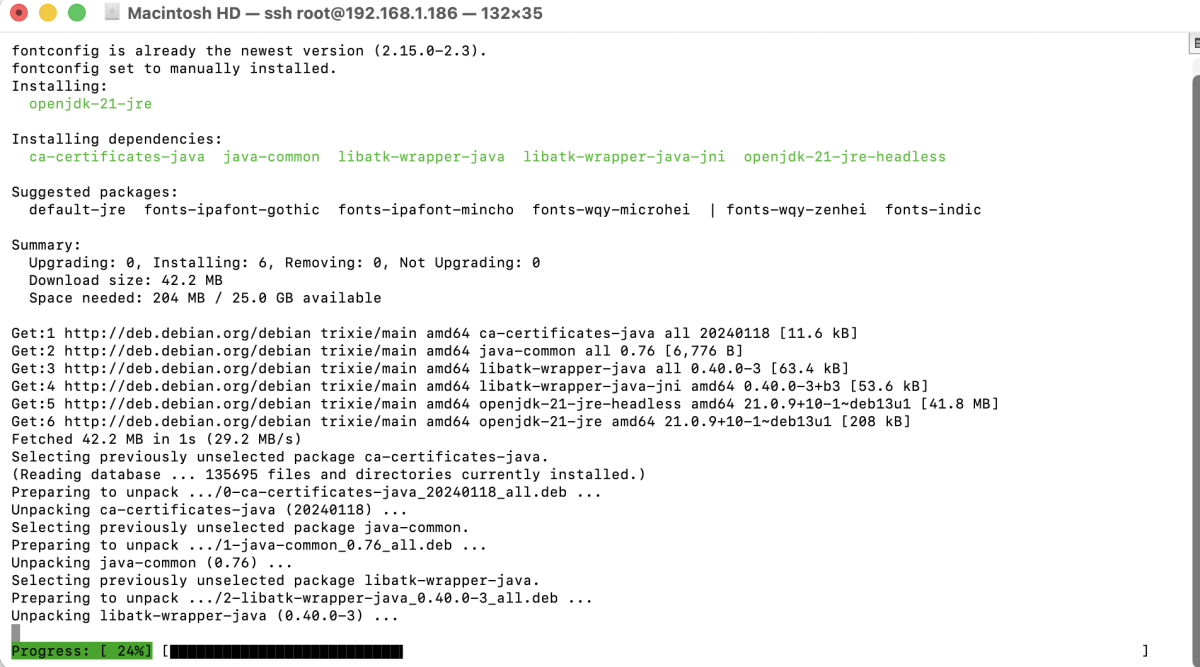
Verify the Java installation:

Step 3 : Add the official Jenkins GPG key to your system.
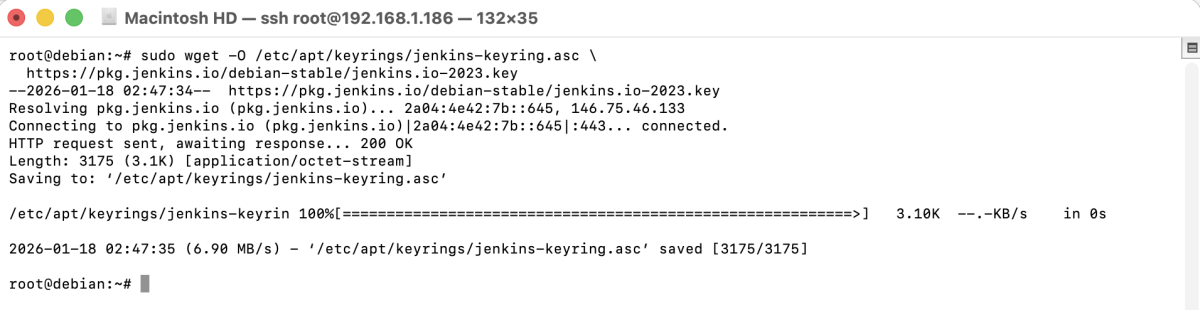
Step 4 : Add the Jenkins APT repository.

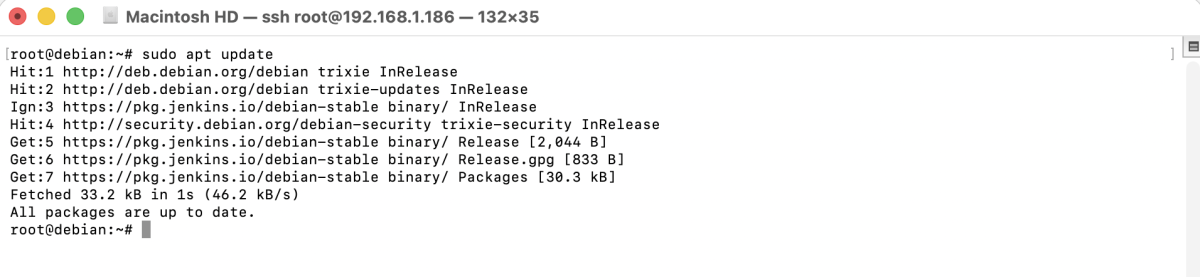
Step 5 : Reload the package lists to include the Jenkins repository.
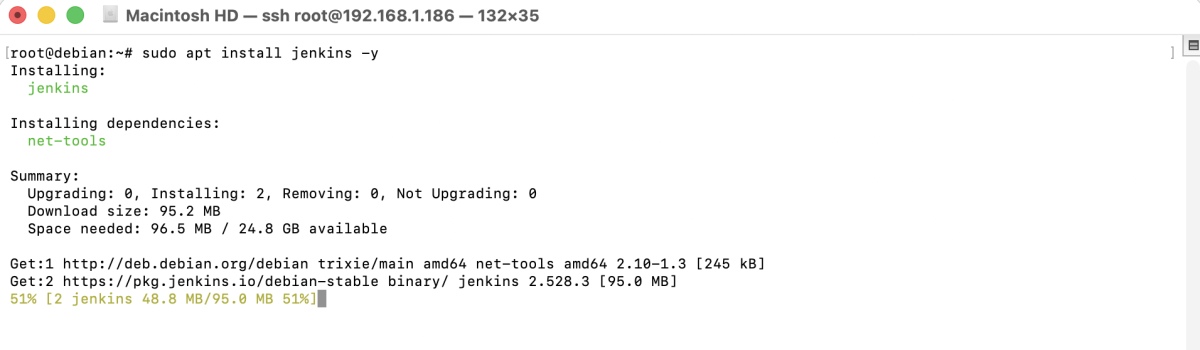
Step 6 : Install Jenkins using APT.
Step 7 : If you are using UFW firewall, allow Jenkins default port.

Step 8 : Start the Jenkins service.

Step 9 : Ensure Jenkins starts automatically after reboot.

Step 10 : Retrieve the initial administrator password required for the first login.

Copy and save this password.
Step 11 : Open a web browser and go to:
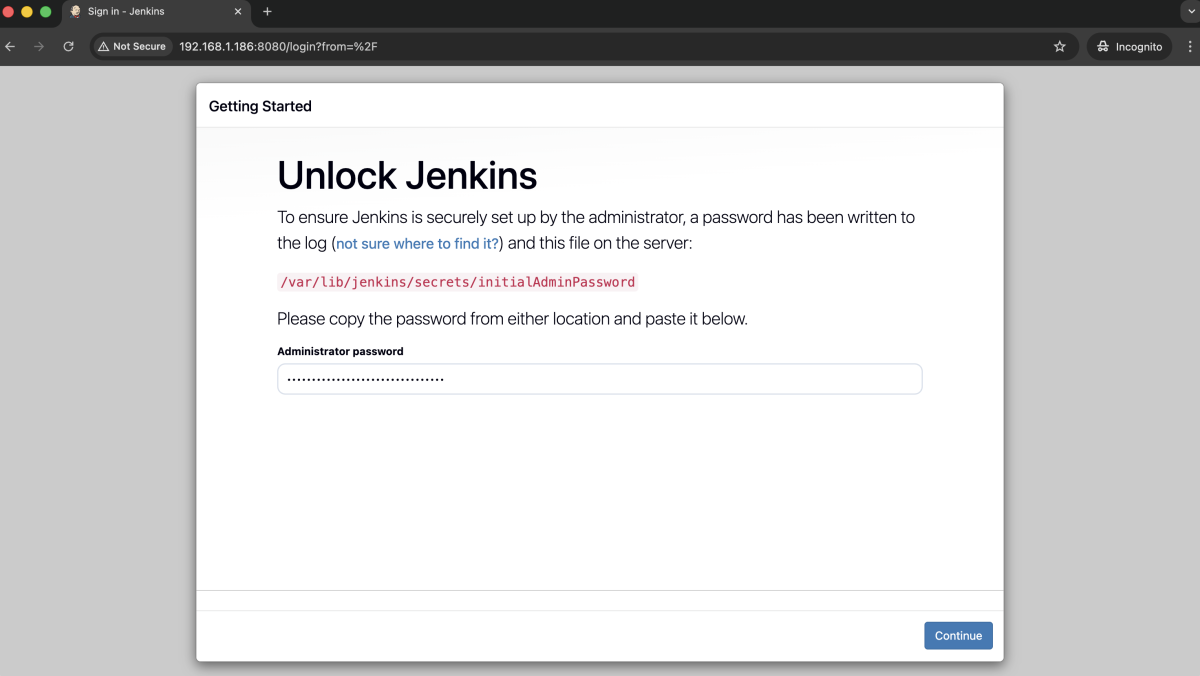
- Log in using the initial admin password
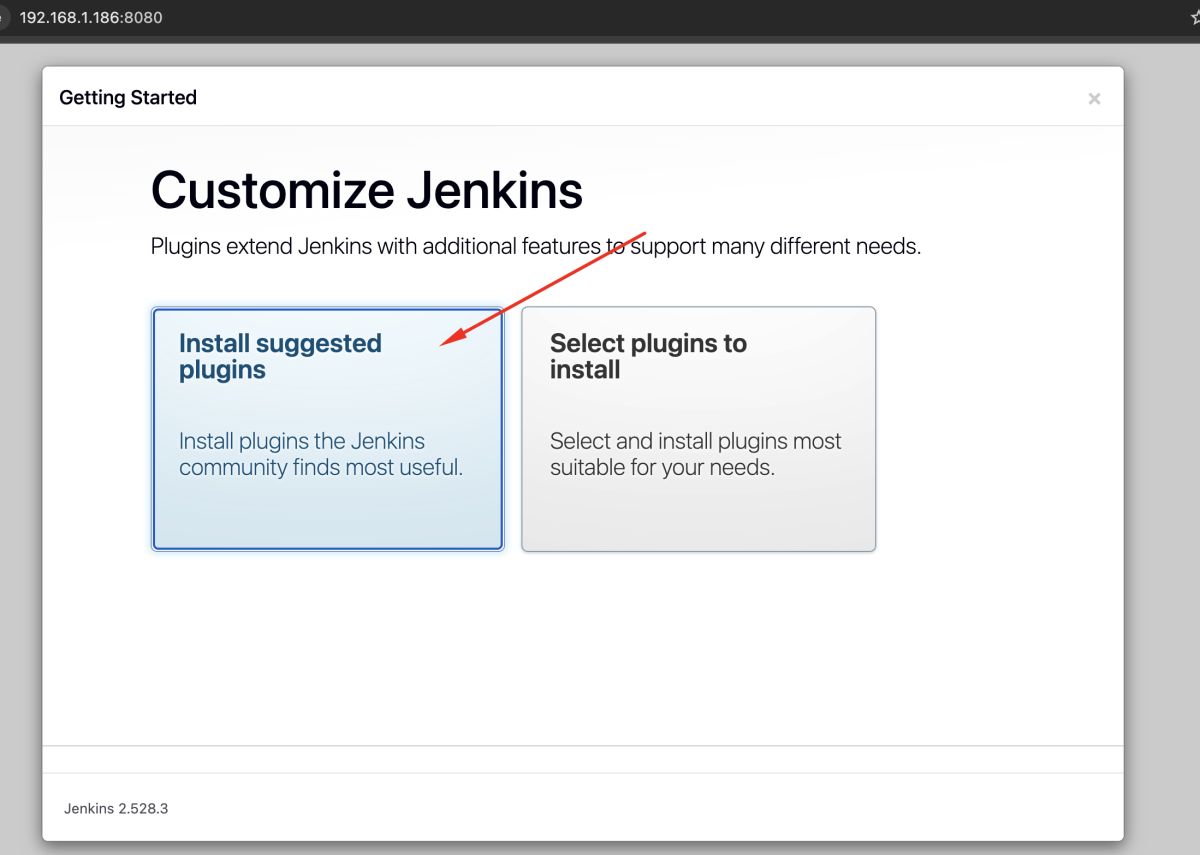
- Choose Install suggested plugins and wait for Jenkins to download and install the required plugins.
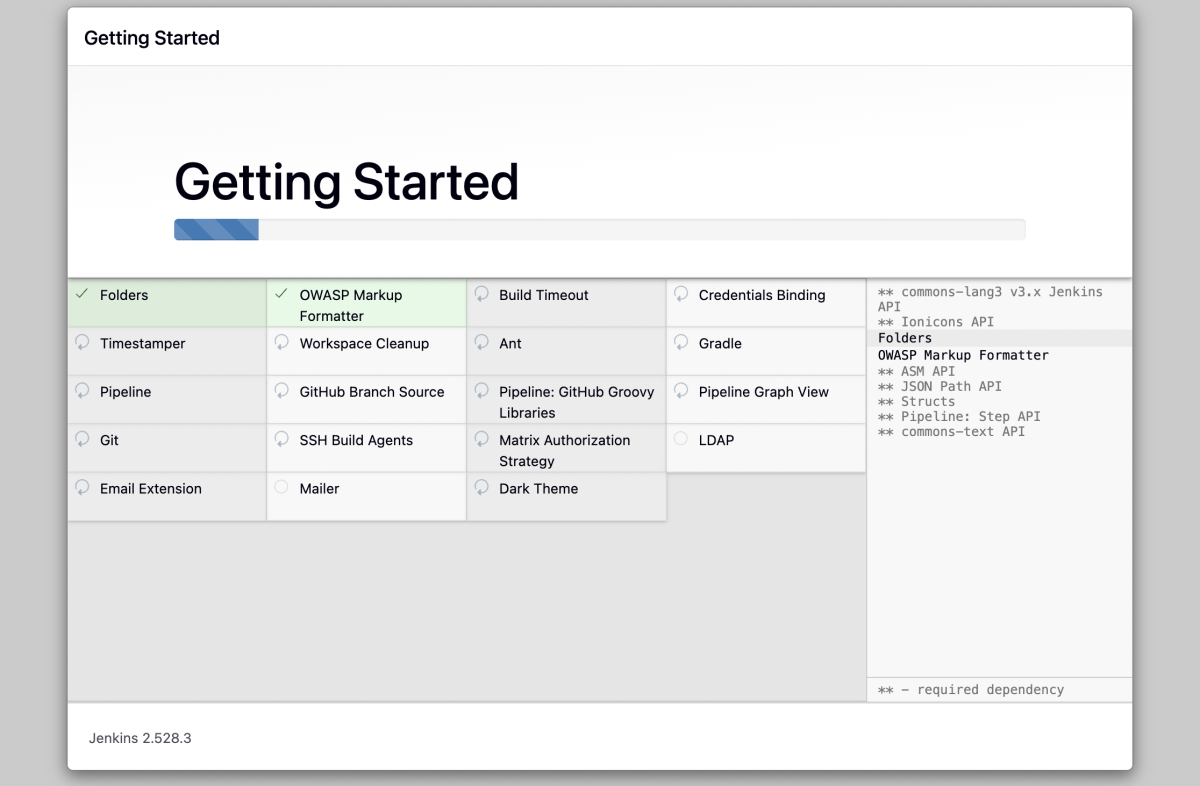
- Allow Jenkins to finish installing all plugins before continuing.
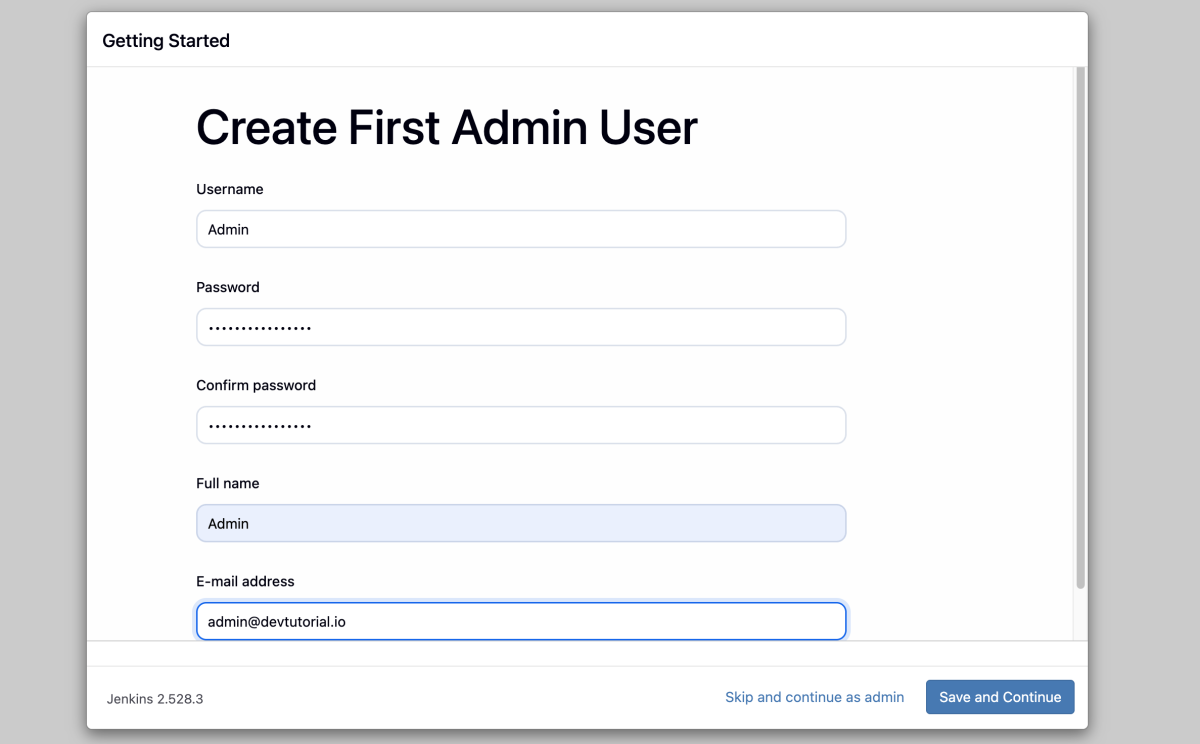
- Create a new Jenkins user by providing a username, password, full name, and email address.
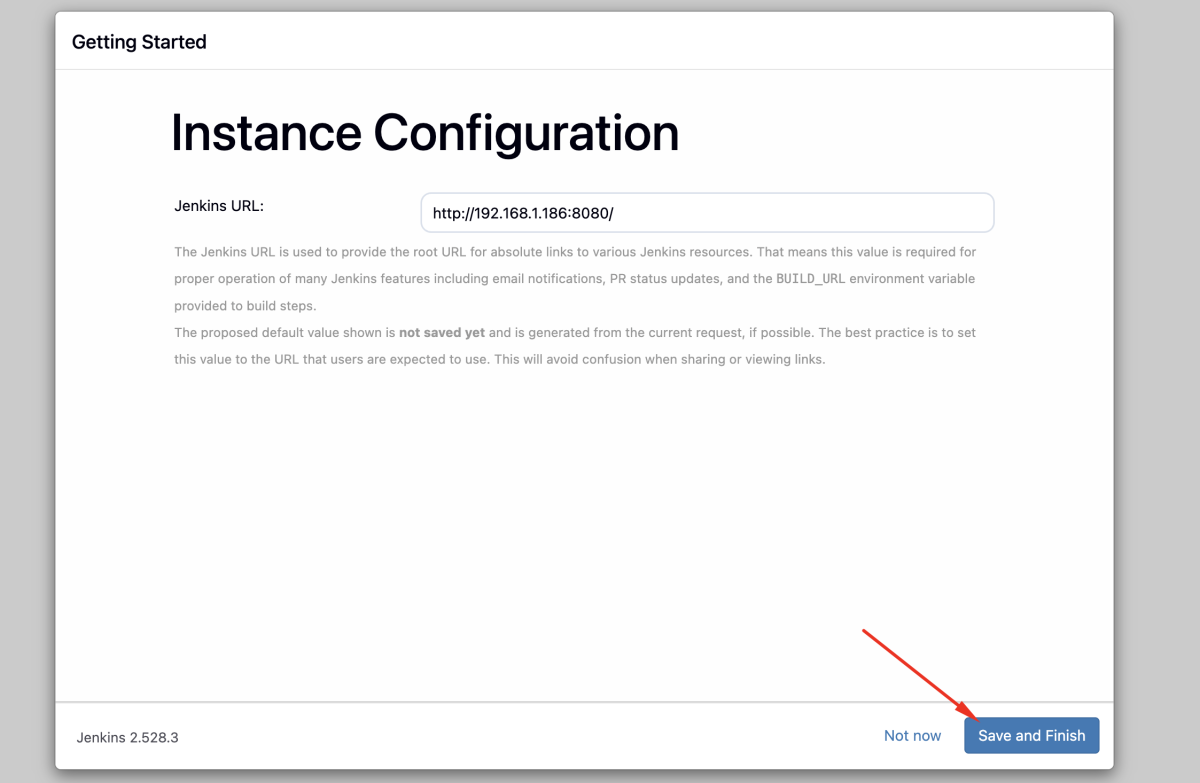
- Confirm or update the Jenkins URL, then save and continue.
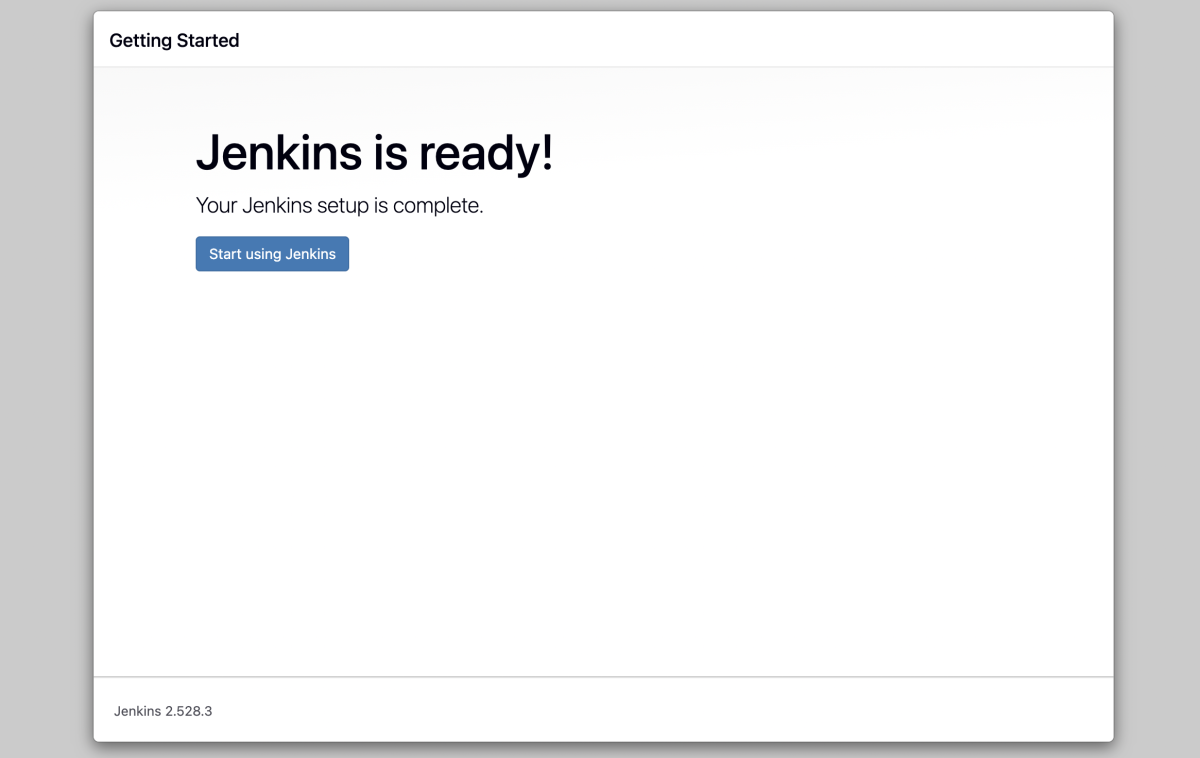
- When you see the message Jenkins is ready, click Start using Jenkins.
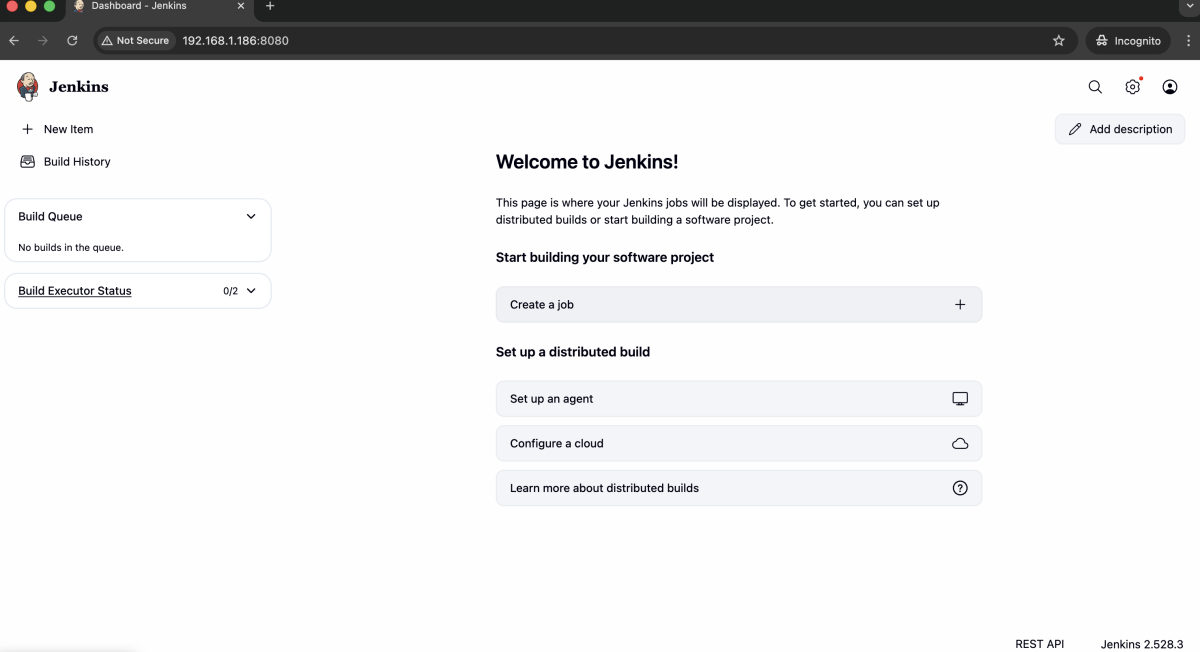
Congratulations, you have successfully installed and configured Jenkins on Debian 13.