To install WordPress with LAMP on Ubuntu 26.04, set up the stack first, then WordPress on example.com.
Step 1 : You need Apache, PHP, and MariaDB first (see those guides).
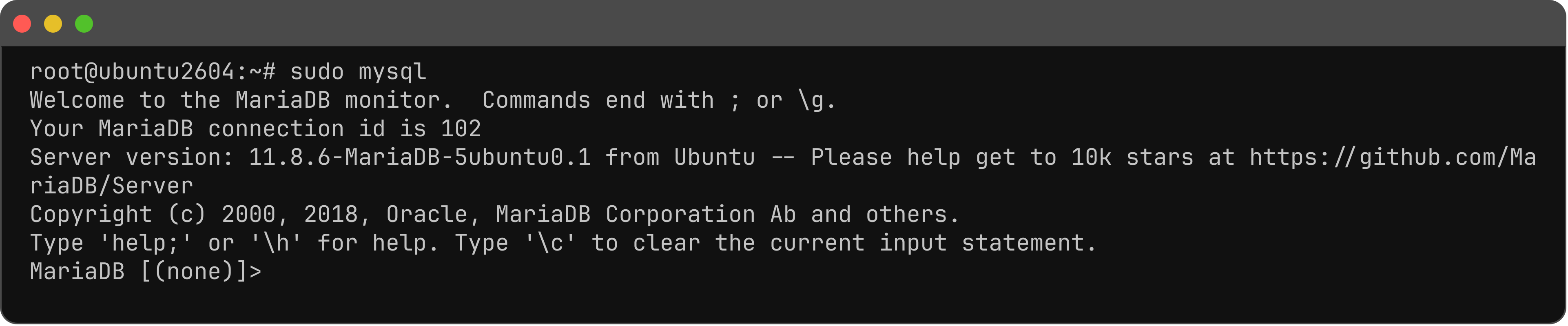
Step 2 : Open the MariaDB shell.
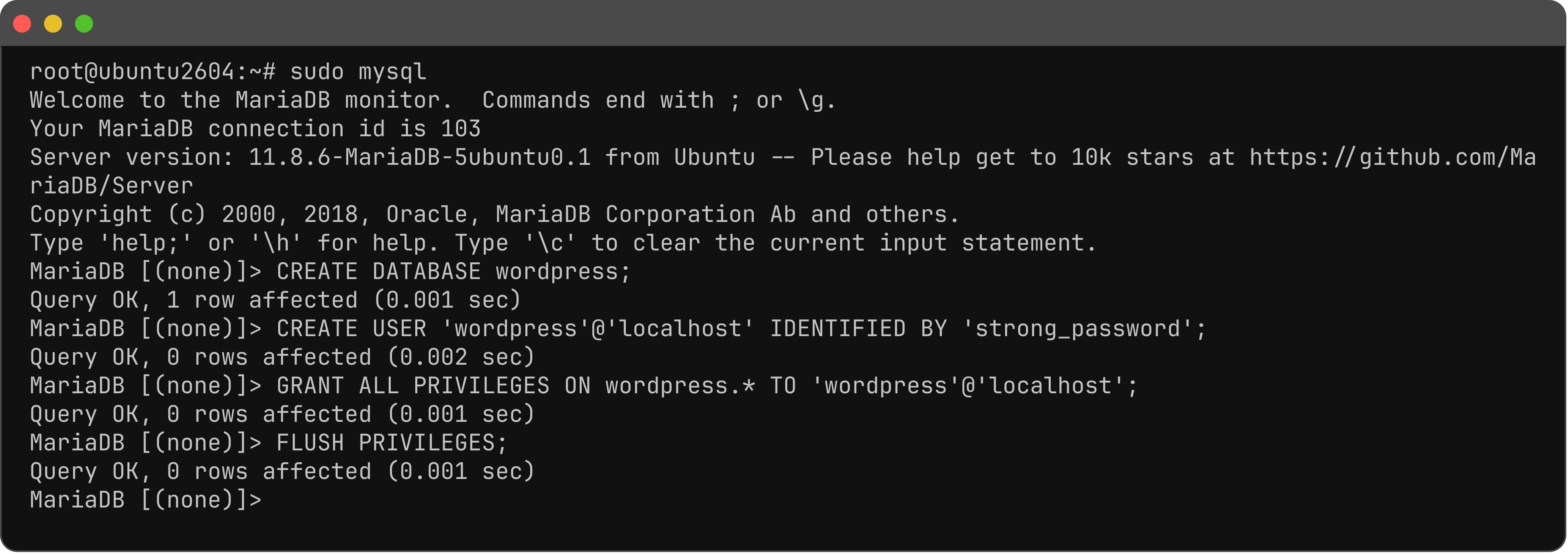
Step 3 : Create the database and user (change strong_password if you want).
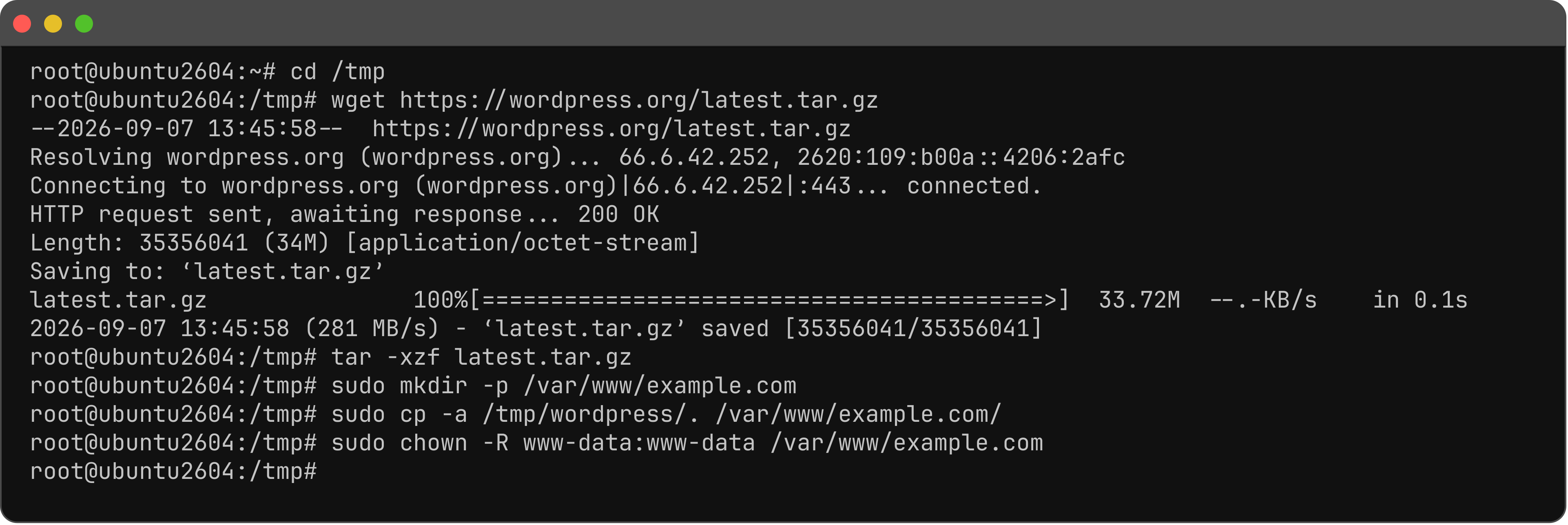
Step 4 : Download WordPress into the site root.
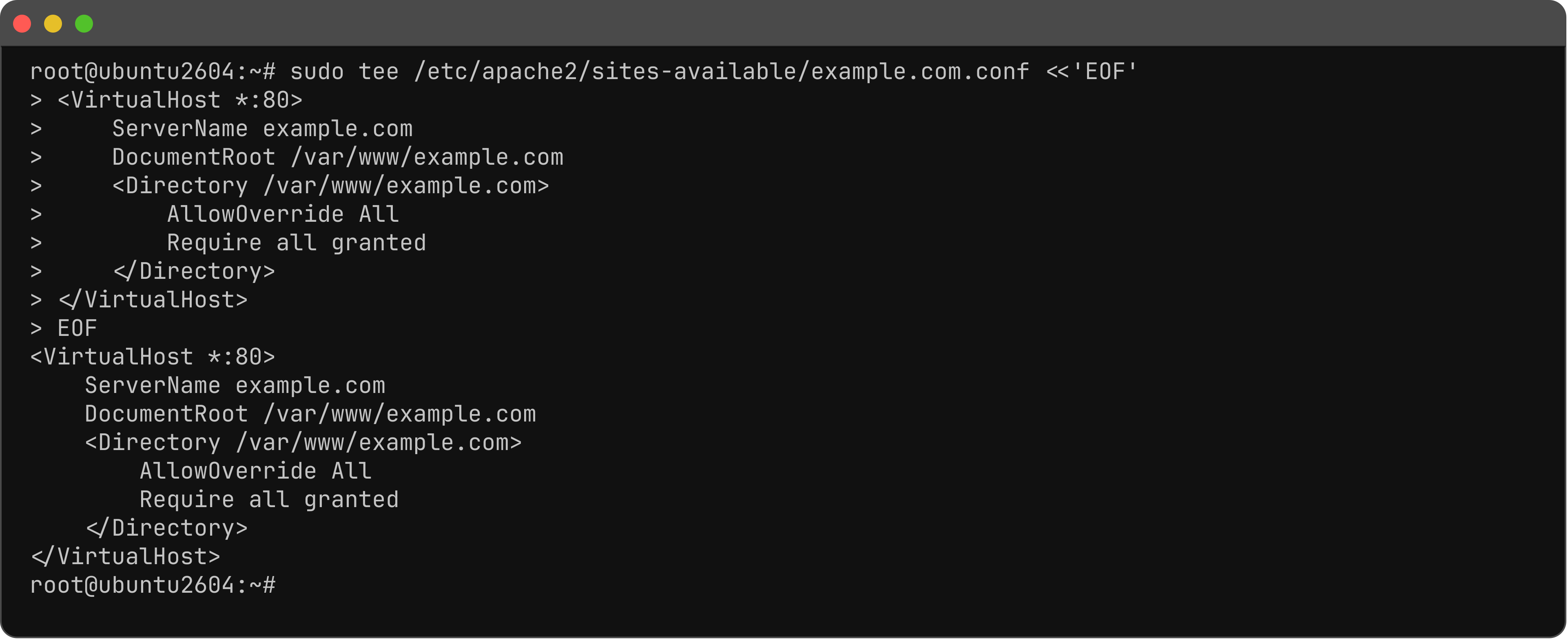
Step 5 : Point the vhost DocumentRoot at /var/www/example.com (Virtual Host guide), or:
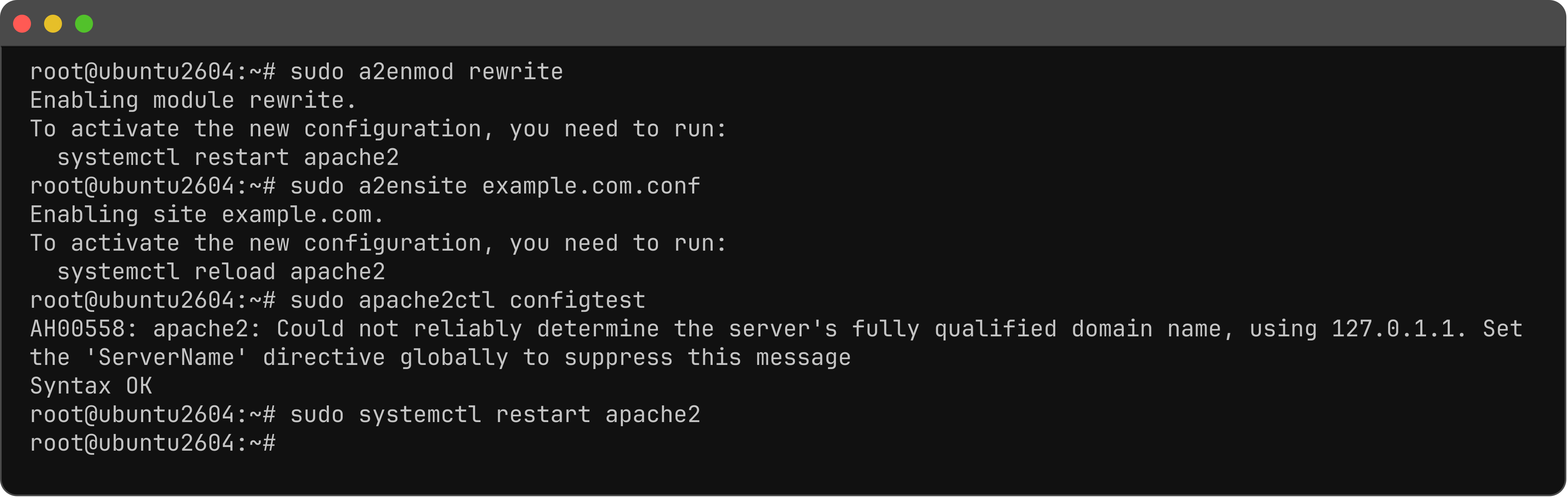
Step 6 : Enable rewrite, enable the site, test, and restart.
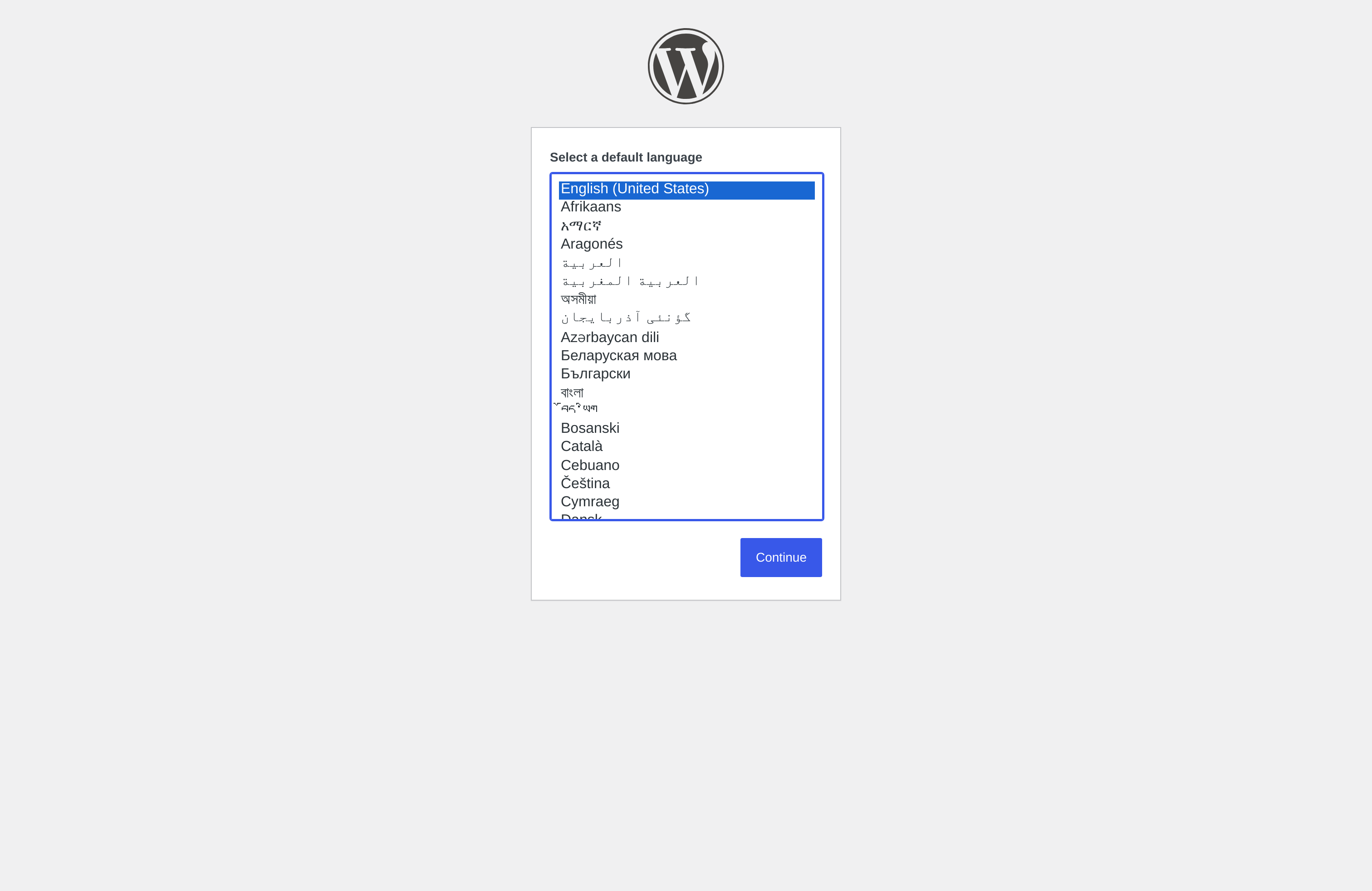
Step 7 : Open the site, choose a language, then Continue.
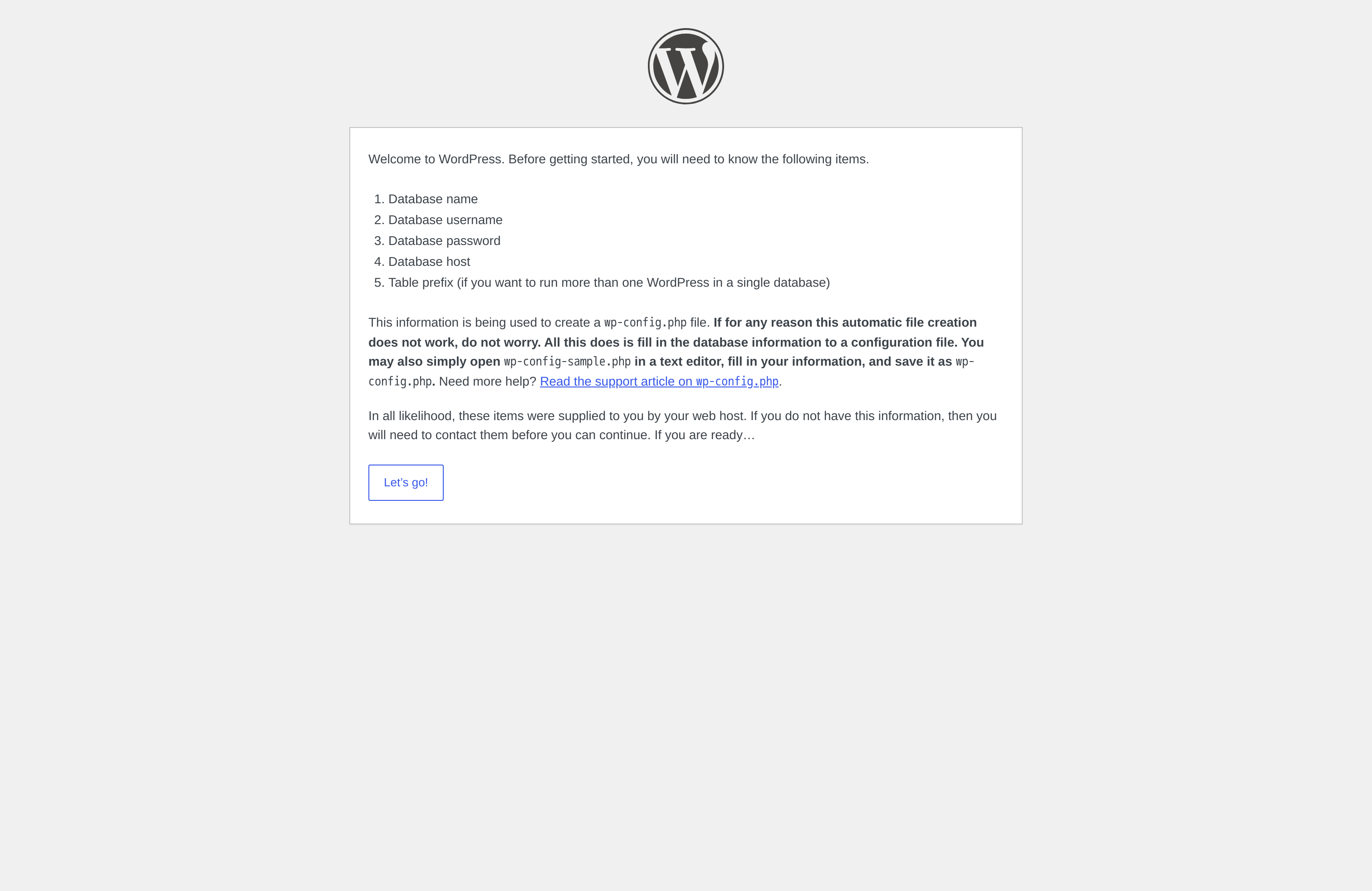
Step 8 : Set up the database.
- Let's go!
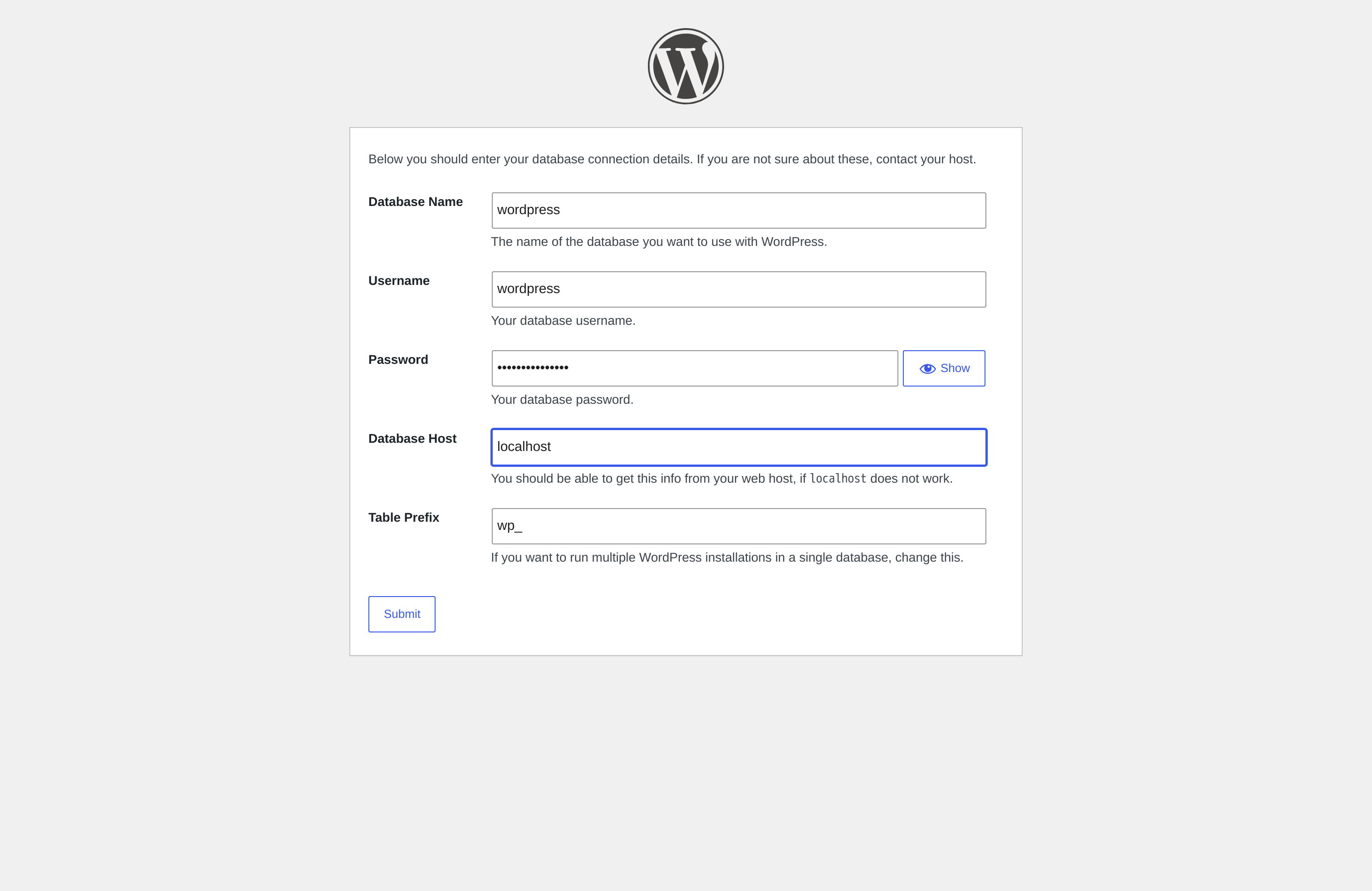
- Database name
wordpress, usernamewordpress, passwordstrong_password, Database Hostlocalhost→ Submit
- Run the installation
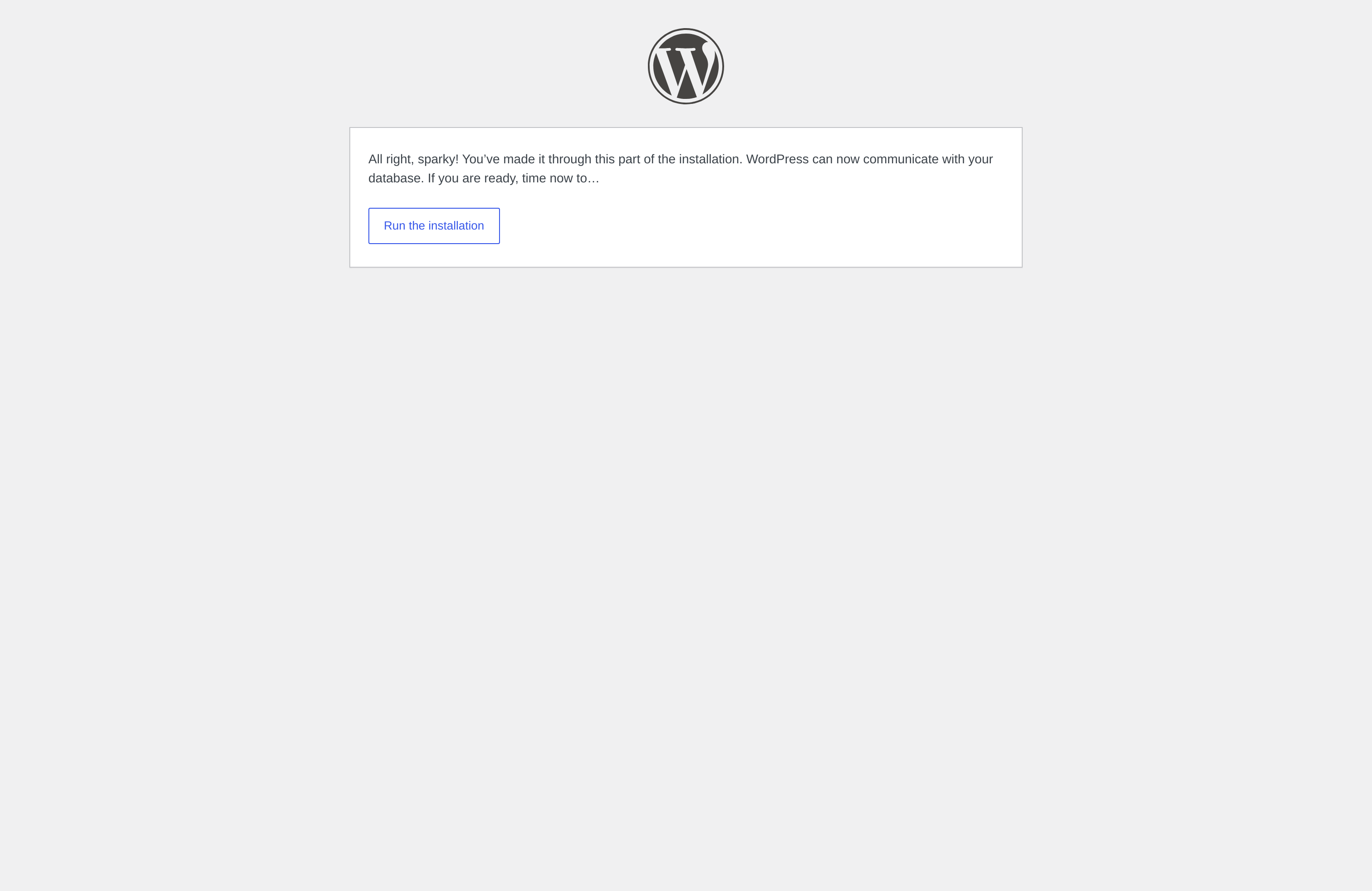
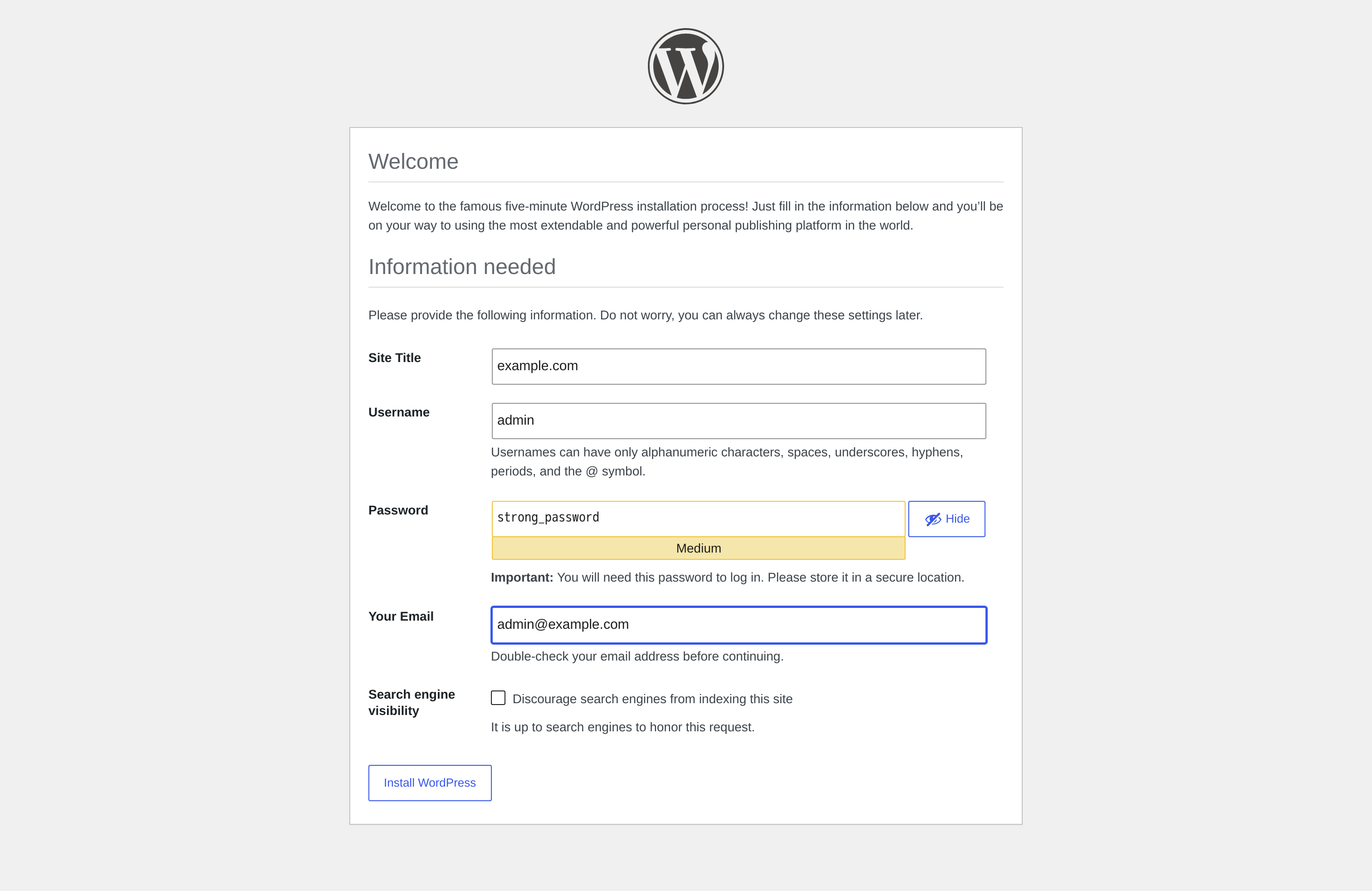
Step 9 : Site Title, admin user, password, email → Install WordPress.
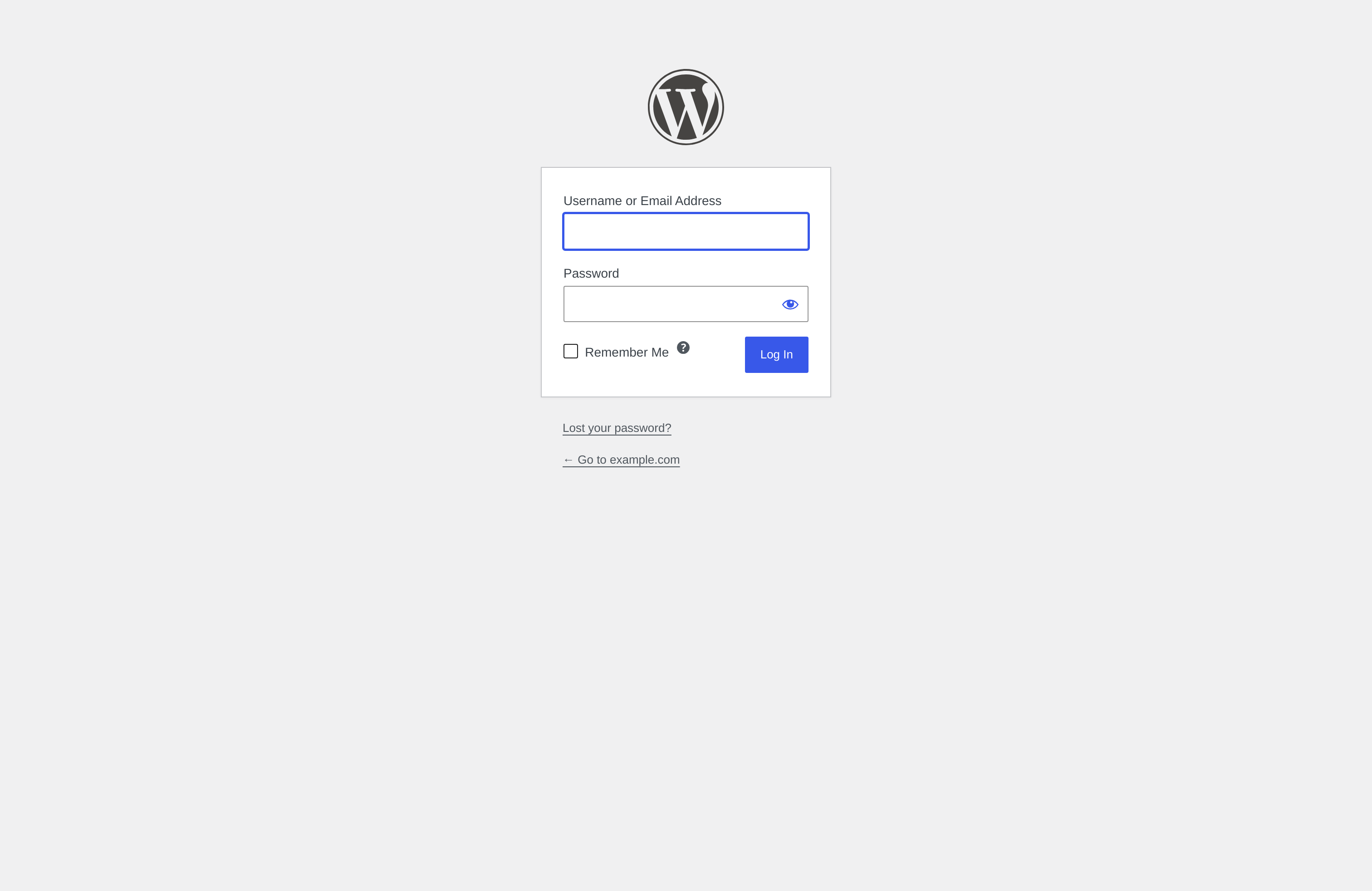
Step 10 : Open the login page.
Step 11 : Log in as admin and open the dashboard.
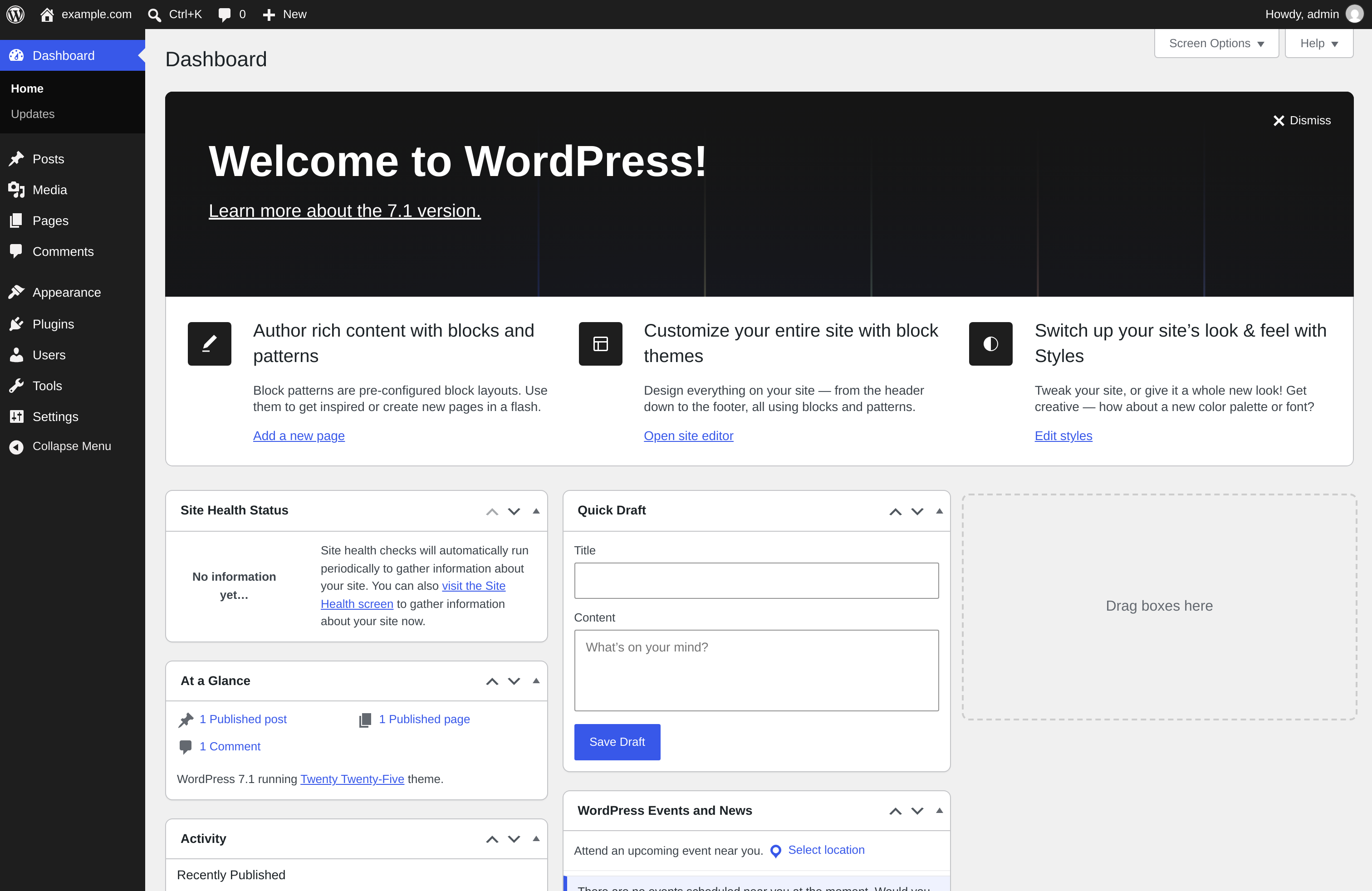
You have installed WordPress with LAMP on Ubuntu 26.04.