To create a bootable USB installer for Ubuntu 26.04, follow these steps.
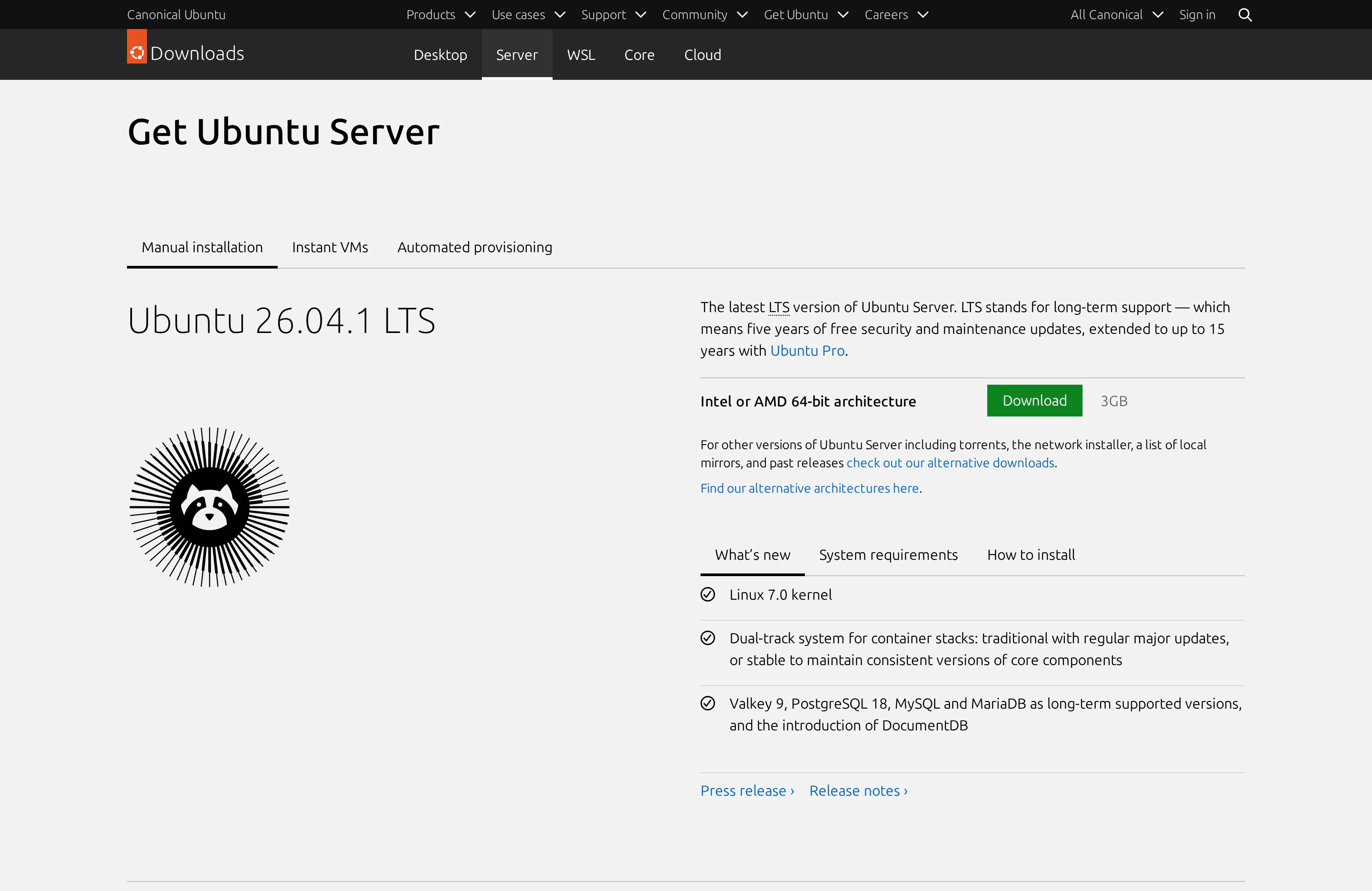
Step 1 : Download the Ubuntu Server 26.04 ISO from ubuntu.com/download/server.
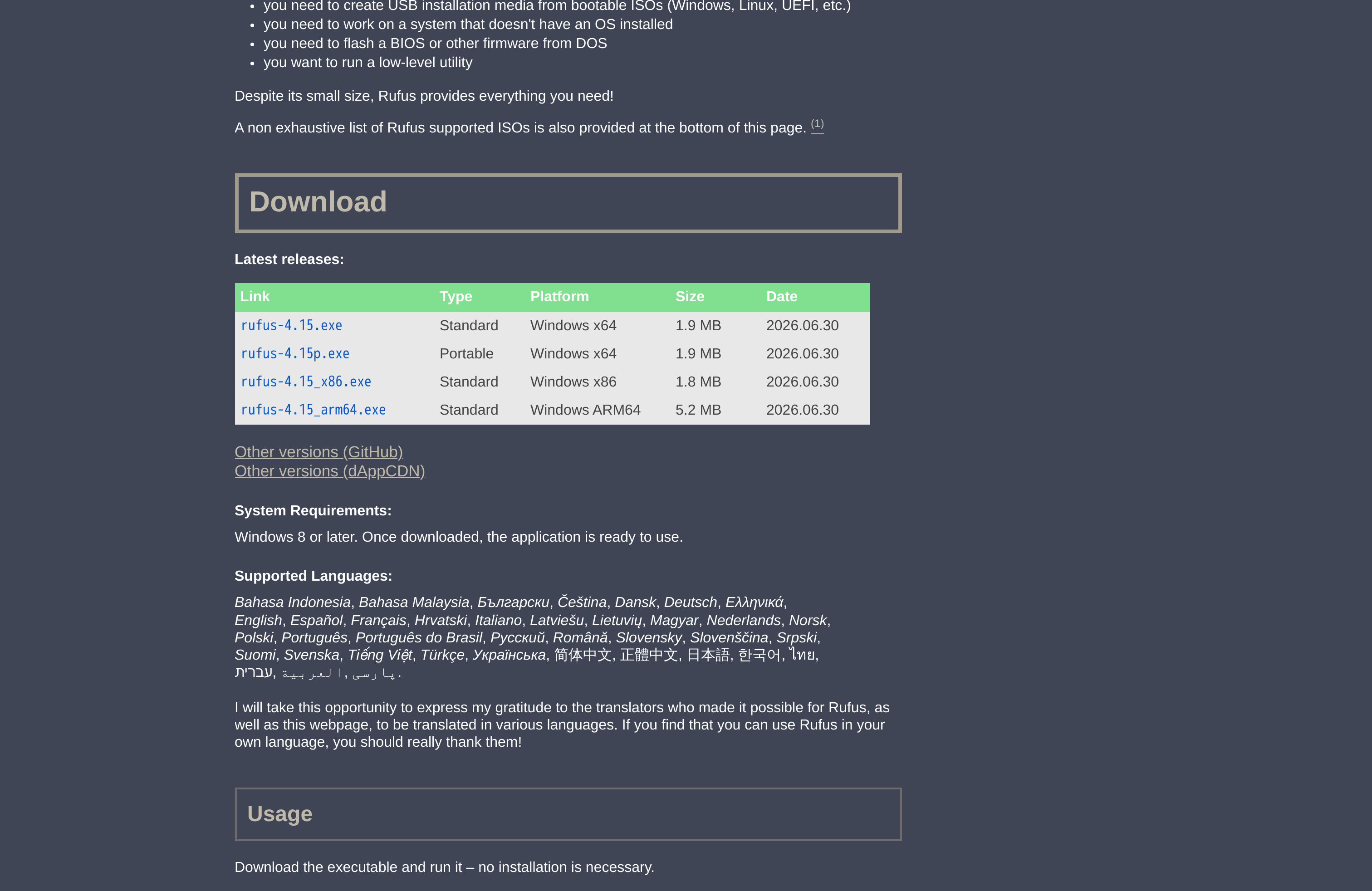
Step 2 : Download Rufus Portable for Windows from rufus.ie/en/#download.
Step 3 : Plug in the USB flash drive (data on it will be erased).
Step 4 : Run the portable .exe (no install).
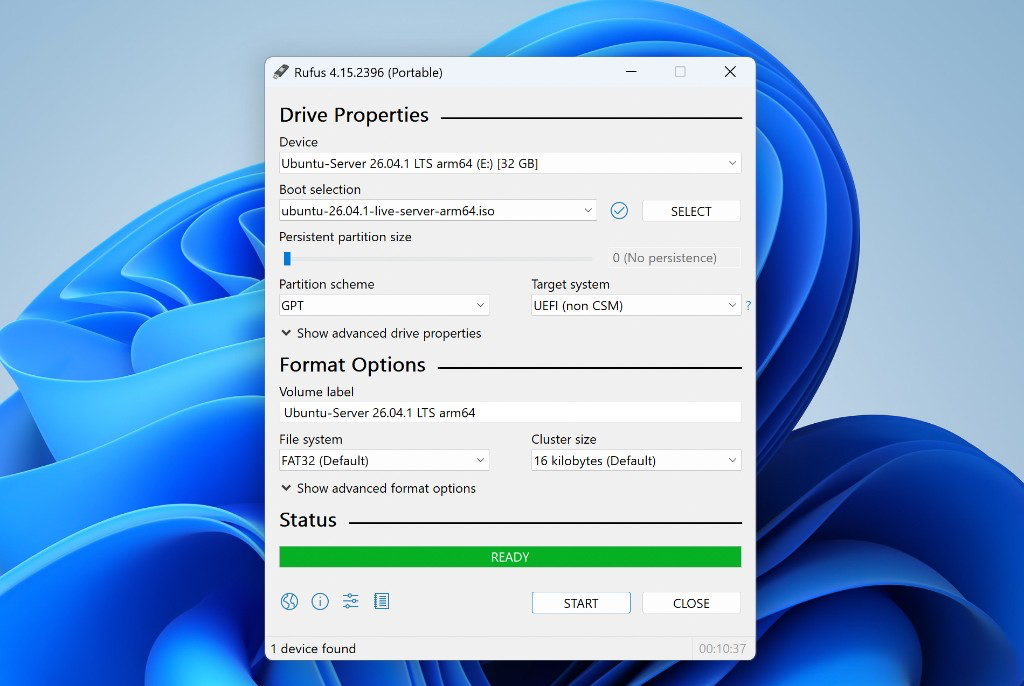
Step 5 : In Rufus:
- Device: your USB drive
- Boot selection: the Ubuntu Server 26.04 ISO
- Partition scheme: GPT (UEFI) unless you still need MBR/BIOS
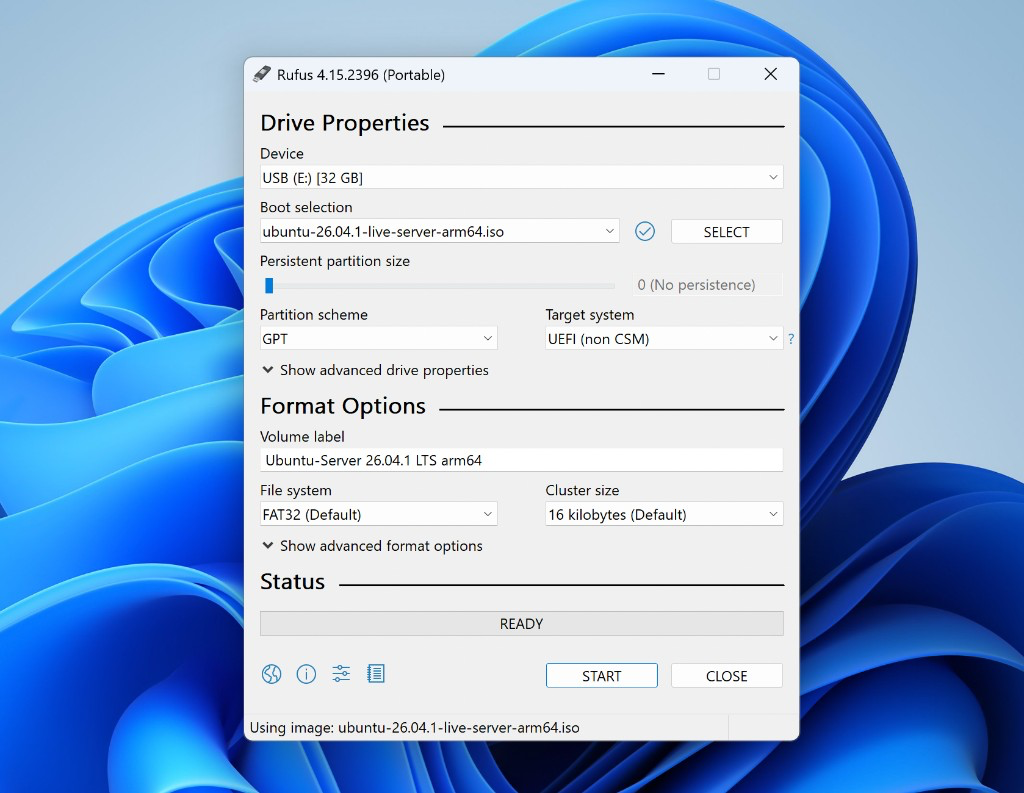
Step 6 : Click Start.
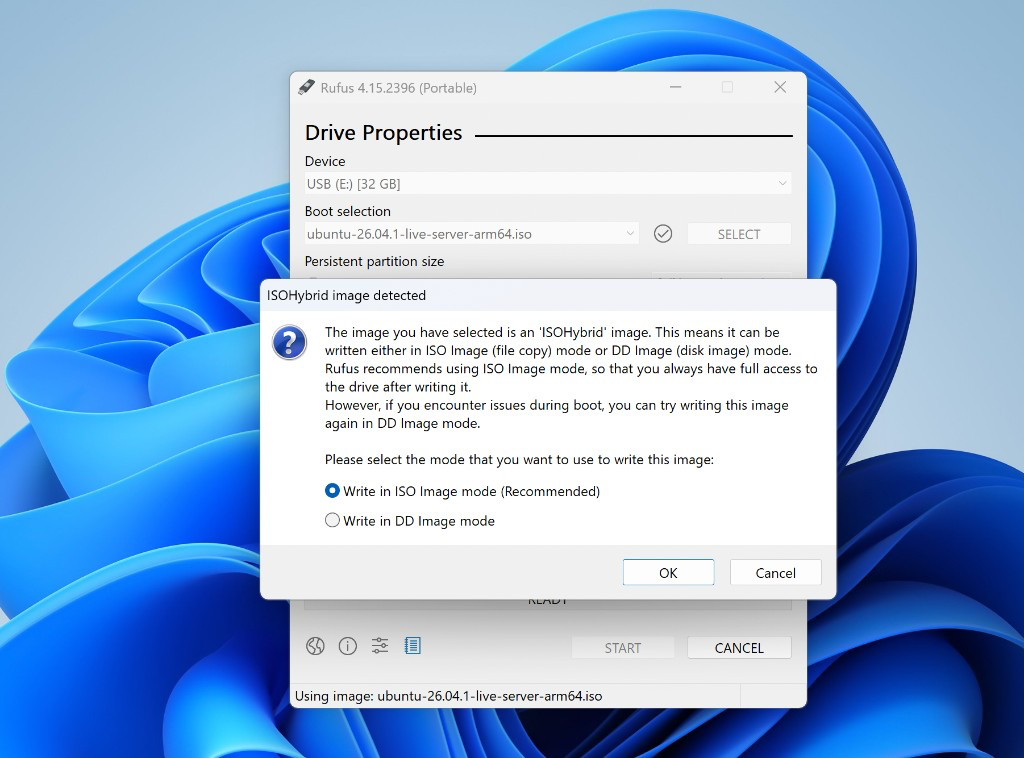
Step 7 : If asked, choose Write in ISO image mode.
Step 8 : If Rufus offers to download a newer GRUB, choose Yes.
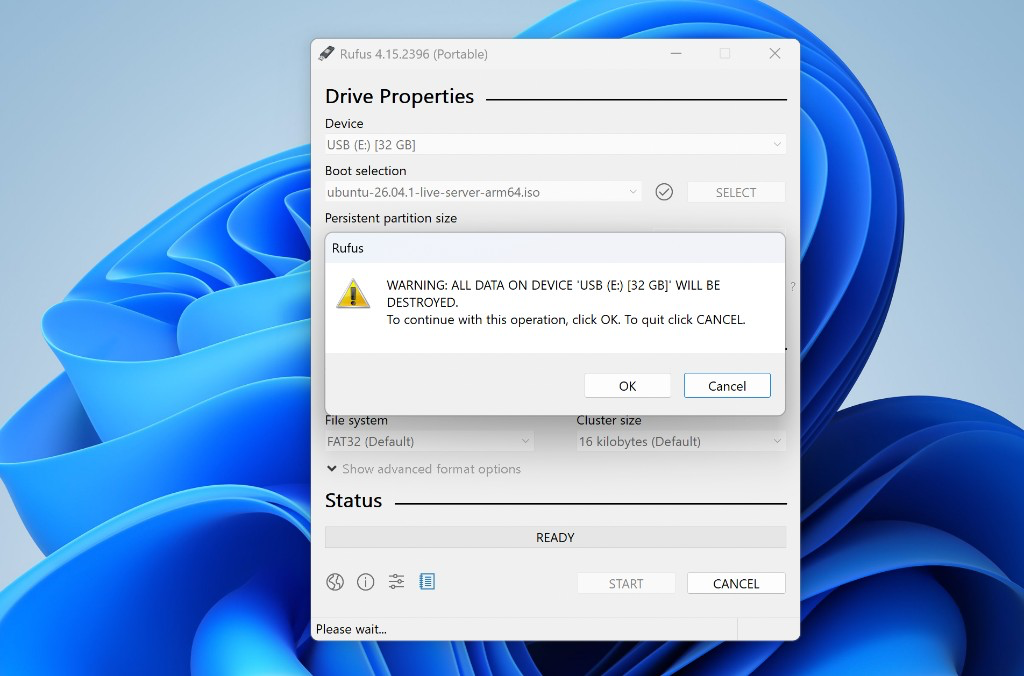
Step 9 : Confirm the format warning.
Step 10 : Wait until the status bar shows READY.
Step 11 : Eject the USB safely.
You have created a bootable USB installer for Ubuntu 26.04.