To install Let's Encrypt SSL on Apache on Ubuntu 26.04, use a real domain that points at this server (example.devtutorial.io — replace with yours).
Step 1 : Point the public DNS A/AAAA record at this server first.
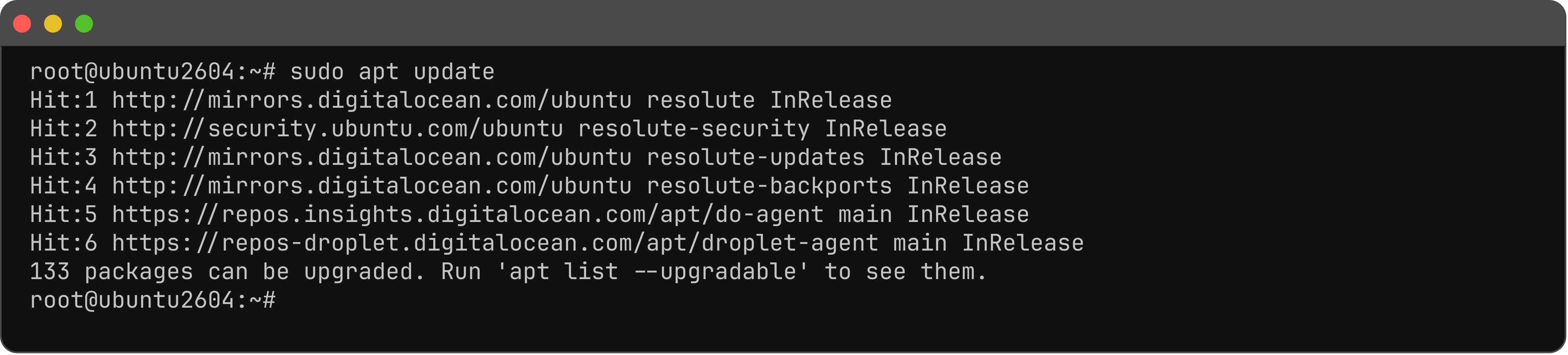
Step 2 : Update.
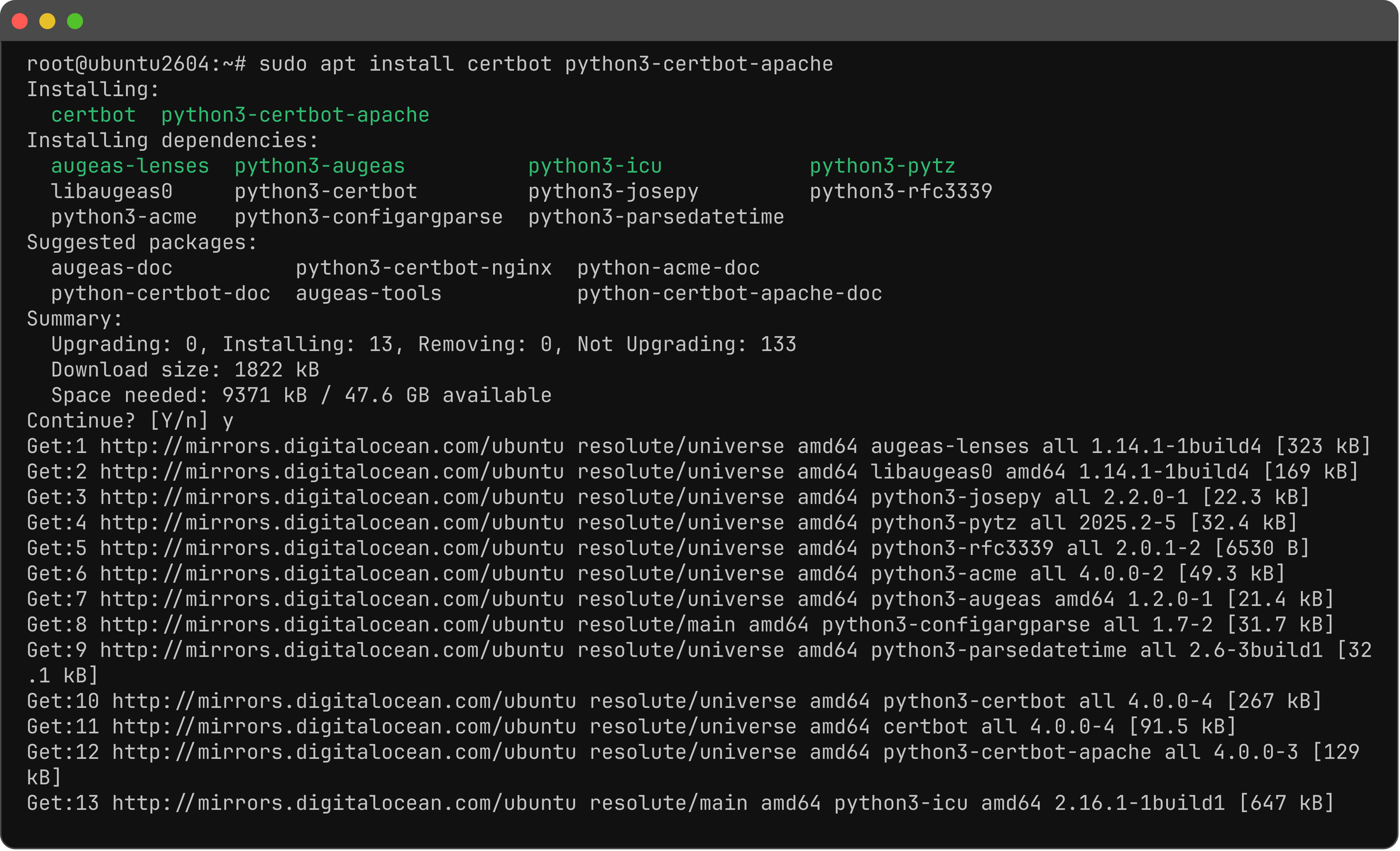
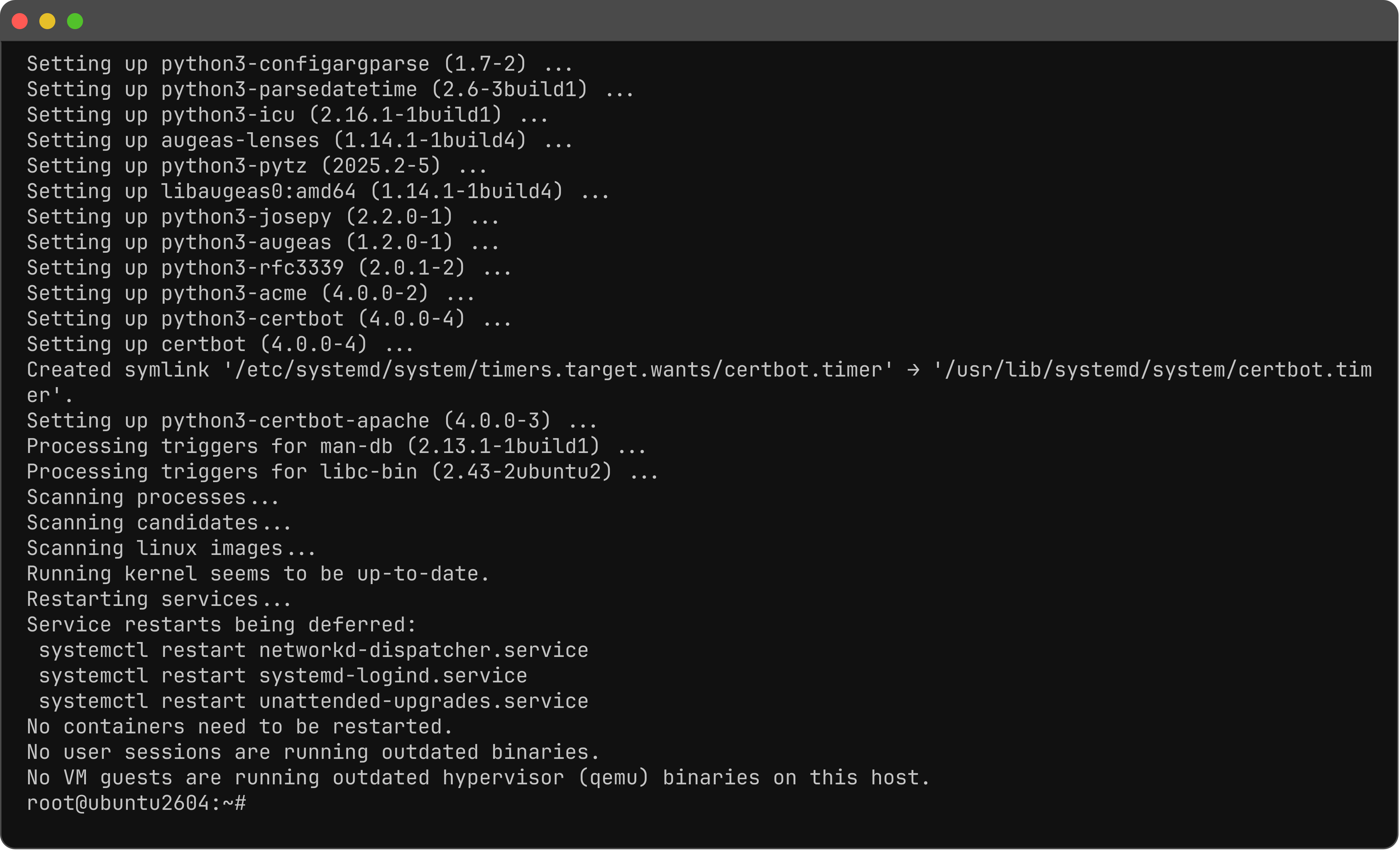
Step 3 : Install Certbot.
Step 4 : Ensure an Apache vhost on port 80 for your real domain (same pattern as the Virtual Host guide; replace the FQDN).
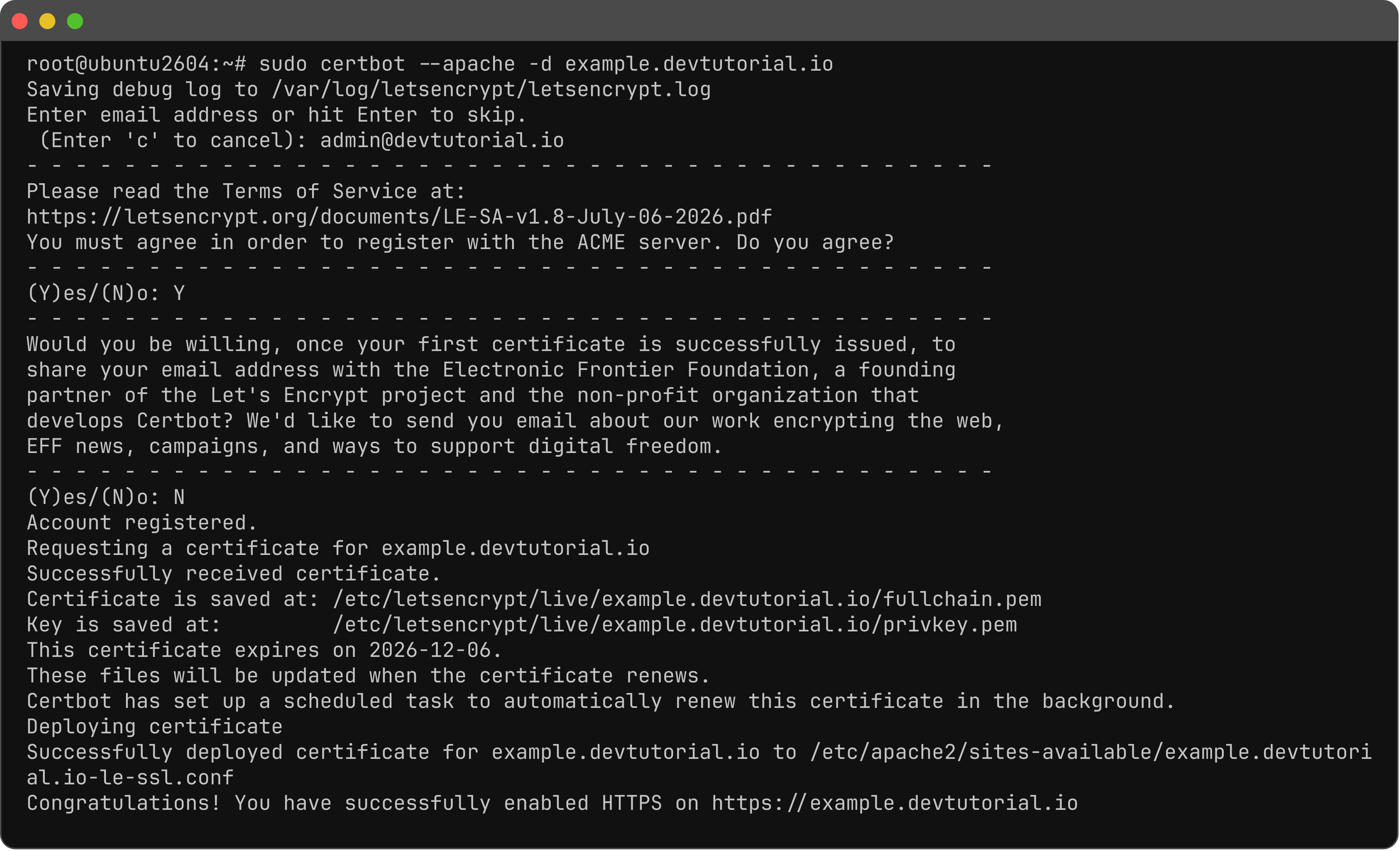
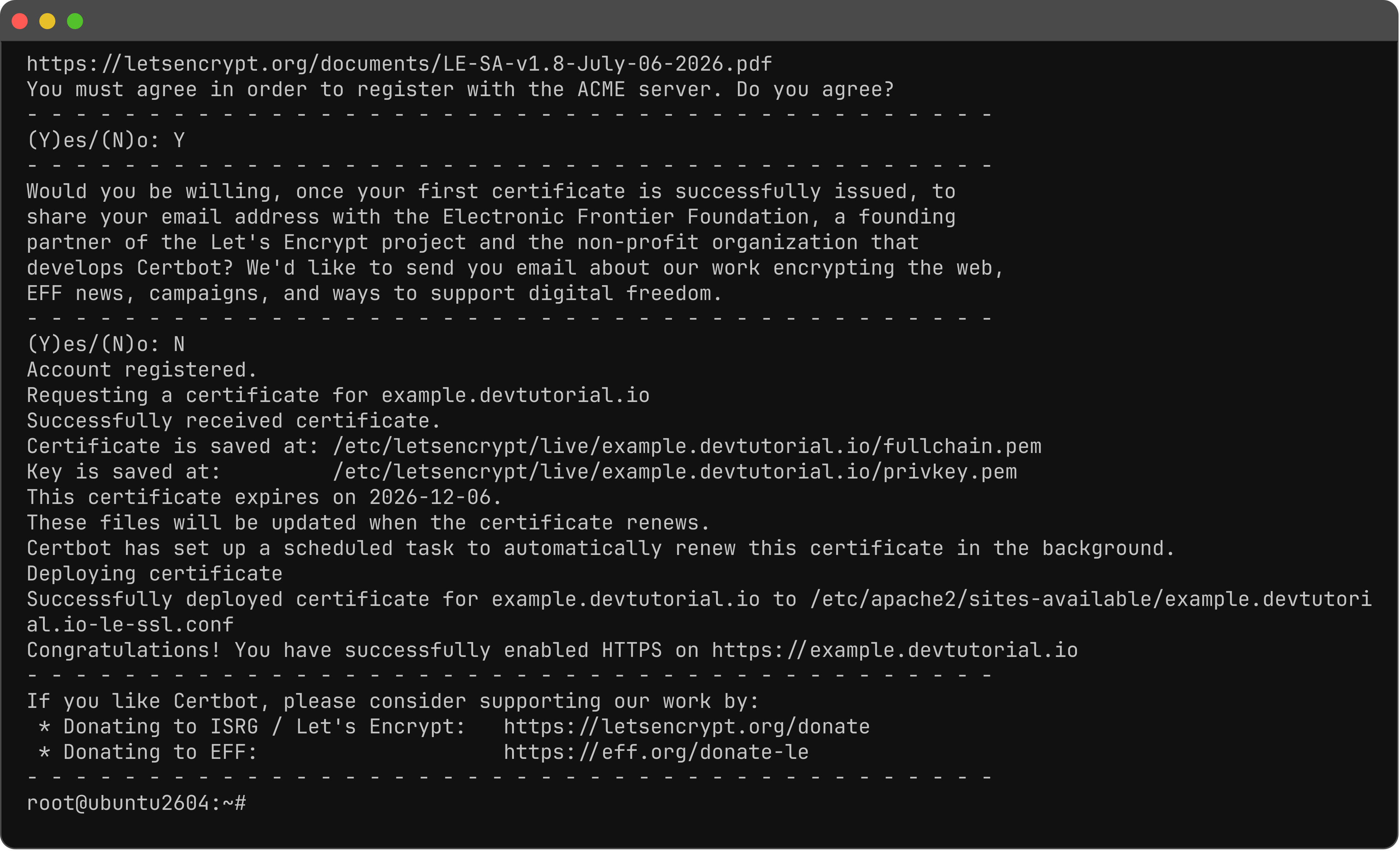
Step 5 : Issue the certificate (email; Agree Y; EFF Y / N; redirect HTTP to HTTPS 2 if asked).
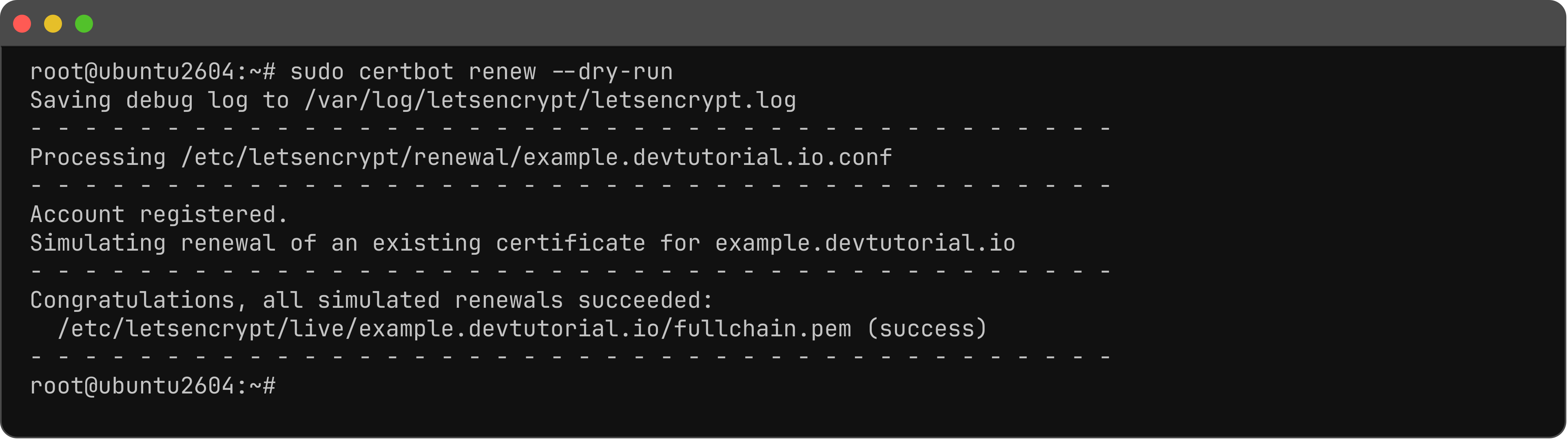
Step 6 : Dry-run renew.
Step 7 : Open HTTPS in a browser.
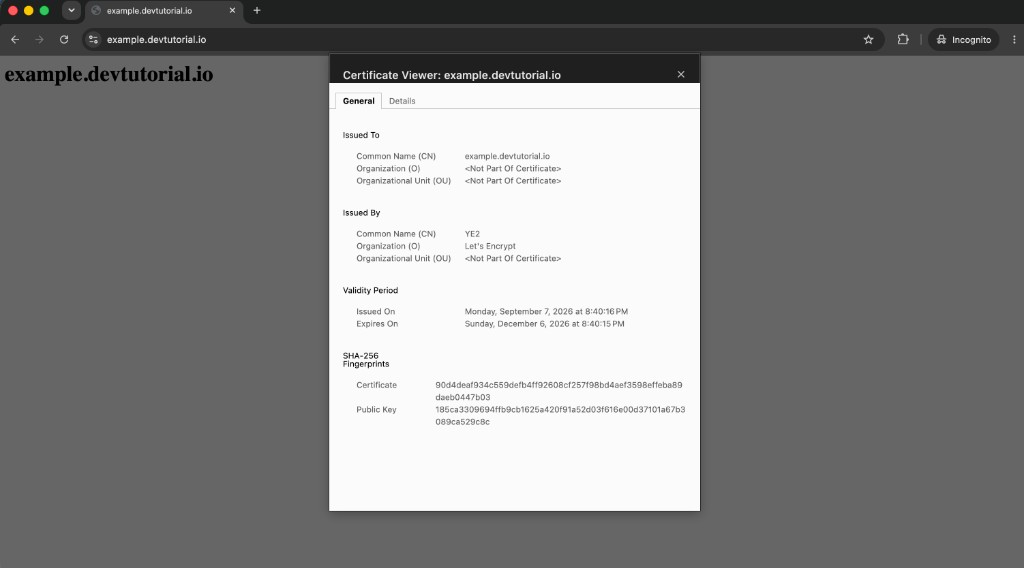
You have installed Let's Encrypt SSL in Apache on Ubuntu 26.04.