To configure SSL for Apache on Ubuntu 26.04 with a self-signed certificate (lab/test) for example.com, follow these steps.
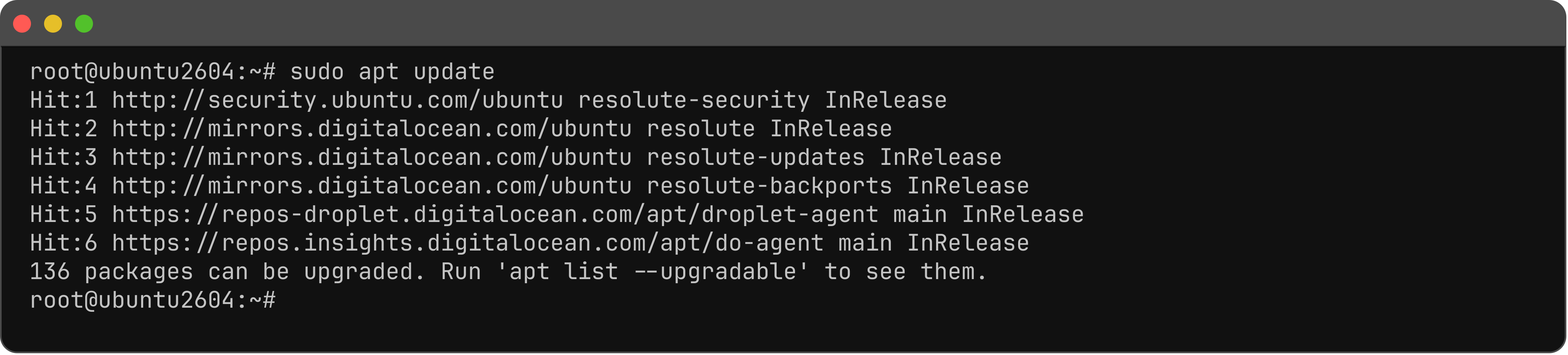
Step 1 : Update.
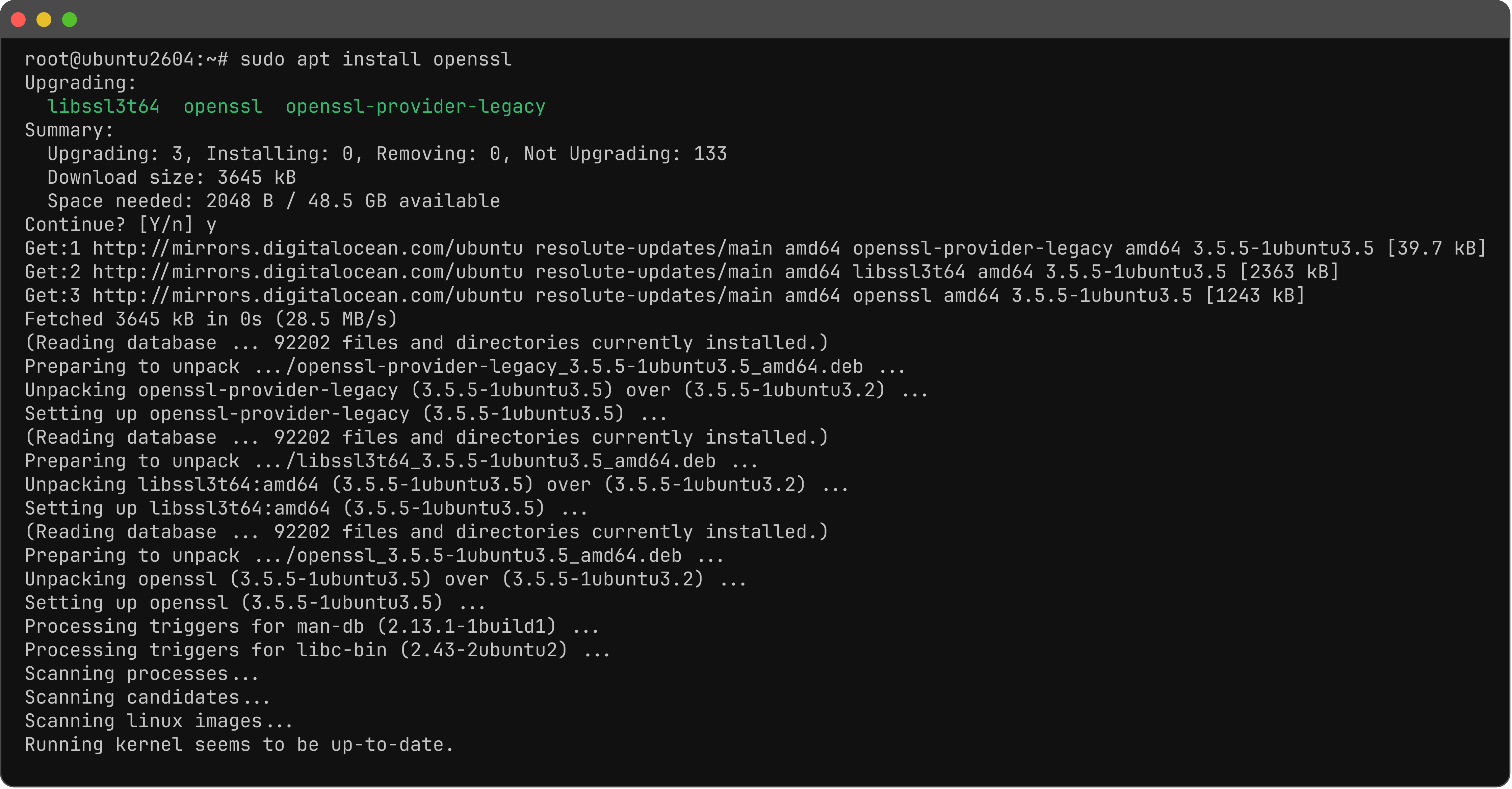
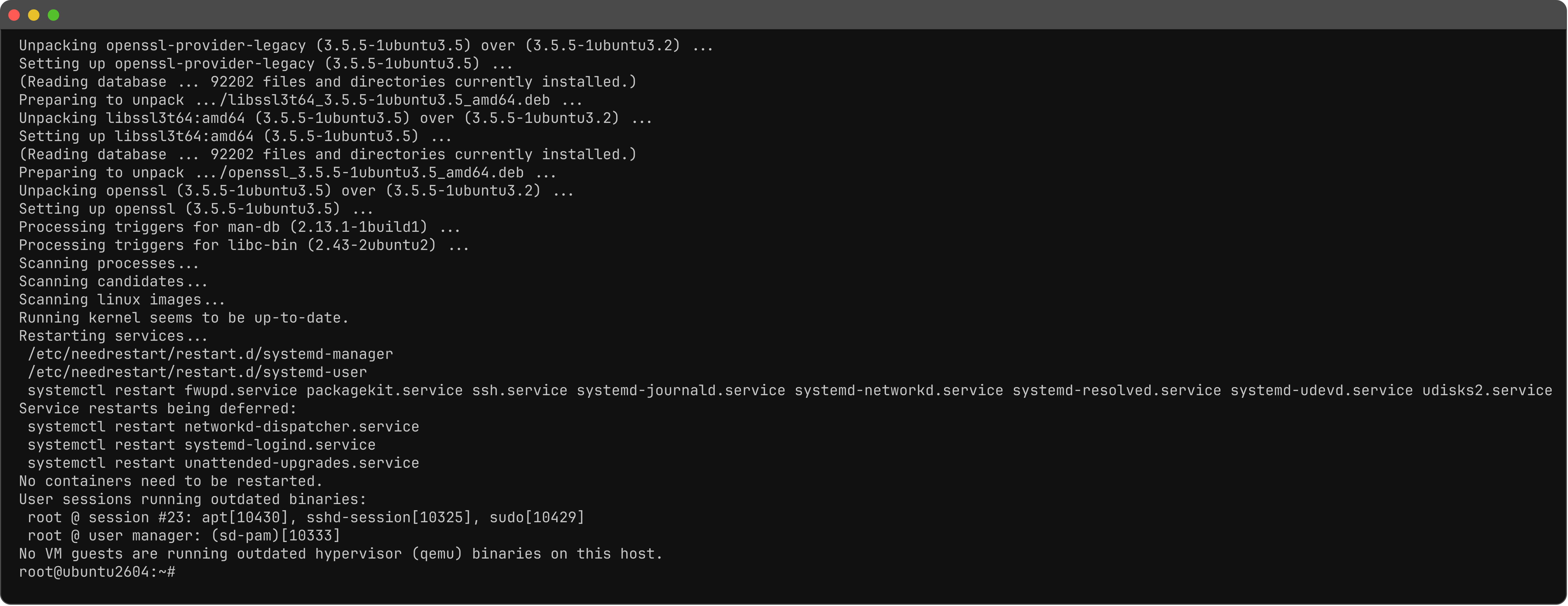
Step 2 : Install OpenSSL.
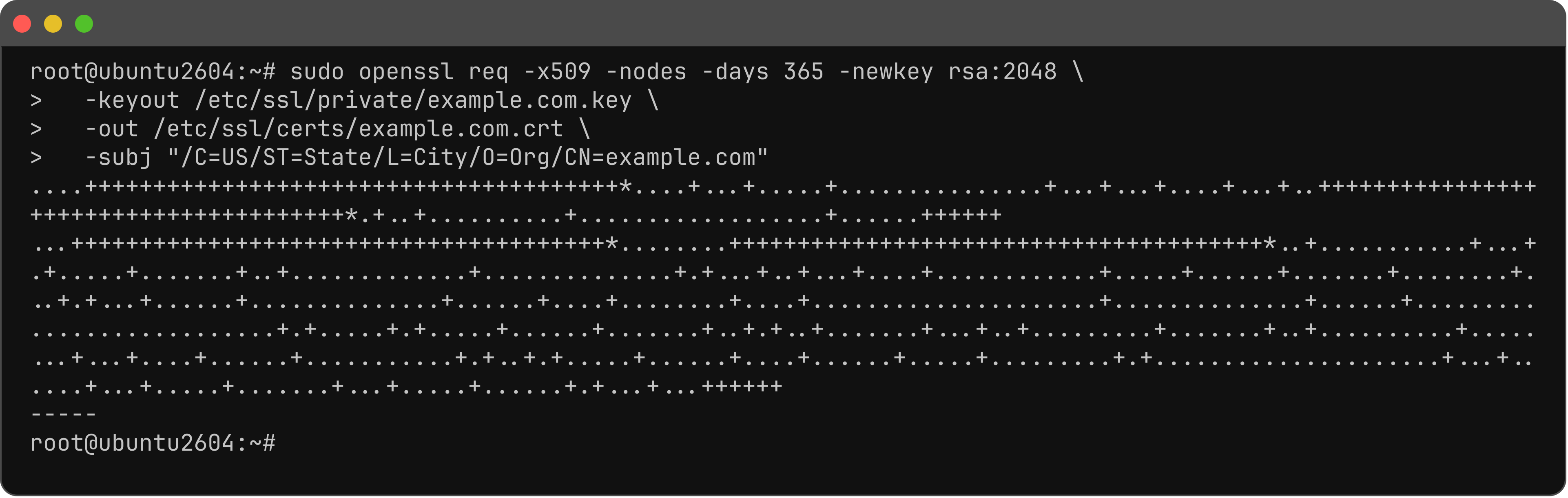
Step 3 : Generate a key and cert.
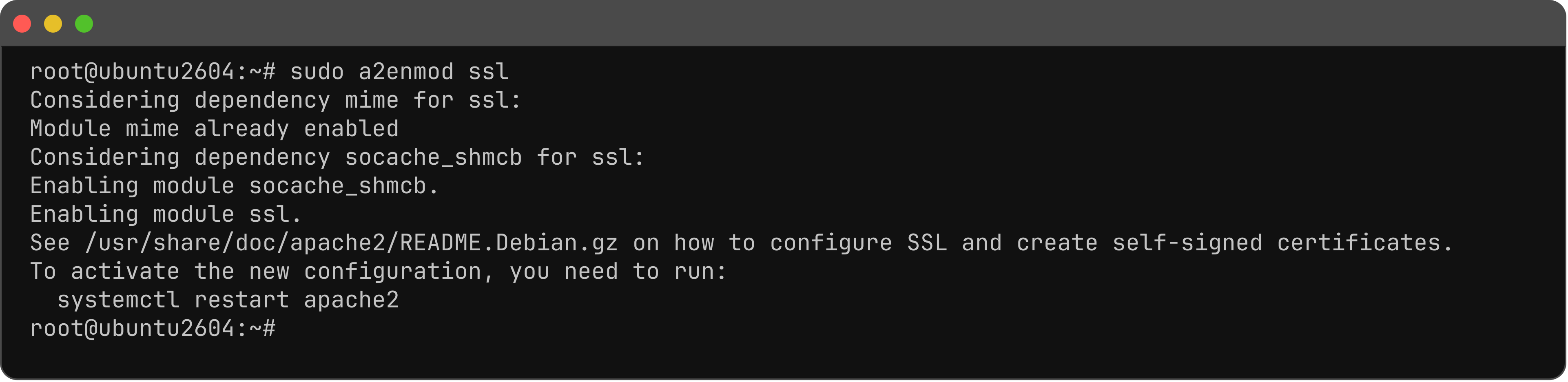
Step 4 : Enable SSL.
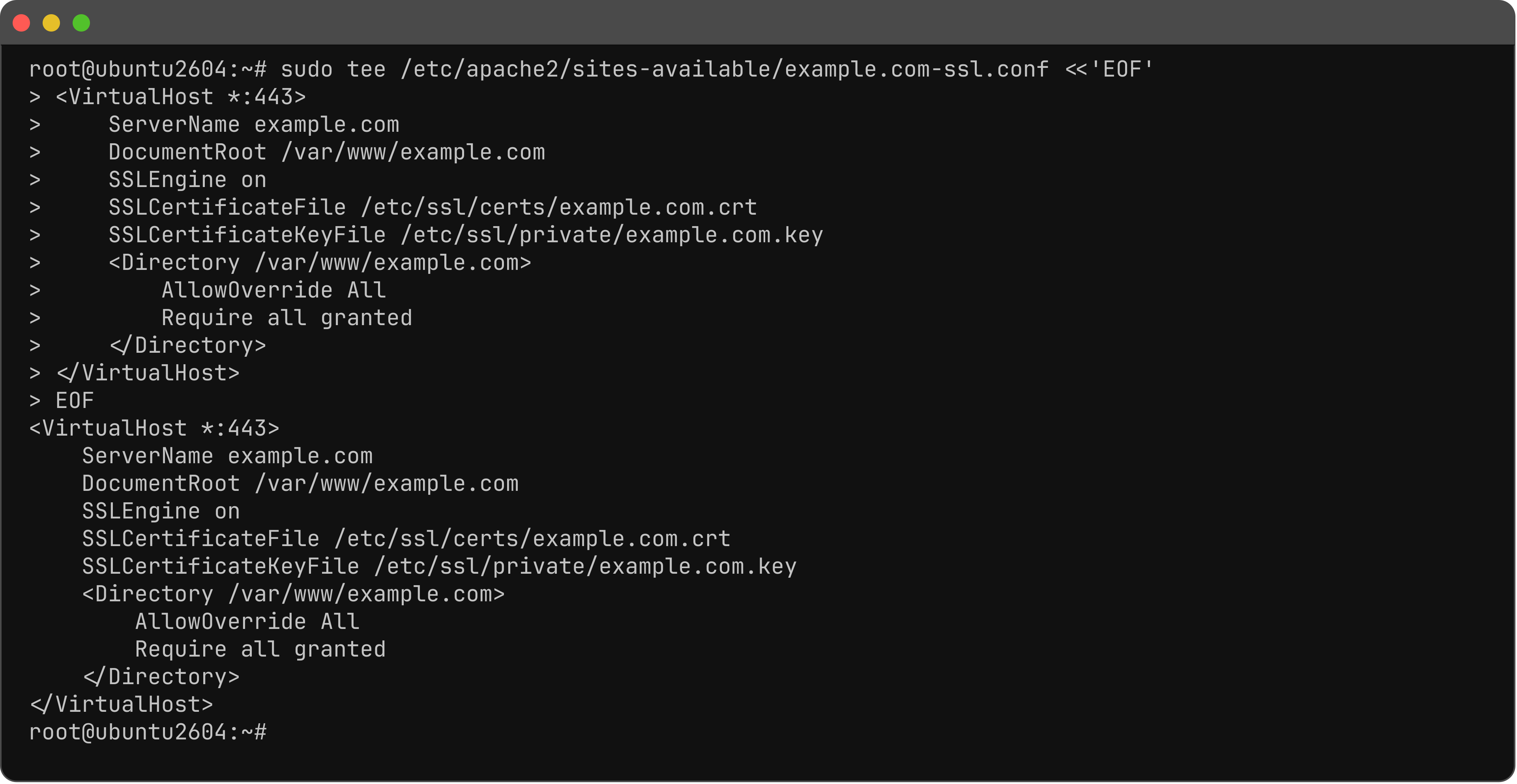
Step 5 : Create the SSL vhost.
Step 6 : Enable the SSL site.

Step 7 : Test and restart.

Step 8 : Open HTTPS and skip the browser warning (self-signed).

You have configured SSL for Apache on Ubuntu 26.04.