To install MariaDB on Ubuntu 26.04, install the server and run mariadb-secure-installation.
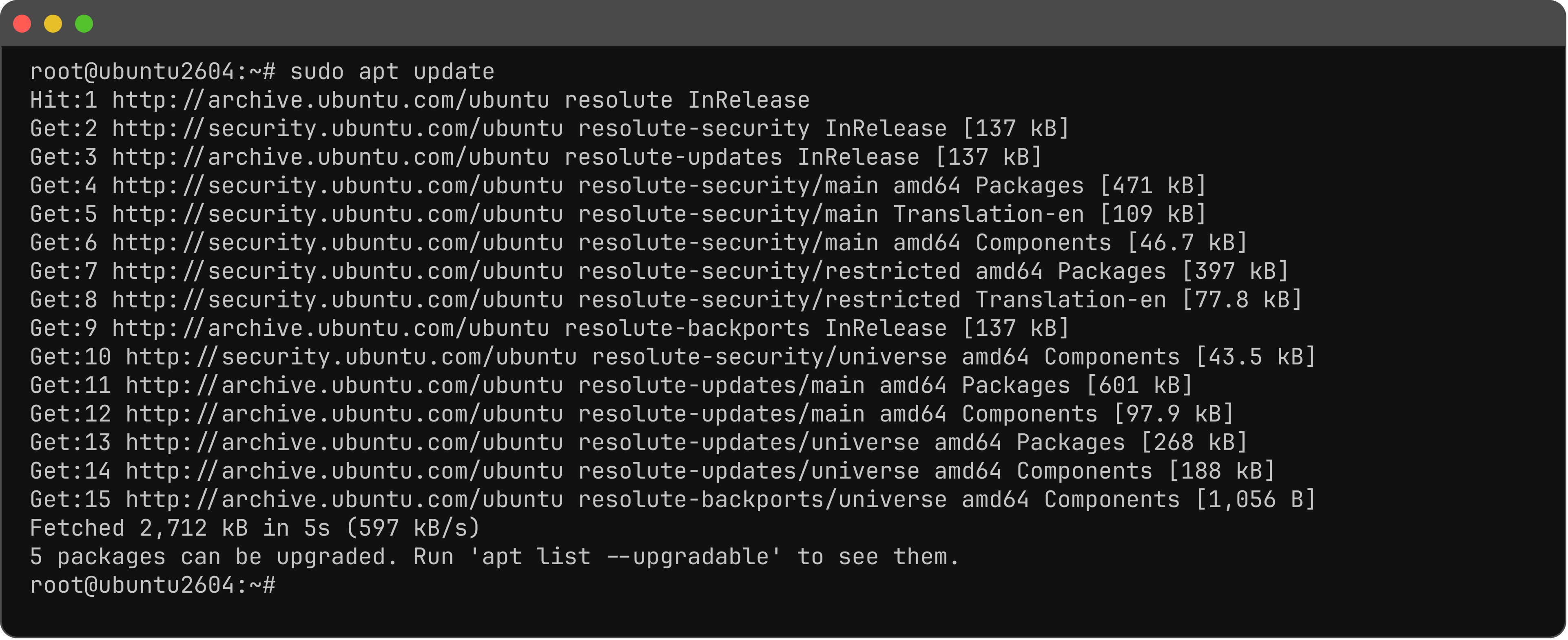
Step 1 : Update.
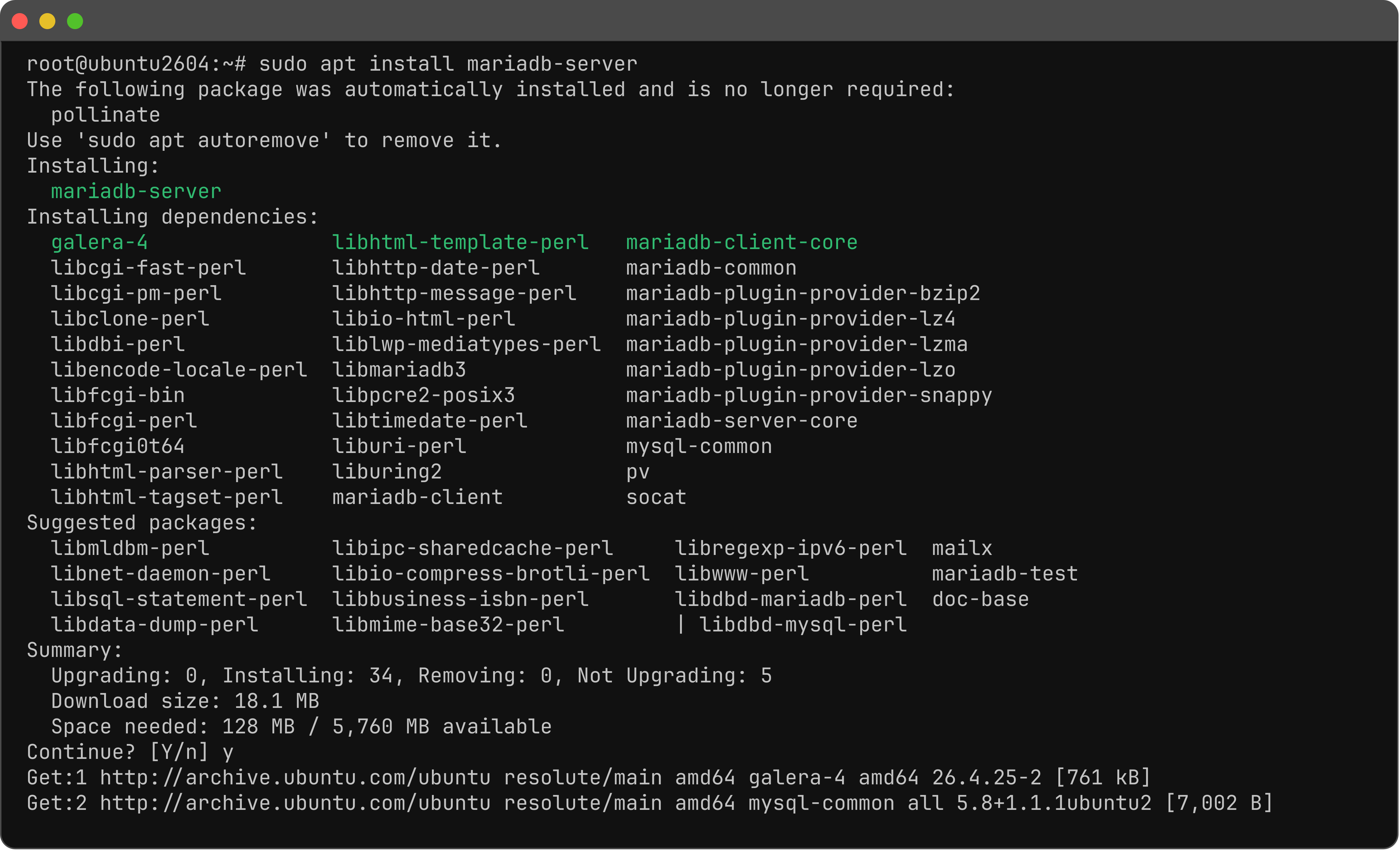
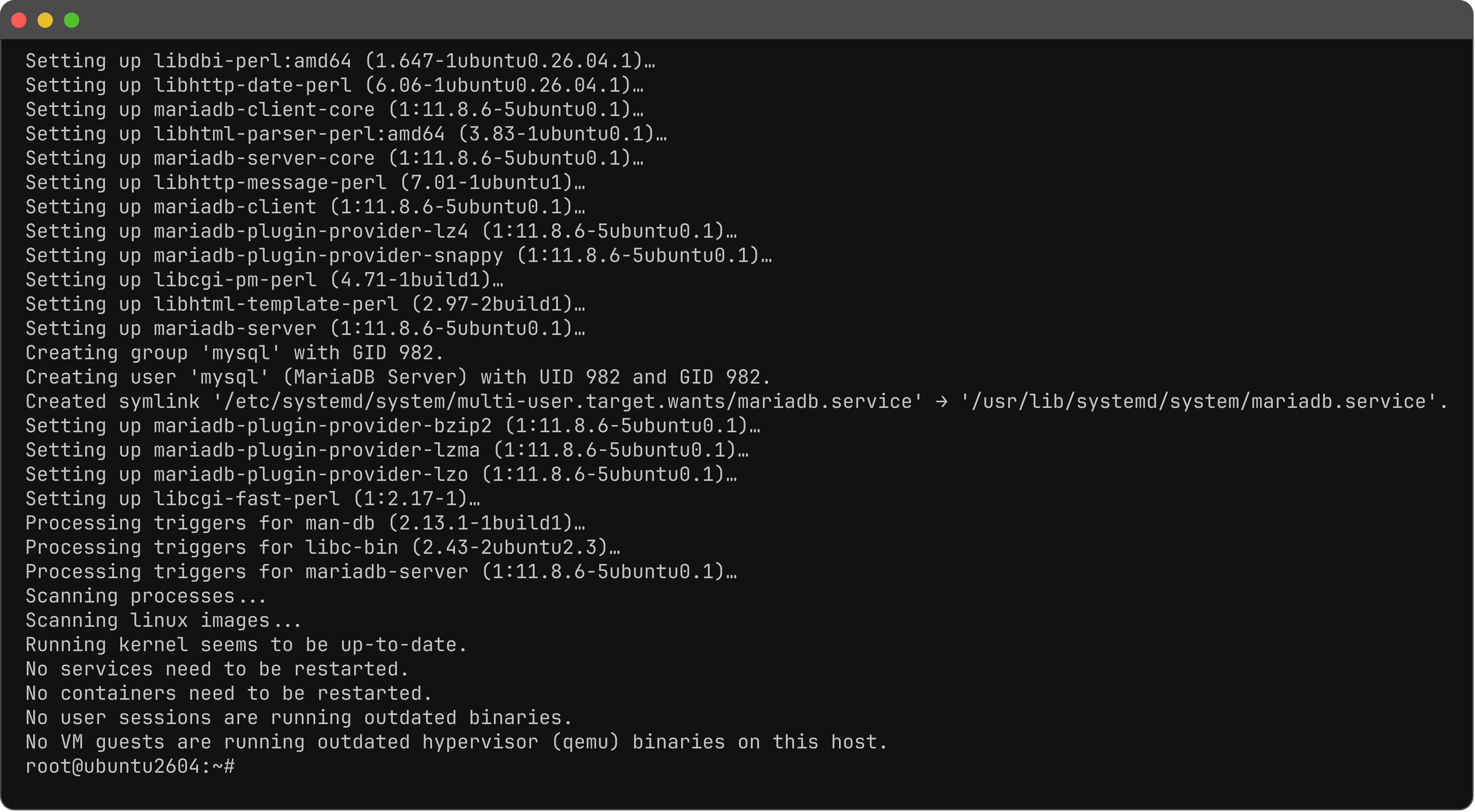
Step 2 : Install MariaDB.
Step 3 : Secure the install. Press Enter if no root password is set yet; answer Y to the rest.
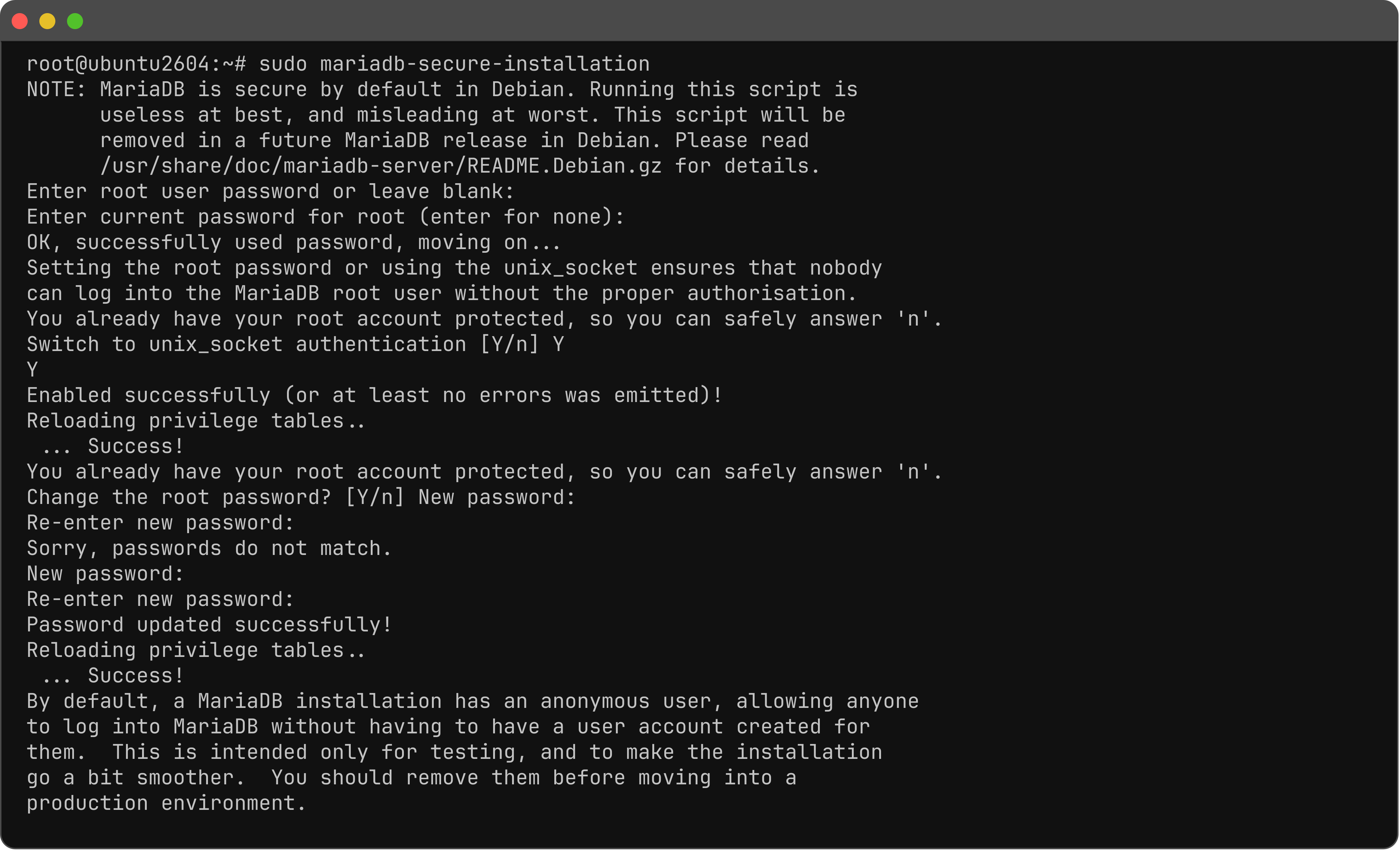
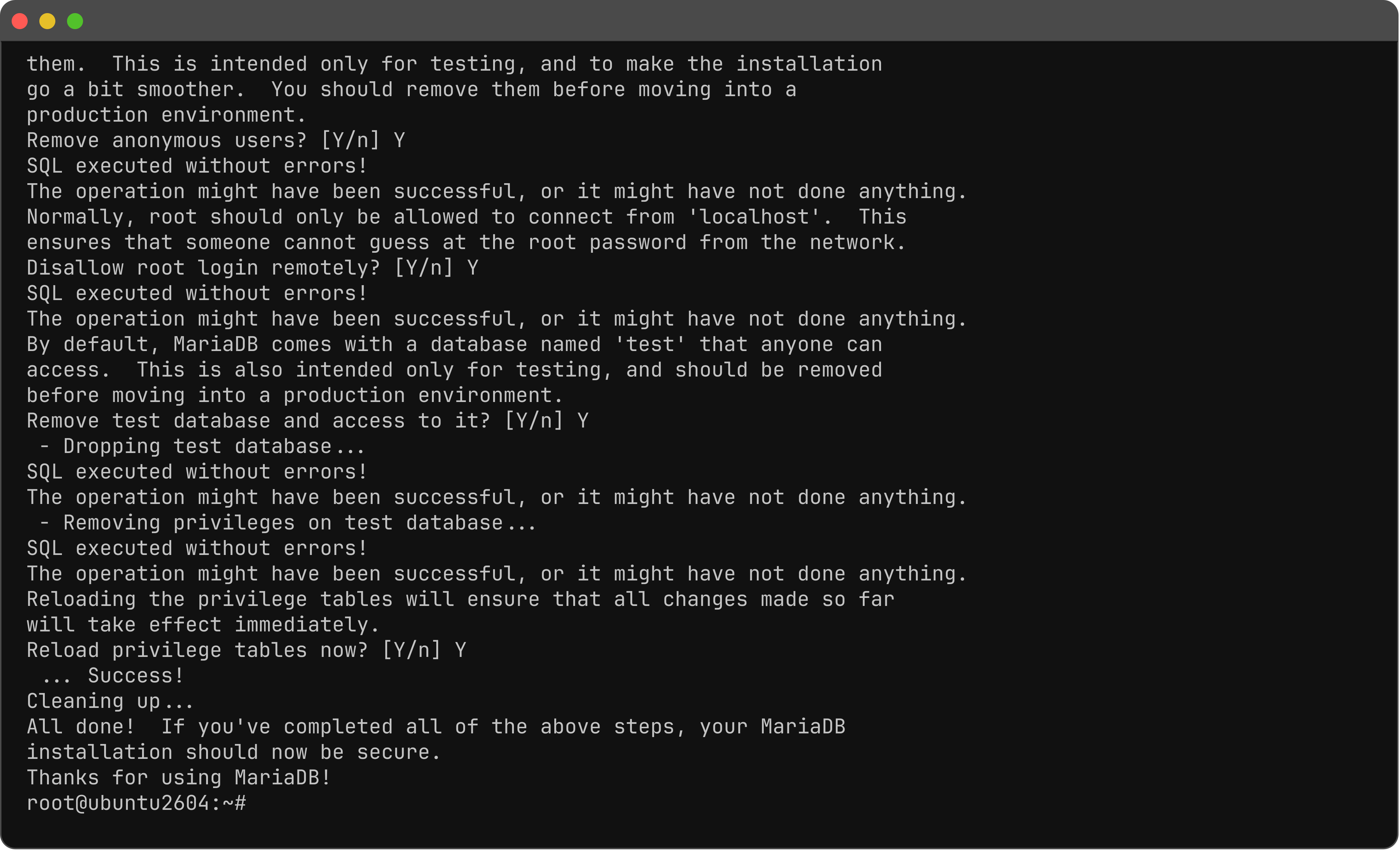
- Root password: Enter (empty if none is set yet)
- Switch to unix_socket authentication: Y
- Change the root password: Y
- Remove anonymous users: Y
- Disallow root login remotely: Y
- Remove test database: Y
- Reload privilege tables: Y
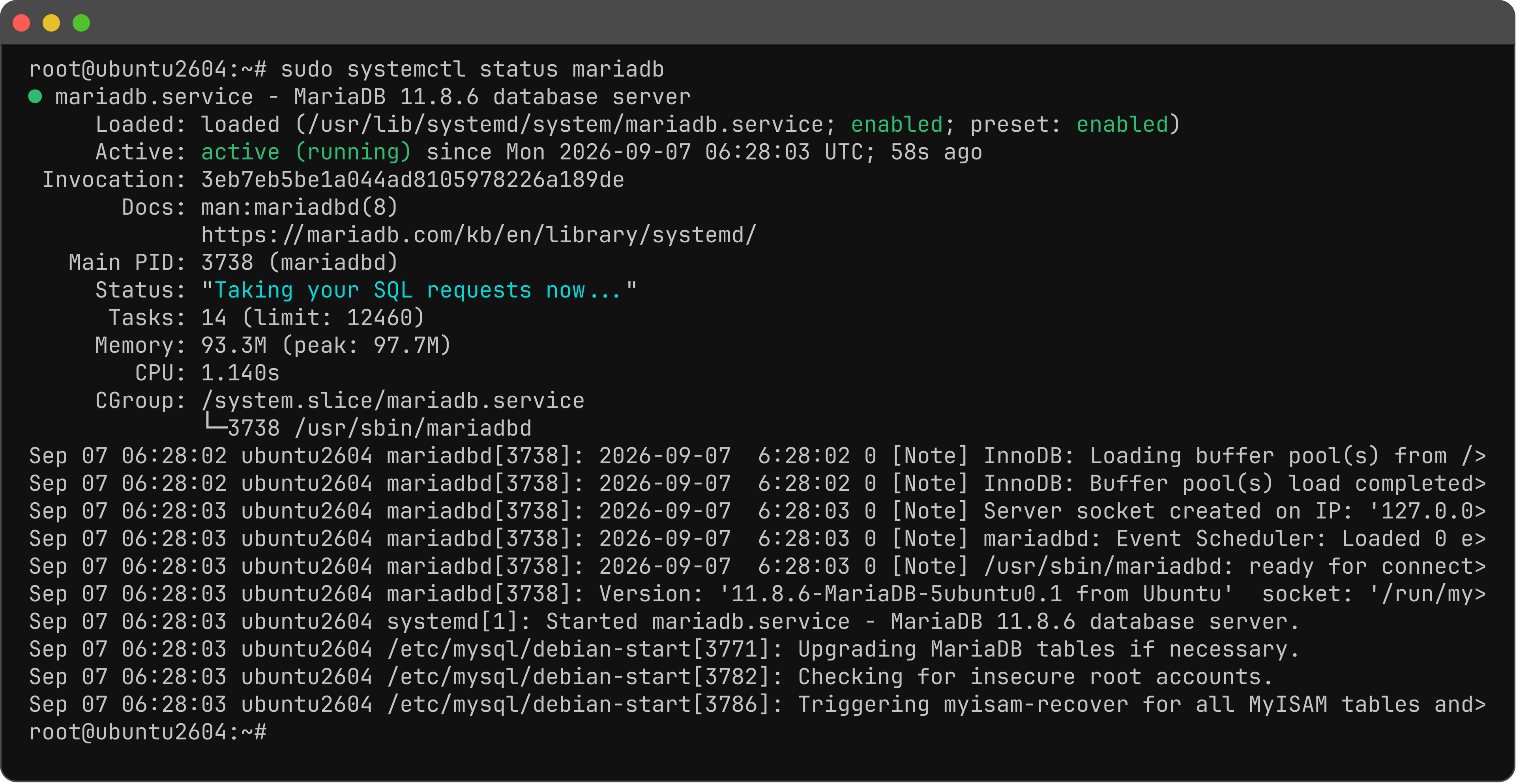
Step 4 : Start and enable.

Step 5 : Check status.
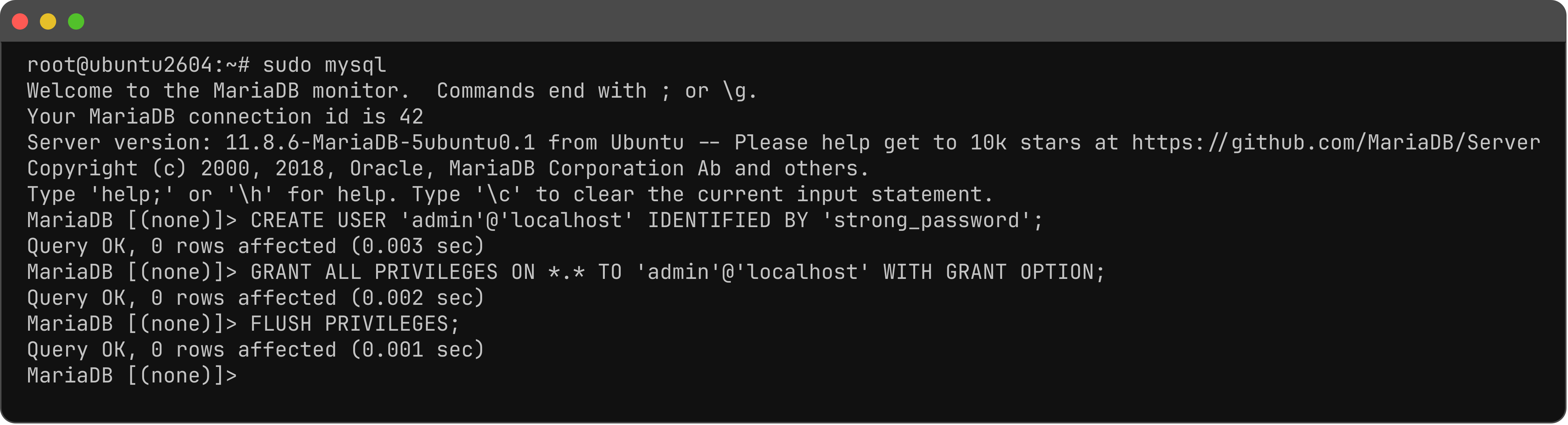
Step 6 : Log in.

Step 7 : Create an admin user (change the password).
You have installed MariaDB on Ubuntu 26.04.