To configure a static IP address on Ubuntu 26.04, write a Netplan file and apply it. Use the NIC from step 1 and the file from step 2. Pick a static IP and a gateway (example 192.168.1.1).
Step 1 : Note the interface name (example: ens3).

Step 2 : Use the Netplan file on this machine (ISO: 00-installer-config.yaml; cloud: 50-cloud-init.yaml).

Step 3 : Back up the file from step 2.

Step 4 : NIC from step 1. File from step 2. Set your static IP (example 192.168.1.50) and gateway (example 192.168.1.1).
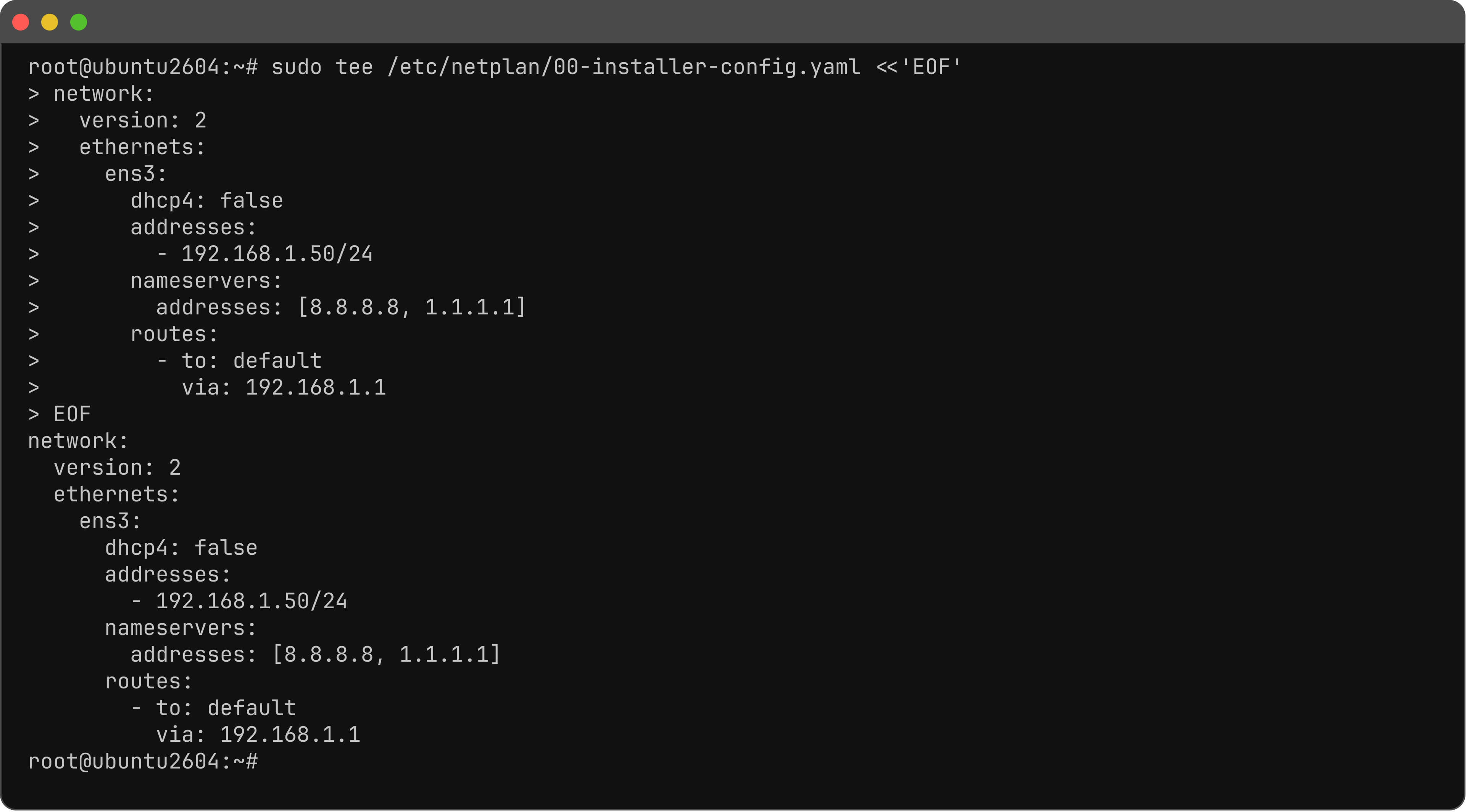
Step 5 : Apply.

Step 6 : Test.
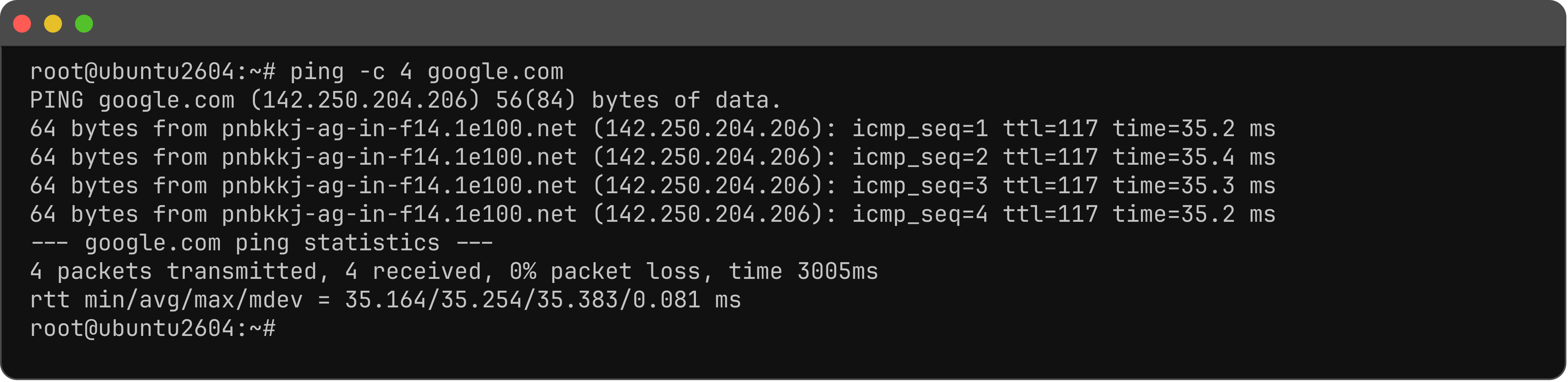
You have configured a static IP address on Ubuntu 26.04.