To install Ubuntu Server 26.04, boot from the USB installer and follow these steps.
Step 1 : Boot from the USB installer.
Step 2 : At GRUB, choose Try or Install Ubuntu Server.
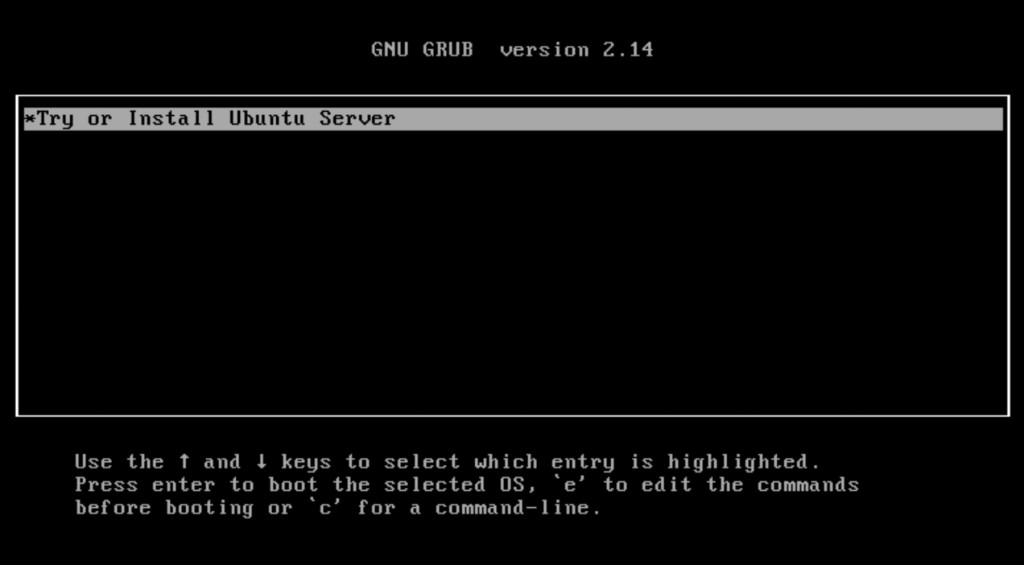
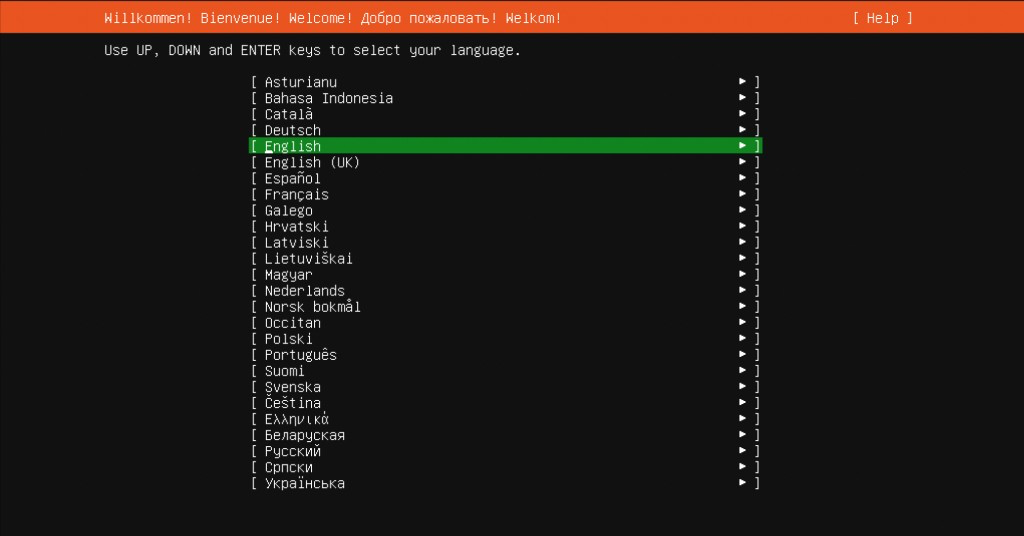
Step 3 : Select the language.
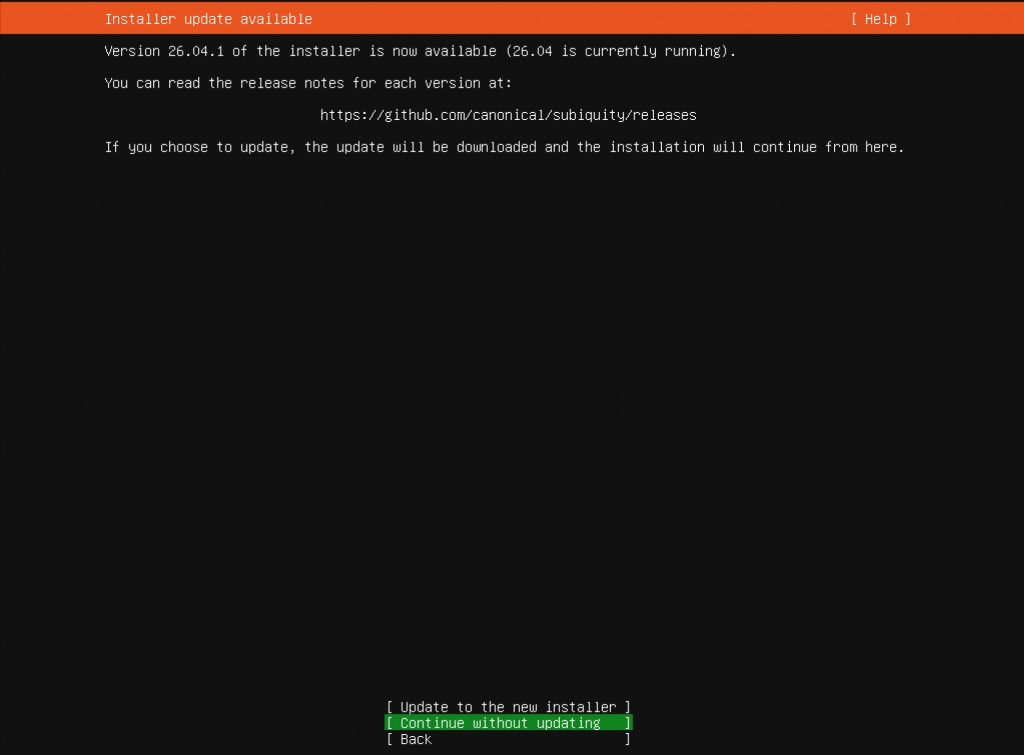
Step 4 : If asked to update the installer, choose Update (or Continue without updating).
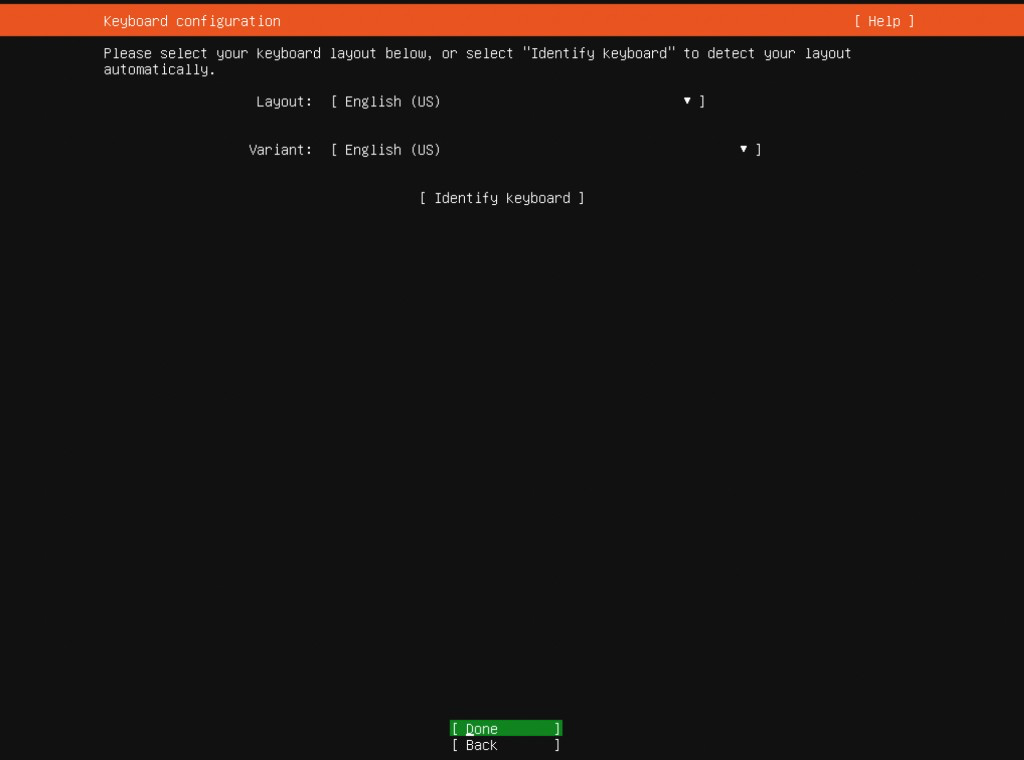
Step 5 : Select the keyboard layout.
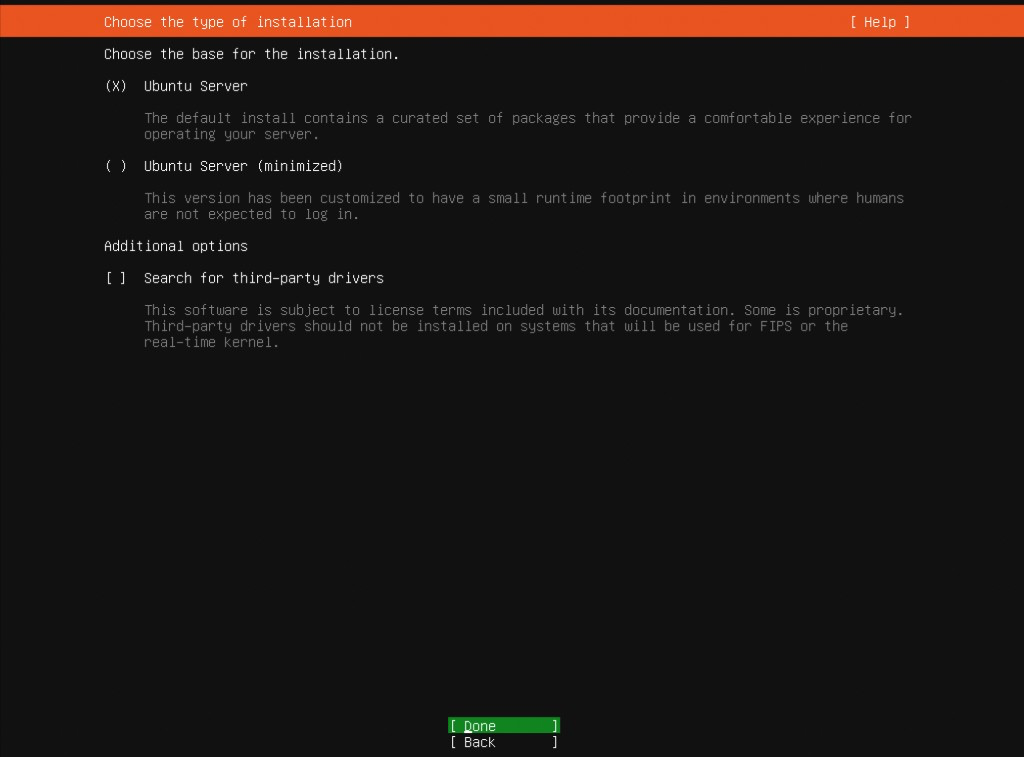
Step 6 : Type of installation: choose Ubuntu Server (not minimized).
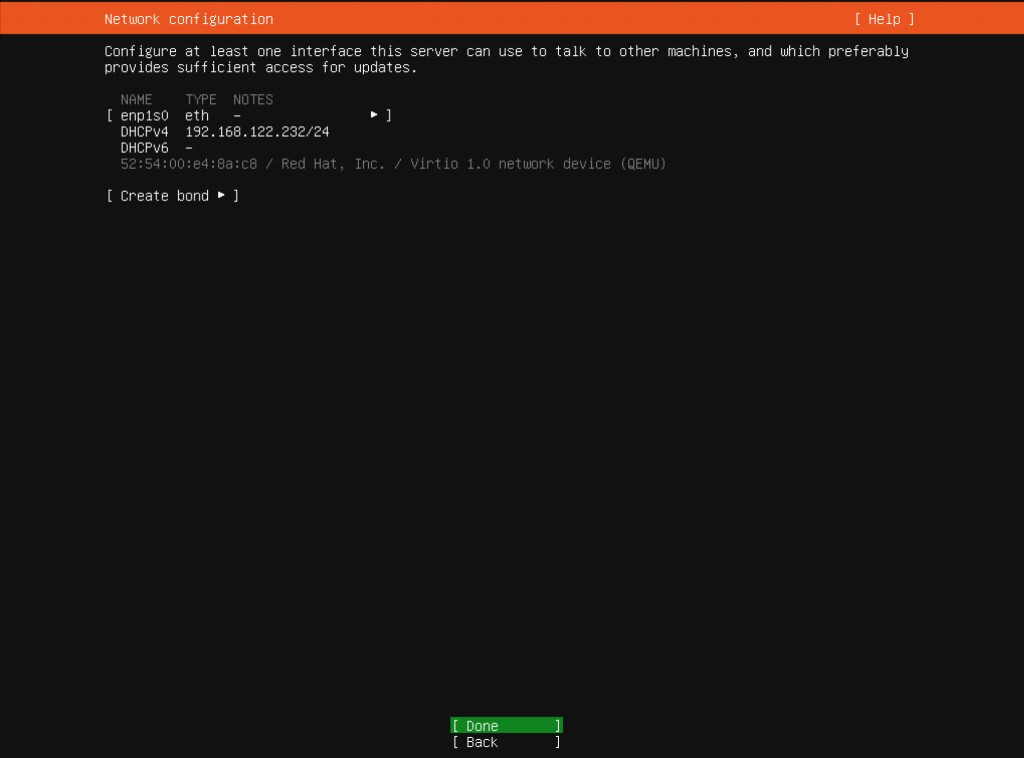
Step 7 : Network: DHCP is fine for a first install.
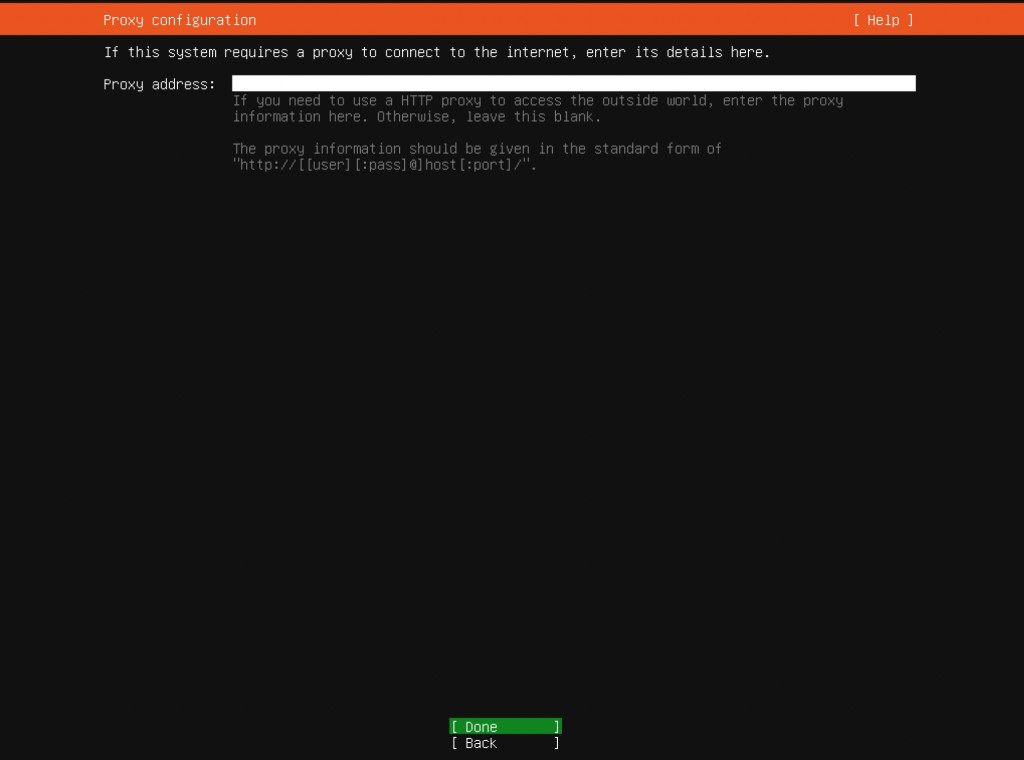
Step 8 : Proxy: leave blank if you have none.
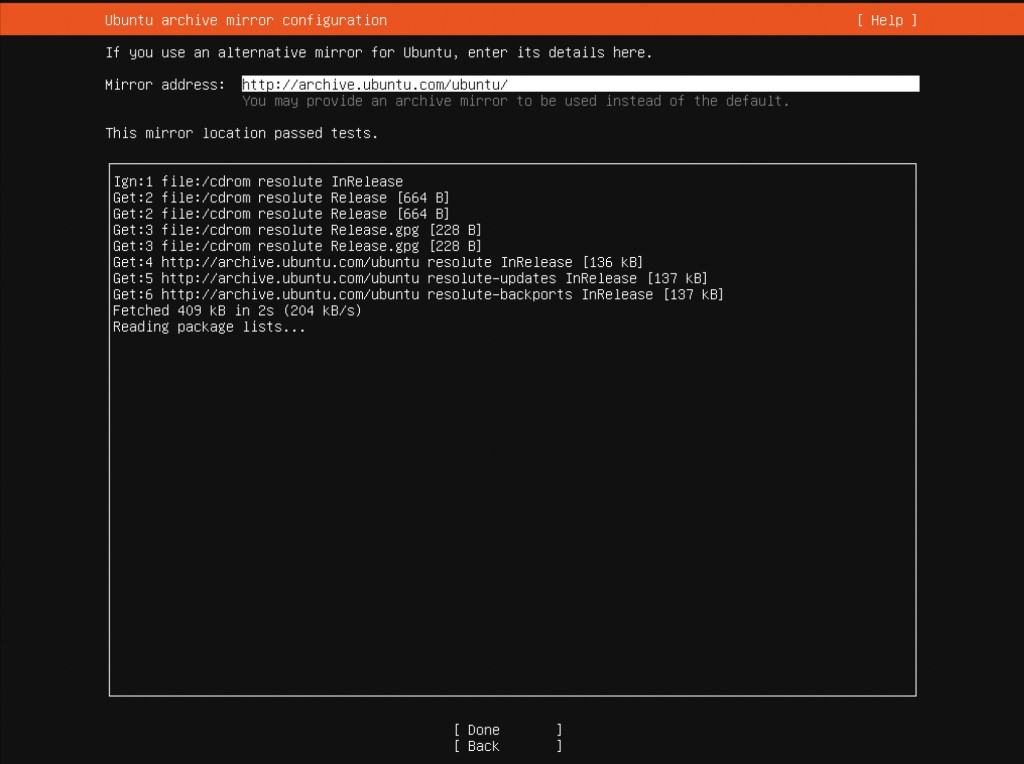
Step 9 : Mirror: keep the default unless you have a local mirror.
Step 10 : Storage: Use an entire disk wipes that disk.
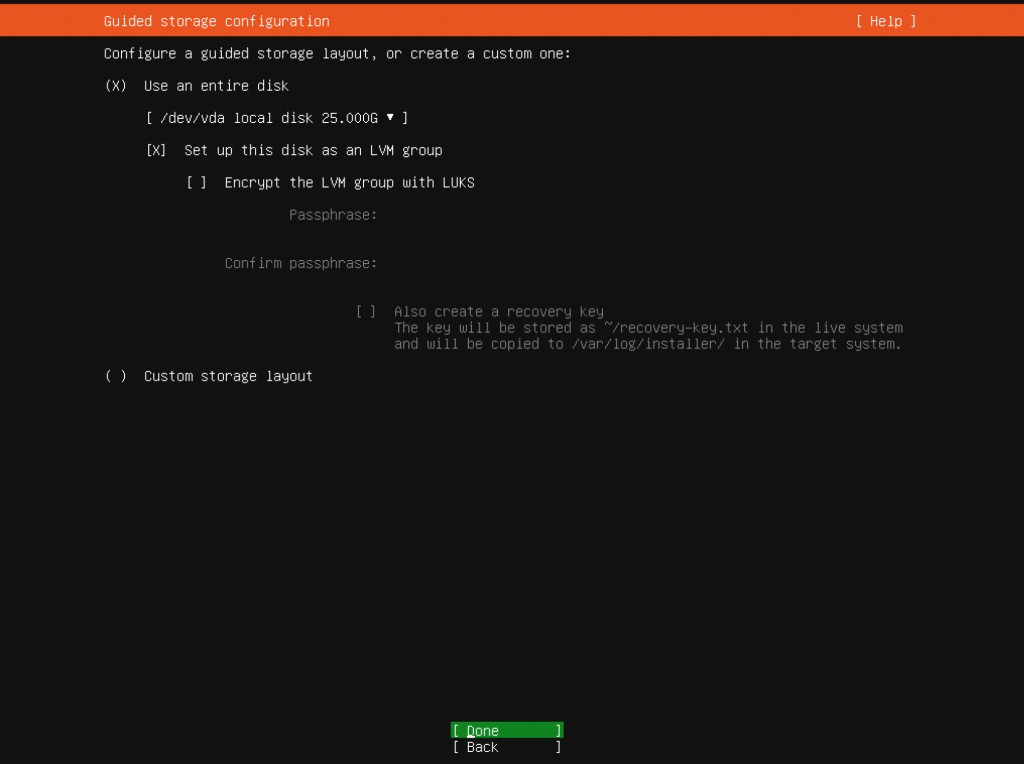
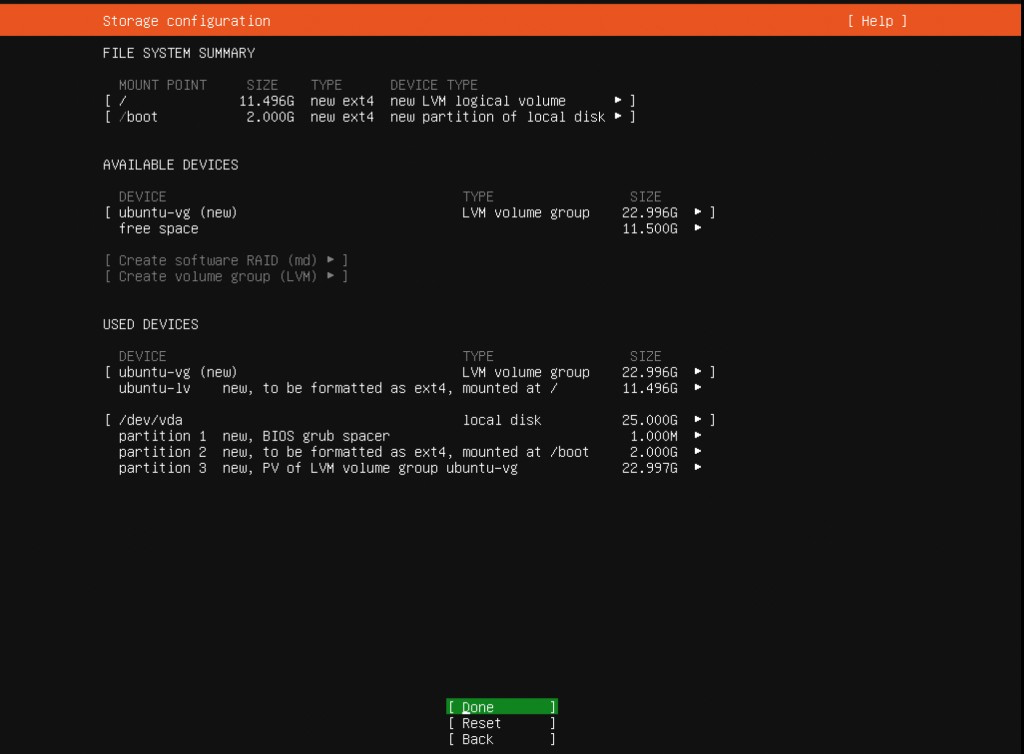
Step 11 : Review the file system summary.
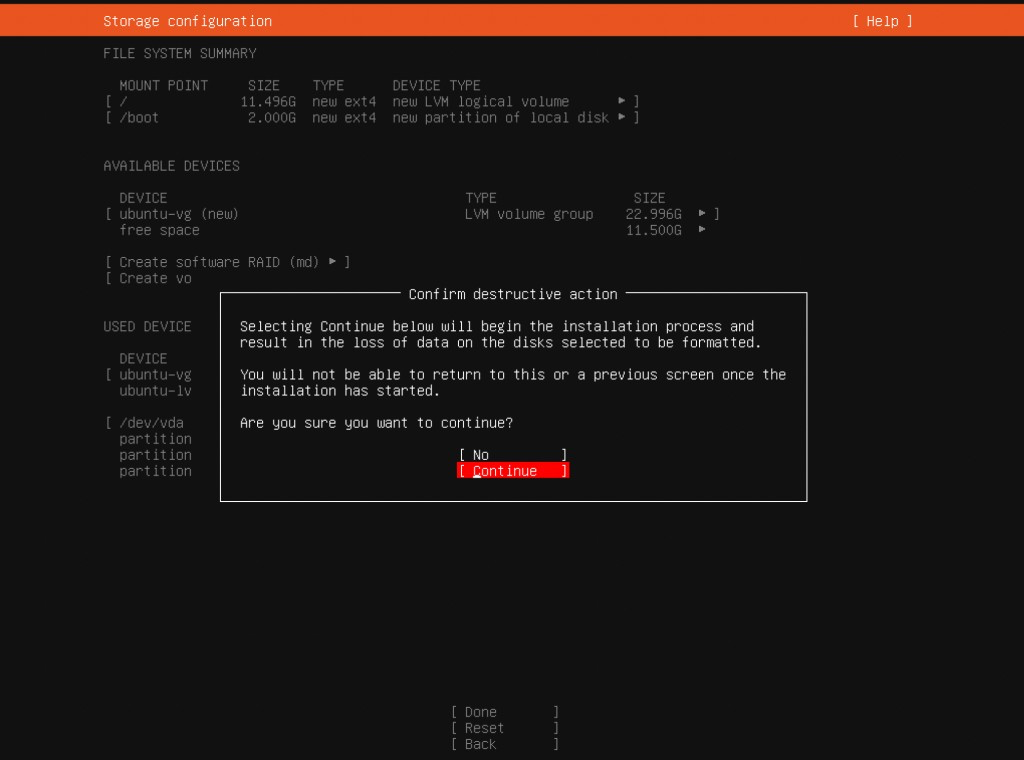
Step 12 : Confirm the install.
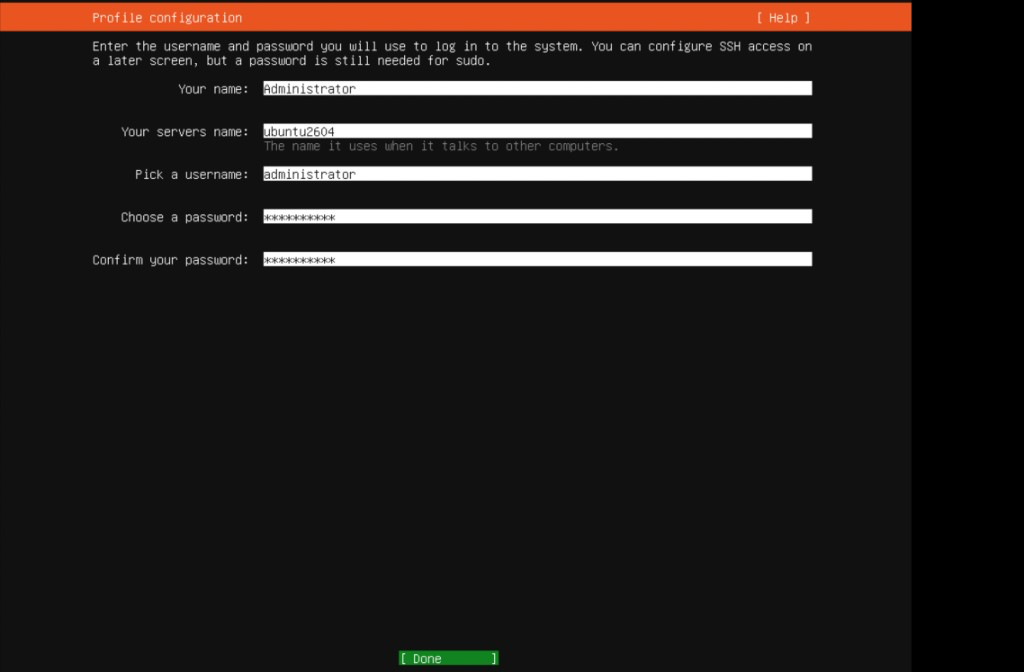
Step 13 : Fill in the profile (name, hostname, username, password).
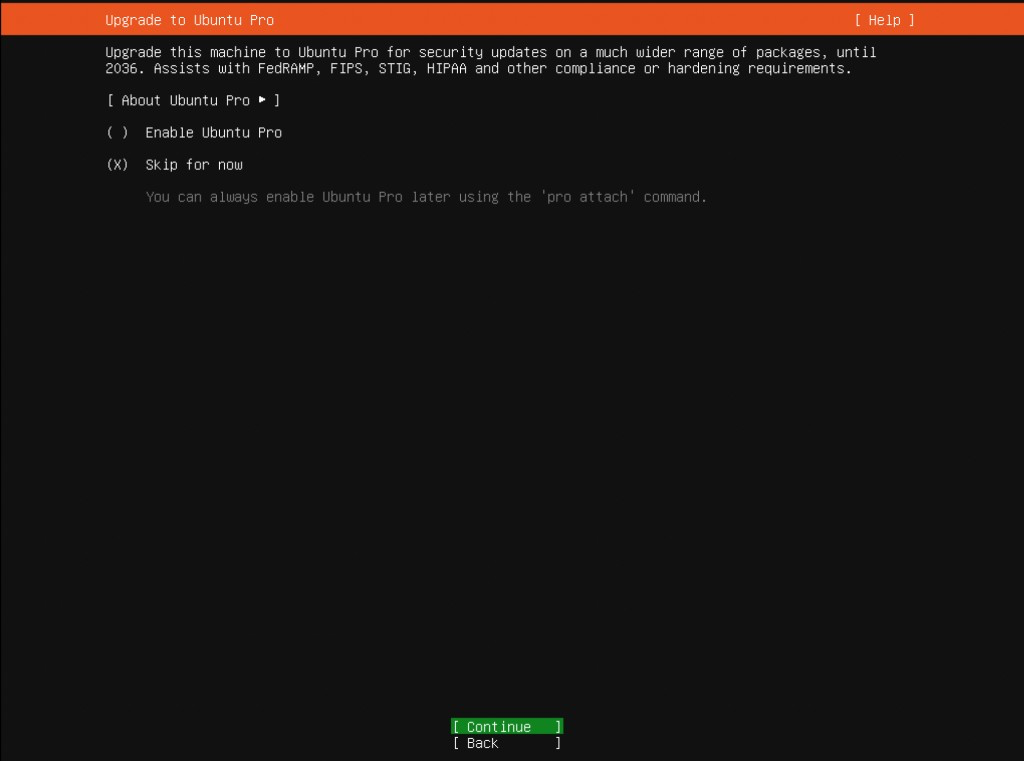
Step 14 : Ubuntu Pro: do not enable it unless you already have a token.
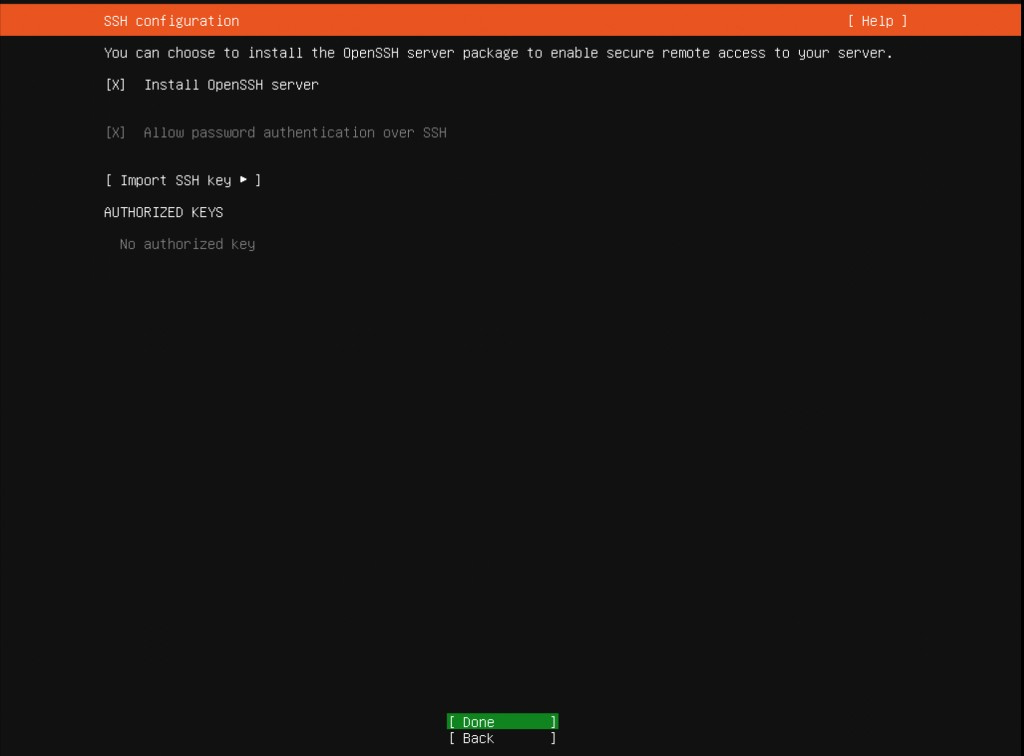
Step 15 : Install the OpenSSH server.
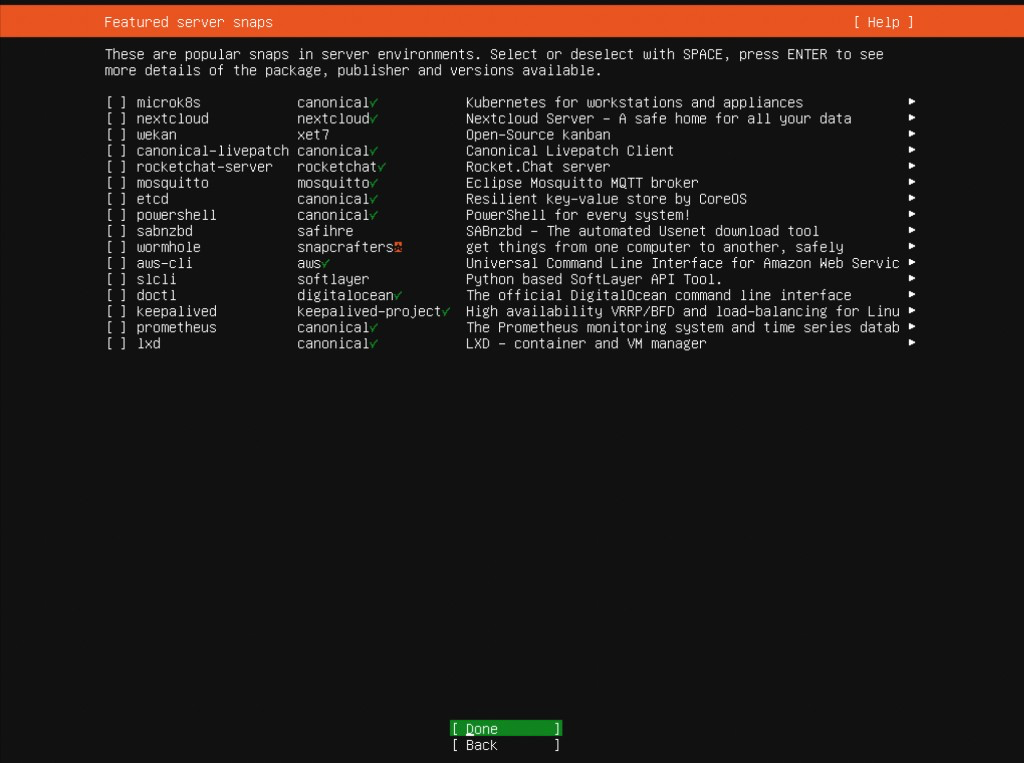
Step 16 : Featured snaps: skip extras; keep the defaults.
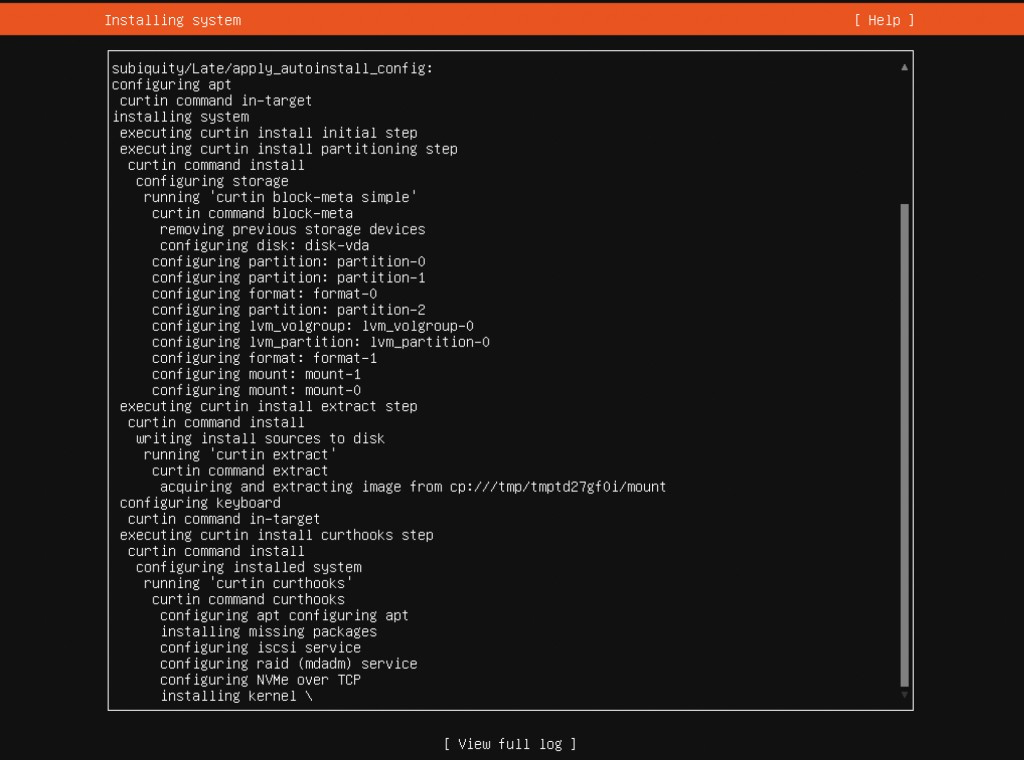
Step 17 : Wait until the install finishes.
Step 18 : Choose Reboot now. Remove the USB/DVD when asked.
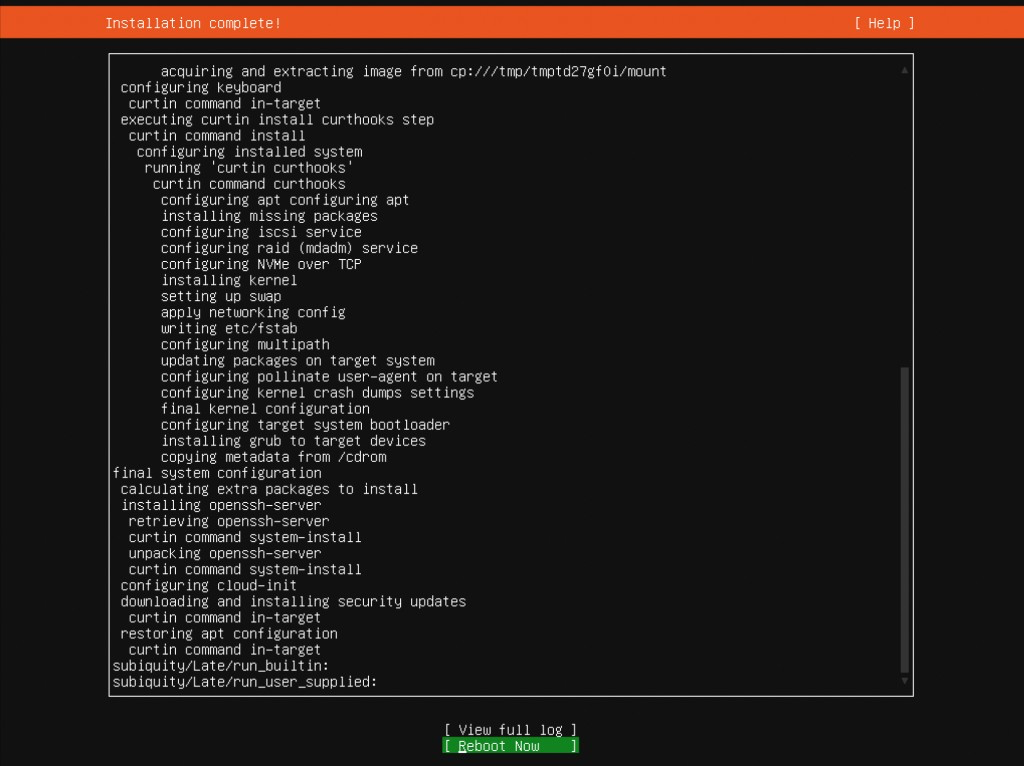
You have installed Ubuntu Server 26.04.