To install phpMyAdmin with Apache on Ubuntu 26.04, enable the Apache conf and open the UI on example.com.
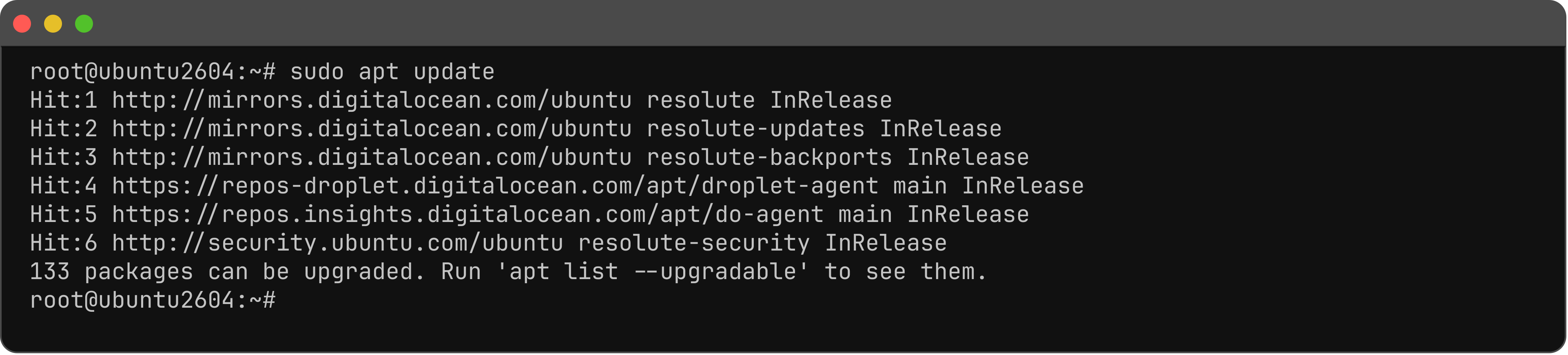
Step 1 : Update.
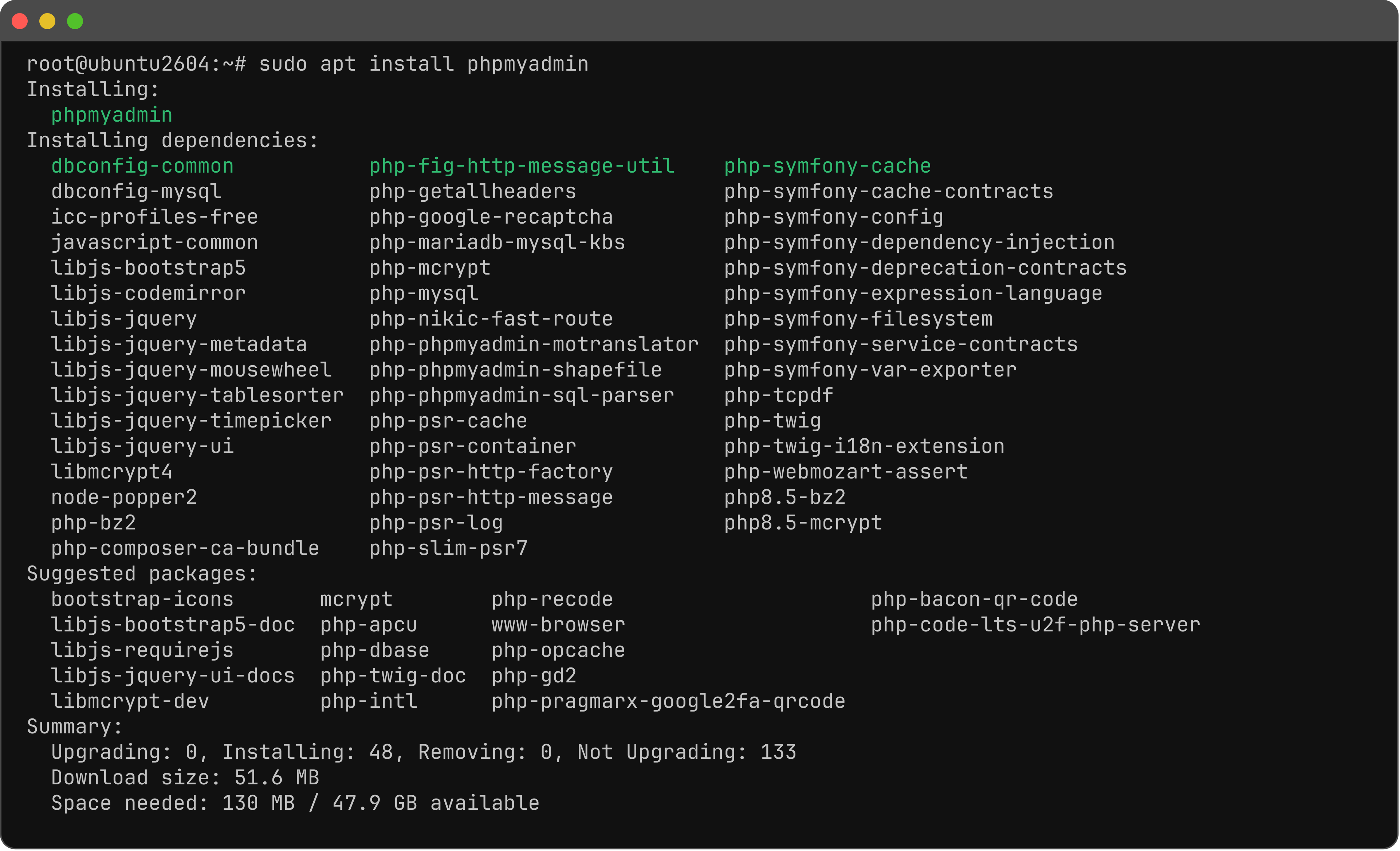
Step 2 : Install phpMyAdmin. Debconf: web server = apache2; dbconfig = Yes; set an application password.
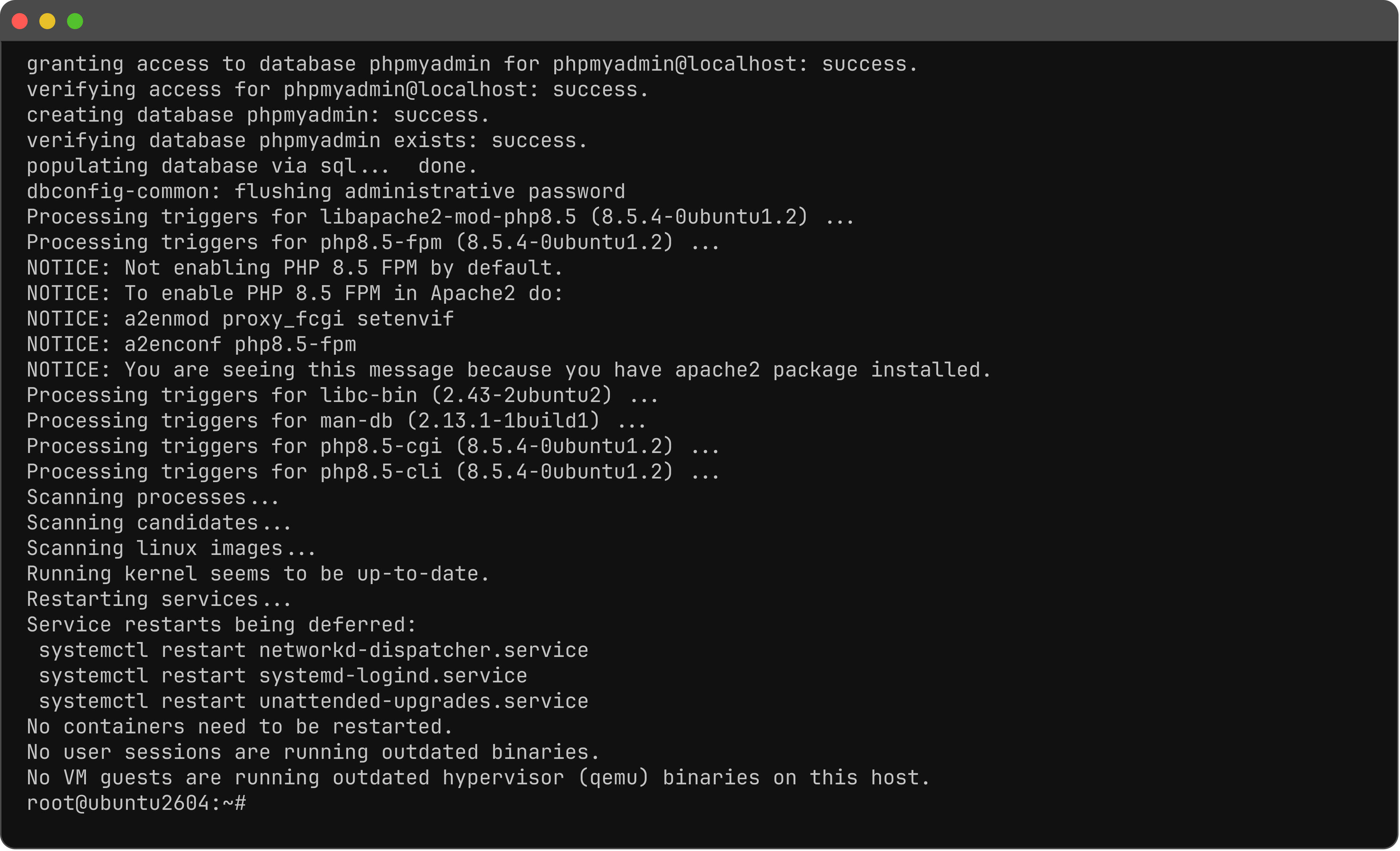
Step 3 : Enable the Apache conf.

Step 4 : Restart Apache.

Step 5 : Open the login page in a browser.
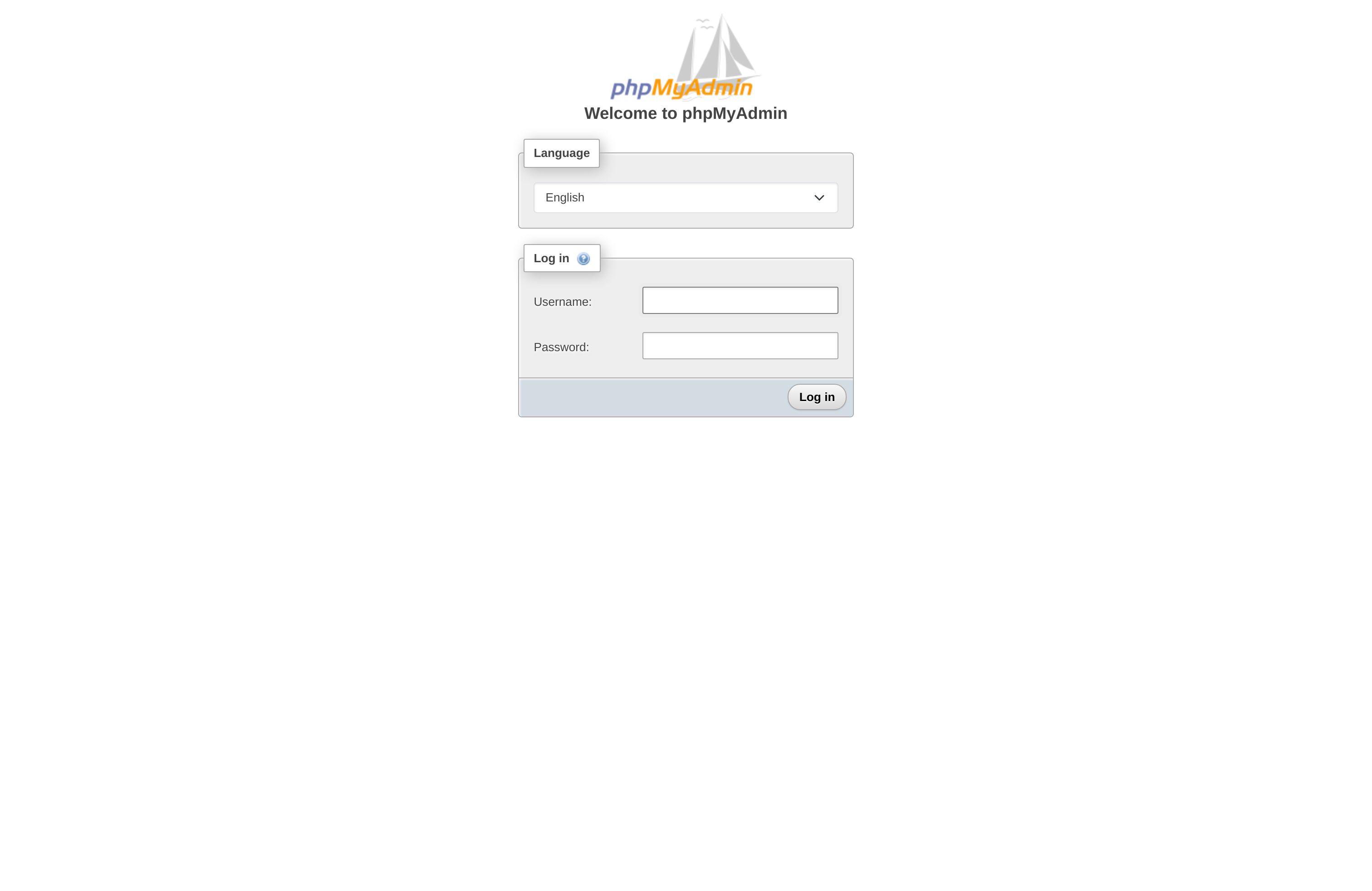
Step 6 : Username (a MariaDB user, for example root) and Password, then Go.
Step 7 : After login, confirm the home (or Databases) page.
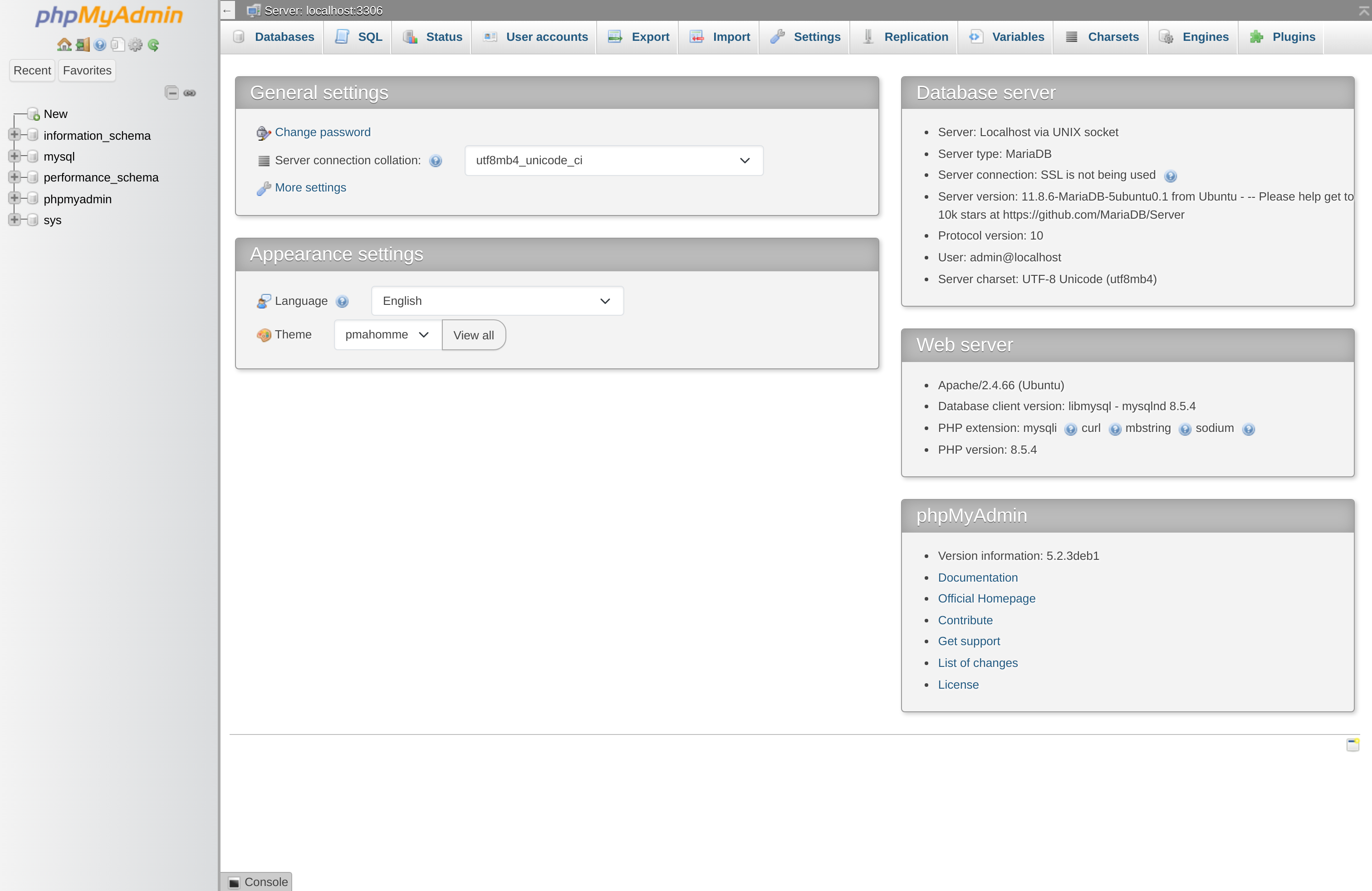
You have installed phpMyAdmin with Apache on Ubuntu 26.04.