To update AlmaLinux 8. Follow the steps below.
Step 1 : Open the terminal on your system or connect to the AlmaLinux 8 server using SSH.
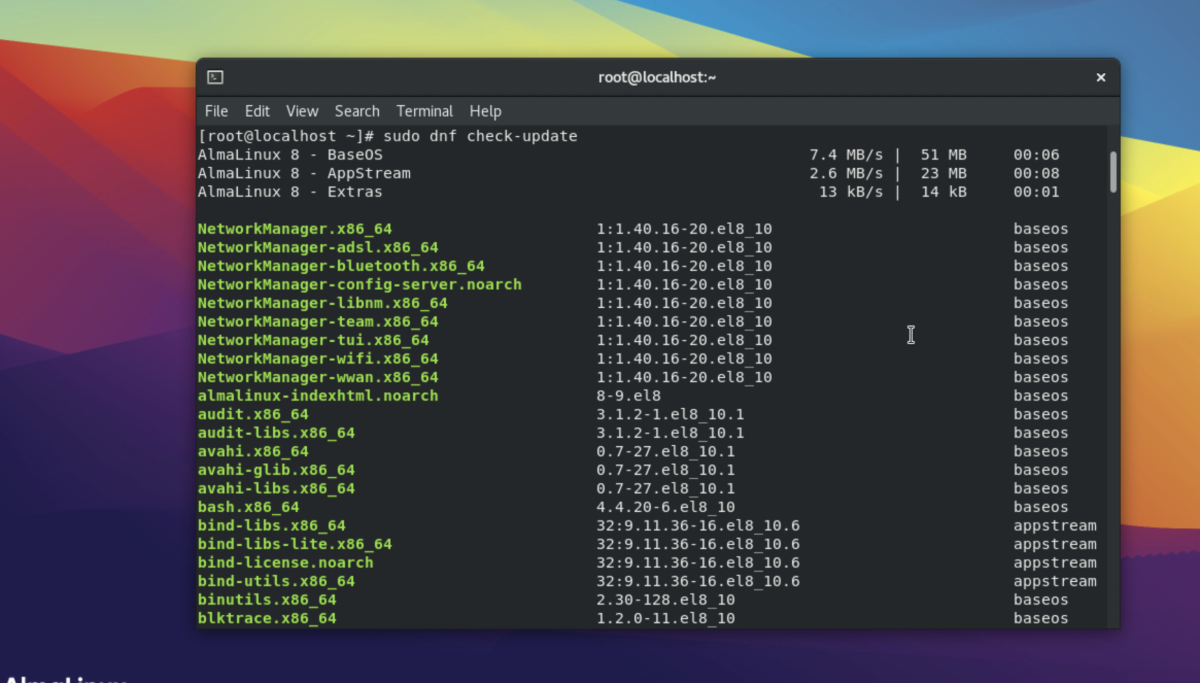
Step 2 : Run the following command to check for available package updates:
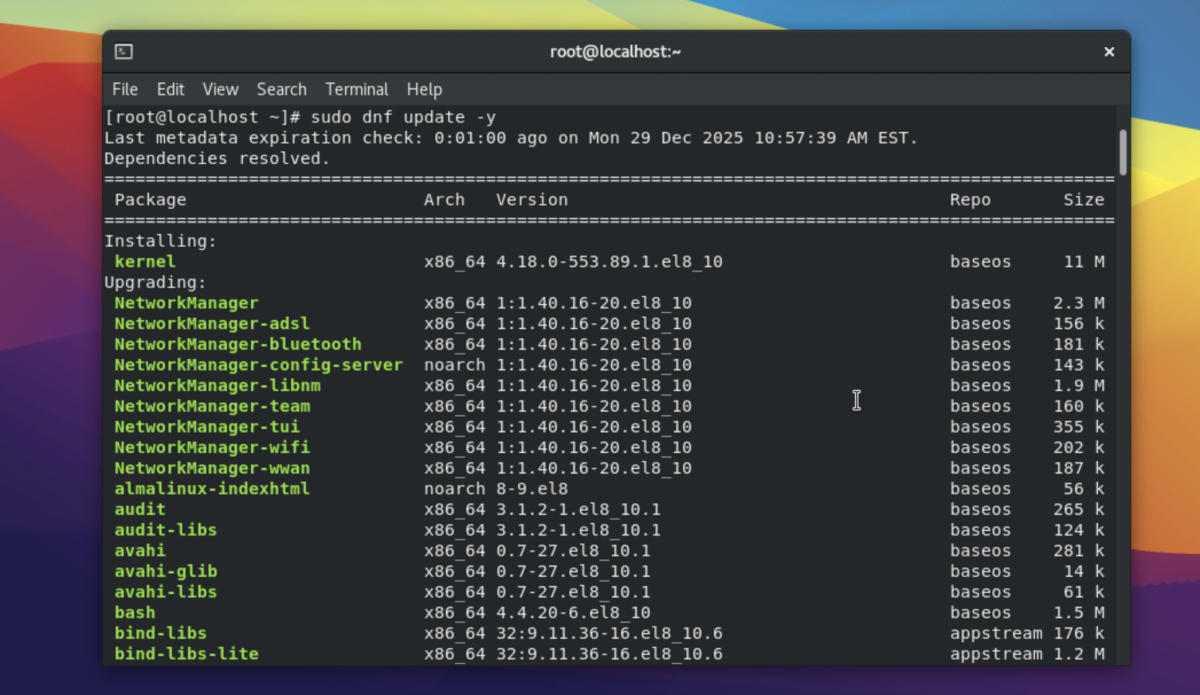
Step 3 : Run the following command to download and install all available updates:
Step 4 : If the update includes kernel or critical system packages, reboot the system to apply the changes:
Congratulations, you have successfully updated your AlmaLinux 8 system.