To enable root login via SSH on AlmaLinux 8, follow the steps below:
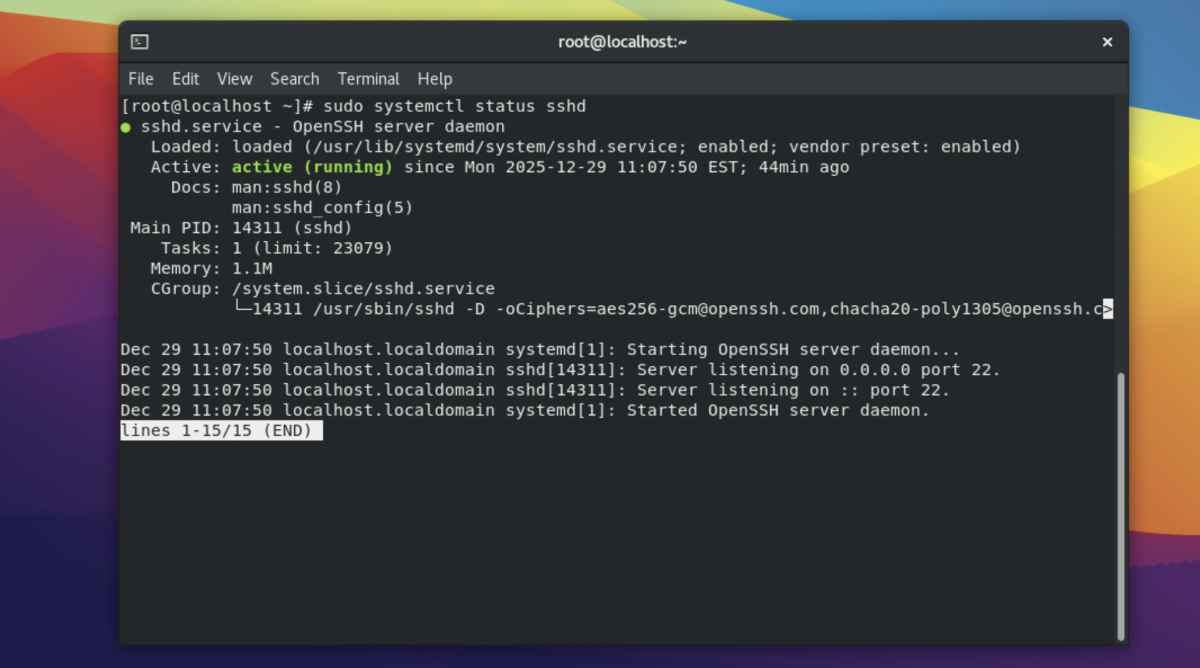
Step 1 : Open a terminal, then check whether the SSH service is running:
Step 2 : Make sure the root account has a password set:
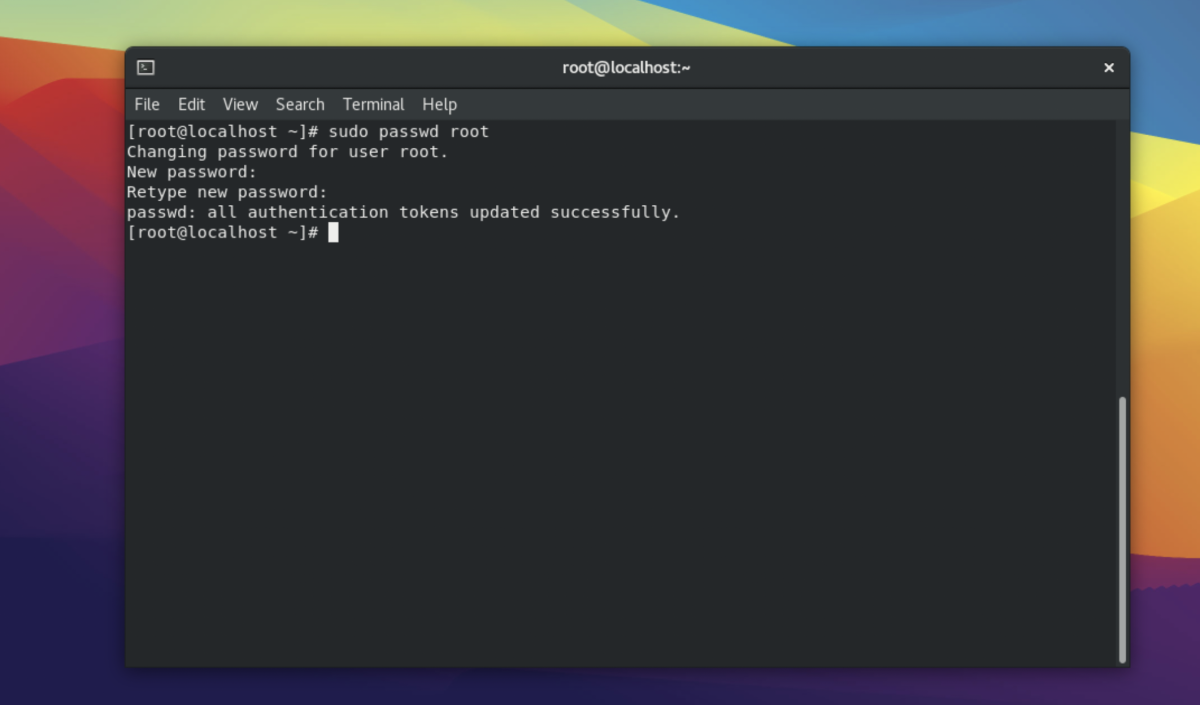
Enter and confirm the root password.
Step 3 : Open the SSH daemon configuration file using a text editor:
Step 4 : Find the following line:
Remove the # character so it becomes:
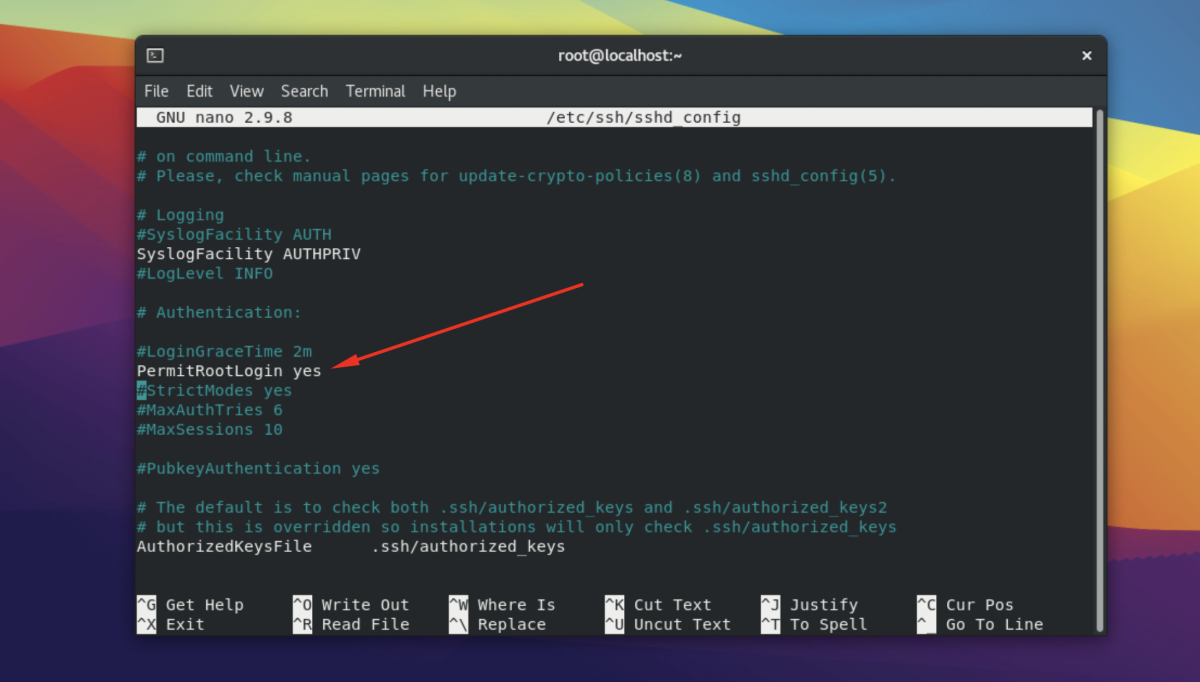
Save and exit the file.
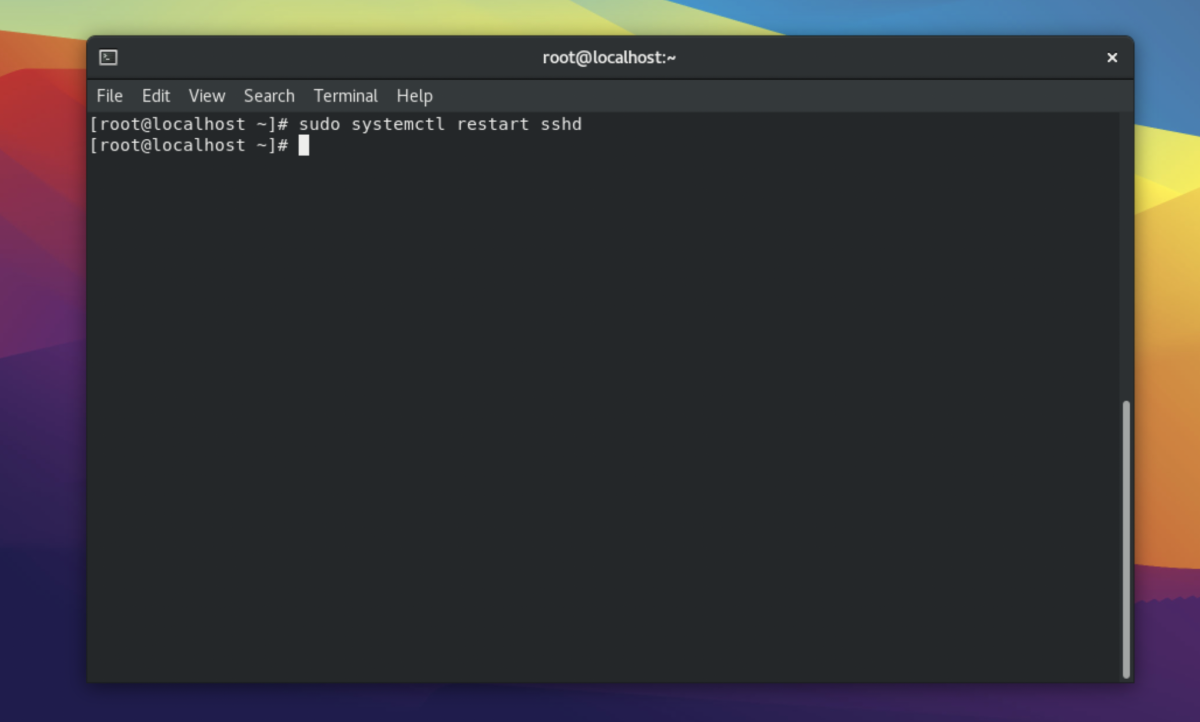
Step 5 : Apply the changes by restarting the SSH service:
Step 6 : From another machine, test root login via SSH:
Enter the root password when prompted.

Congratulations, you have successfully enabled root login via SSH on AlmaLinux 8.