To install Nano on AlmaLinux 8, follow the steps below to update the system and install the Nano text editor.
Step 1 : Update the package index to ensure you install the latest available version:

Step 2 : Search for the Nano package to confirm it is available:

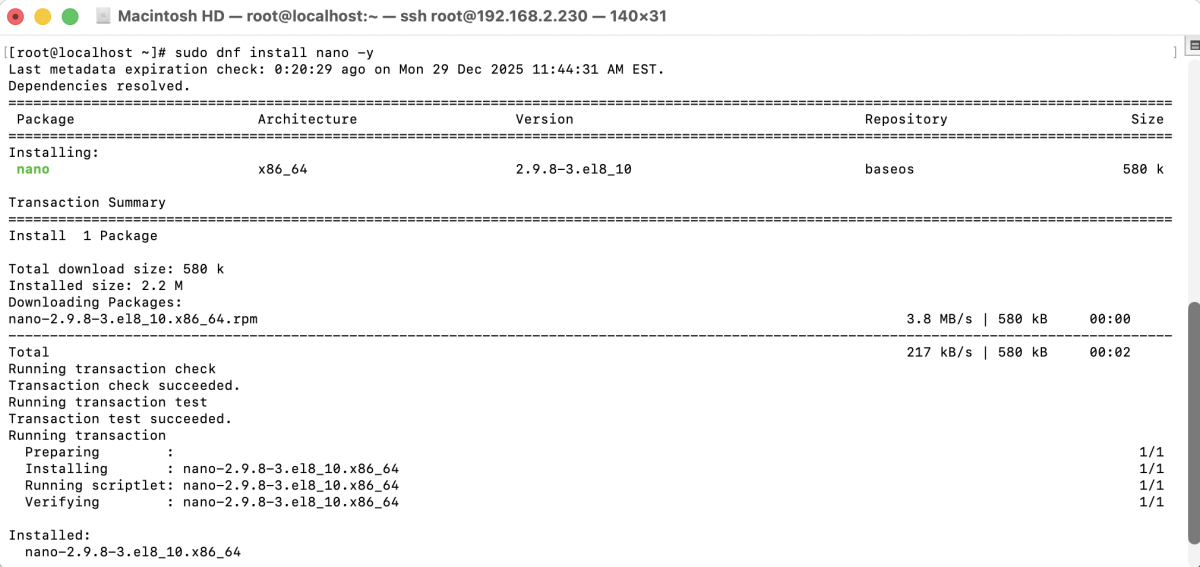
Step 3 : Install the Nano text editor using the following command:
Step 4 : Verify the installation by checking the Nano version:

Congratulations, you have successfully installed Nano on AlmaLinux 8.